
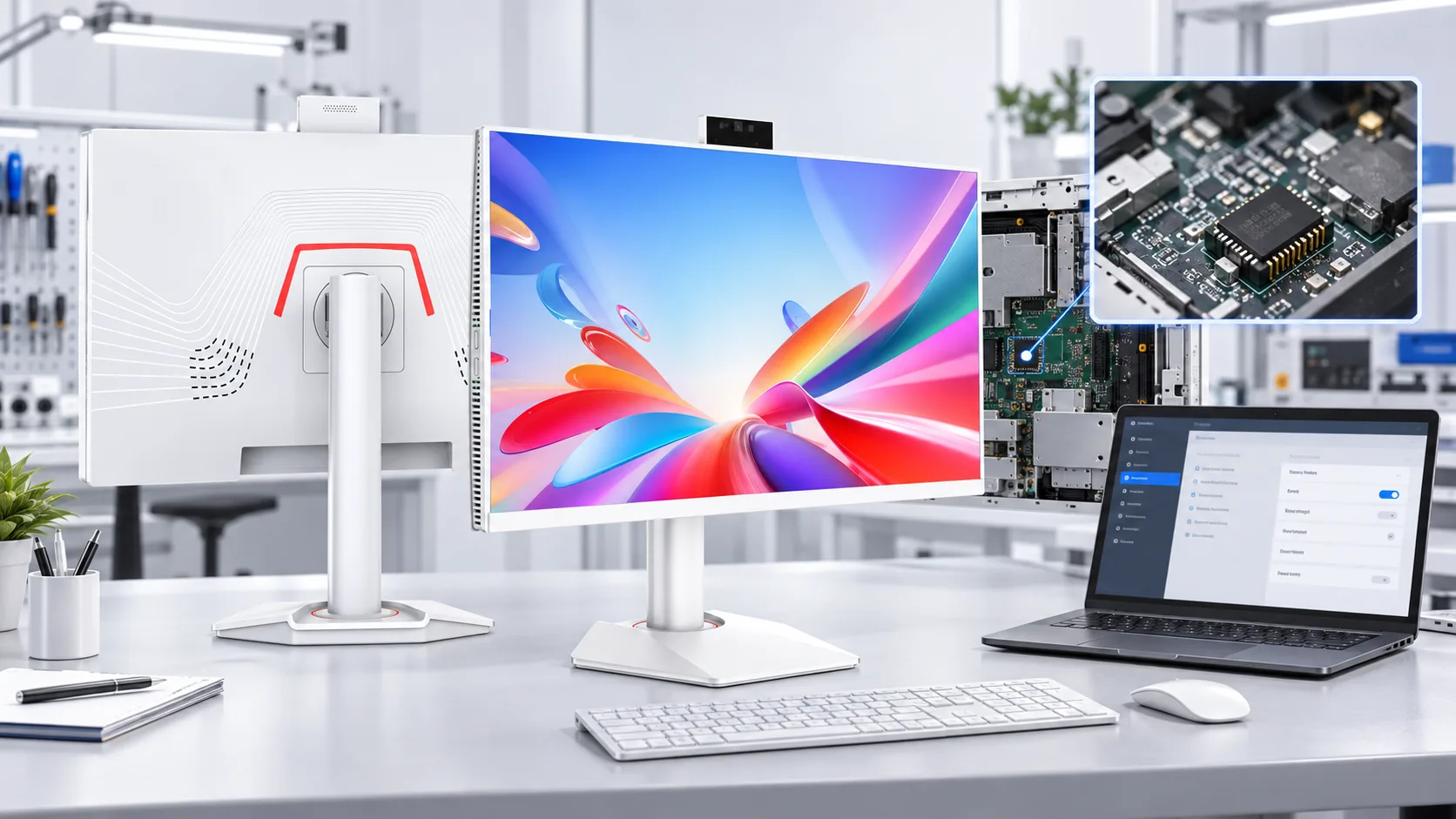
For commercial, education and government AIO computer projects, processor, memory and storage are no longer the only specifications that matter.
TPM 2.0, Secure Boot and firmware configuration can directly affect Windows 11 compatibility and tender compliance.
What Is TPM 2.0?
TPM stands for Trusted Platform Module. It provides hardware-based protection for encryption keys, credentials and other security-related data.
Microsoft uses the TPM with Windows security functions such as BitLocker and Windows Hello. TPM may be provided through a dedicated security chip or a supported firmware-based solution.
Why TPM 2.0 Matters for Windows 11 AIO Computers
TPM 2.0 is part of Microsoft's minimum hardware requirements for Windows 11. Windows 11 also requires UEFI firmware with Secure Boot capability.
For OEM AIO computers, the motherboard, processor and firmware configuration should therefore be checked together.
A motherboard may support TPM 2.0 but have it disabled in BIOS or UEFI. Secure Boot may also be affected by CSM or legacy boot settings. Microsoft notes that TPM 2.0 is not supported in legacy or CSM modes and that systems should use native UEFI mode.
So “TPM 2.0 supported” on a motherboard specification does not always mean the finished AIO computer is correctly configured.
TPM 2.0 in Kazakhstan Government Tenders
TPM requirements have appeared in government computer procurement projects in Kazakhstan.
Public procurement discussions on Kazakhstan's official procurement platform have specifically referred to TPM and TPM 2.0. In one clarification, the purchasing organization explained that TPM was required for hardware security, including credential protection, data encryption and secure system startup.
Another procurement discussion referred to TPM 2.0 or an equivalent hardware information-protection solution.
Not every Kazakhstan government tender requires TPM 2.0, but these examples show that it can be a technical qualification requirement. This is why TPM should be confirmed before quotation approval and mass production.
OEM Firmware Is Equally Important
TPM hardware support is only part of the requirement.
OEM firmware determines whether TPM, Secure Boot and related security functions are actually enabled on the finished AIO computer. Depending on the platform, firmware TPM may appear in the BIOS or UEFI under a platform-specific name.
Before production, suppliers should confirm:
- TPM 2.0 is enabled.
- Secure Boot is correctly configured.
- UEFI boot mode is enabled.
- Windows detects TPM 2.0 correctly.
- Required BIOS settings are consistent across the production batch.
OEM AIO Computers for Tender Projects
Government and enterprise buyers may also require specific BIOS settings, boot restrictions, security options or startup logos.
When configuring our OEM all-in-one computers, the motherboard platform, processor, TPM support and OEM firmware settings can be reviewed according to the customer's technical specification.
For tender projects, these requirements should be confirmed before mass production.
Windows 11 Compatibility Is Not the Same as Tender Compliance
An AIO computer can meet Microsoft's Windows 11 requirements and still fail a tender specification.
A tender may require TPM 2.0, a specific TPM implementation, Secure Boot settings or additional firmware requirements.
For larger projects, a pre-production sample should be checked for:
- TPM status and version.
- Secure Boot status.
- BIOS version.
- Windows 11 compatibility.
- Customer-specified firmware settings.
Confirm TPM Requirements Before Production
We have seen this problem happen in a real project involving another supplier.
A Kazakhstan buyer did not clearly state that TPM 2.0 was required for the government tender before production. The AIO computers were manufactured and delivered, but when the buyer submitted them to the government end user, the equipment was rejected because it did not meet the TPM 2.0 requirement.
For us, this is a useful reminder that tender requirements should never be assumed. TPM 2.0, Secure Boot and firmware settings should be confirmed before the motherboard configuration is finalized.
TPM 2.0 can affect Windows 11 compatibility, security requirements and government tender acceptance. For OEM AIO computer projects, TPM 2.0, Secure Boot and OEM firmware should be confirmed together before production.
Frequently Asked Questions
Is TPM 2.0 required for every Windows 11 AIO computer?
TPM 2.0 is part of Microsoft’s minimum hardware requirements for Windows 11. Buyers should also confirm whether their tender or project specifies a particular TPM implementation.
Is firmware TPM acceptable instead of a dedicated TPM chip?
It depends on the tender specification. Some projects accept firmware-based TPM, while others may require a dedicated hardware security module. This should be confirmed before selecting the motherboard.
How can buyers verify TPM 2.0 before mass production?
The pre-production sample should be checked in BIOS or UEFI and within Windows. Buyers should confirm the TPM version, Secure Boot status, UEFI boot mode and any project-specific firmware settings.
Can a Windows 11-compatible AIO computer still fail a government tender?
Yes. Windows 11 compatibility does not guarantee tender compliance. A tender may include additional requirements for TPM, Secure Boot, BIOS settings or security hardware.
What should buyers include in an OEM AIO computer specification?
The specification should clearly state the required TPM version and implementation, Secure Boot settings, operating system, BIOS configuration and any inspection or acceptance procedures.