
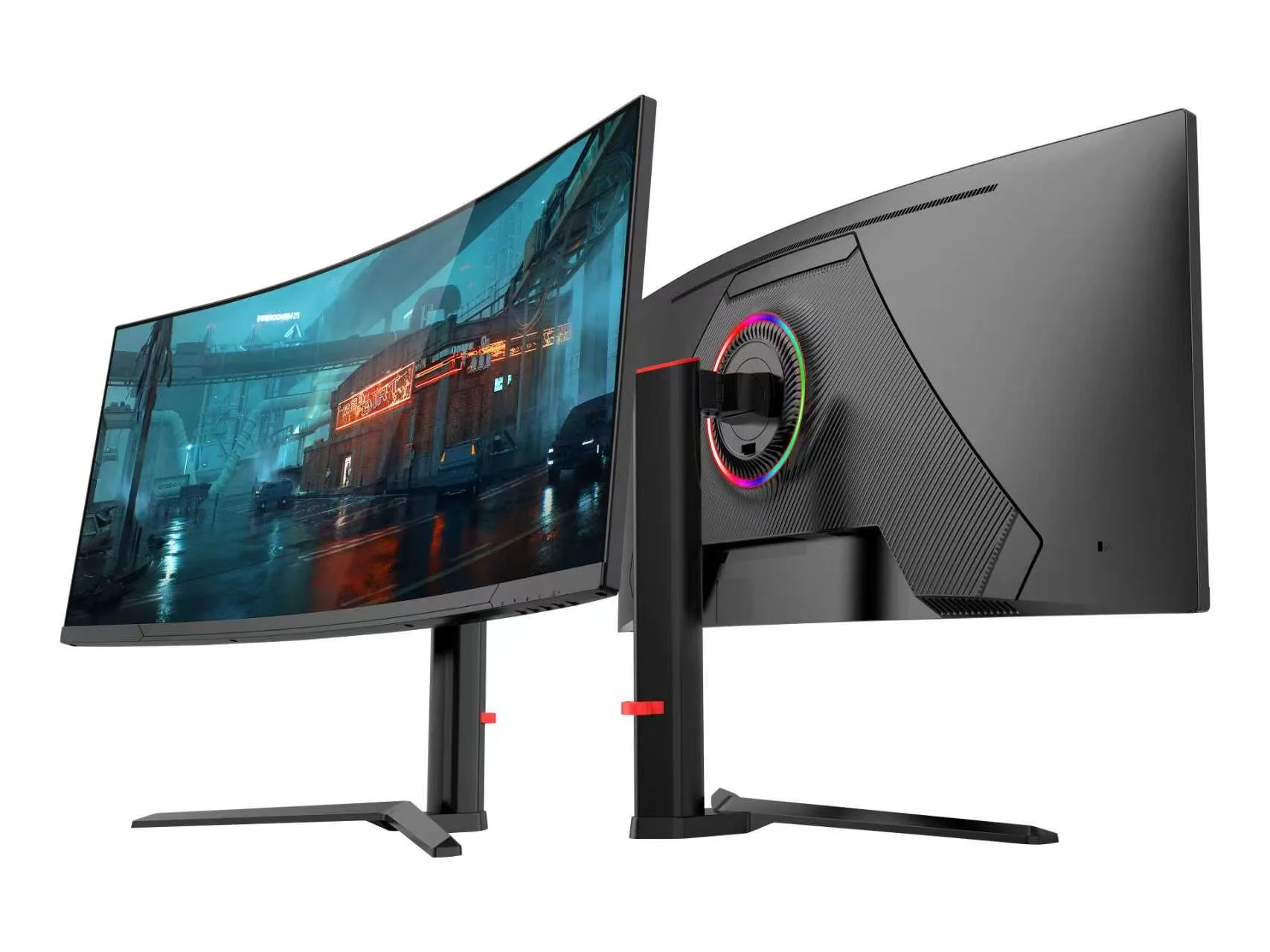
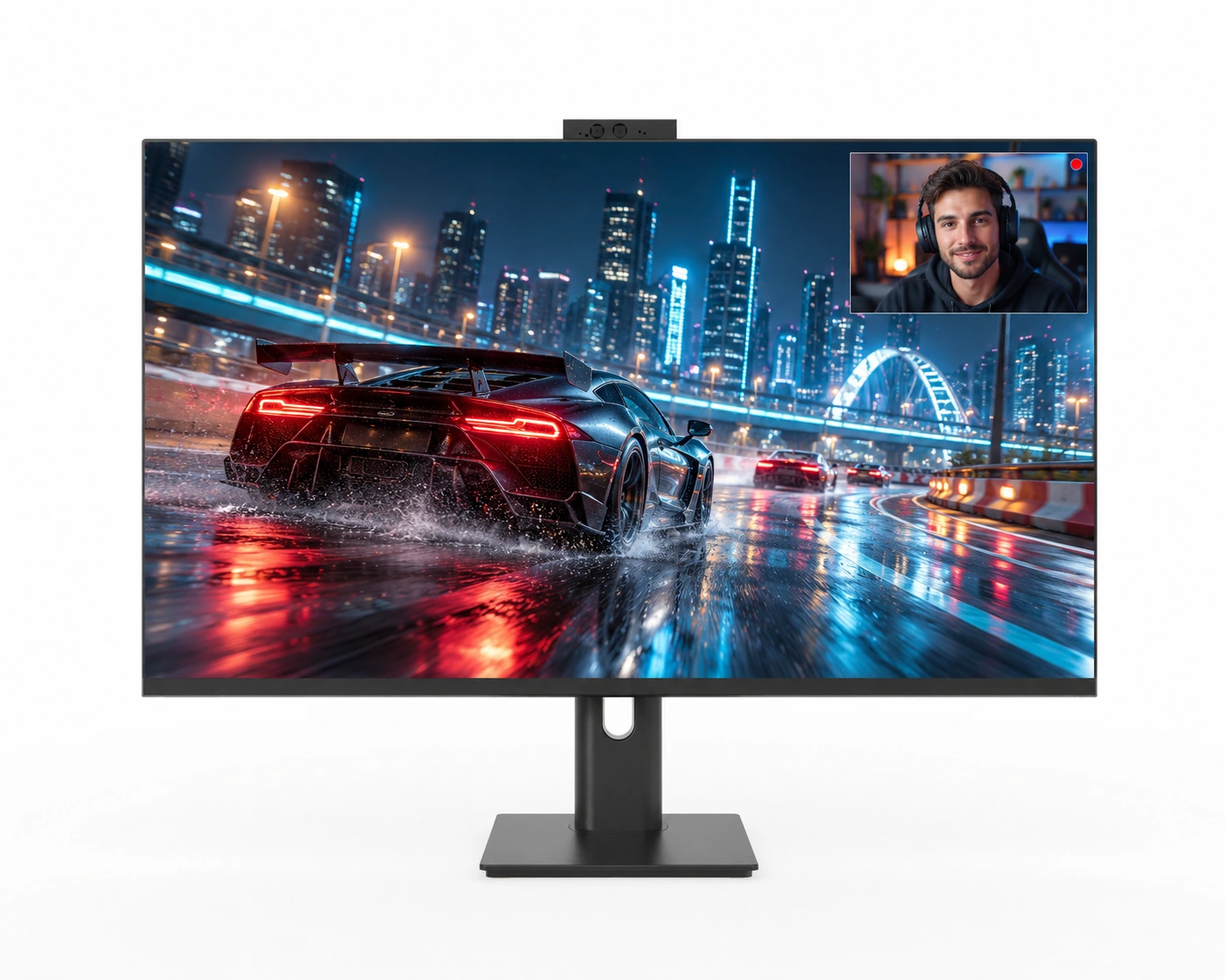
34 Inch Ergonomic Stand VA Curved Gaming Monitor 1800R Black Color - Arcus Series
SKU: MGY34WA007
- screen size
- 34 inch
- resolution
- UWQHD
- panel type
- VA
- refresh rate
- 165Hz/180Hz/200Hz/240Hz
Product category
Build a custom gaming monitor range for your brand with Yanxun Display's OEM and ODM services. Explore flat and curved displays with a choice of resolutions, refresh rates, interfaces and stand designs, then tailor the logo, housing, OSD and packaging to your market. Configuration options depend on the selected model.
SKU: MGY34WA007
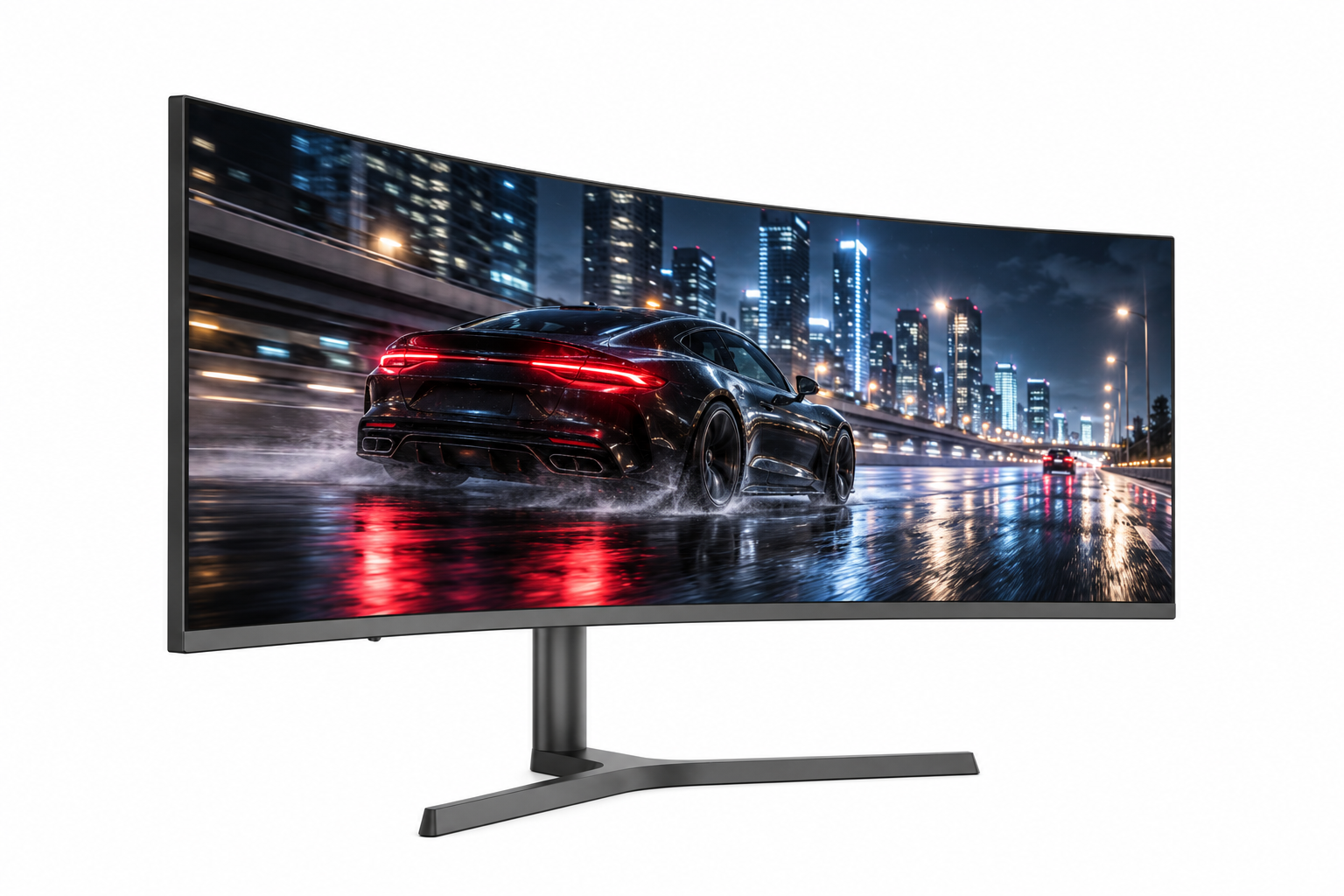
SKU: MGY34WA006
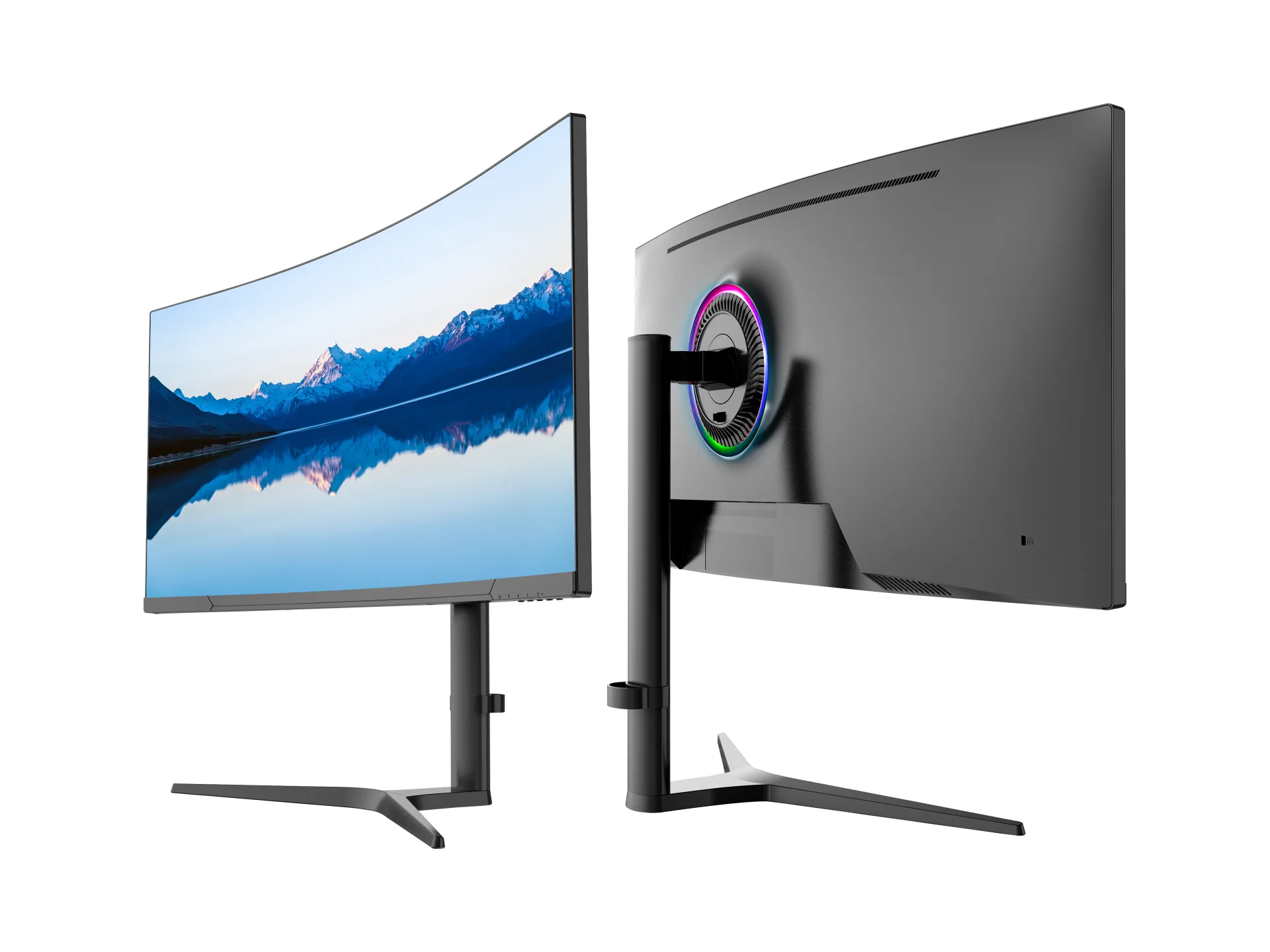
SKU: MGY34WA005
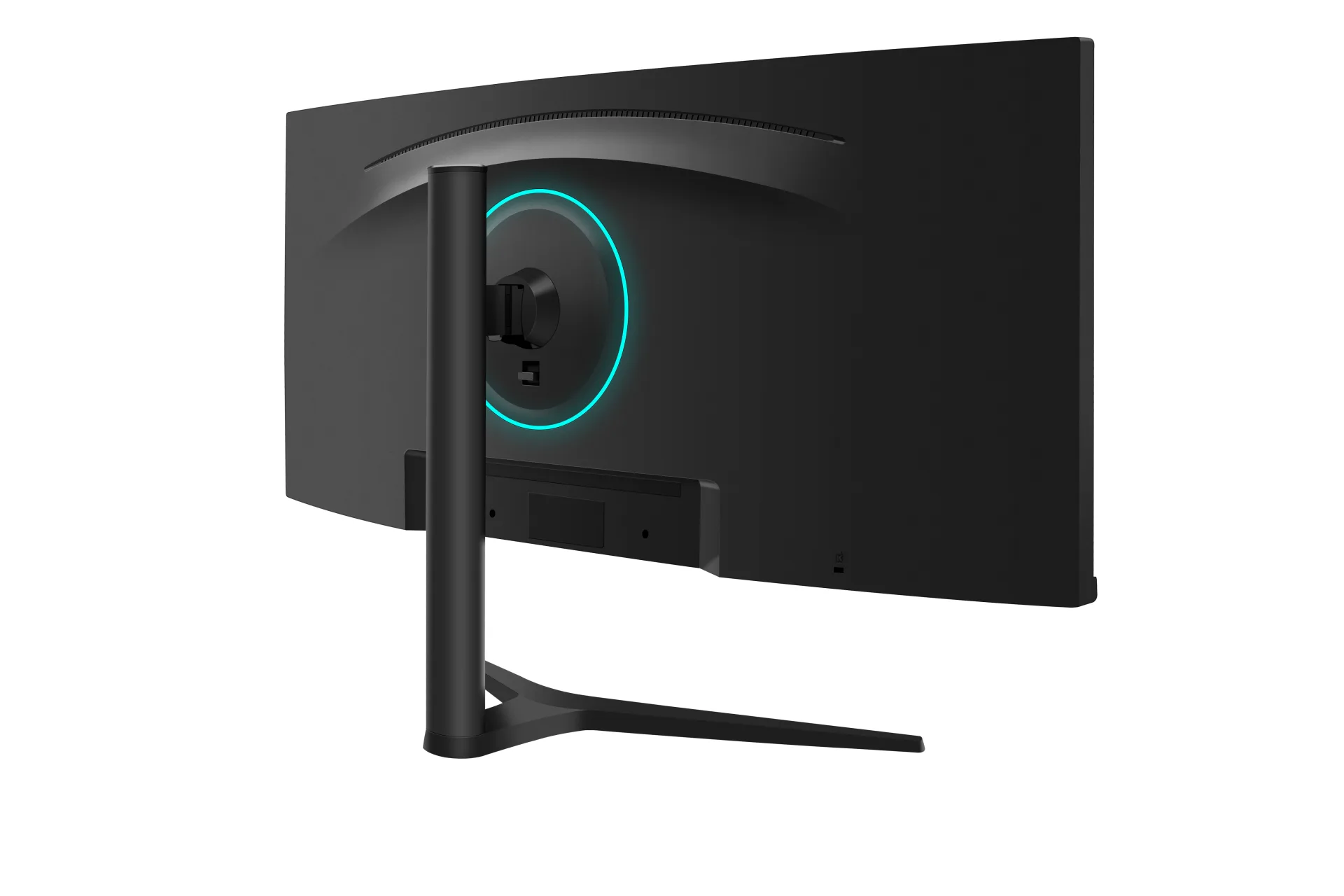
SKU: MGY34WA004
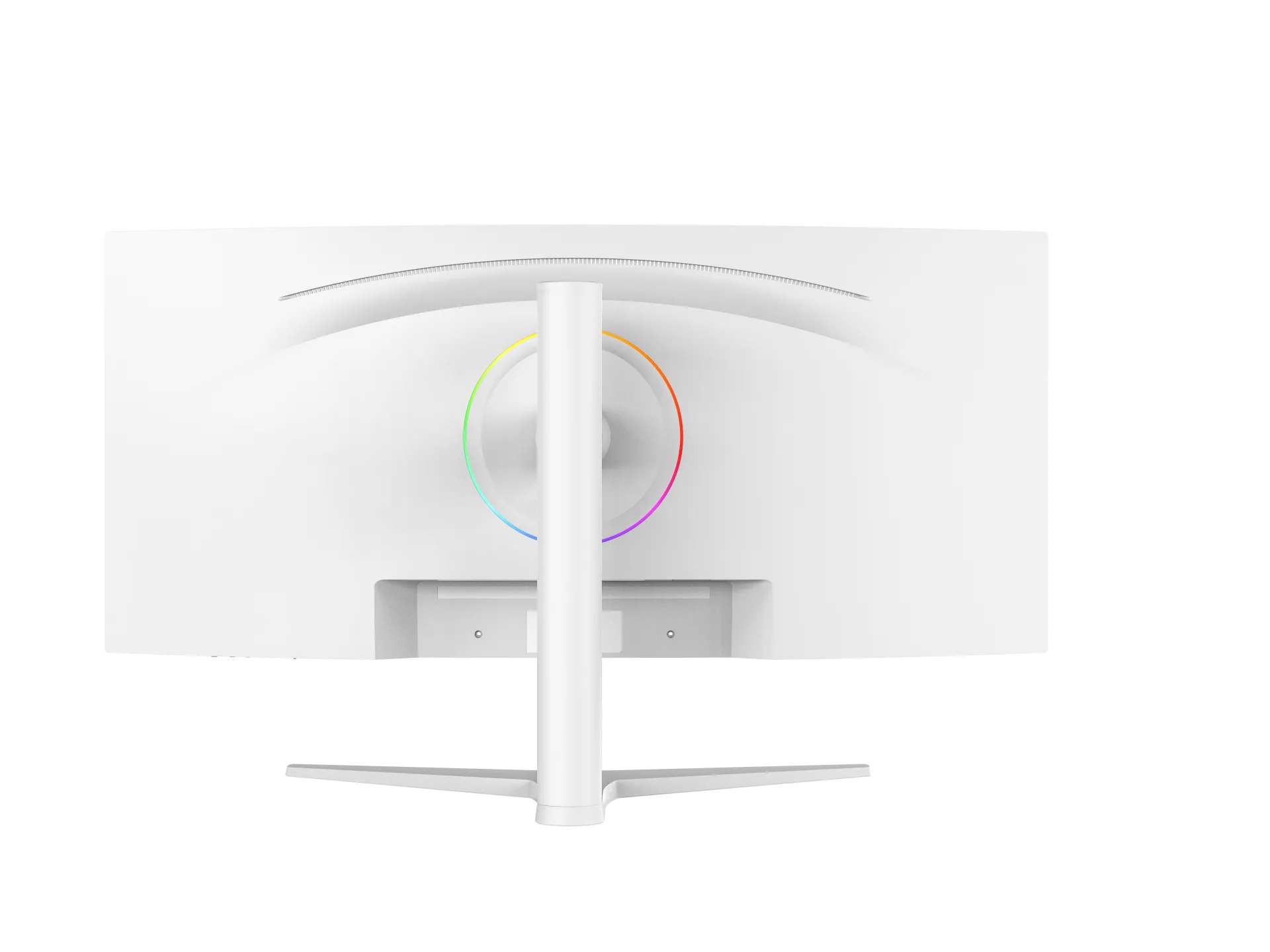
SKU: MGY34WA003
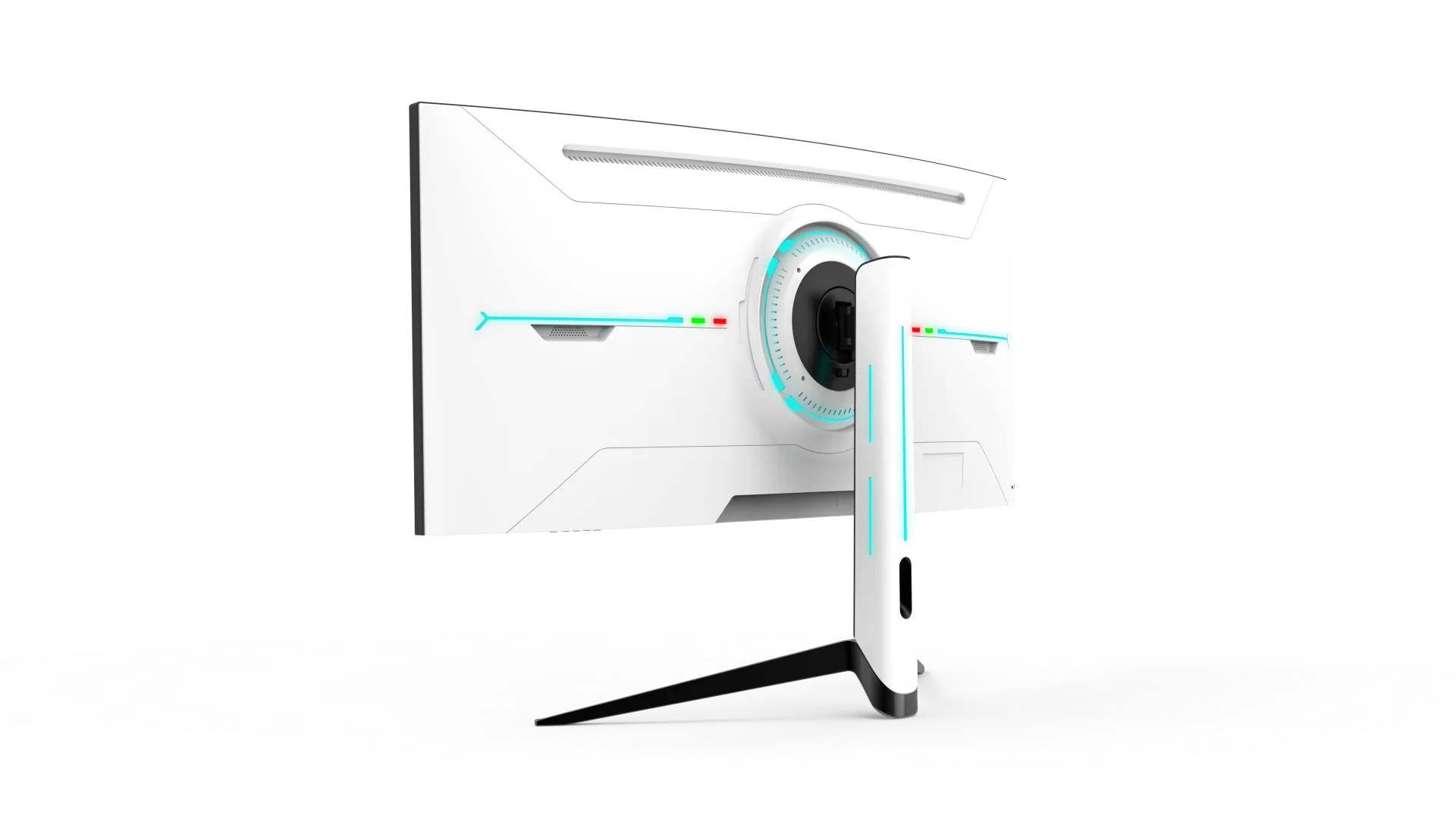
SKU: MGY34WA002
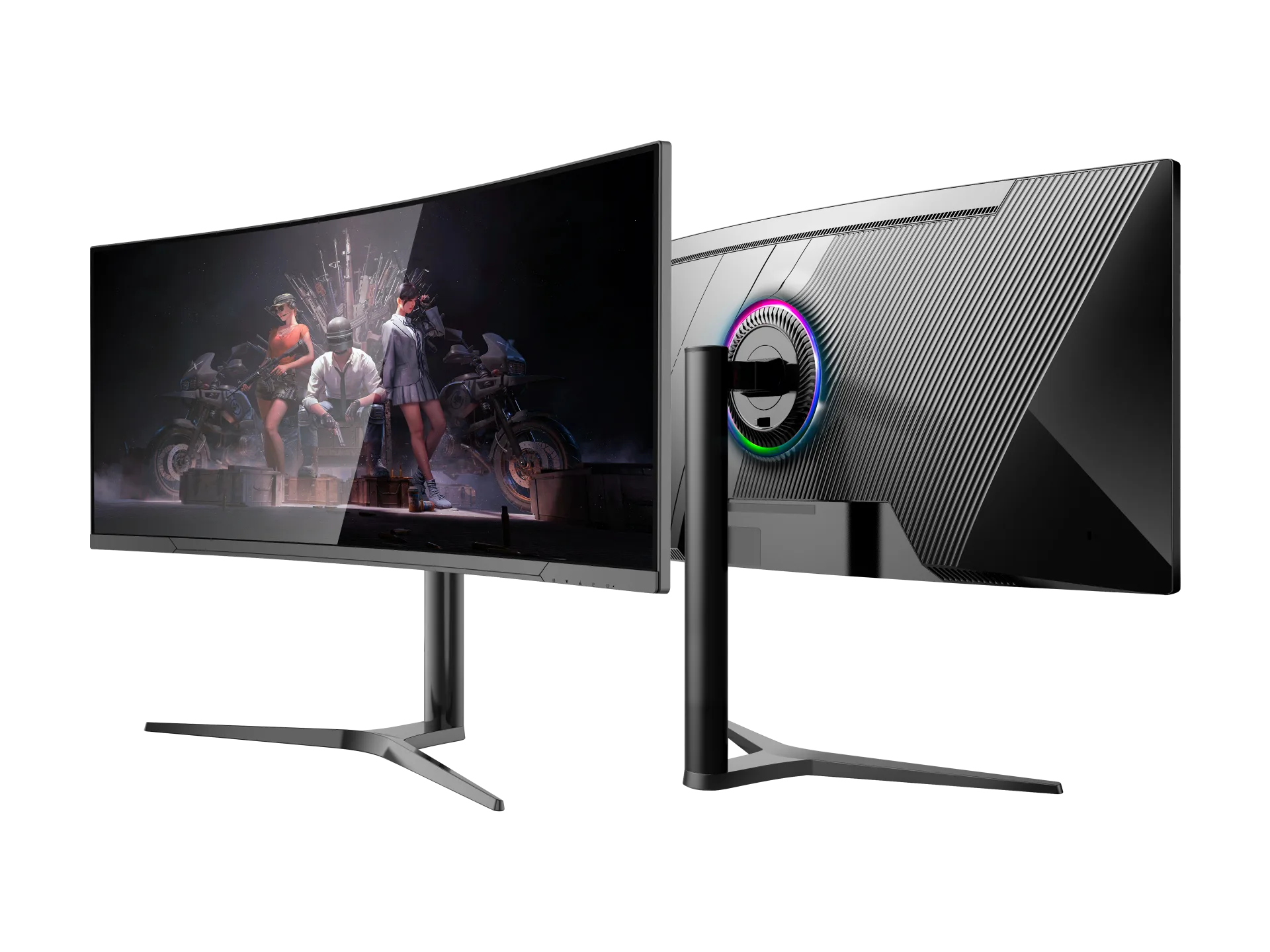
SKU: MGY34WA001
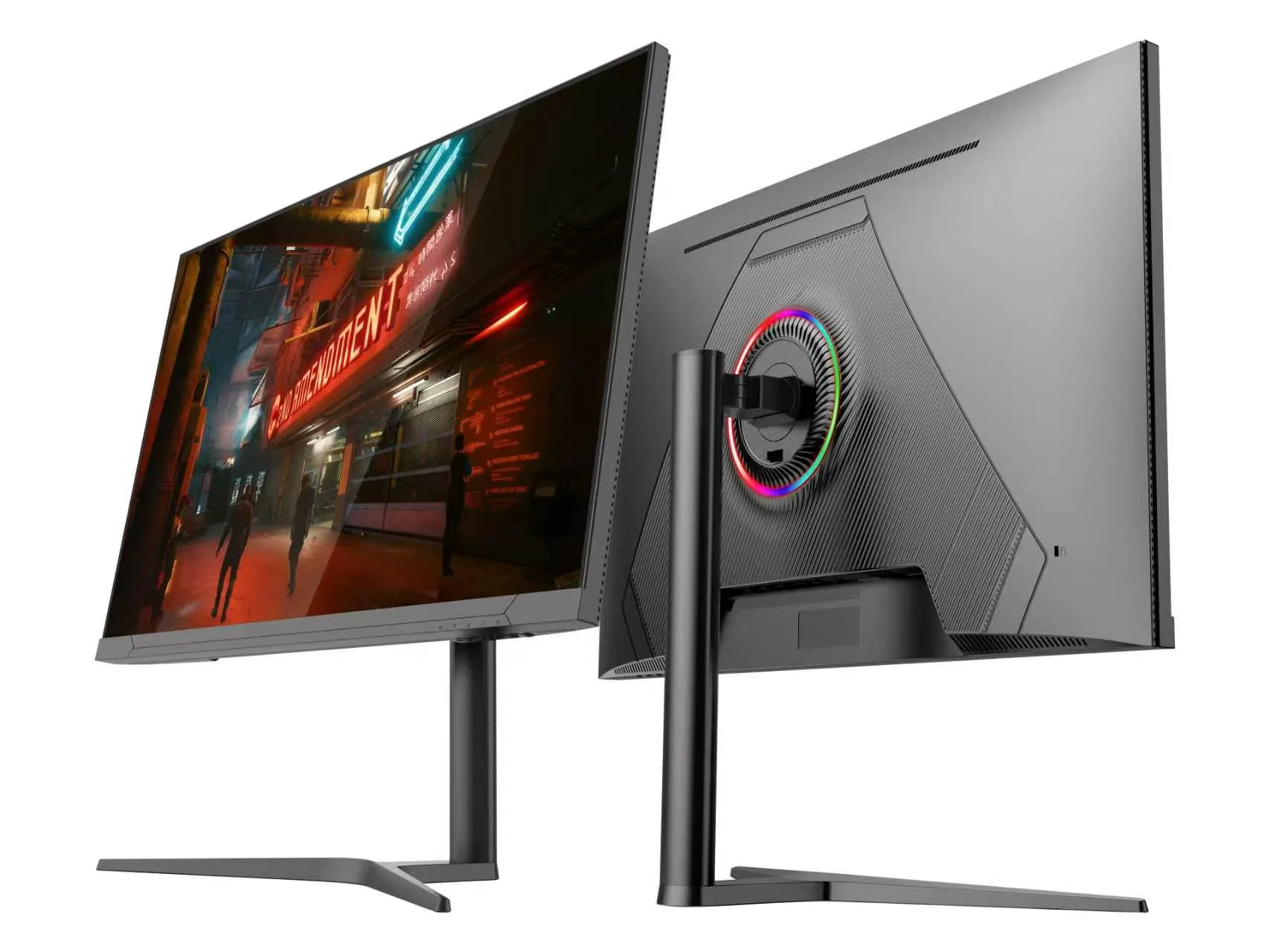
SKU: MGY32UA002
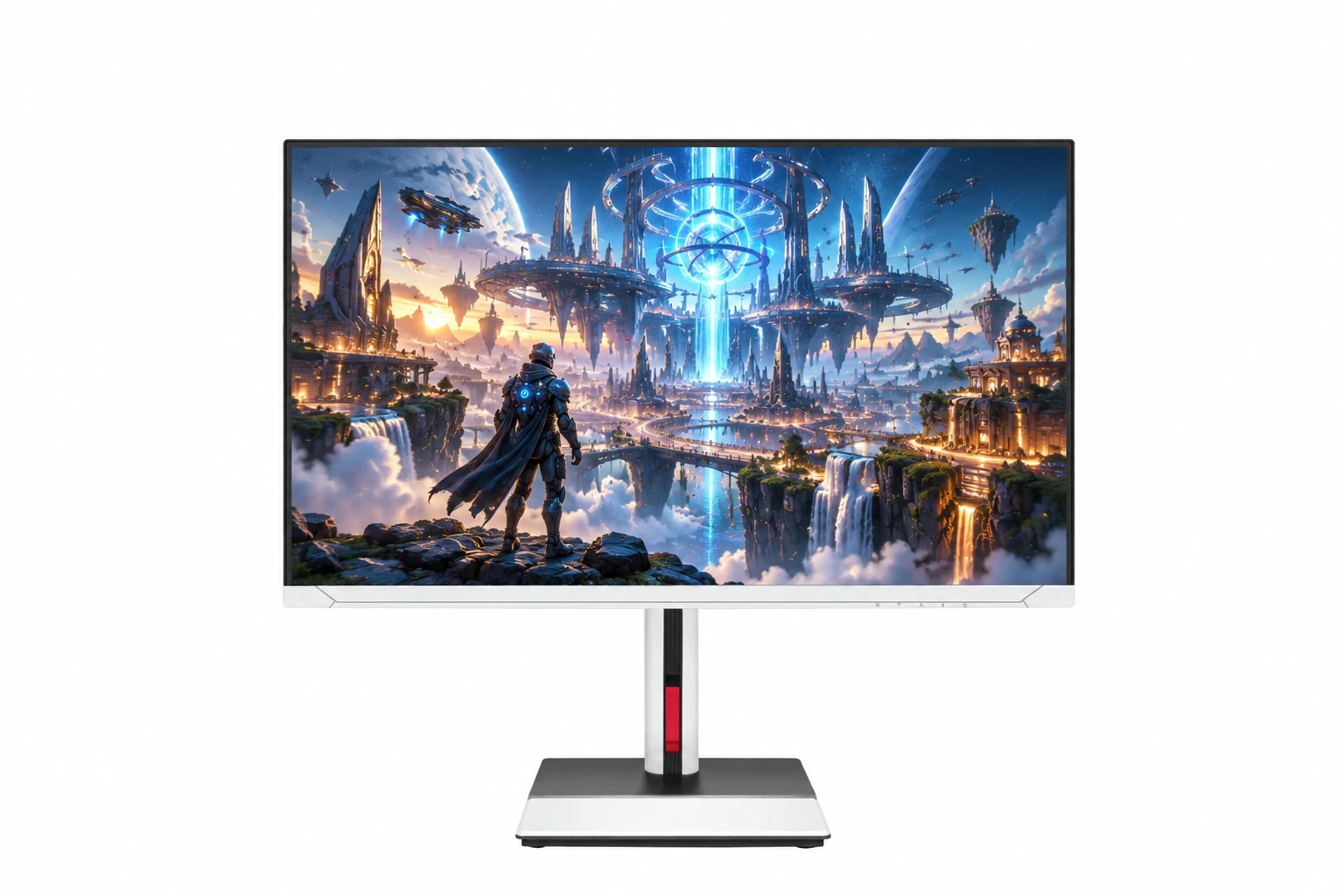
SKU: MGY32UA001
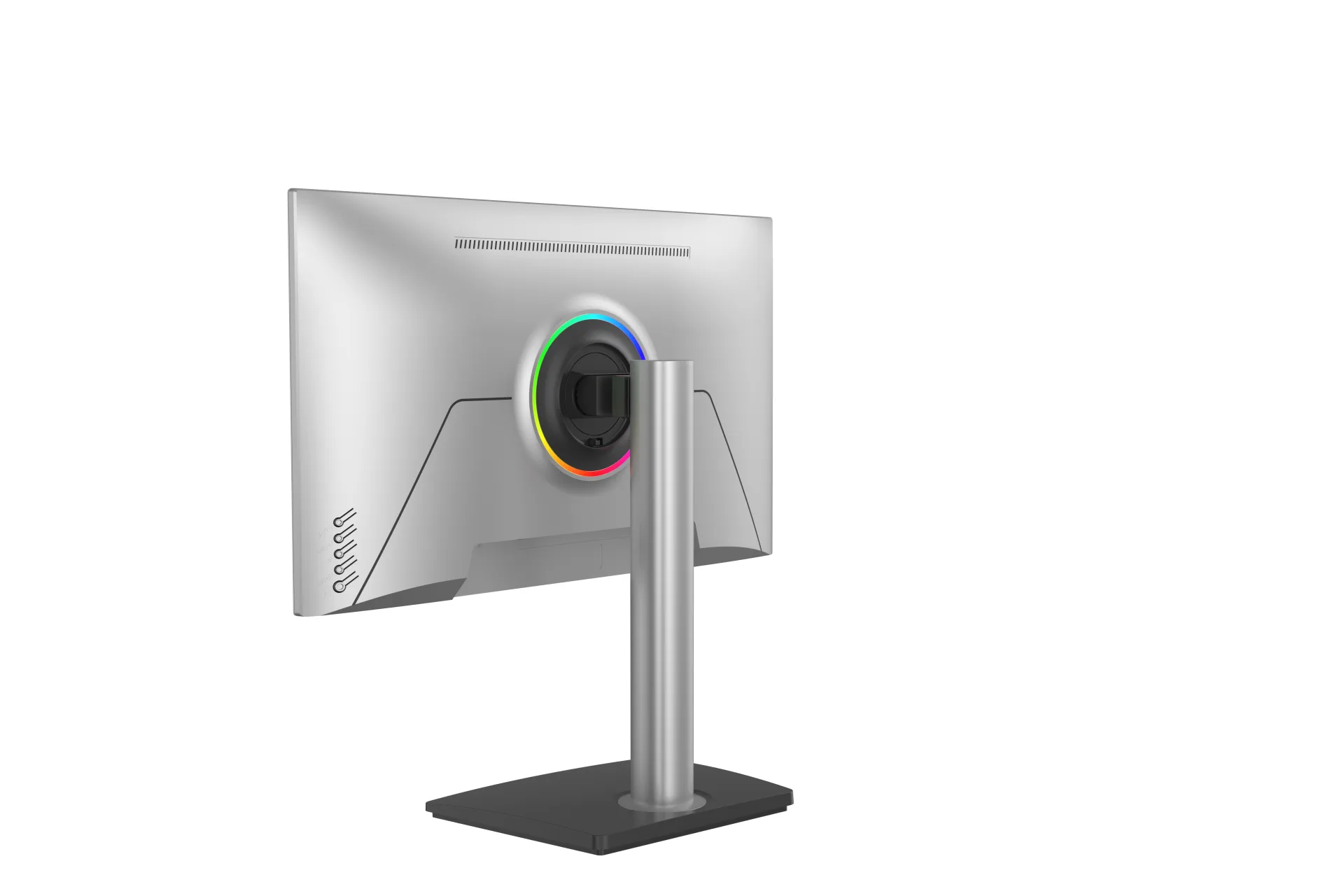
SKU: MGY27UA005
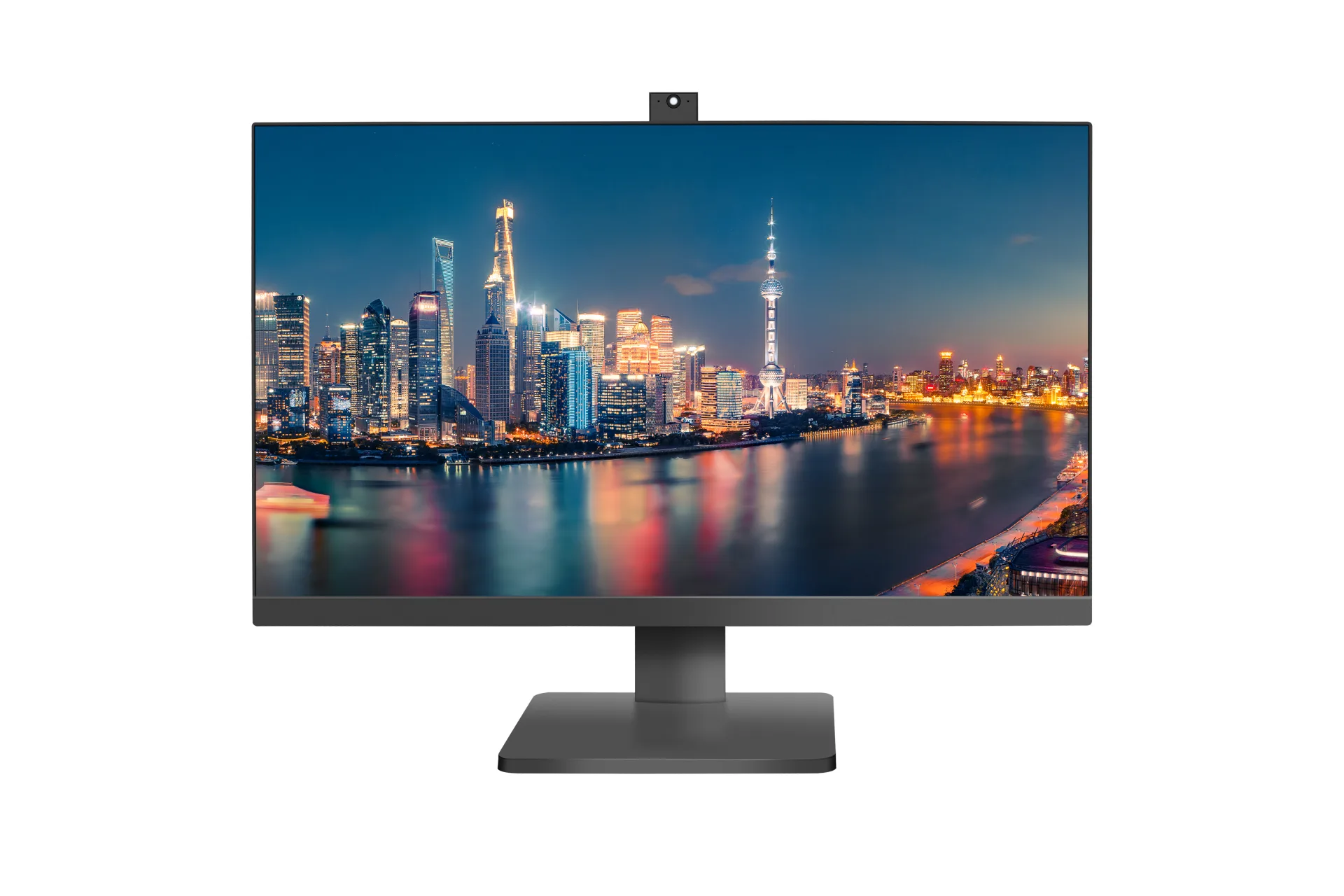
SKU: MGY27UA004
SKU: MGY27UA003
From specification to after-sales service
Our OEM workflow keeps the approved monitor specification, branding, packaging and quality requirements aligned from project confirmation through delivery and warranty support.
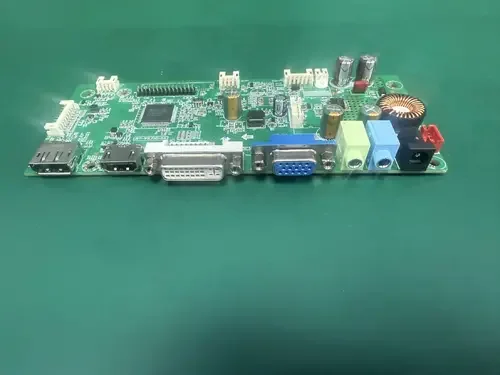
We confirm the panel, resolution, refresh rate, interfaces, housing, stand, firmware, destination market, order quantity and required delivery schedule before the quotation is finalized.
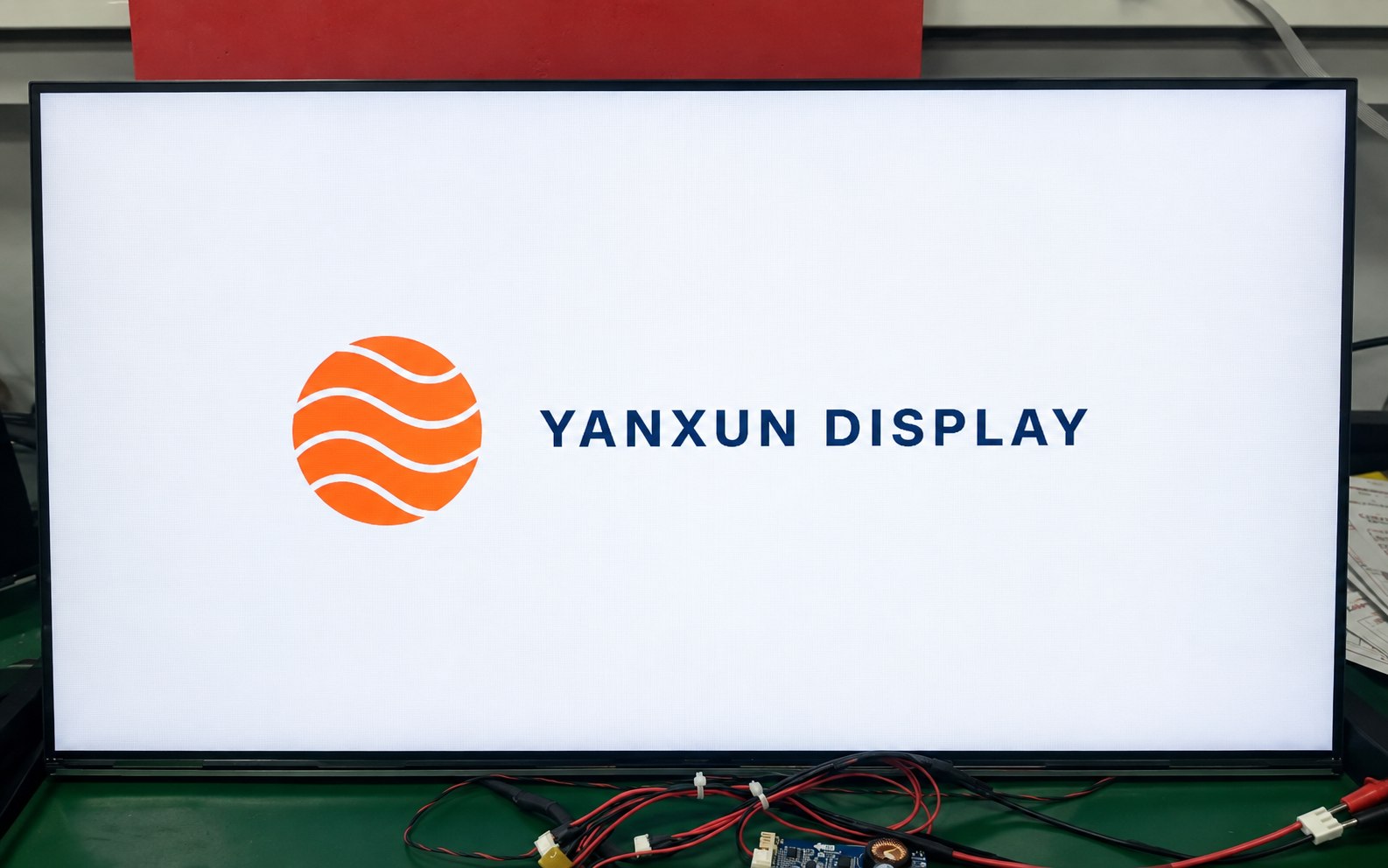
Your approved logo can be applied to the front bezel, rear housing and compatible boot-up firmware. Placement, size, color and production method are checked before mass production.
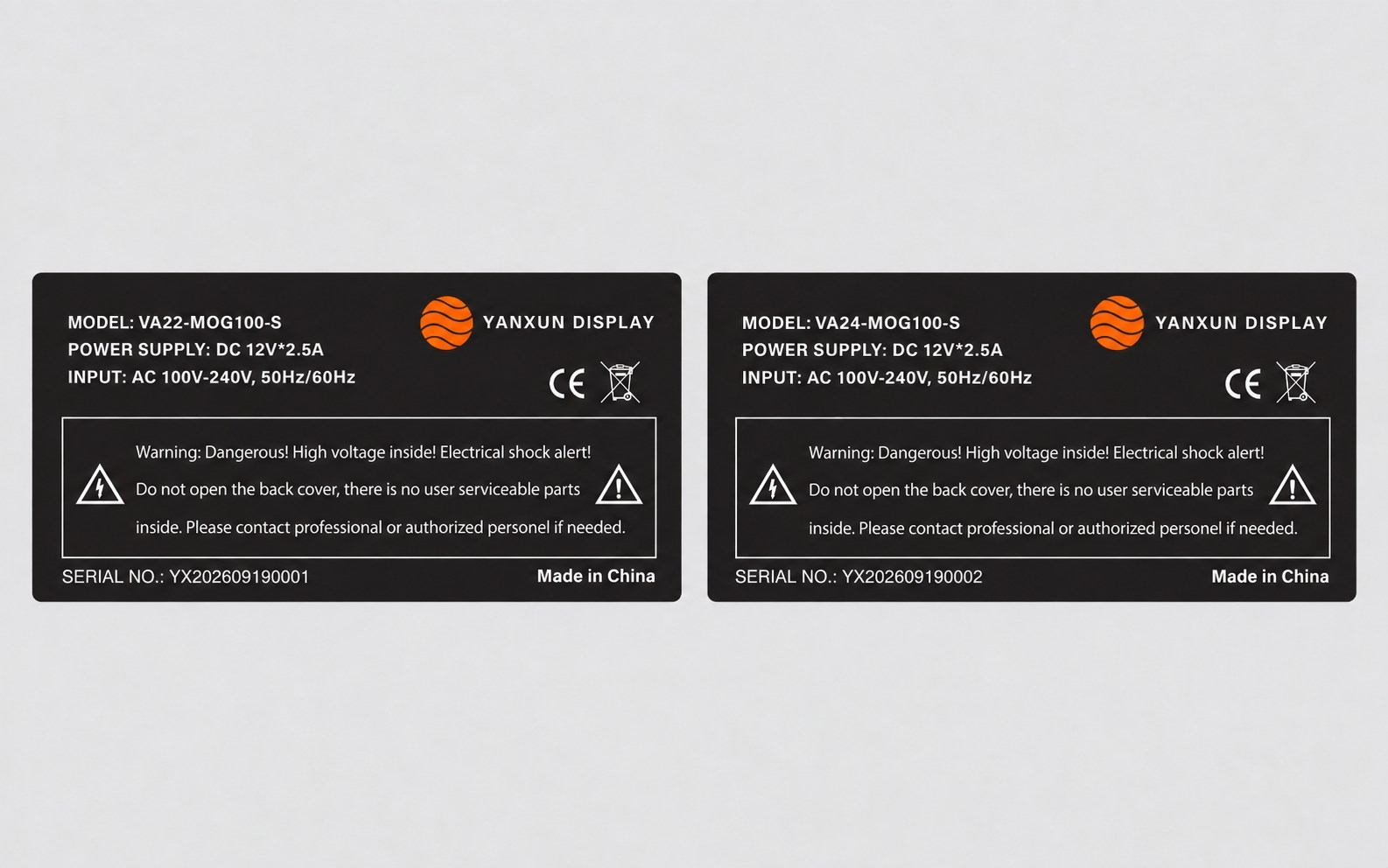
We prepare the model, electrical data, serial-number format, barcode, country of origin and approved compliance information for review before printing the rear rating label.
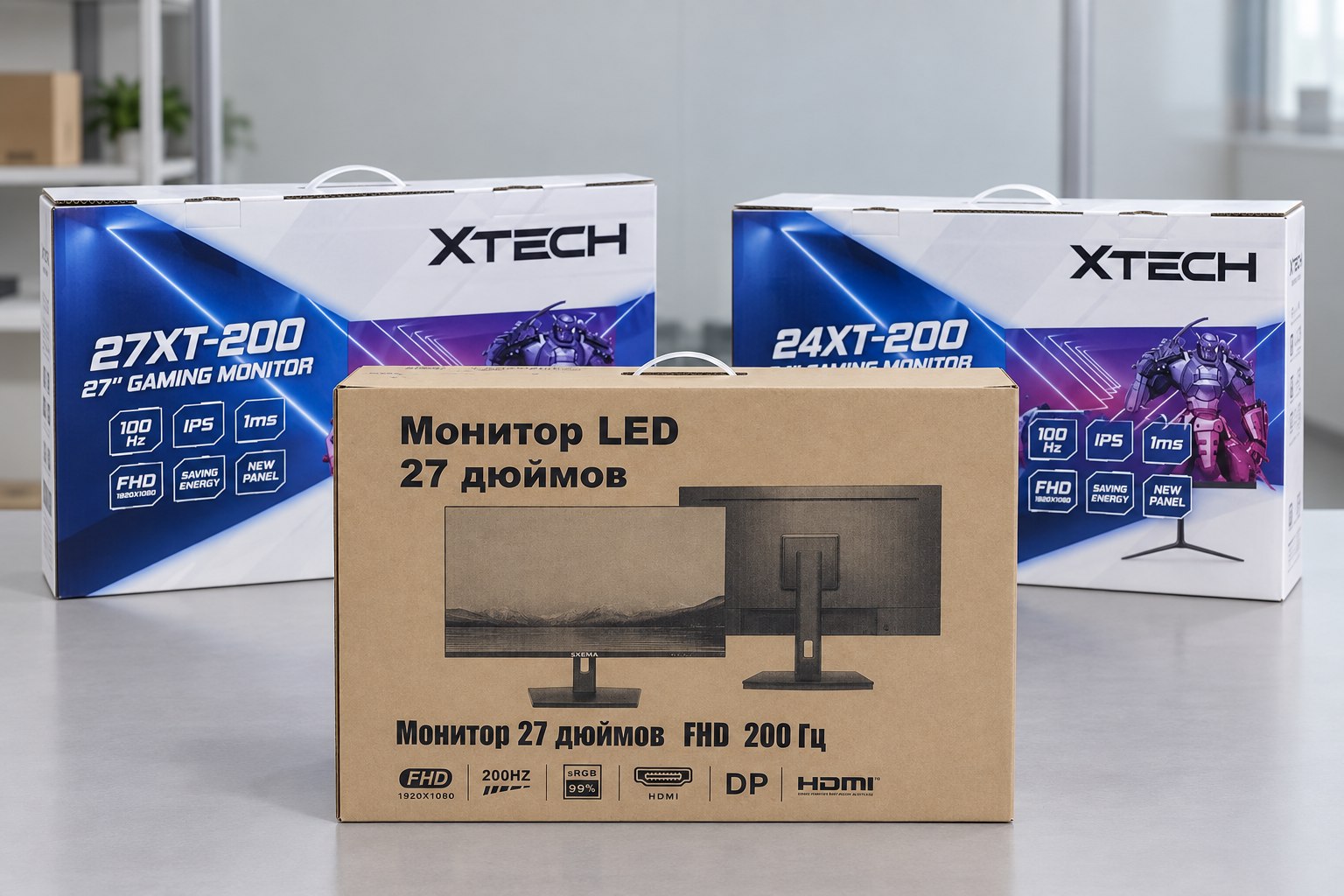
Choose a printed color box or a cost-efficient plain carton. We verify the artwork, model information, protective materials, barcode area and shipping marks before the full packaging run.
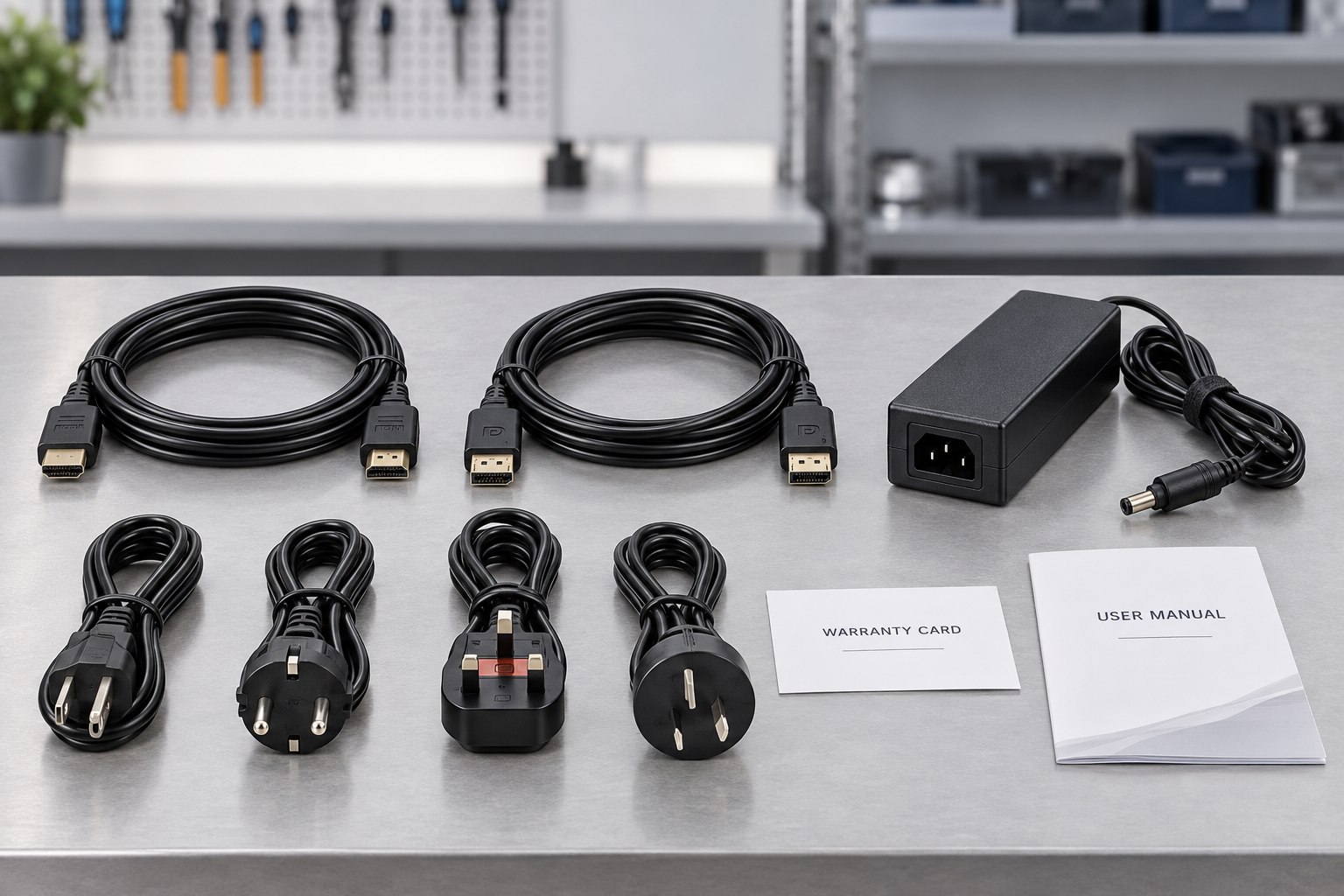
The approved bill of materials identifies the stand, adapter, regional power plug, HDMI or DisplayPort cable, manuals, warranty card and any market-specific accessories included with each unit.
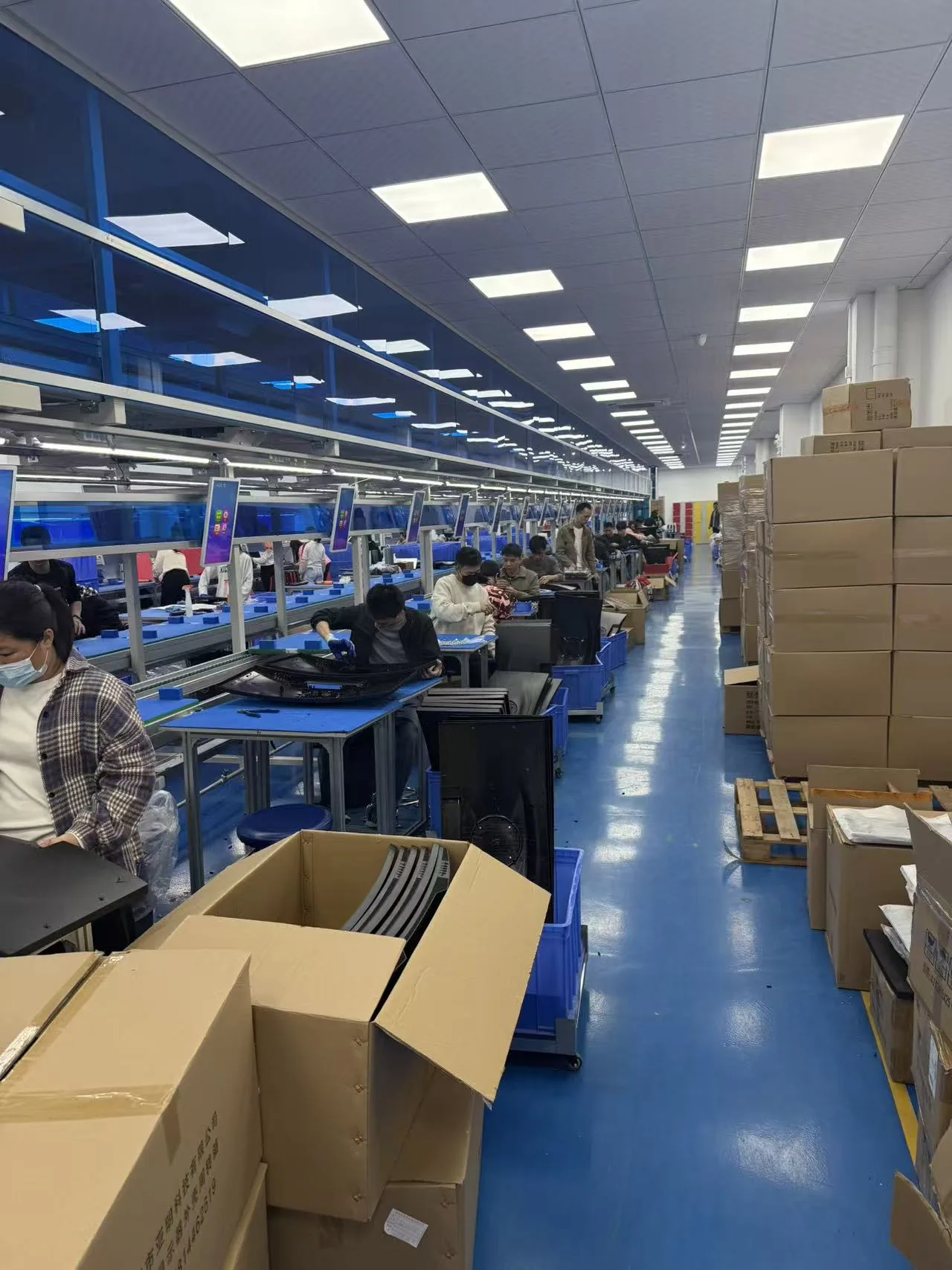
Approved materials and documents are released to the assembly team. Monitors are assembled and programmed according to the approved sample, bill of materials and controlled work instructions.
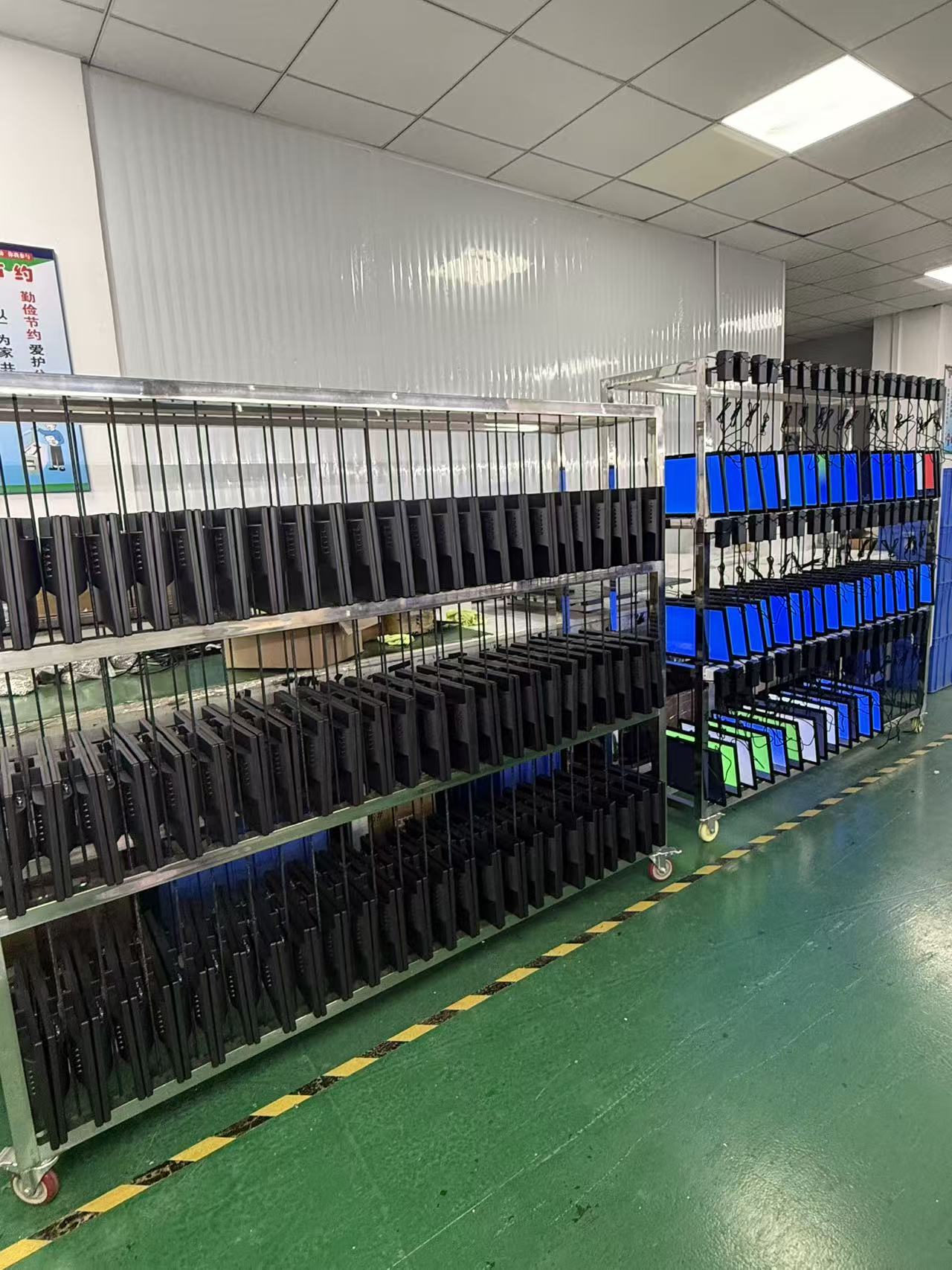
Finished monitors operate for an agreed period so the team can check power stability, image performance, signal input and other early-life issues before the units are released for packing.
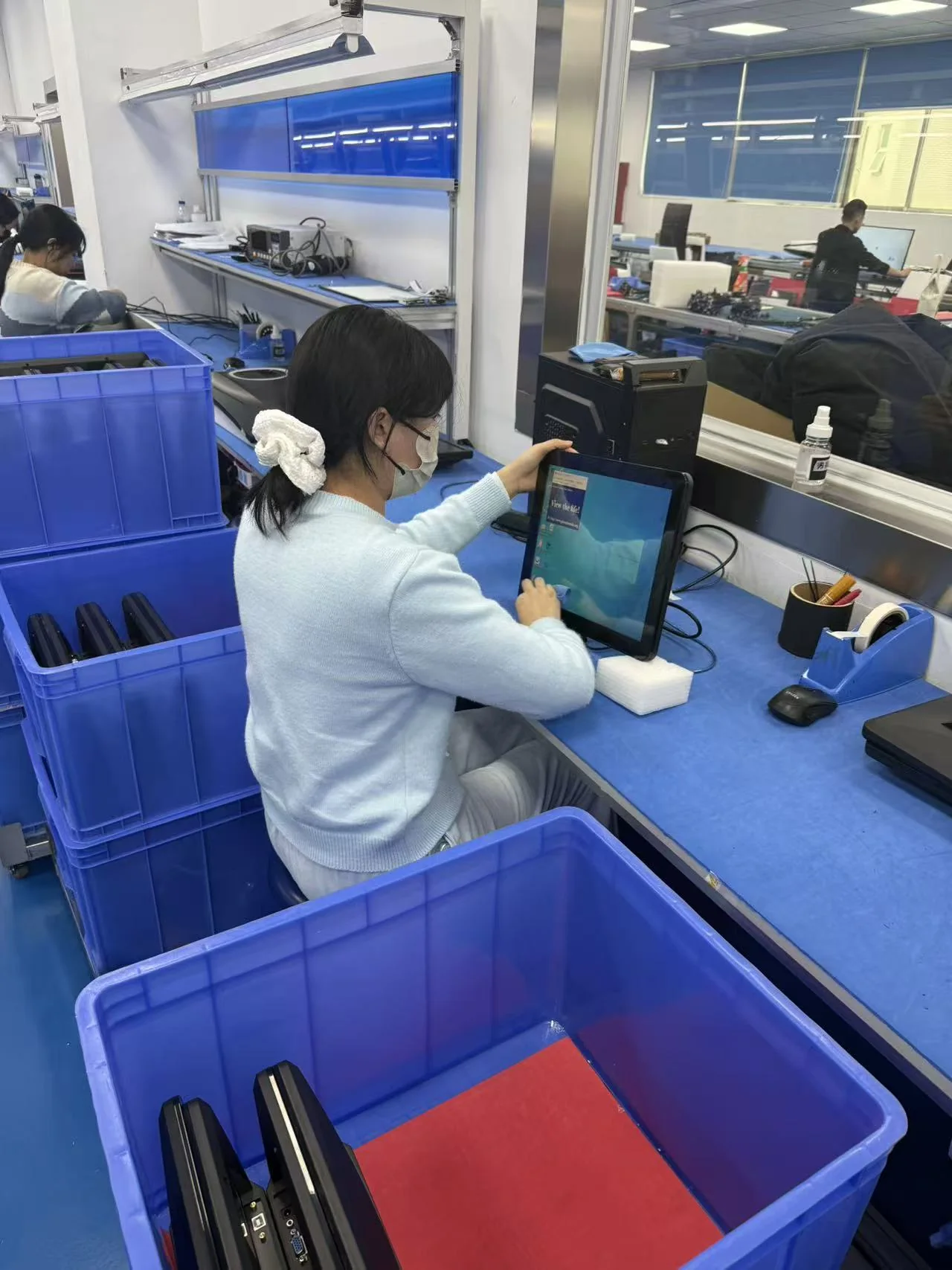
Quality control verifies appearance, screen condition, functions, ports, firmware, labels, accessories and packaging against the approved specification and order requirements.

After the final inspection, we confirm carton marks, quantities, packing documents and the agreed Incoterm, then arrange LCL, FCL or another approved shipping method.
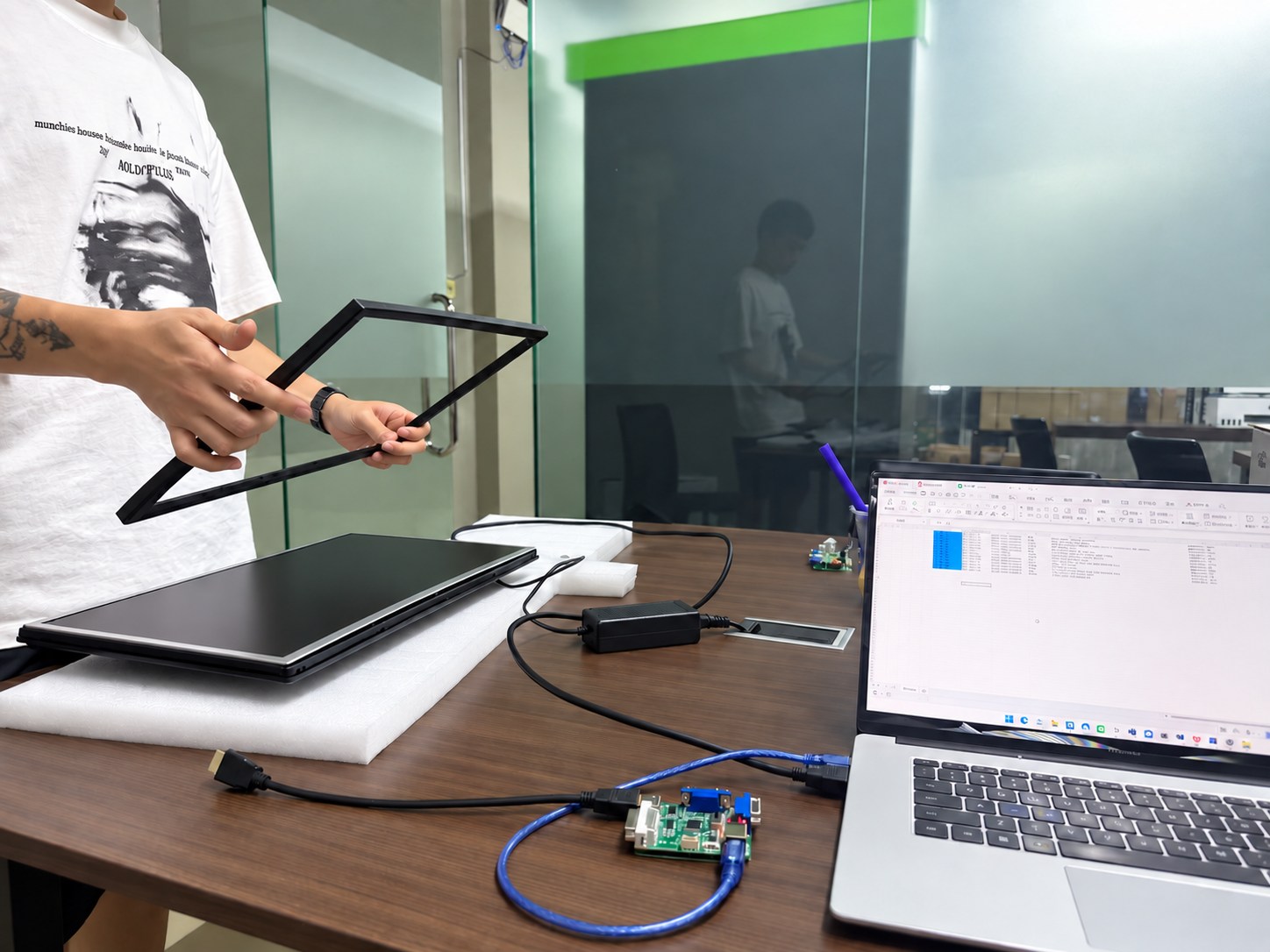
Our team records the model and order details, reviews reported issues and coordinates parts, remote guidance or agreed onsite support according to the project warranty terms.
See how Yanxun Display adapts controller boards, interfaces and firmware for project-specific requirements.
Your brand. Your market.
Launching gaming monitors under your own brand? We can help coordinate test samples, technical documents and the application process for your target markets. Where the scheme permits, applications and compliance documents can use your company name. We confirm the applicant, factory and local representative requirements before starting.

Testing and documentation support for the applicable FCC equipment authorization route.

Support with applicable tests, technical documentation and the EU Declaration of Conformity.

Manufacturing-site registration support, brand and model documents, and coordination with your Indian representative.

Coordinate the applicable safety and EMC testing, documents and registration for your monitor configuration.

Help review HDMI licensing and compliance-testing requirements for the finished monitor and your brand.
The application holder and testing scope depend on the scheme and product. BIS registration is linked to the manufacturing site; HDMI involves licensing and product compliance. These marks identify the support available, rather than certification of every model.
Buyer and distributor guide
Practical guidance for global buyers and distributors comparing gaming monitor sizes, order quantities, panel types and stand materials.
24-inch gaming monitors generally use FHD resolution. A 27-inch model can support FHD, QHD or UHD and, based on our experience with global distributors, offers a strong balance of comfortable viewing and gaming performance. A 34-inch ultrawide monitor typically supports UWQHD and is well suited to split-screen and multitasking applications, including trading and market-monitoring workstations.
For standard black gaming monitor models, the MOQ can generally start at 50 pieces. White, pink and other custom colors usually require a higher MOQ because of material preparation and production setup, generally at least 200 pieces. The final MOQ depends on the model, specifications and customization requirements.
IPS panels generally offer better color performance, wider viewing angles and faster response options, although some IPS glow or backlight bleed may be visible. VA panels usually provide higher native contrast and often show less visible glow or bleed. The best choice depends on the target market, gaming use case and price position.
LCM stands for Liquid Crystal Module. In these models, the LCD cell and backlight are assembled as a complete module by the original panel manufacturer, such as CSOT, AUO or BOE, rather than using an Open Cell panel that requires separate backlight assembly. LCM solutions generally offer more consistent color performance and better long-term durability, but they cost more than Open Cell solutions. They suit gaming customers who prioritize color quality and service life. For global distributors, the more integrated module can help reduce product-failure and after-sales rates.
A metal stand is more robust and stable. A plastic stand is lighter and can reduce product weight and shipping costs for distributors. The final choice should balance stability, target retail price, carton size and freight cost.
An ergonomic stand generally supports height adjustment, tilt, pivot and swivel, while a fixed stand usually supports tilt only. Ergonomic stands help end users maintain a more comfortable viewing position and are becoming increasingly popular. We especially recommend them for 27-inch, 32-inch and 34-inch monitors. On a 24-inch monitor, however, a full ergonomic stand can look oversized in proportion to the screen, so distributors should consider the product design and target market before choosing it.
The opening serves as a cable-management channel. HDMI cables, DisplayPort cables, computer power cords and speaker signal cables can pass through it, keeping the desktop tidy and reducing cable clutter.
OEM / ODM inquiry
Tell us the screen size, resolution, refresh rate and gaming features your customers need. Include your estimated quantity and branding requirements so we can review the right platform for your range.