
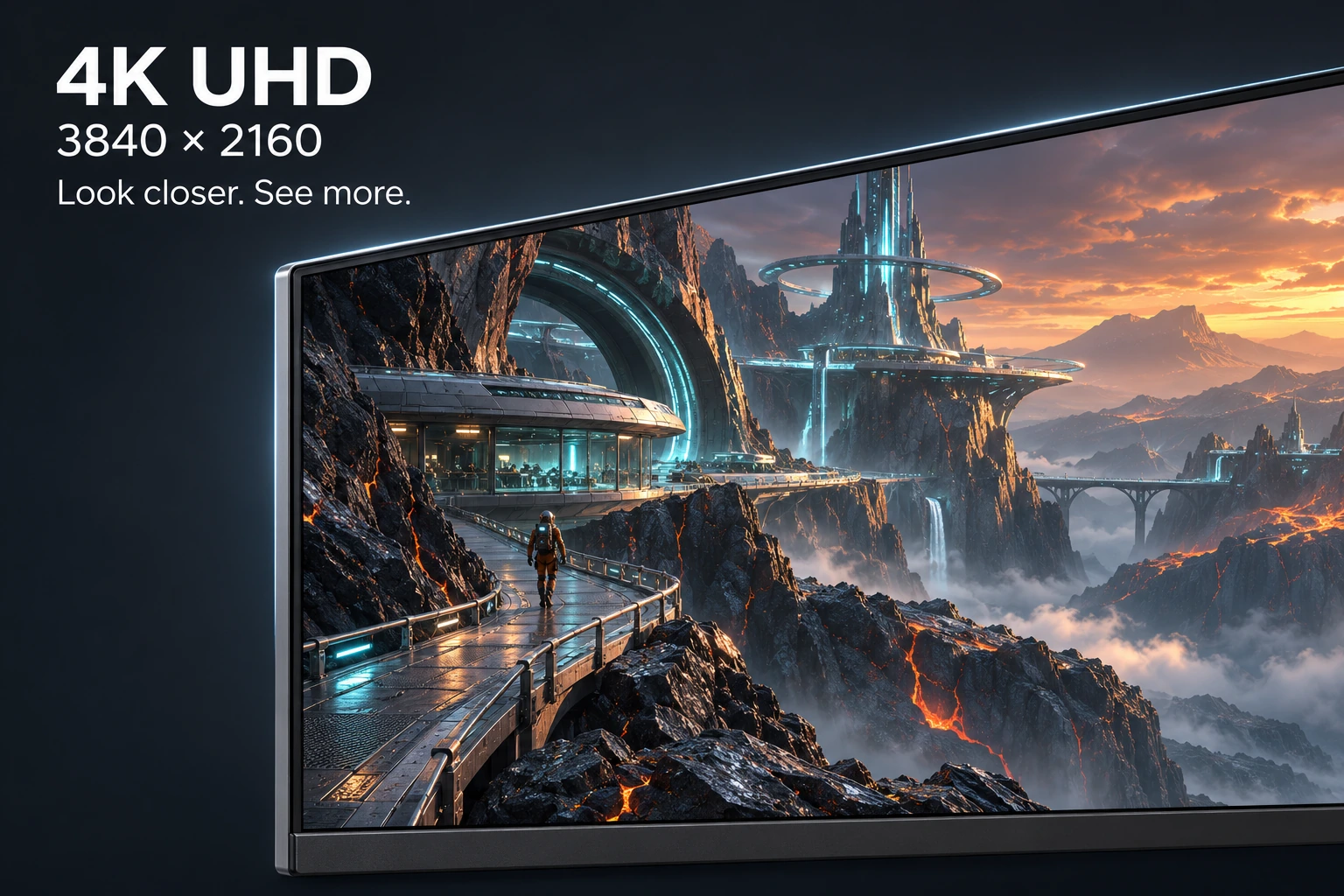
4K Detail, Up Close
Choose the 4K UHD option for 3840 × 2160 resolution. Fine textures, small text and distant details look sharp, whether you are exploring a game world, watching a video or working across several windows.
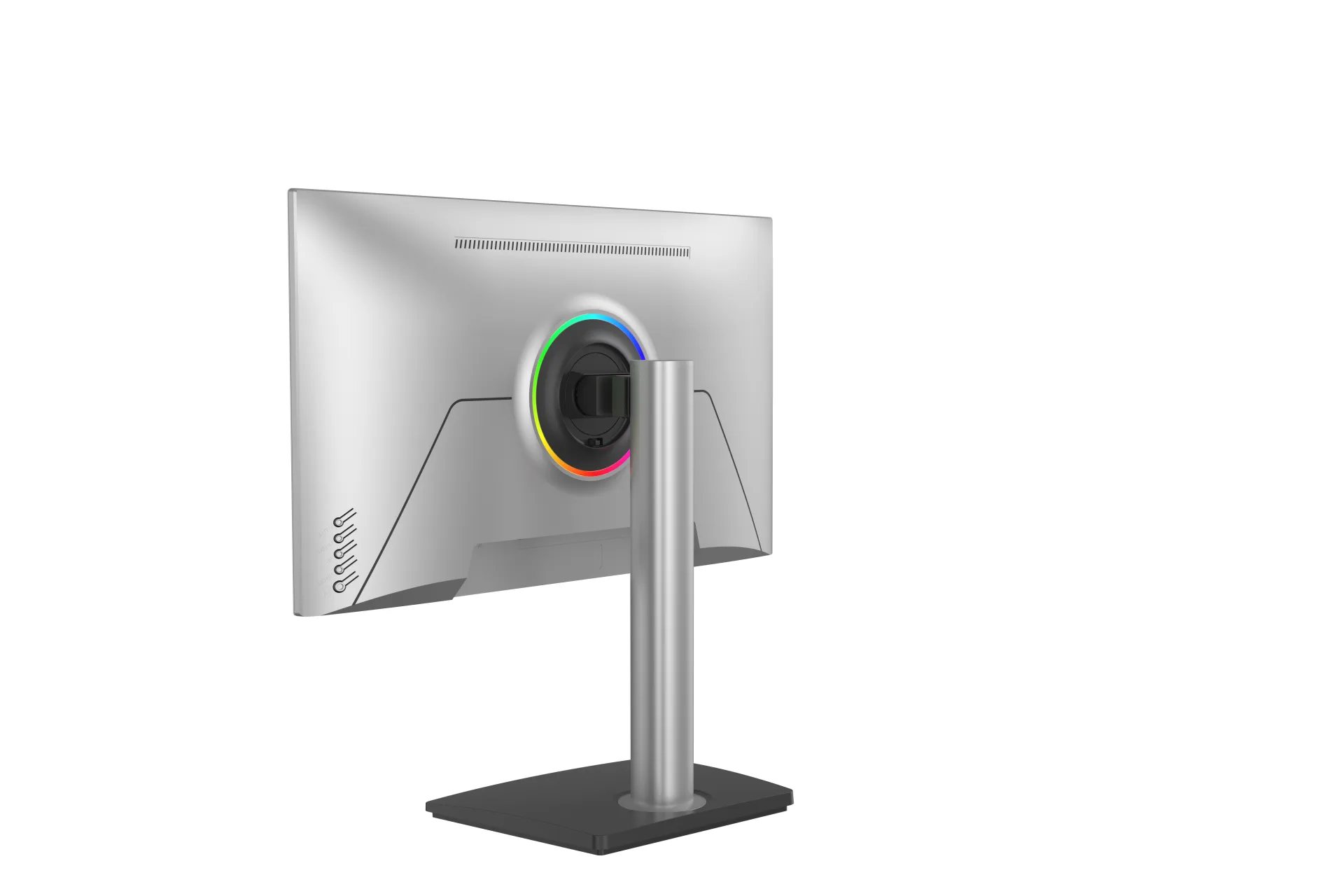
SKU: MGY27UA004
Choose the 4K UHD option for 3840 × 2160 resolution. Fine textures, small text and distant details look sharp, whether you are exploring a game world, watching a video or working across several windows.
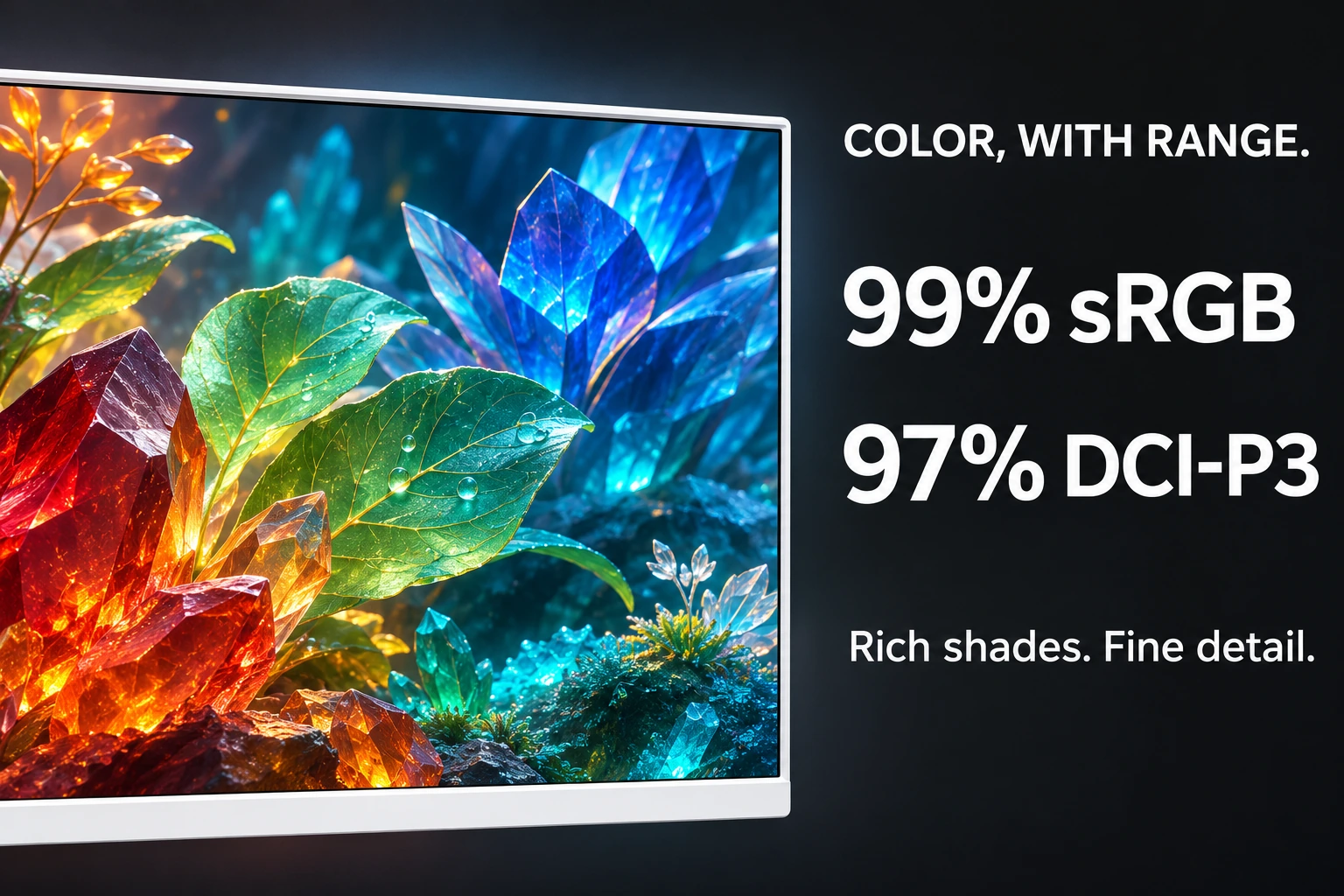
99% sRGB and 97% DCI-P3 color coverage bring a wide range of shades to games, videos and creative work. Rich reds, fresh greens and deep blues give your favorite content a vivid look.
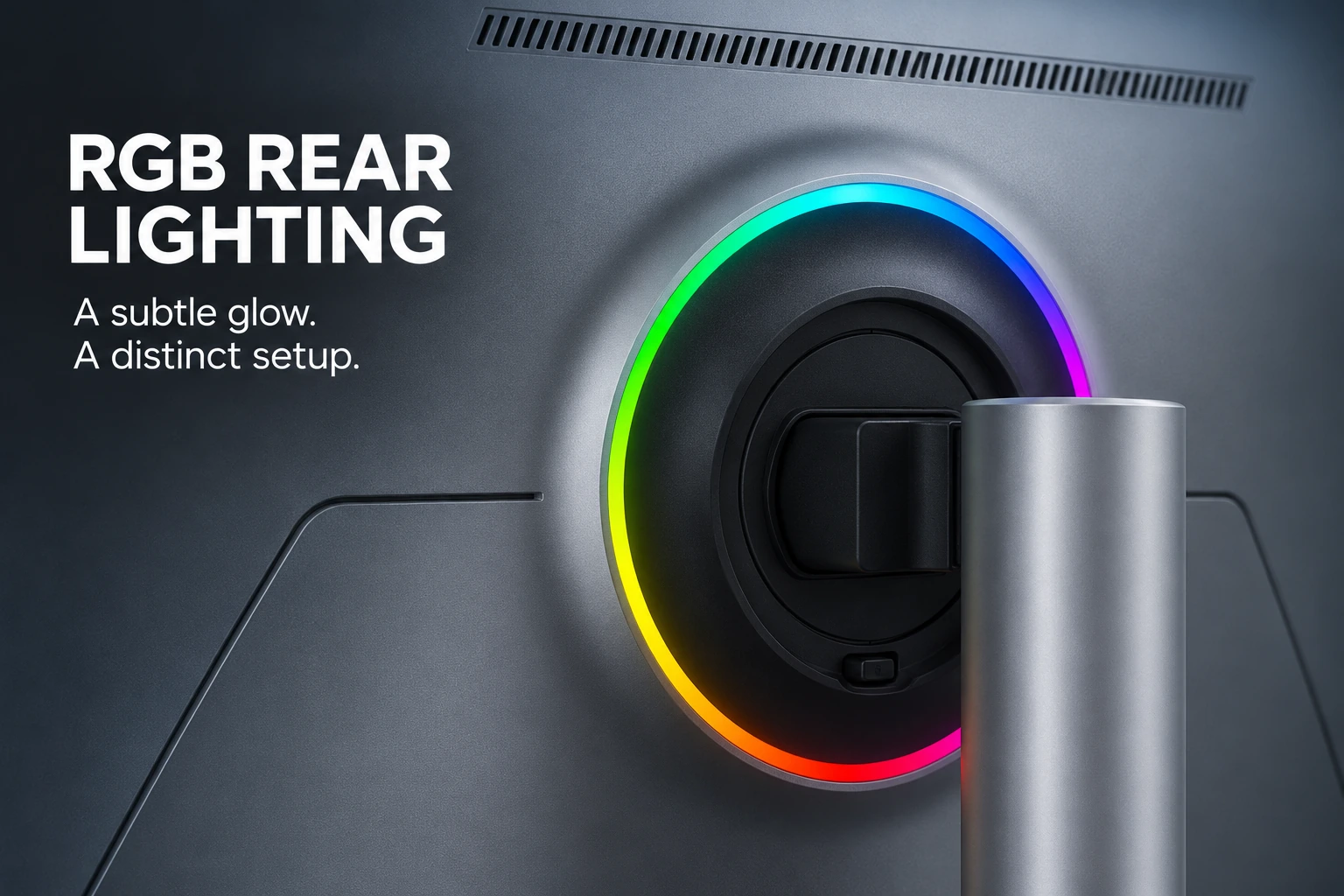
A slim RGB ring surrounds the rear stand mount. It adds a colorful accent to the back of the monitor while keeping the front clean and simple—a small detail that gives your setup its own style.
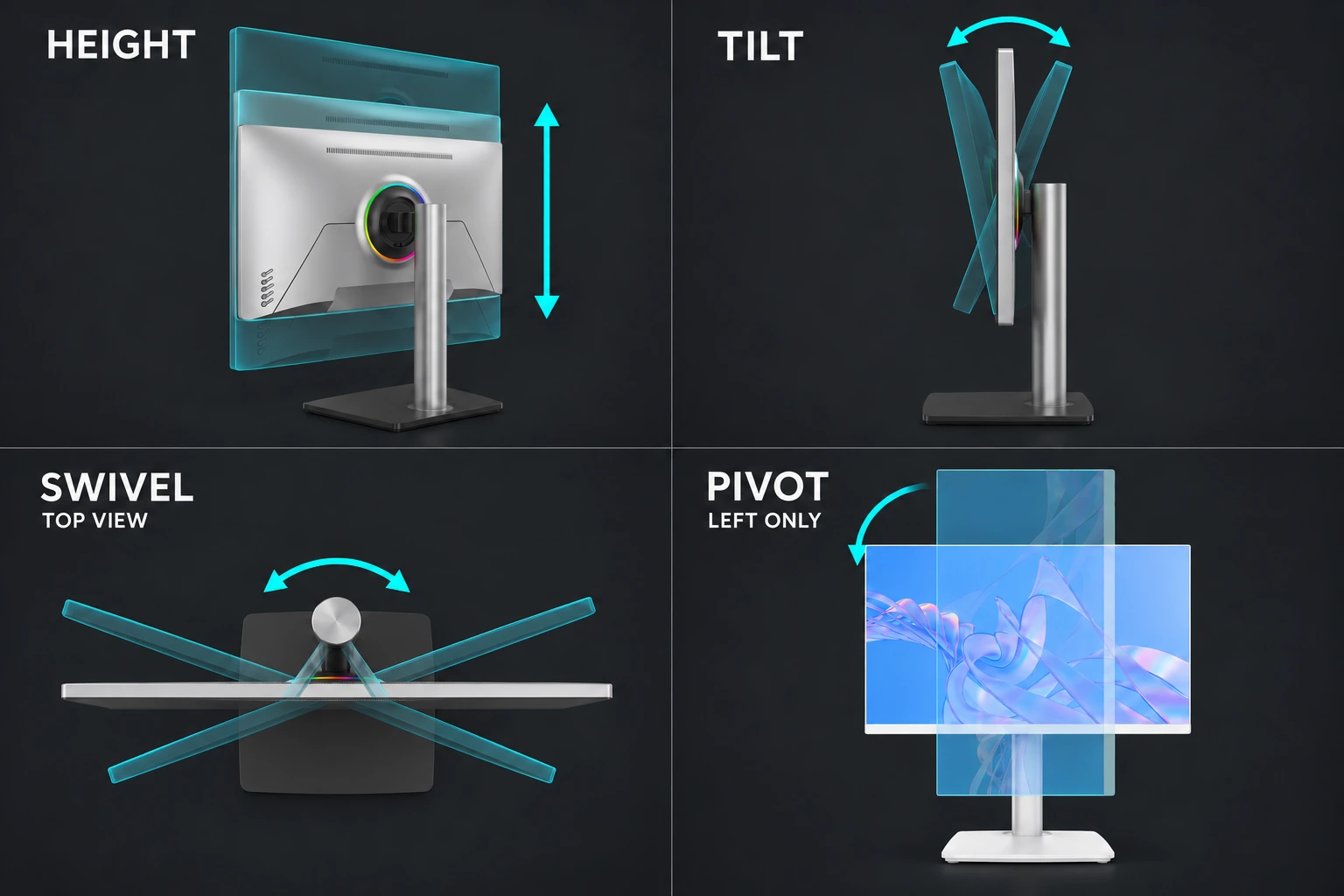
Raise or lower the screen, tilt it forward or back, and swivel it around the upright stand. You can also pivot the display to the left for a portrait view, making it easier to set up for different tasks.
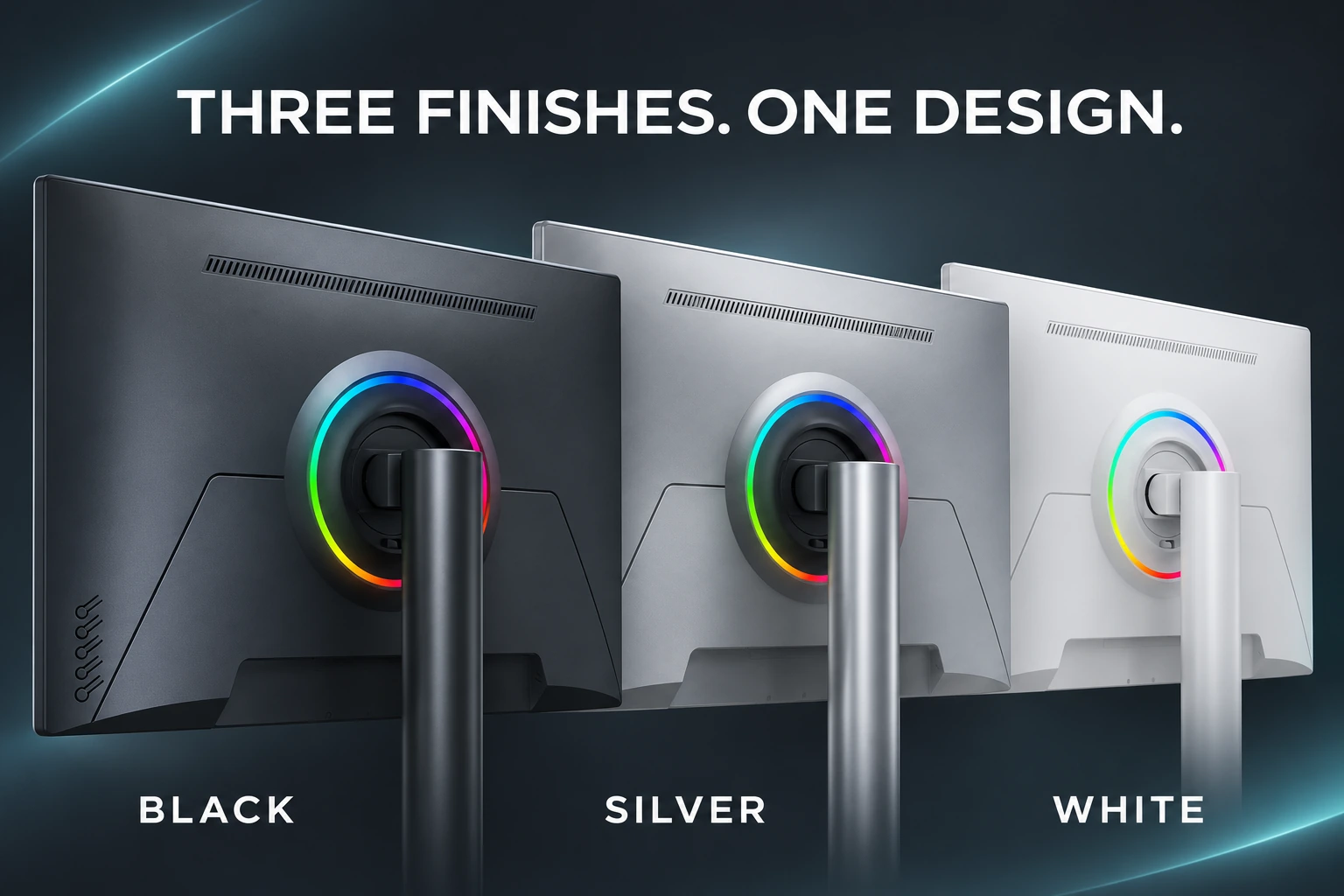
Pick the finish that fits your desk or product range. Black keeps the look understated, silver adds a sleek touch, and white works well in a bright setup. All three share the same clean housing design.
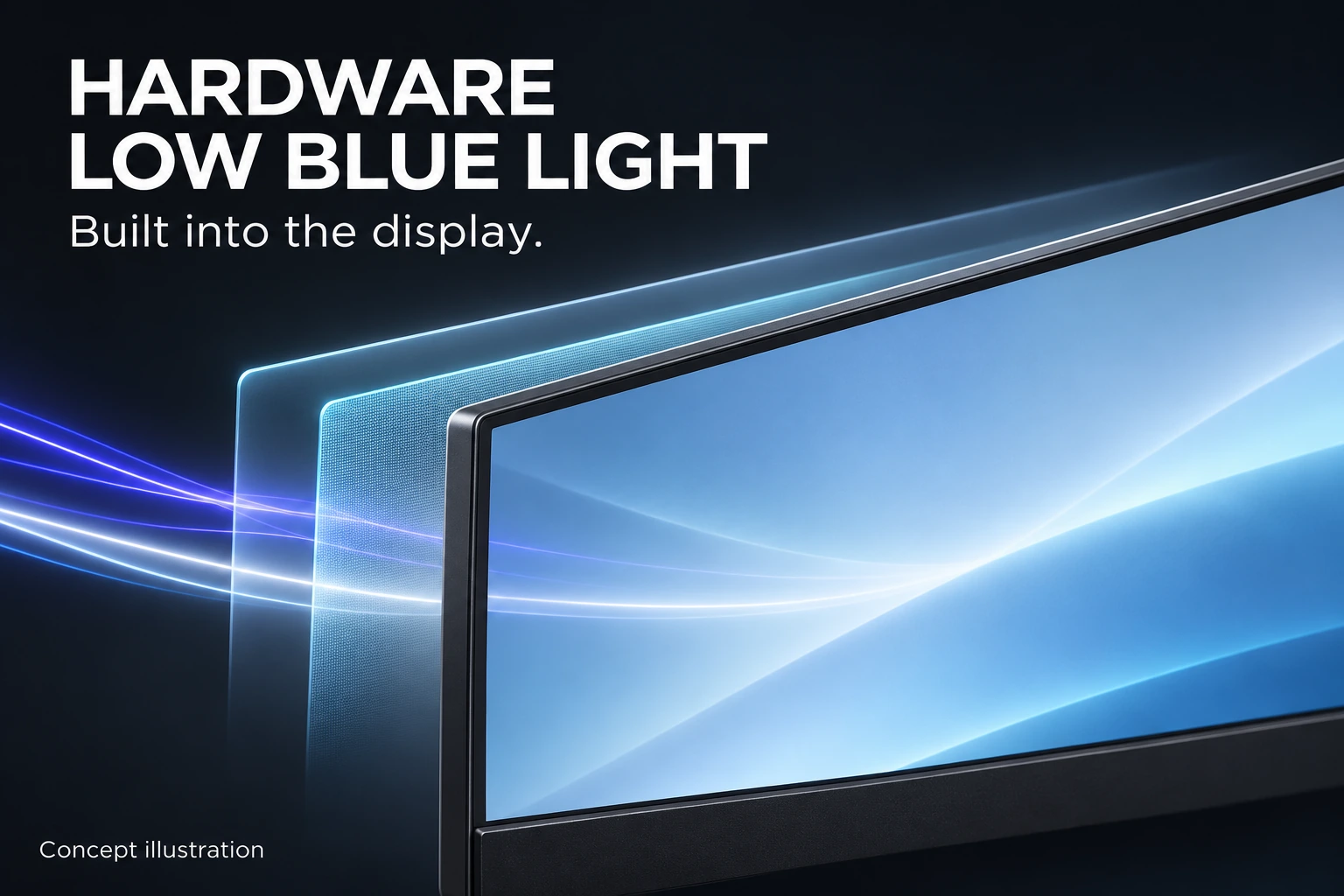
Hardware low blue light reduces blue-light output at the display level. The feature is built into the hardware, so it does not rely only on a software color filter.
From specification to after-sales service
Our OEM workflow keeps the approved monitor specification, branding, packaging and quality requirements aligned from project confirmation through delivery and warranty support.
We confirm the panel, resolution, refresh rate, interfaces, housing, stand, firmware, destination market, order quantity and required delivery schedule before the quotation is finalized.
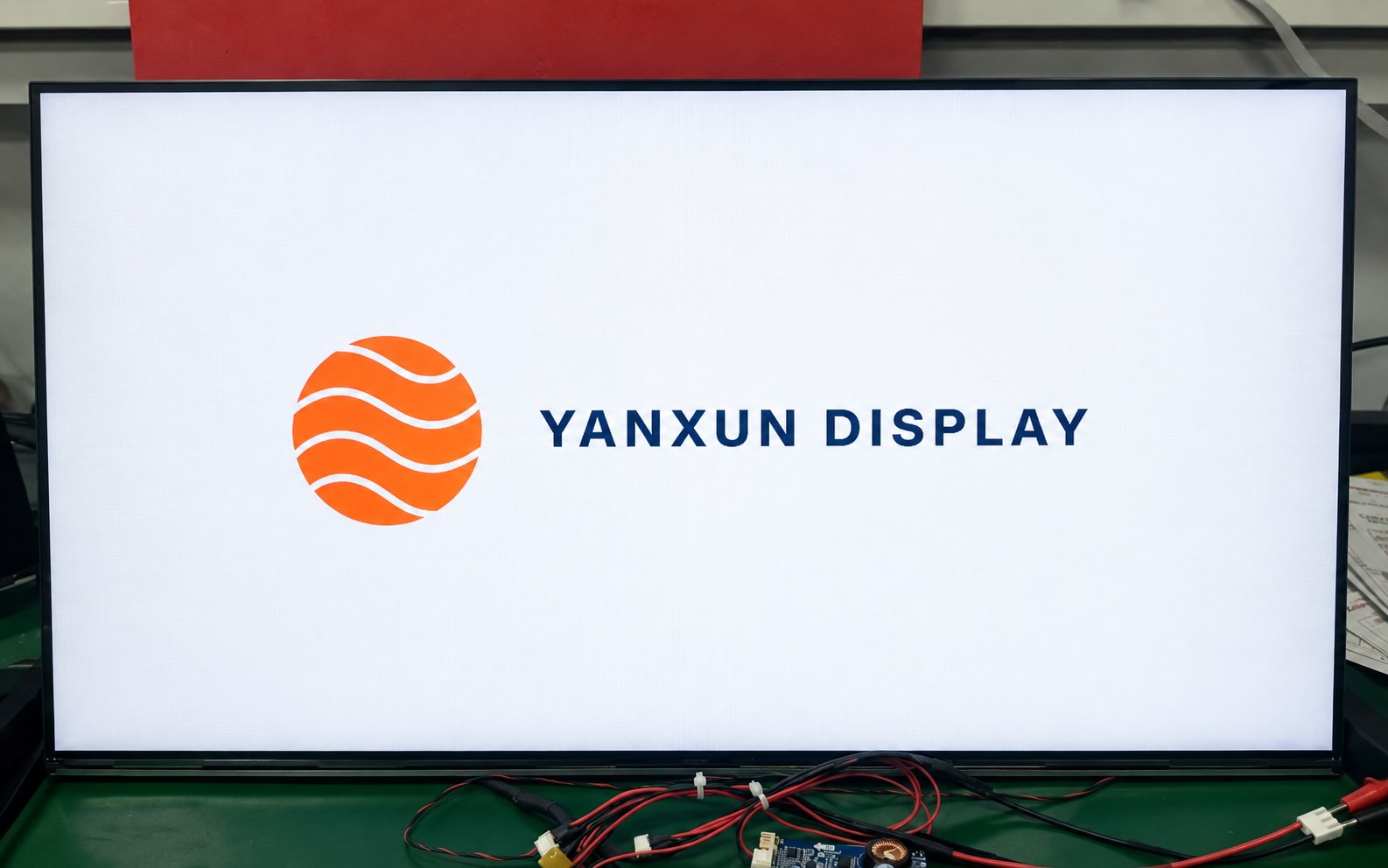
Your approved logo can be applied to the front bezel, rear housing and compatible boot-up firmware. Placement, size, color and production method are checked before mass production.
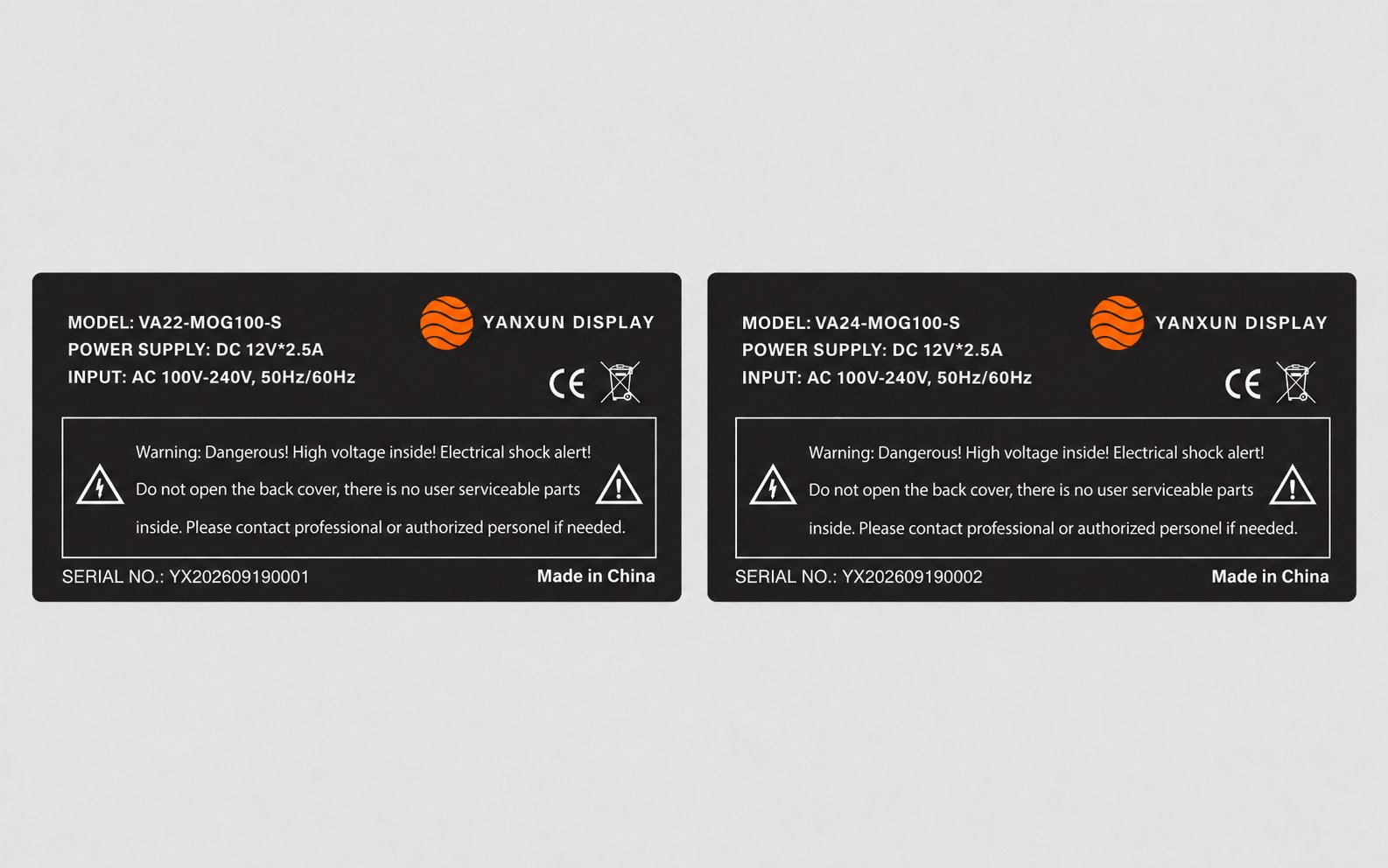
We prepare the model, electrical data, serial-number format, barcode, country of origin and approved compliance information for review before printing the rear rating label.
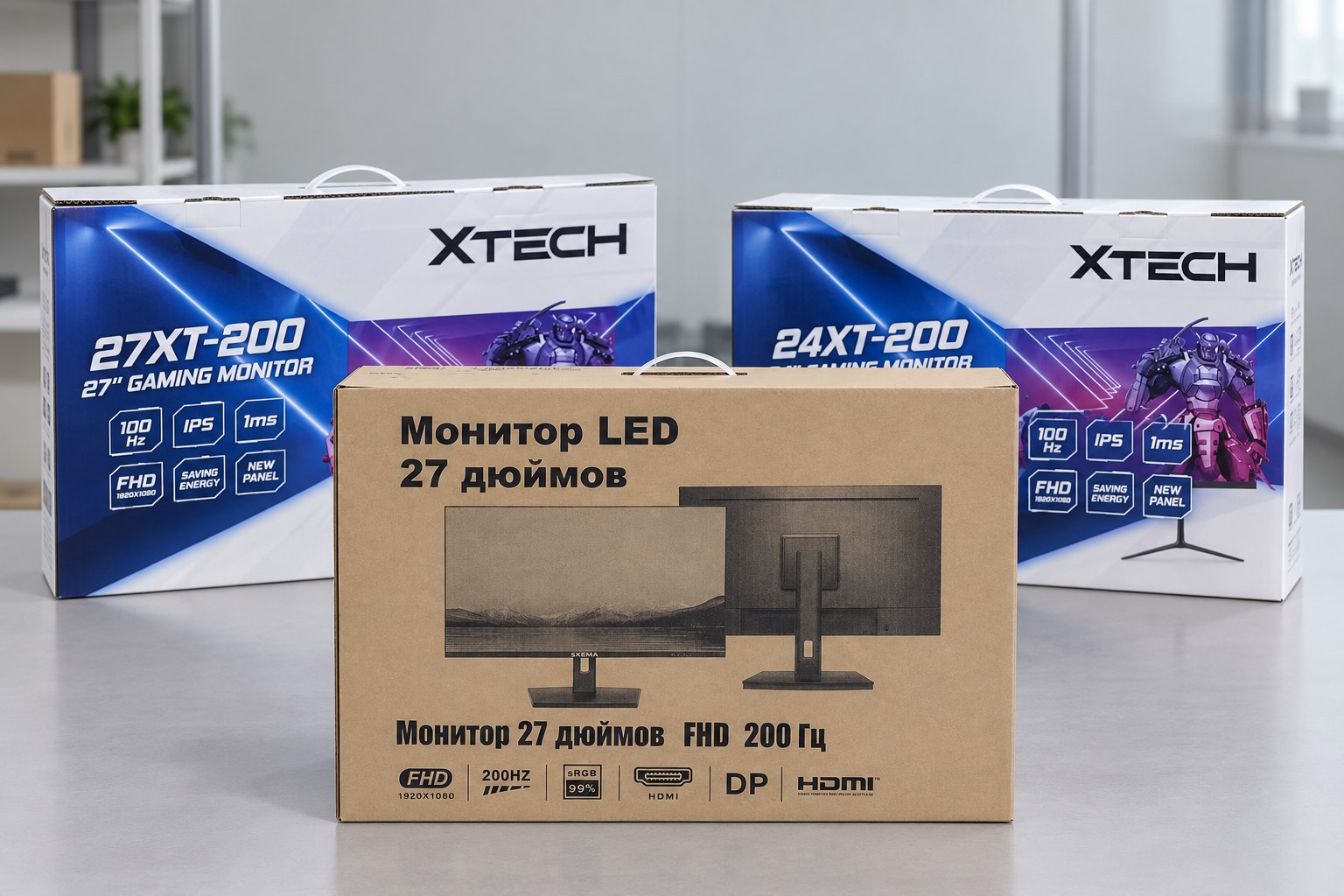
Choose a printed color box or a cost-efficient plain carton. We verify the artwork, model information, protective materials, barcode area and shipping marks before the full packaging run.
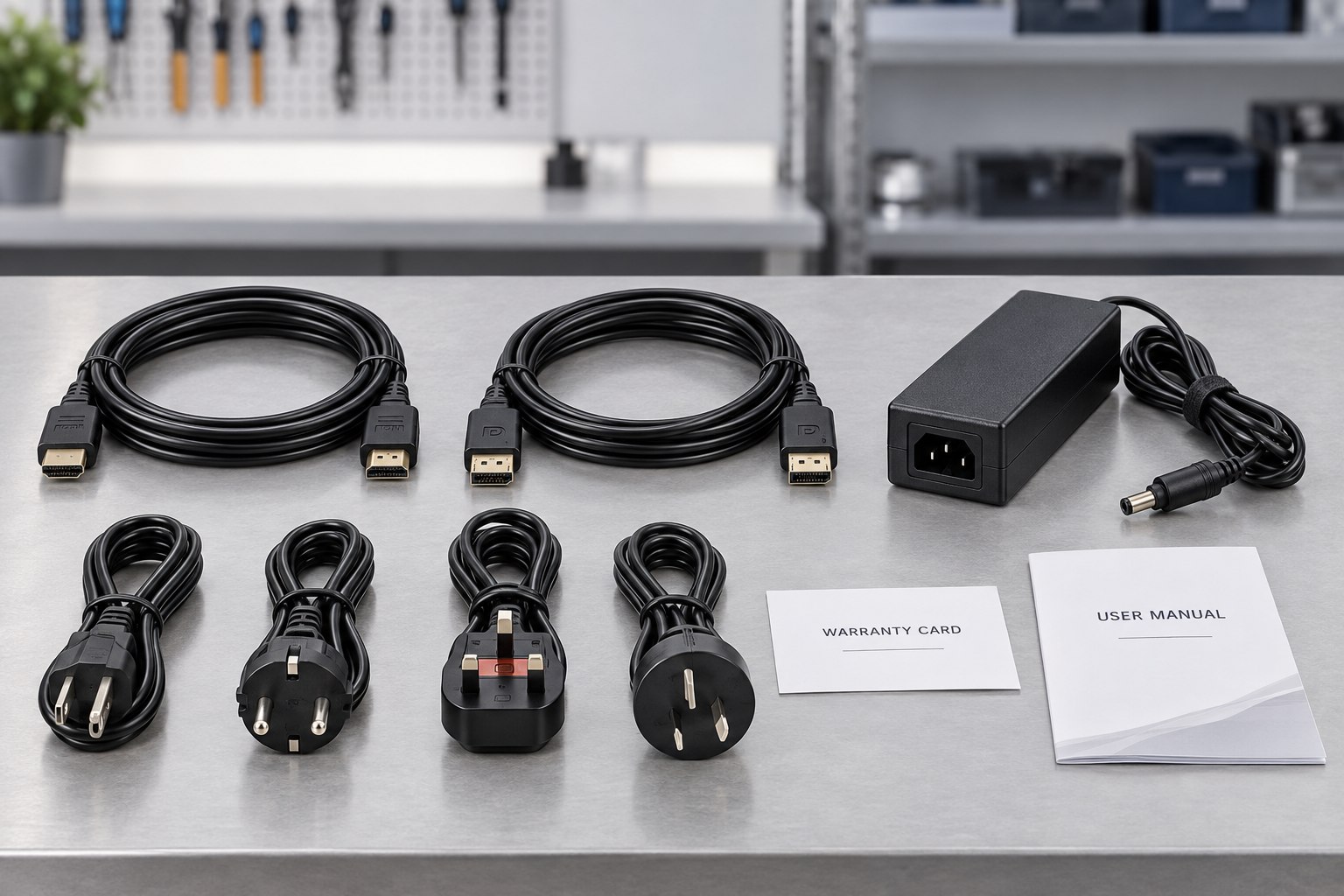
The approved bill of materials identifies the stand, adapter, regional power plug, HDMI or DisplayPort cable, manuals, warranty card and any market-specific accessories included with each unit.
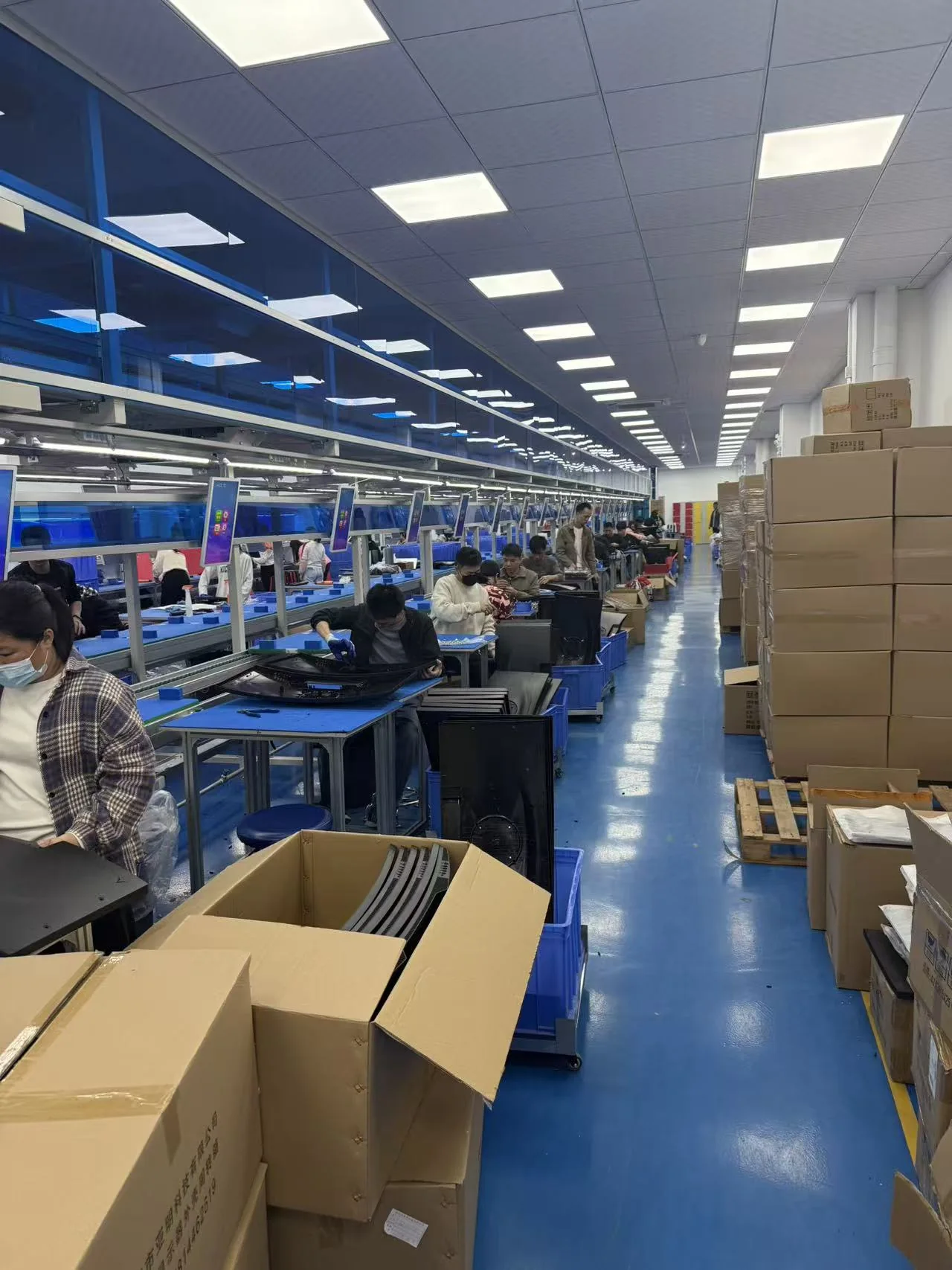
Approved materials and documents are released to the assembly team. Monitors are assembled and programmed according to the approved sample, bill of materials and controlled work instructions.
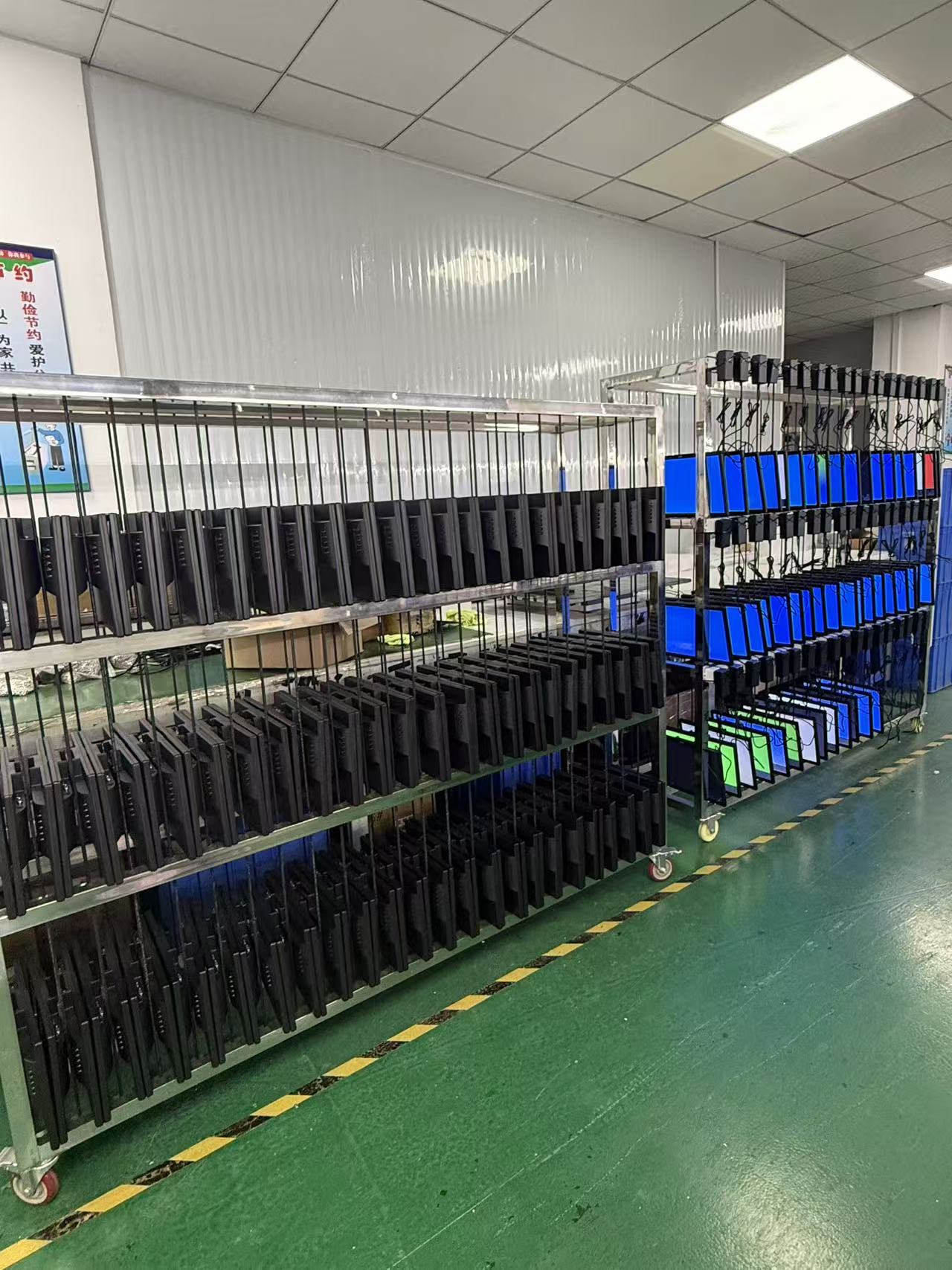
Finished monitors operate for an agreed period so the team can check power stability, image performance, signal input and other early-life issues before the units are released for packing.
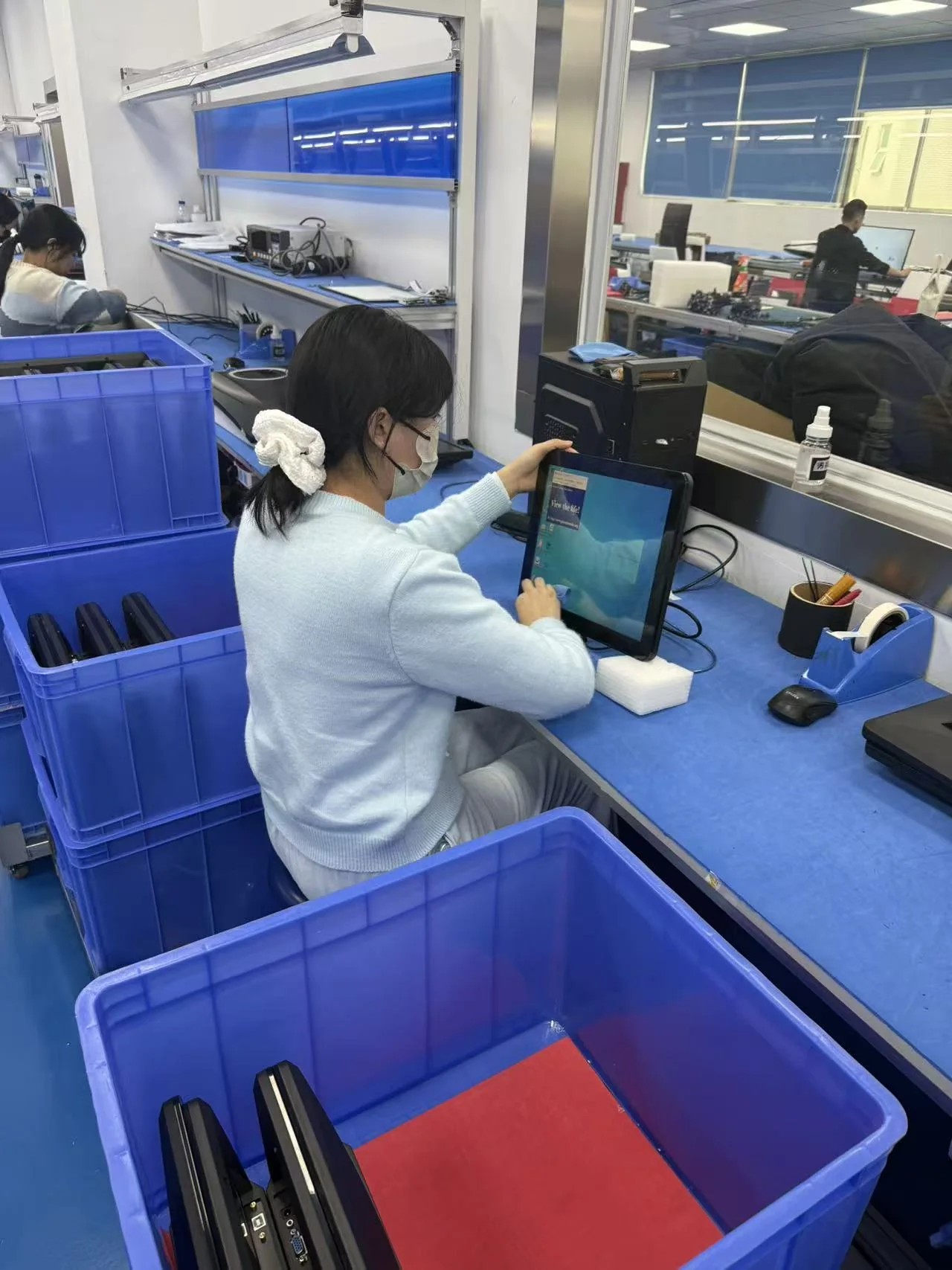
Quality control verifies appearance, screen condition, functions, ports, firmware, labels, accessories and packaging against the approved specification and order requirements.
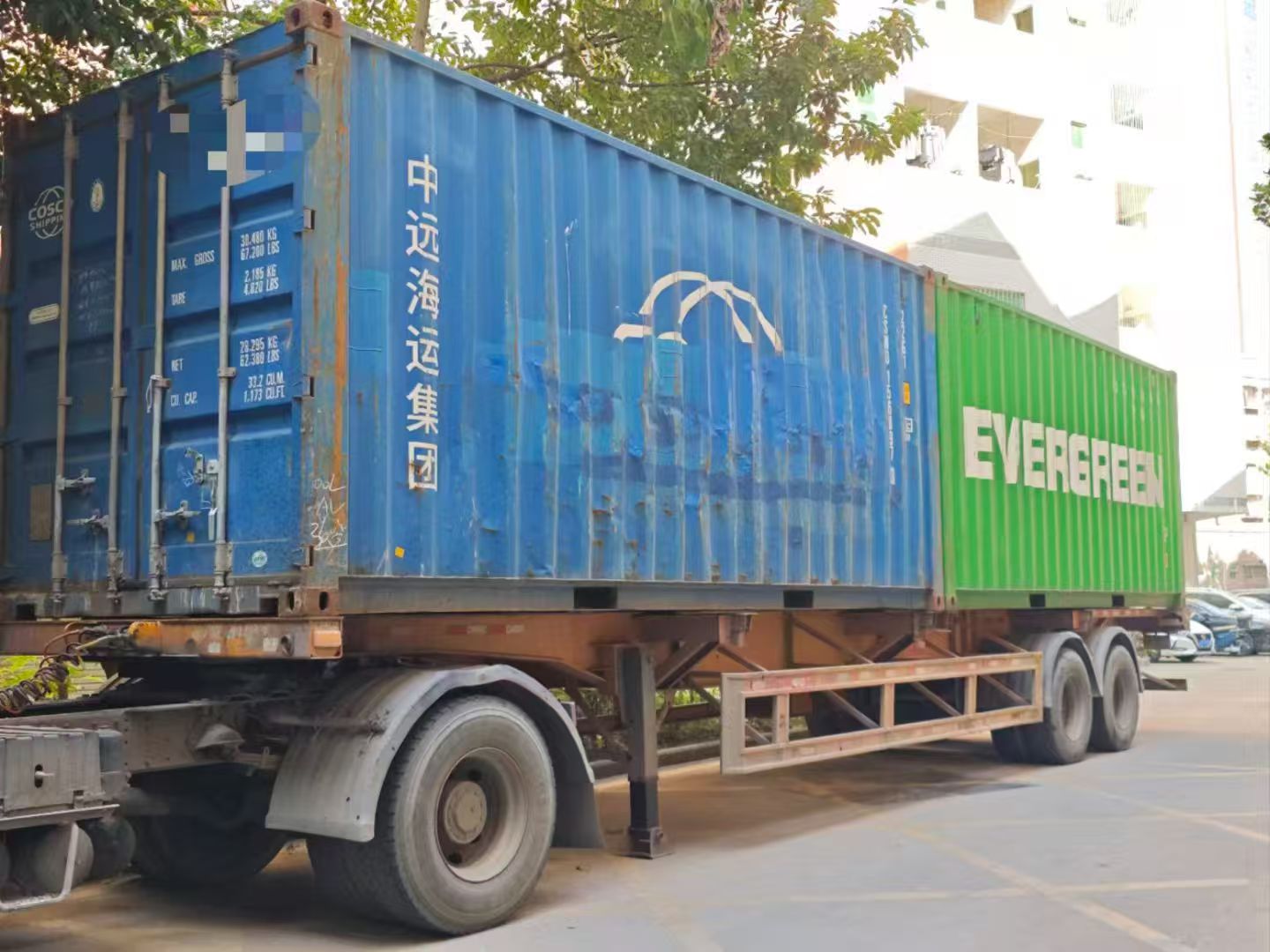
After the final inspection, we confirm carton marks, quantities, packing documents and the agreed Incoterm, then arrange LCL, FCL or another approved shipping method.
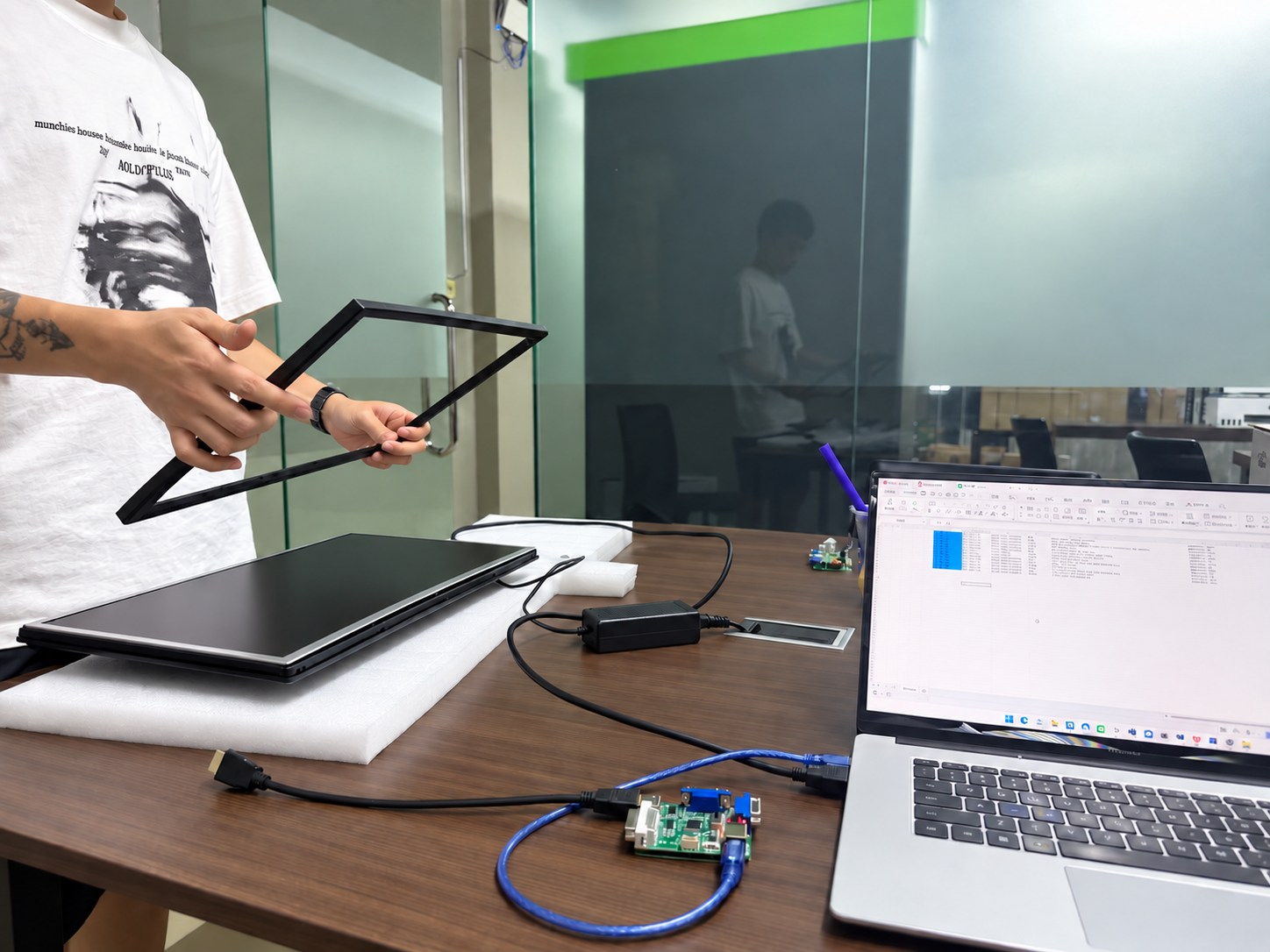
Our team records the model and order details, reviews reported issues and coordinates parts, remote guidance or agreed onsite support according to the project warranty terms.
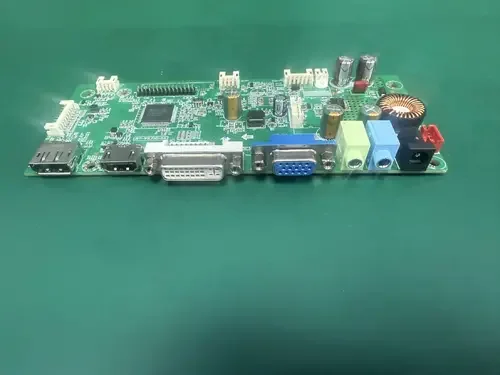
See how Yanxun Display adapts controller boards, interfaces and firmware for project-specific requirements.