
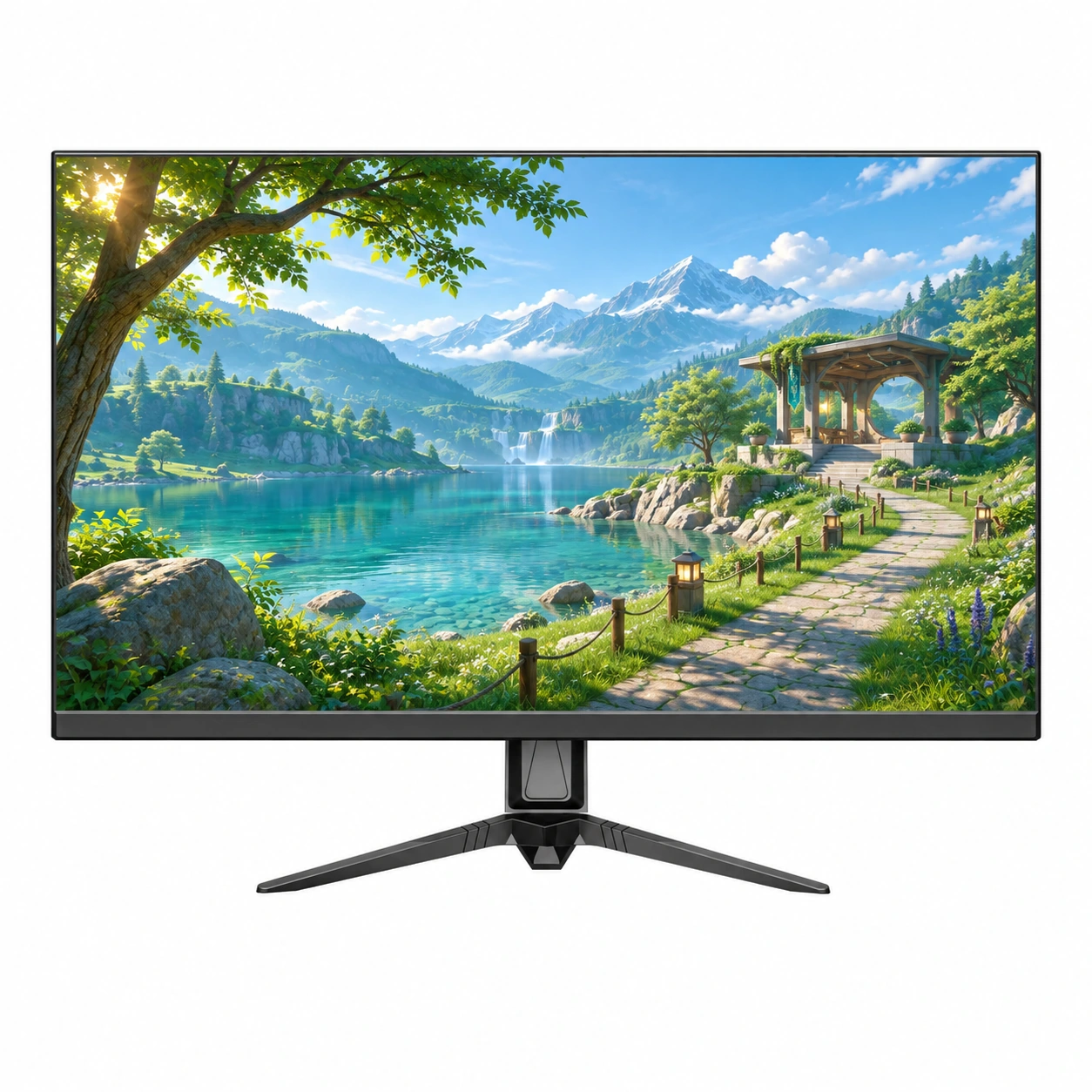
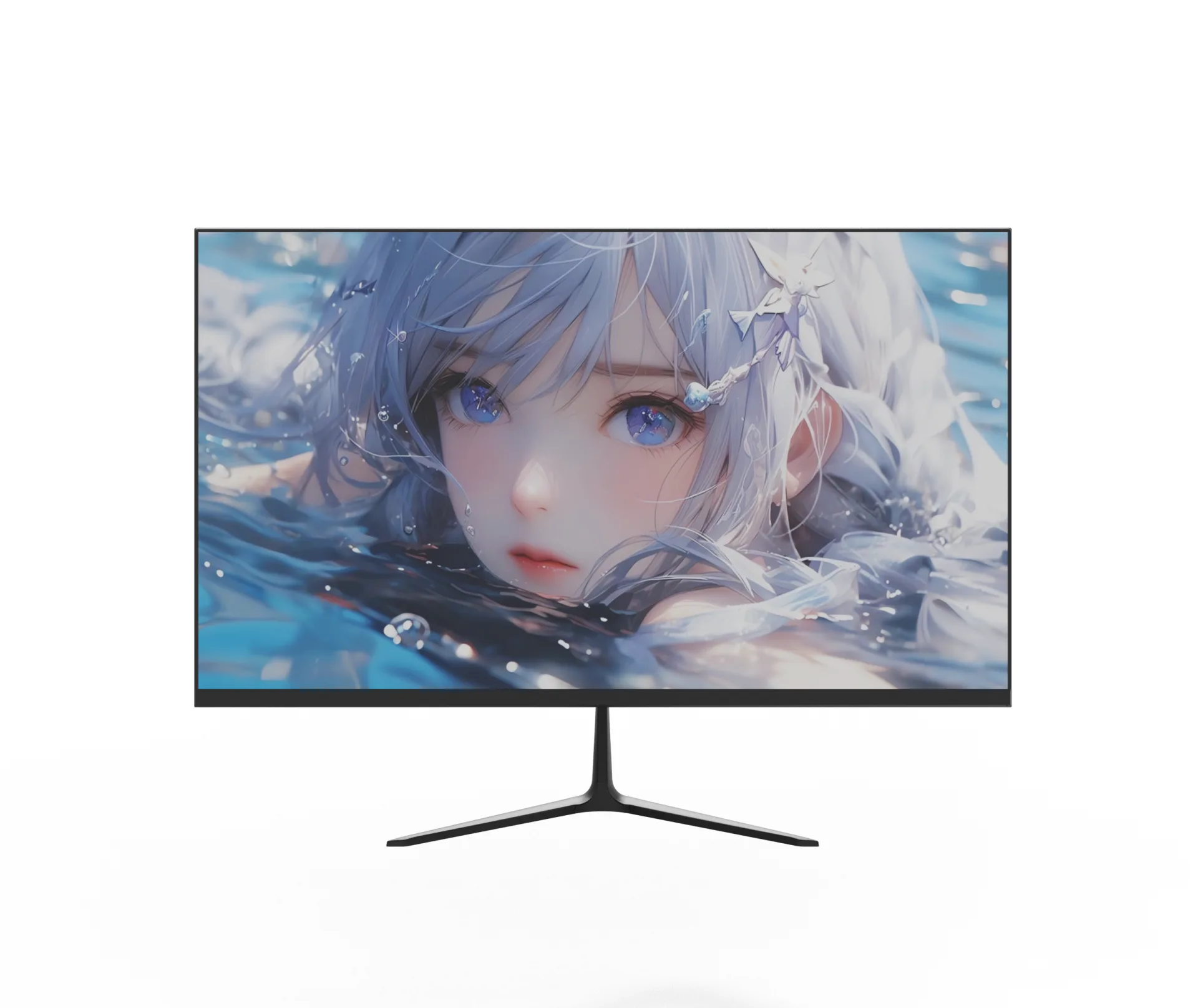
Custom 27 inch 1ms Frameless IPS LCD Monitor With Fixed Stand
SKU: MOX27FF003
- screen size
- 27 inch
- resolution
- FHD/QHD/UHD
- panel type
- VA/IPS
- refresh rate
- FHD: 100Hz/180Hz; QHD: 100Hz/180Hz; UHD: 100Hz/144Hz
Product category
Create an office monitor lineup for everyday productivity, business workstations and distribution projects. Yanxun Display helps you select screen sizes, panel types, connections and stand options, with OEM customization for branding, housing colors, OSD languages and packaging. Share your application and budget so we can review a suitable configuration.
SKU: MOX27FF003
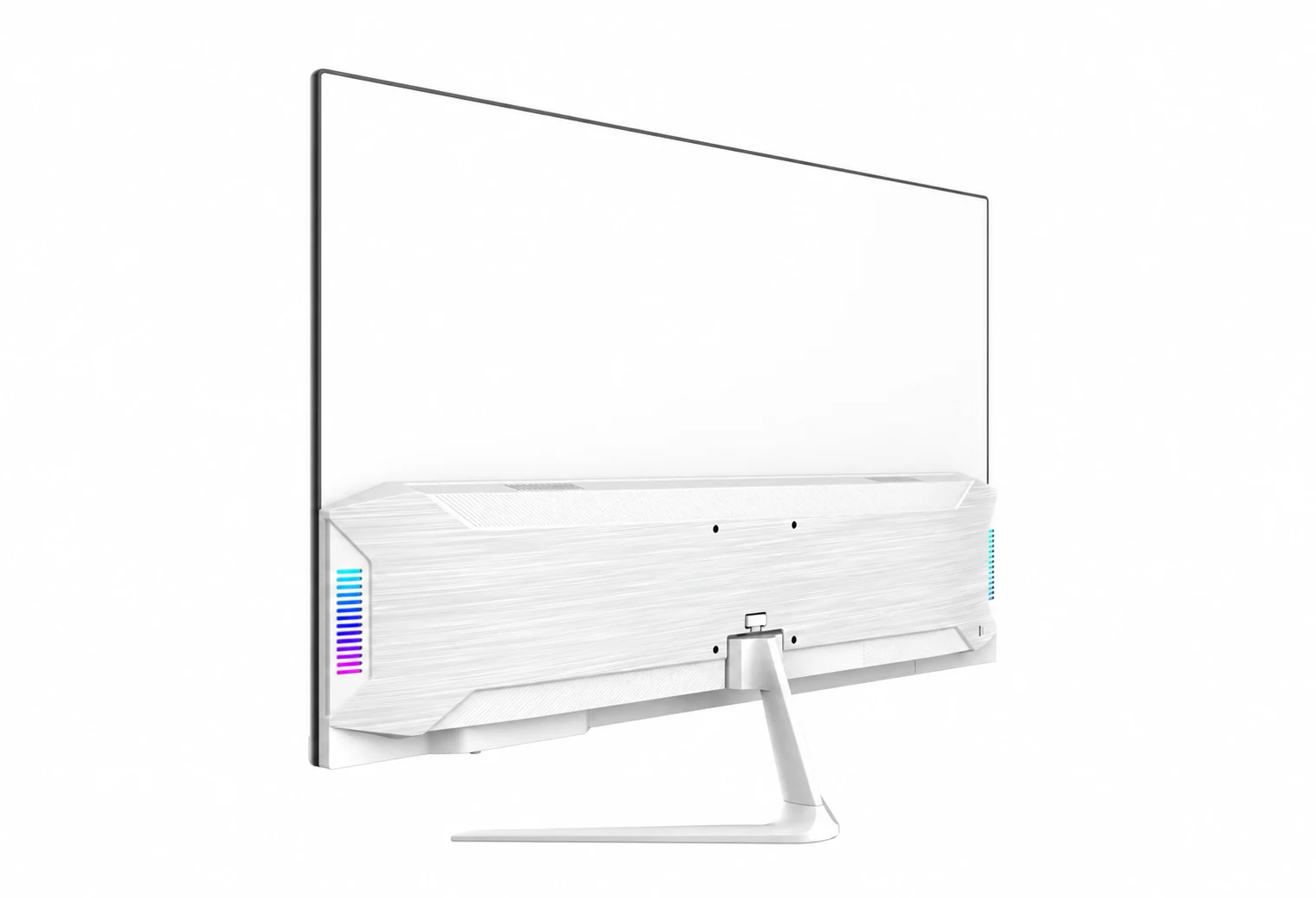
SKU: MOX27FF002
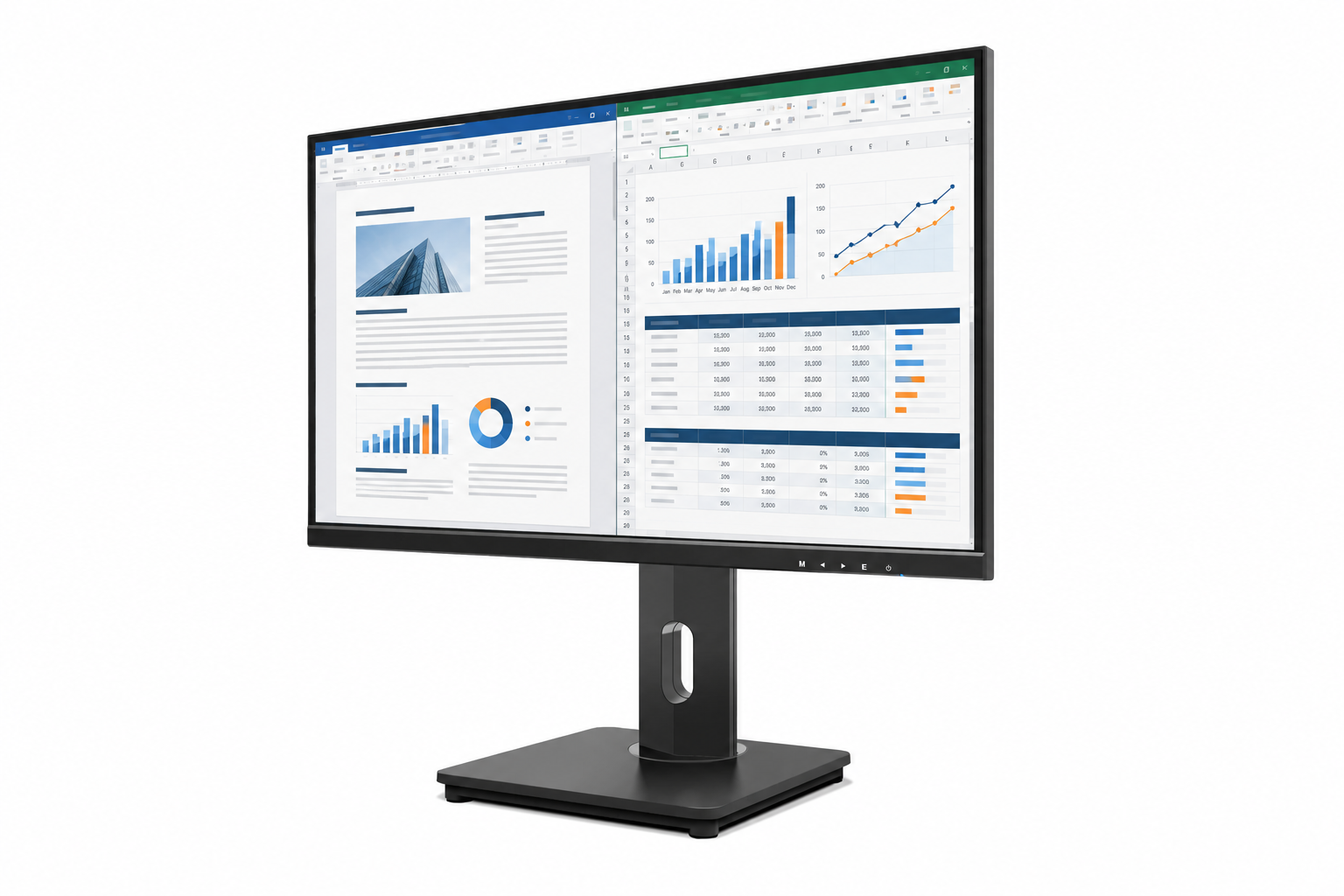
SKU: MOX27UF001
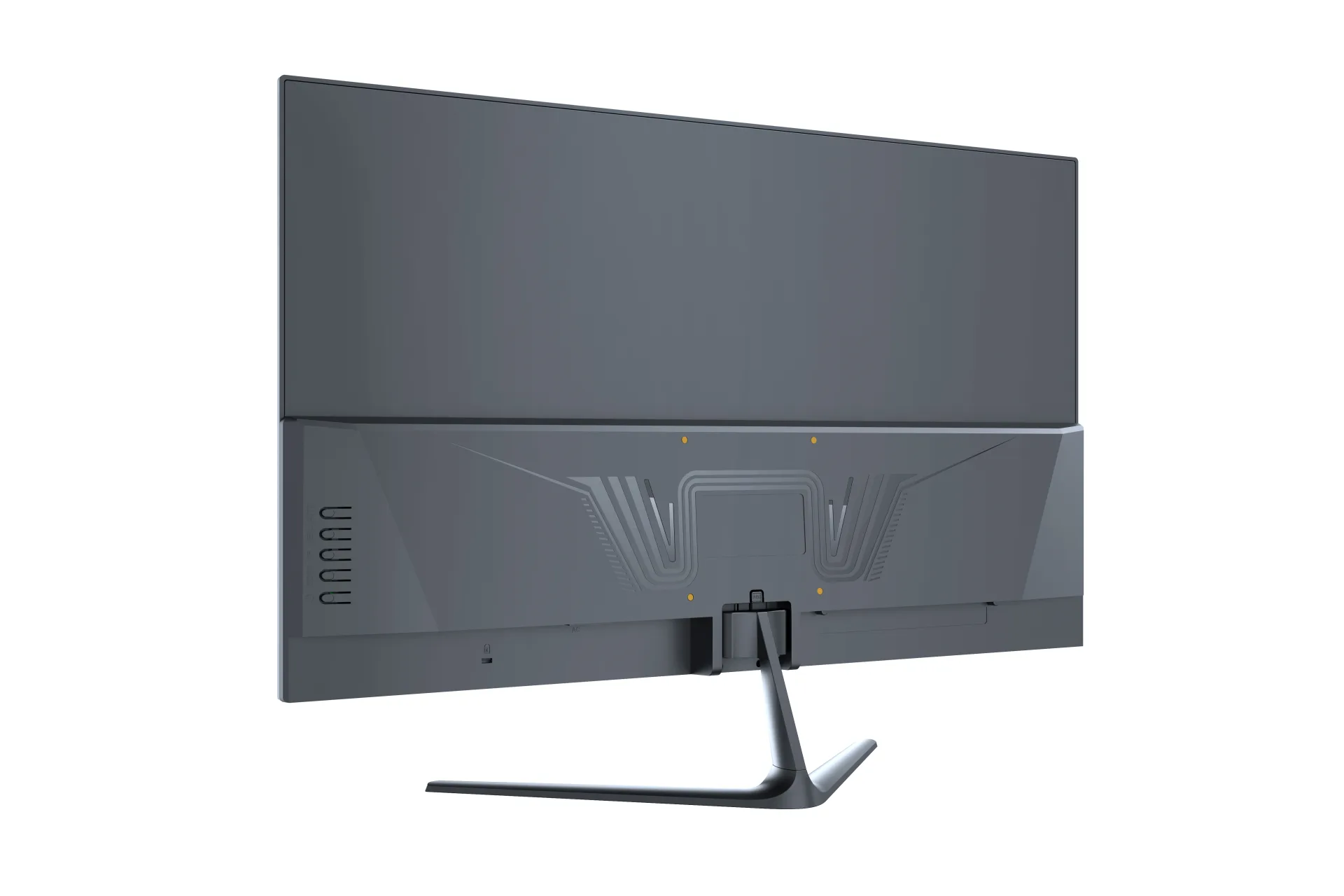
SKU: MOX24FF006
SKU: MOX24FF005
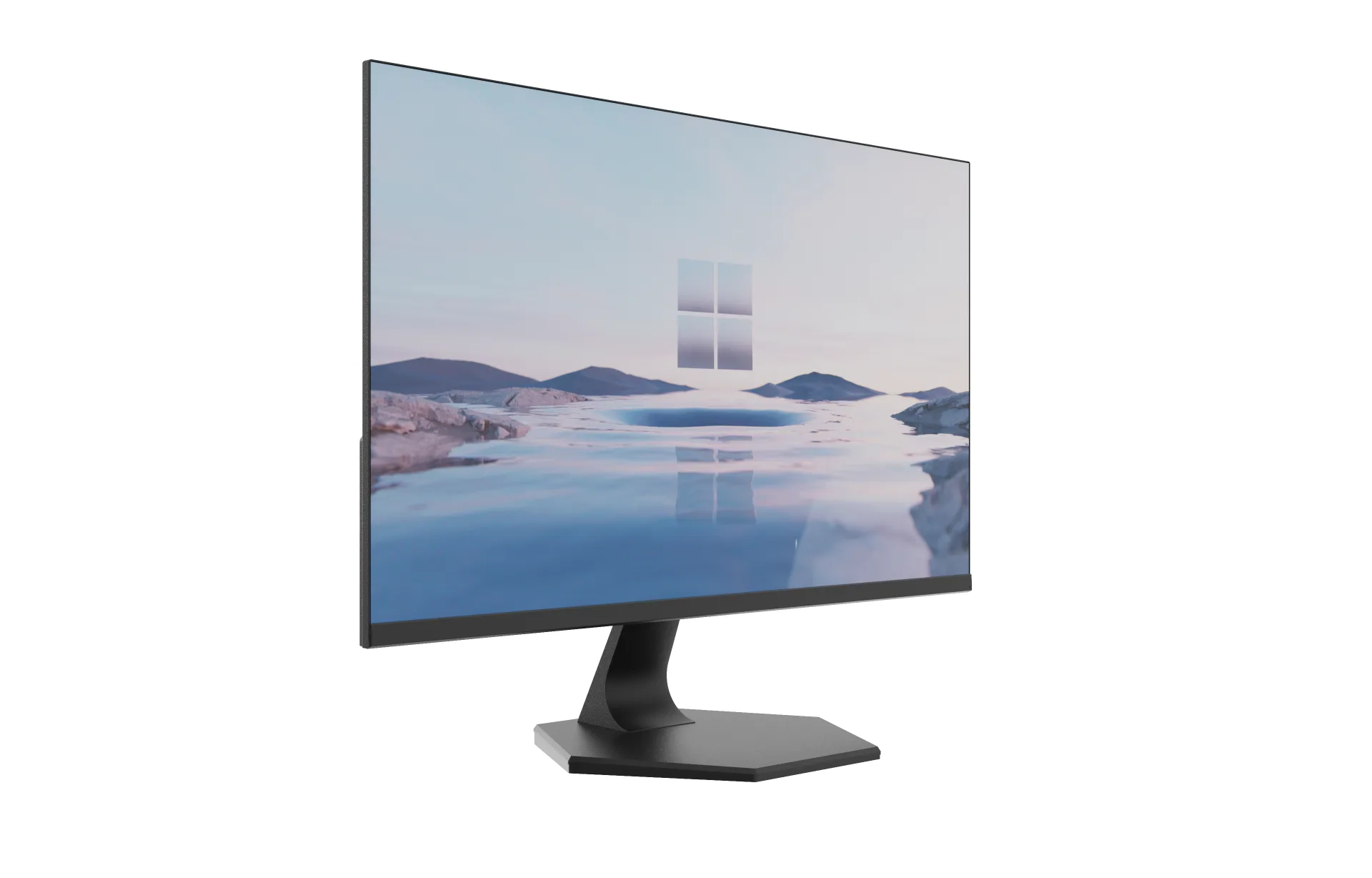
SKU: MOX24FF004
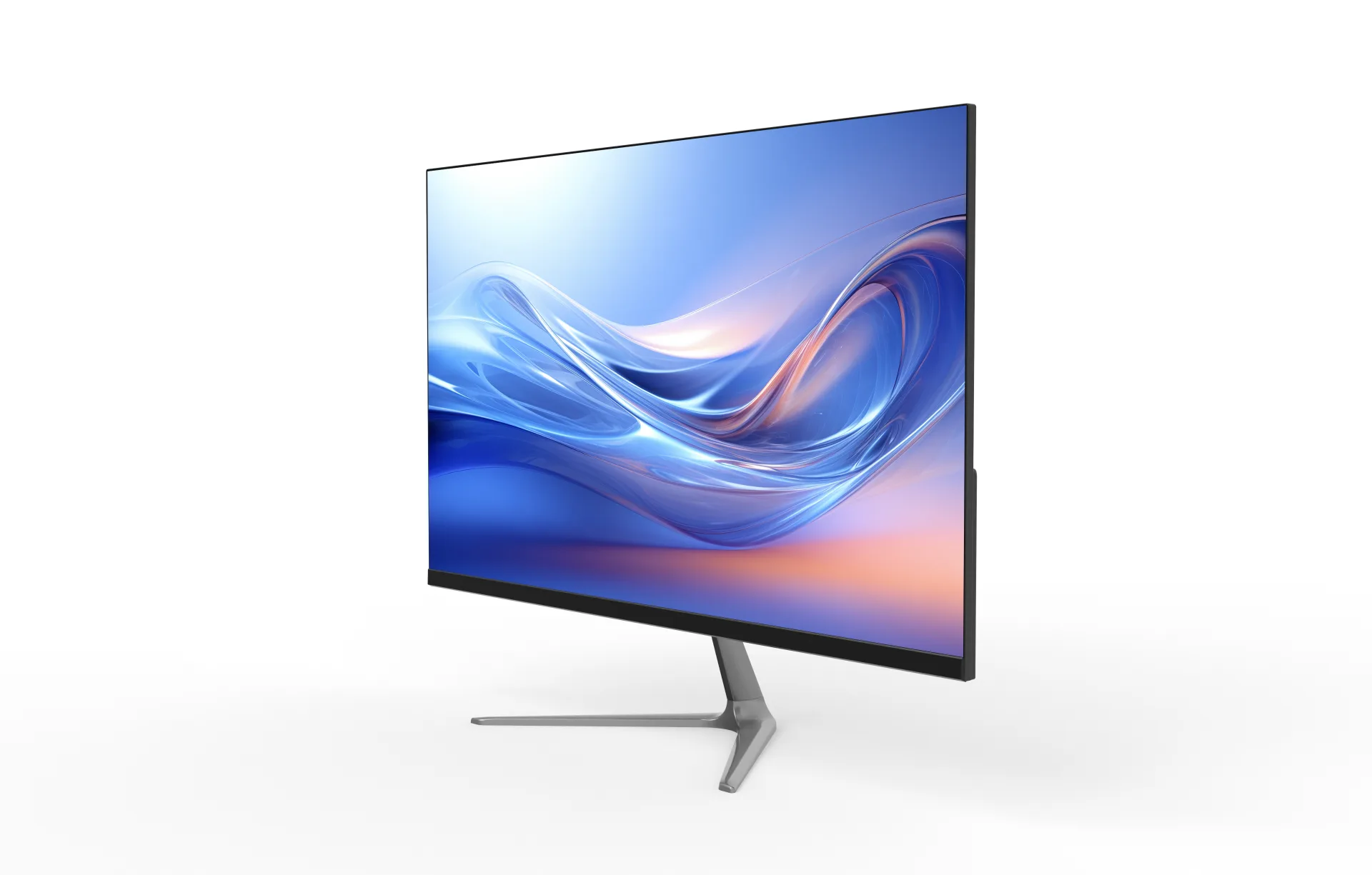
SKU: MOX24FF003
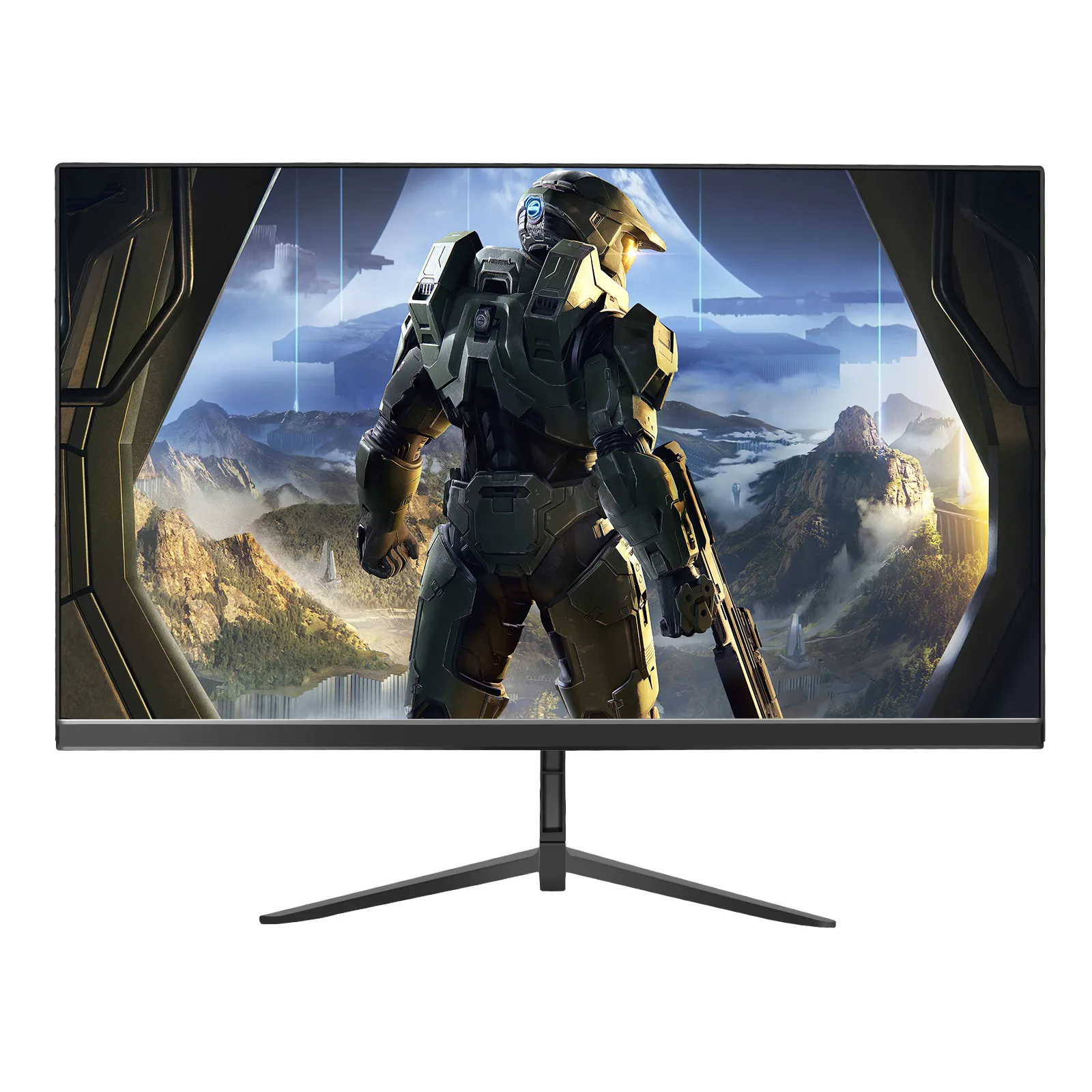
SKU: MOX24FF002
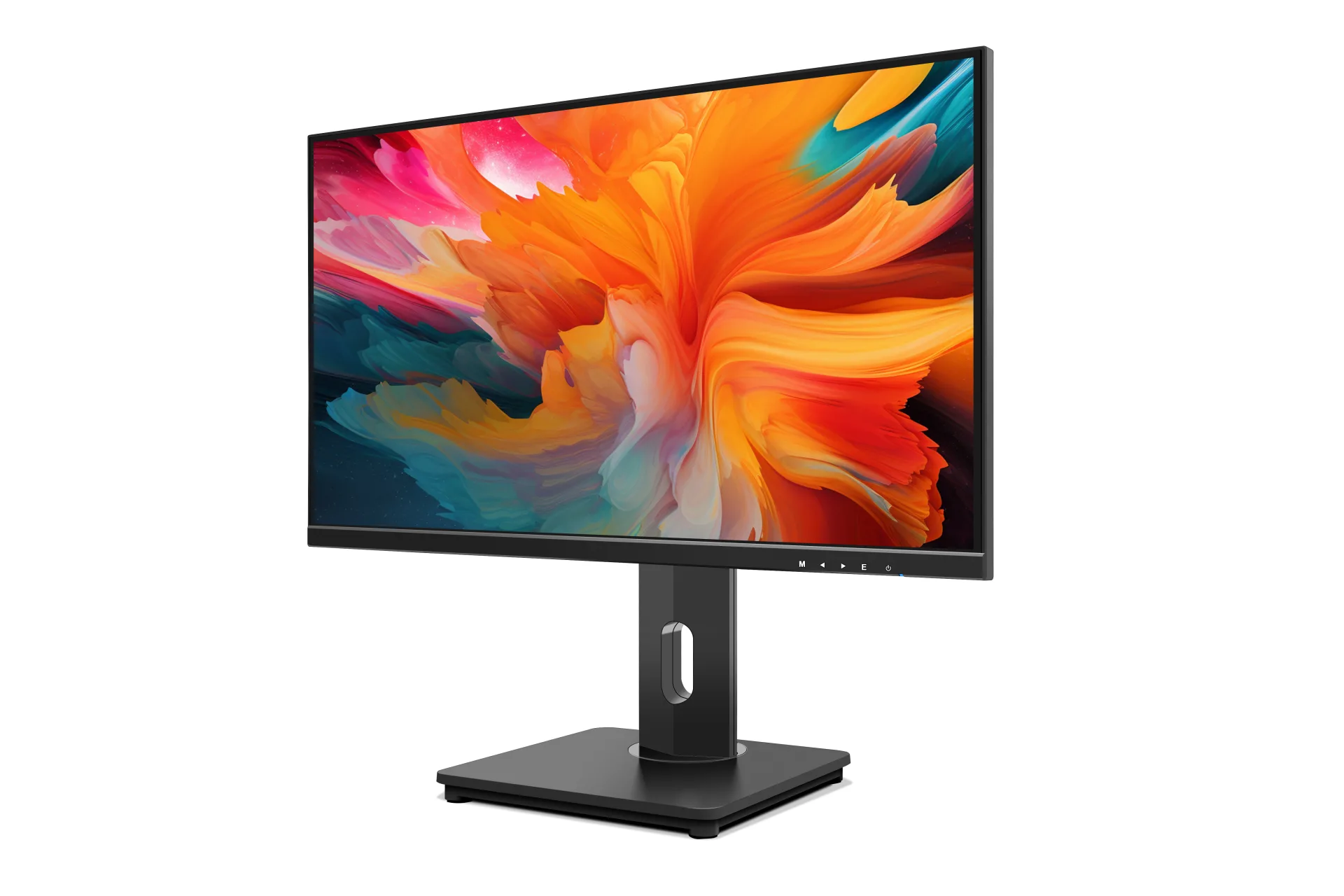
SKU: MOX24FA001
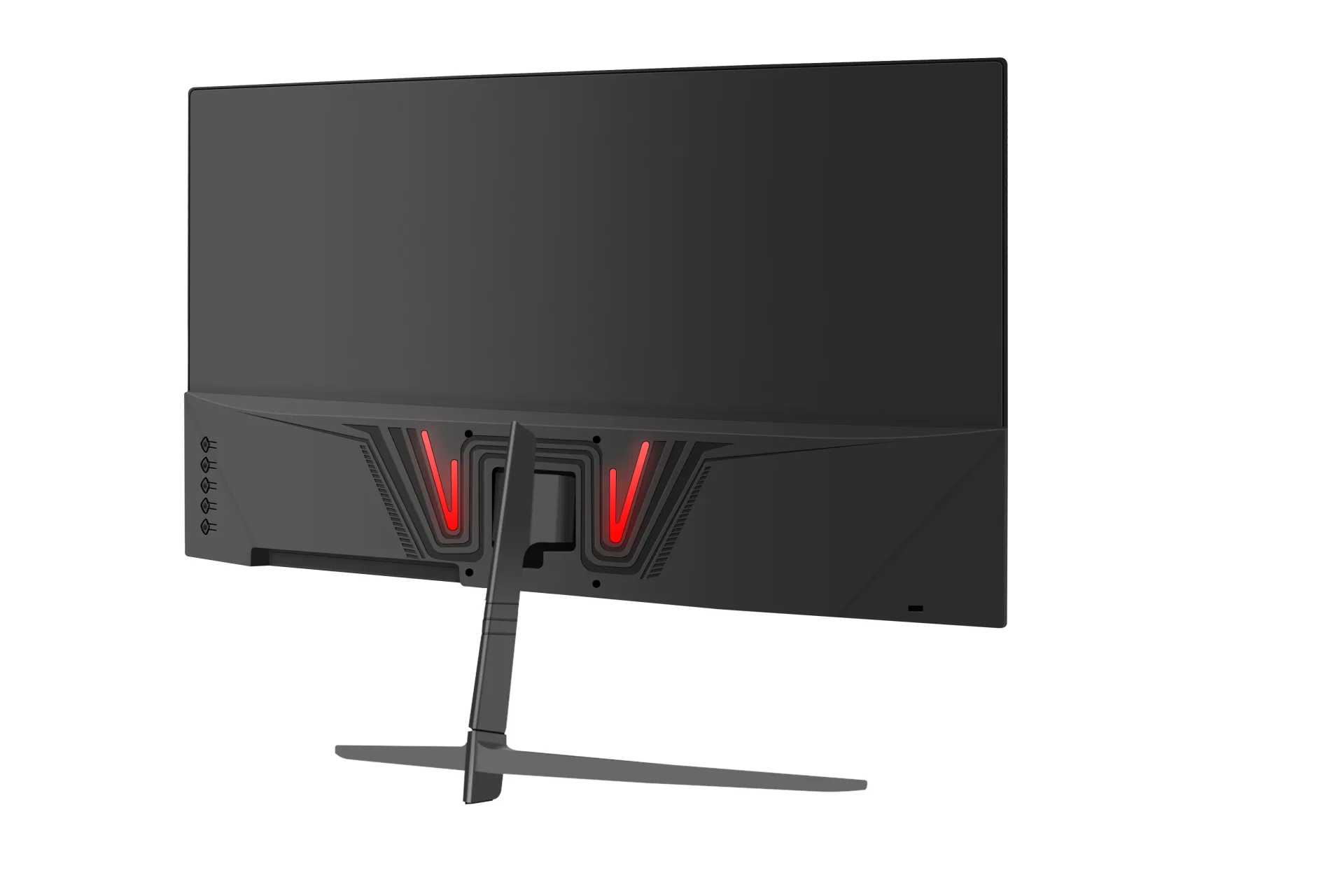
SKU: MOX22FF005
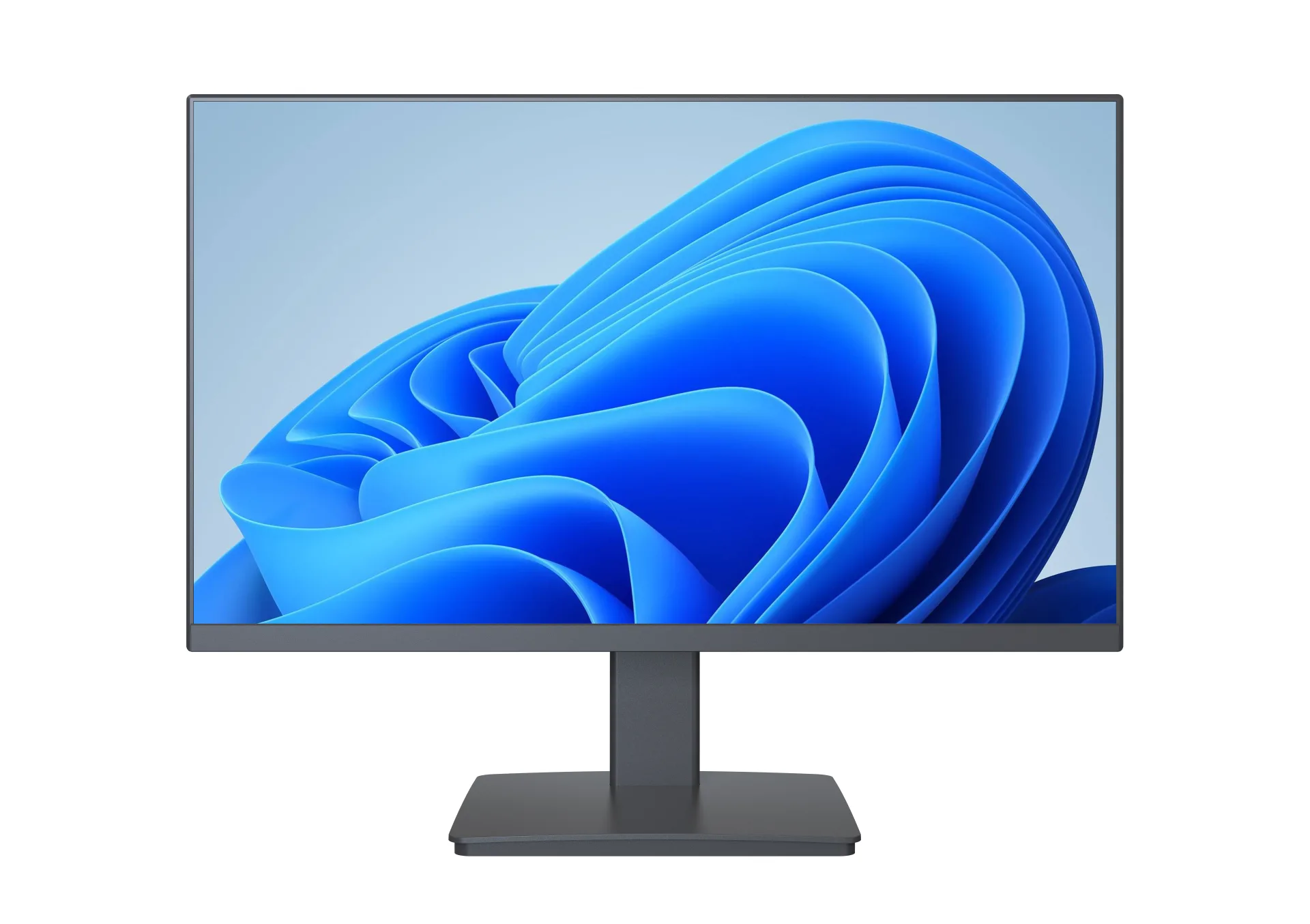
SKU: MOX22FF004
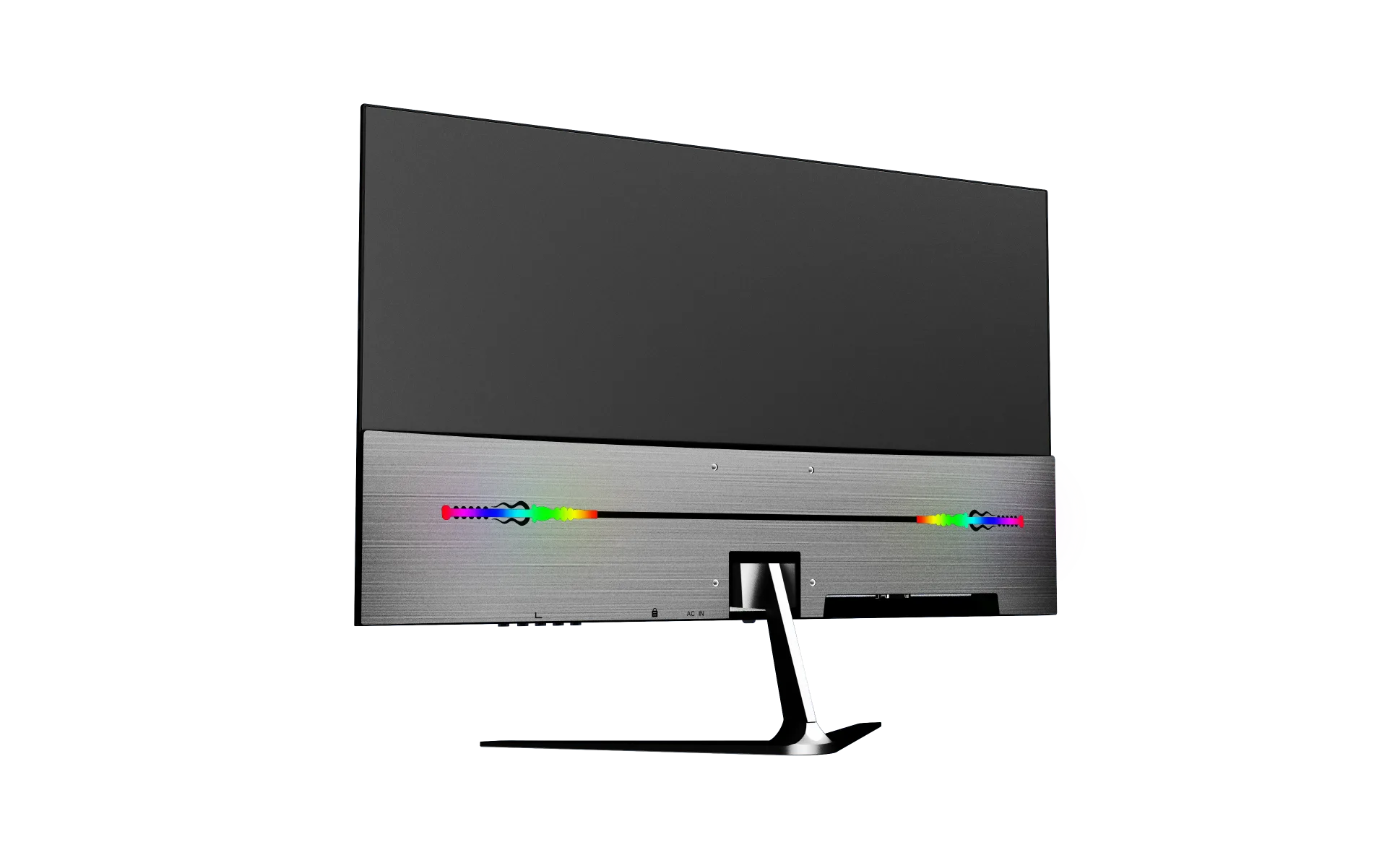
SKU: MOX22FF003
From specification to after-sales service
Our OEM workflow keeps the approved monitor specification, branding, packaging and quality requirements aligned from project confirmation through delivery and warranty support.
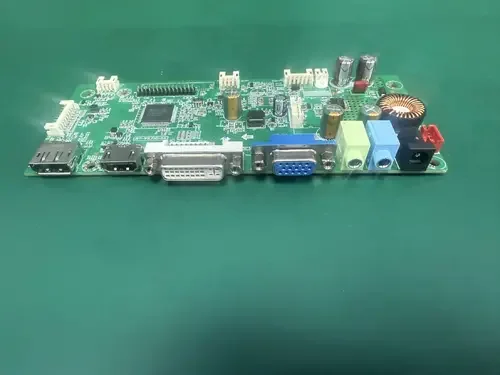
We confirm the panel, resolution, refresh rate, interfaces, housing, stand, firmware, destination market, order quantity and required delivery schedule before the quotation is finalized.
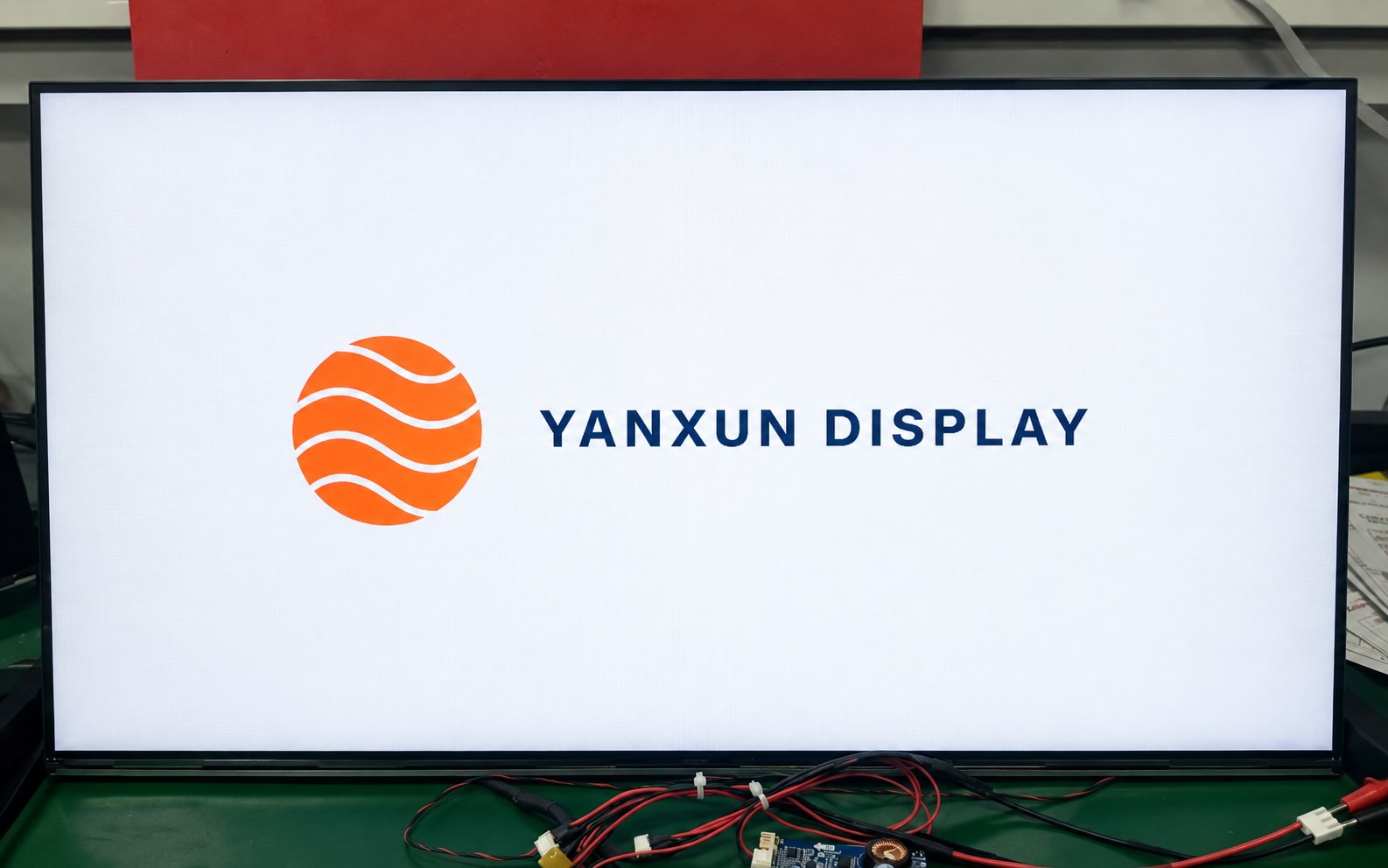
Your approved logo can be applied to the front bezel, rear housing and compatible boot-up firmware. Placement, size, color and production method are checked before mass production.
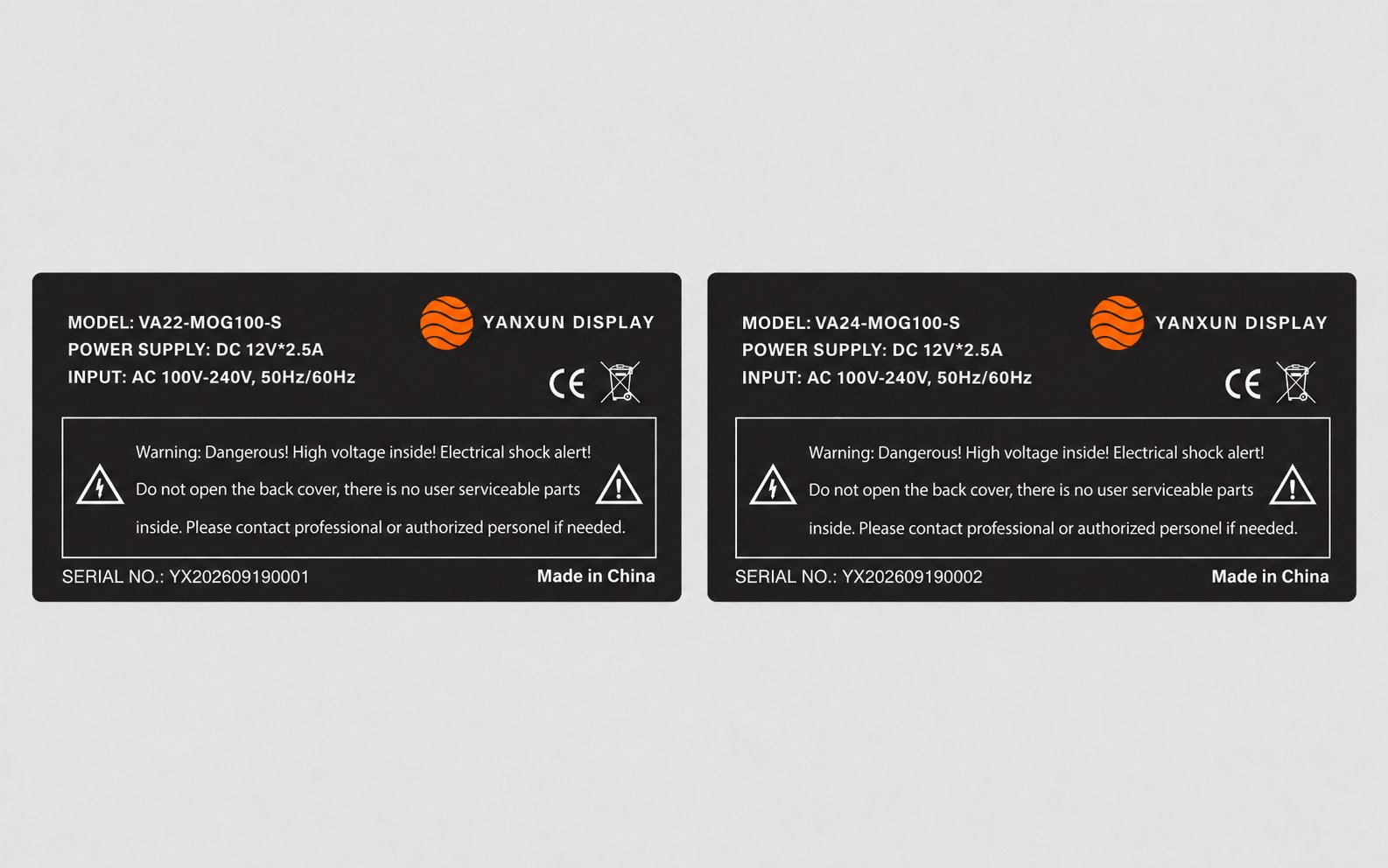
We prepare the model, electrical data, serial-number format, barcode, country of origin and approved compliance information for review before printing the rear rating label.
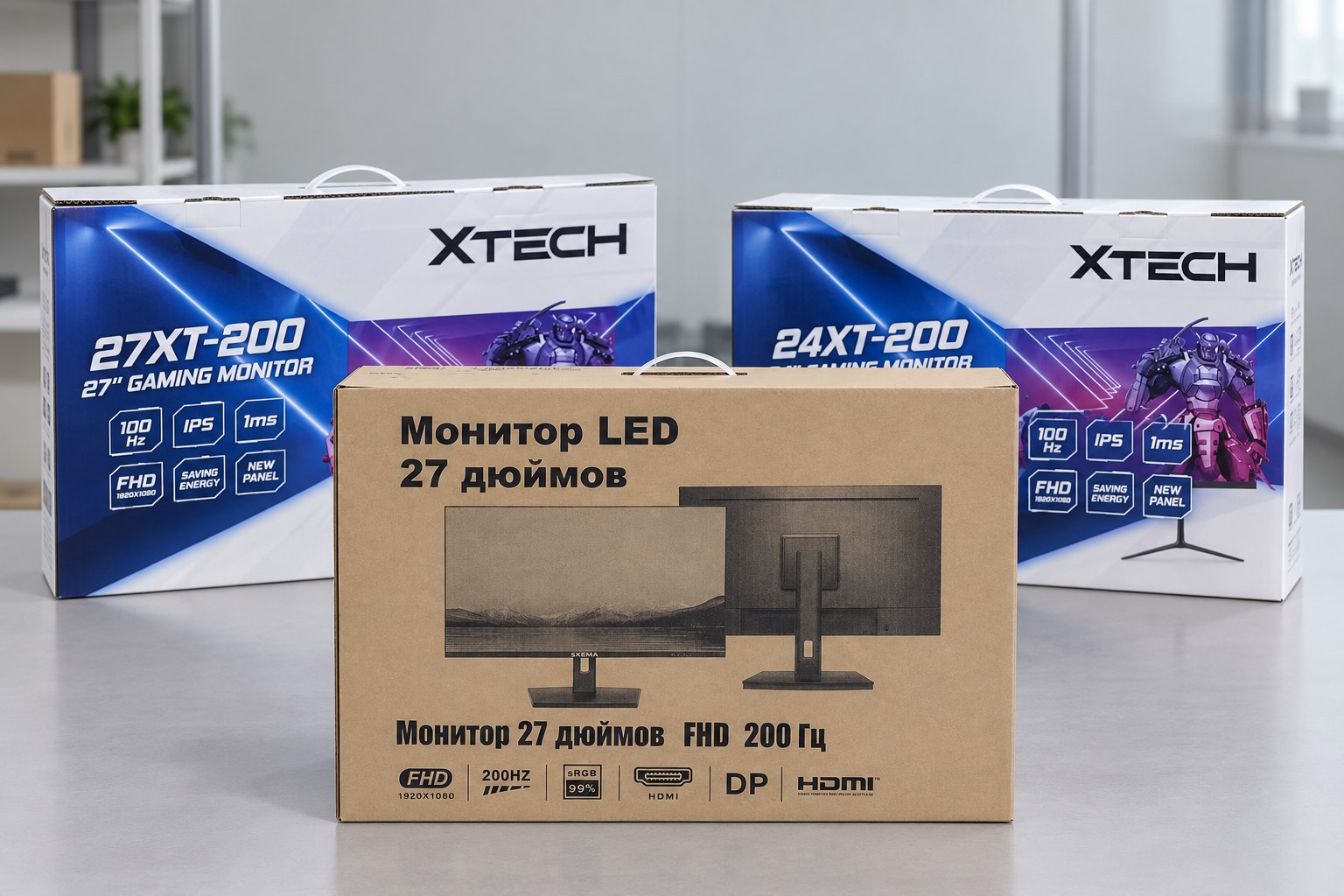
Choose a printed color box or a cost-efficient plain carton. We verify the artwork, model information, protective materials, barcode area and shipping marks before the full packaging run.
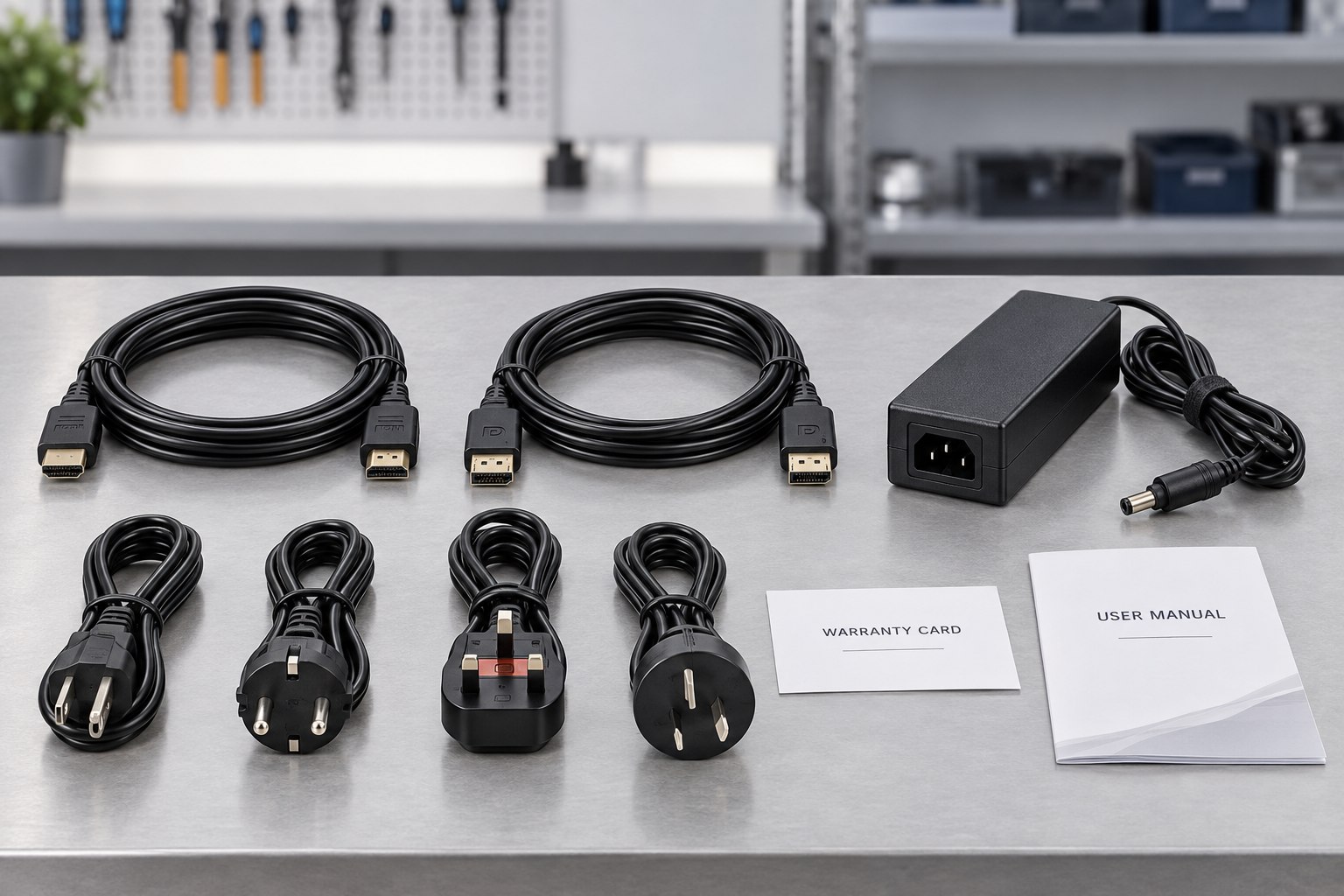
The approved bill of materials identifies the stand, adapter, regional power plug, HDMI or DisplayPort cable, manuals, warranty card and any market-specific accessories included with each unit.
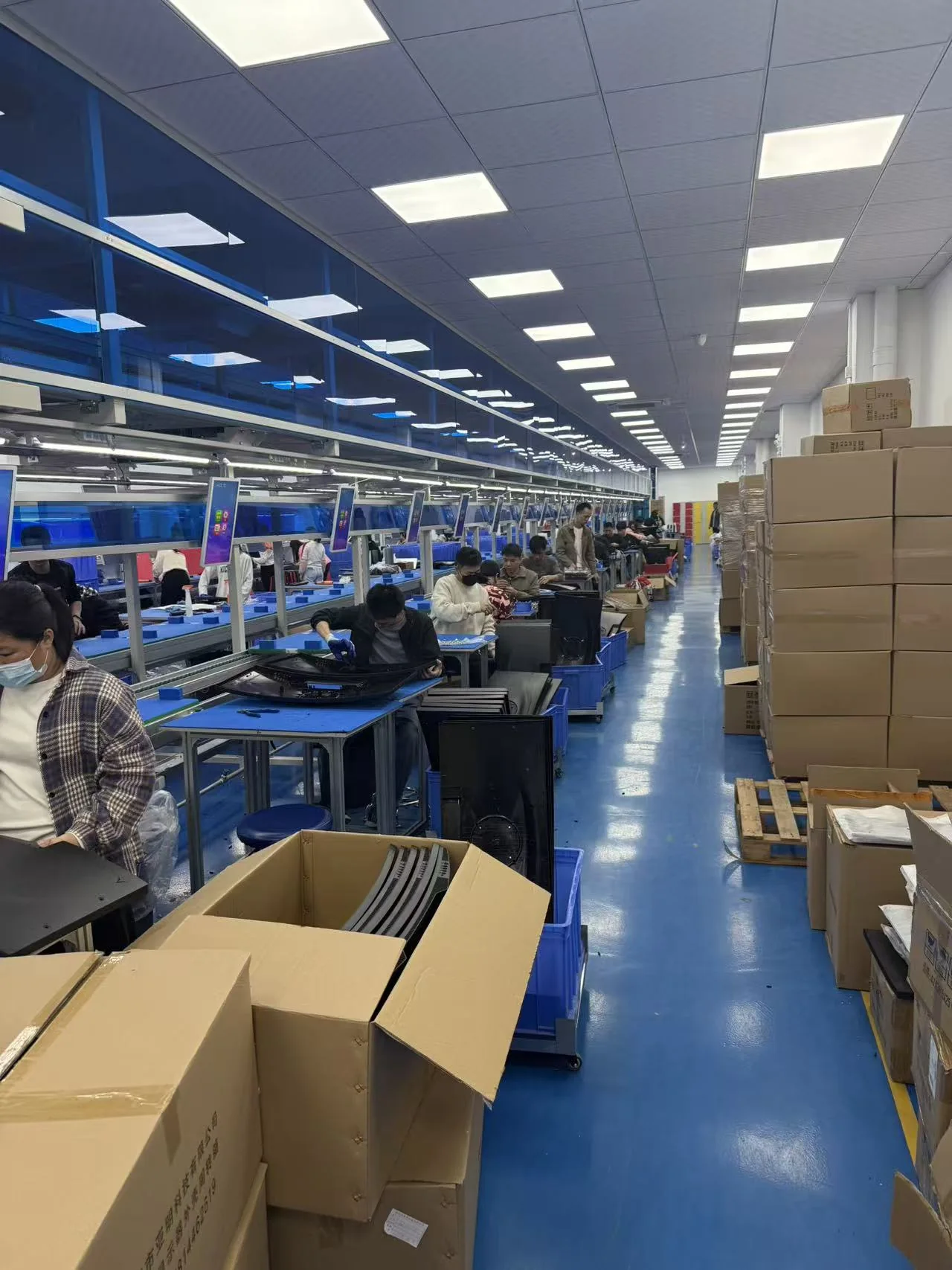
Approved materials and documents are released to the assembly team. Monitors are assembled and programmed according to the approved sample, bill of materials and controlled work instructions.
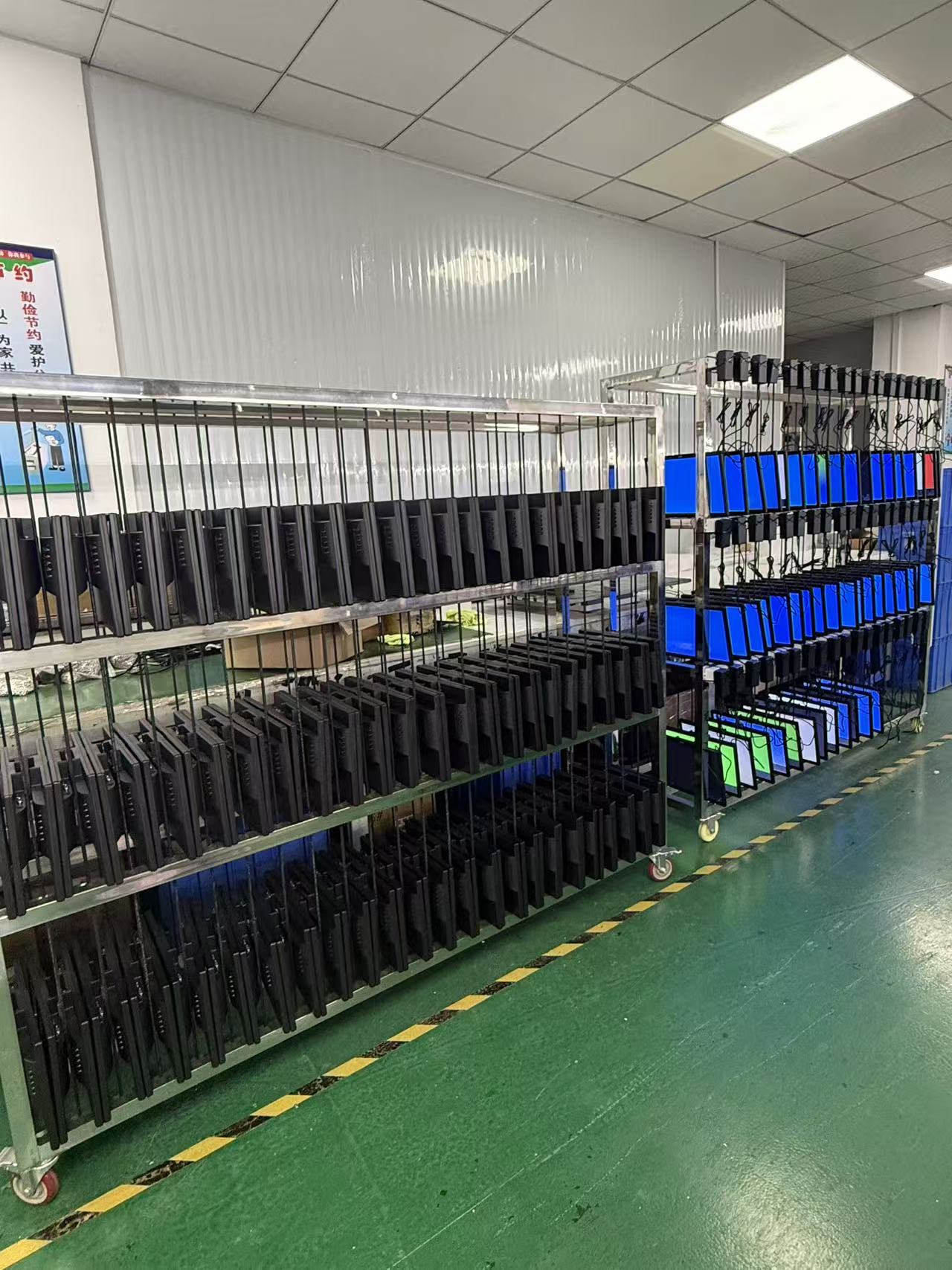
Finished monitors operate for an agreed period so the team can check power stability, image performance, signal input and other early-life issues before the units are released for packing.
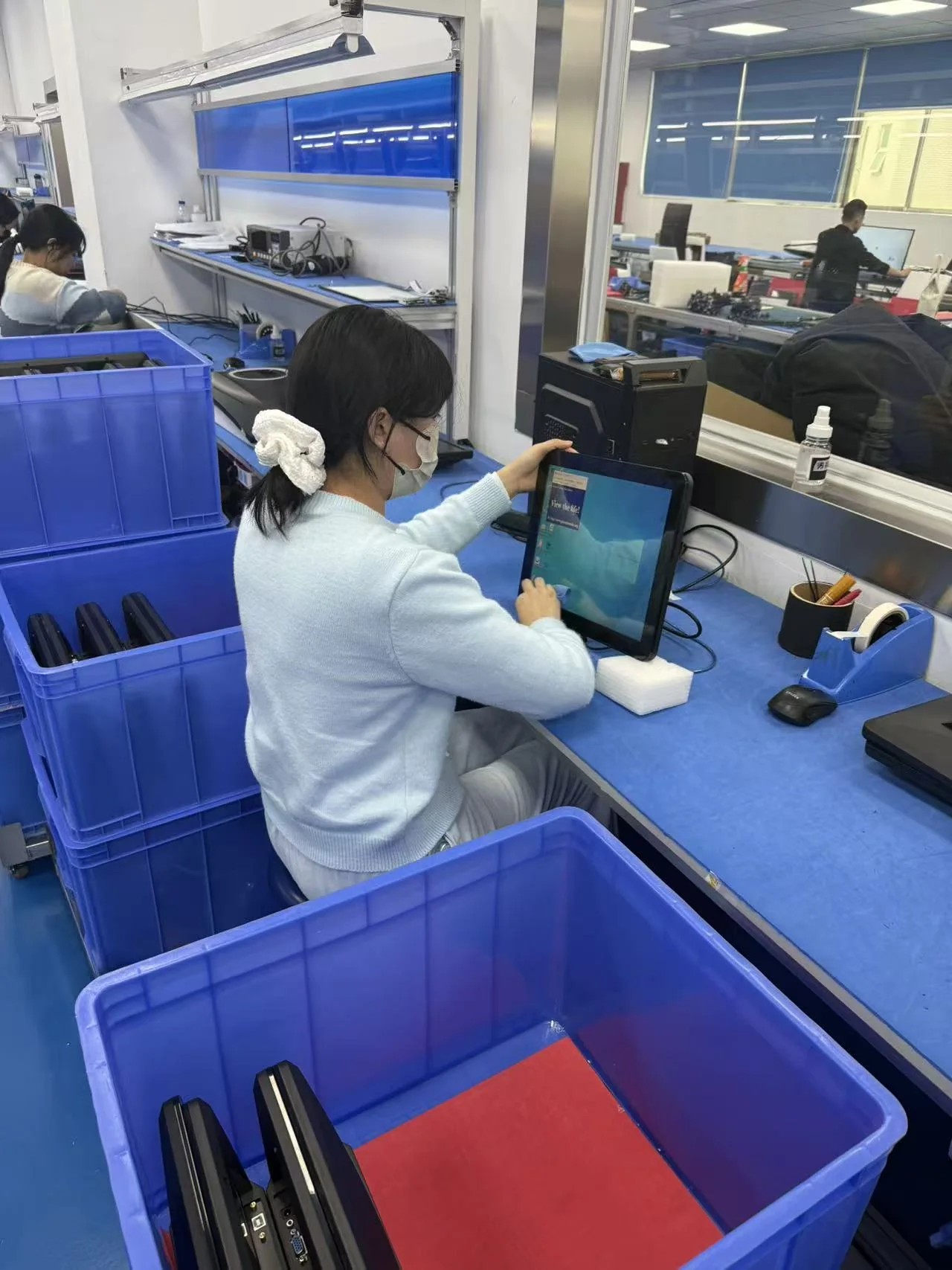
Quality control verifies appearance, screen condition, functions, ports, firmware, labels, accessories and packaging against the approved specification and order requirements.
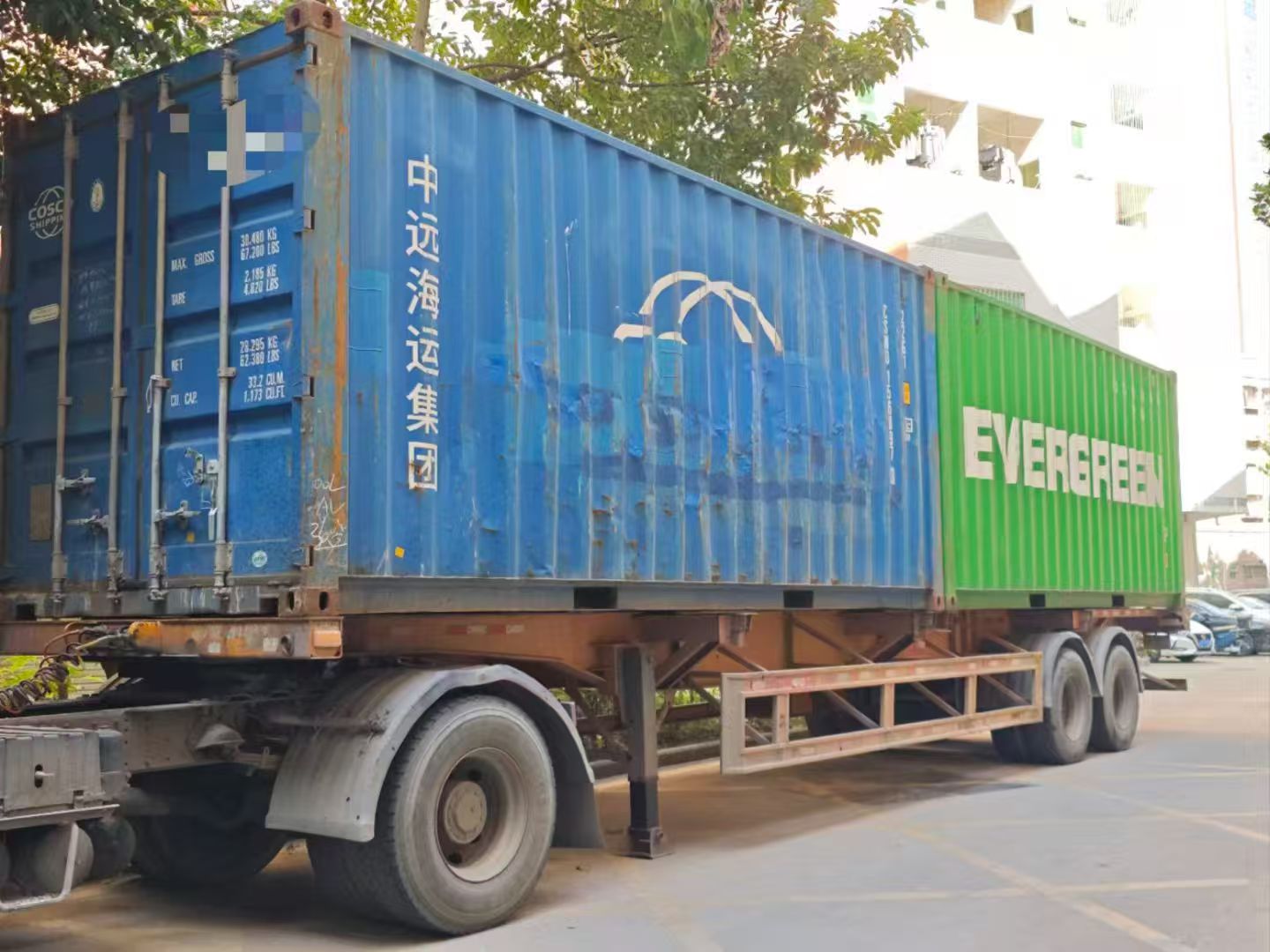
After the final inspection, we confirm carton marks, quantities, packing documents and the agreed Incoterm, then arrange LCL, FCL or another approved shipping method.
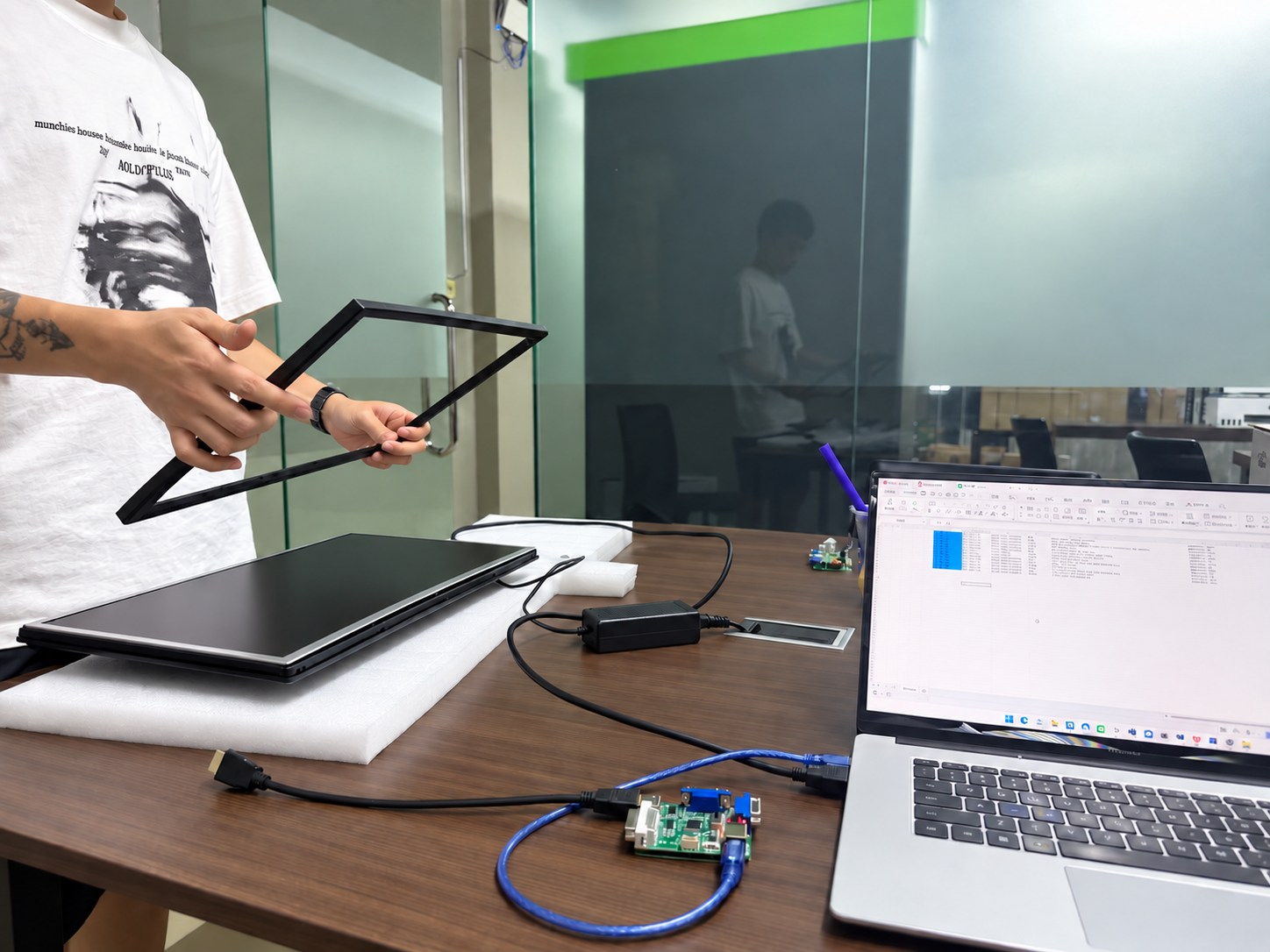
Our team records the model and order details, reviews reported issues and coordinates parts, remote guidance or agreed onsite support according to the project warranty terms.
See how Yanxun Display adapts controller boards, interfaces and firmware for project-specific requirements.
Your brand. Your market.
For a branded office monitor range, compliance planning starts with the countries where you will sell it. We can help prepare samples and product documents, coordinate testing and review applications under your company name where permitted. The selected monitor, power supply and destination determine the requirements.

Testing and documentation support for the applicable FCC equipment authorization route.

Support with applicable tests, technical documentation and the EU Declaration of Conformity.

Manufacturing-site registration support, brand and model documents, and coordination with your Indian representative.

Coordinate the applicable safety and EMC testing, documents and registration for your monitor configuration.

Help review HDMI licensing and compliance-testing requirements for the finished monitor and your brand.
The application holder and testing scope depend on the scheme and product. BIS registration is linked to the manufacturing site; HDMI involves licensing and product compliance. These marks identify the support available, rather than certification of every model.
Global distributor guide
Practical guidance for distributors comparing office monitor sizes, order quantities, panel types, stand materials and private-mold options.
A 22-inch monitor is more economical, but it provides a less comfortable viewing experience for extended use. We recommend this size for surveillance systems, where 24/7 operation is common. For these projects, we can use an MS light-guide plate to improve durability. The 24-inch and 27-inch sizes provide a more comfortable viewing experience and are becoming increasingly popular. Customers in price-sensitive markets such as Indonesia and the Philippines still purchase many 22-inch monitors because they better match end-user budgets.
For standard black LCD monitor and office monitor models, the MOQ can generally start at 50 pieces. White and other custom colors usually require a higher MOQ because of material preparation and production setup, generally at least 200 pieces. The final MOQ depends on the model, specifications and customization requirements.
IPS panels generally offer better color performance, wider viewing angles and faster response options, although some IPS glow or backlight bleed may be visible. VA panels usually provide higher native contrast and often show less visible glow or bleed. The best choice depends on the target market, office application and price position.
A metal stand is more robust and stable. A plastic stand is lighter and can reduce product weight and shipping costs for distributors. The final choice should balance stability, target retail price, carton size and freight cost.
Yes. For most projects, we recommend developing a private mold for the rear housing only rather than for the entire monitor enclosure. For 22- to 24-inch monitors, a rear-housing mold typically costs around USD 20,000. A complete monitor enclosure mold generally costs USD 80,000–120,000. The final tooling cost depends on the structure, number of molds, complexity and finish requirements.
The opening serves as a cable-management channel. HDMI cables, DisplayPort cables, computer power cords and speaker signal cables can pass through it, keeping the desktop tidy and reducing cable clutter.
OEM / ODM inquiry
Share your workplace application, preferred screen size and order quantity. Add any requirements for stands, connections, housing colors or private-label packaging to help us review your office monitor order.