
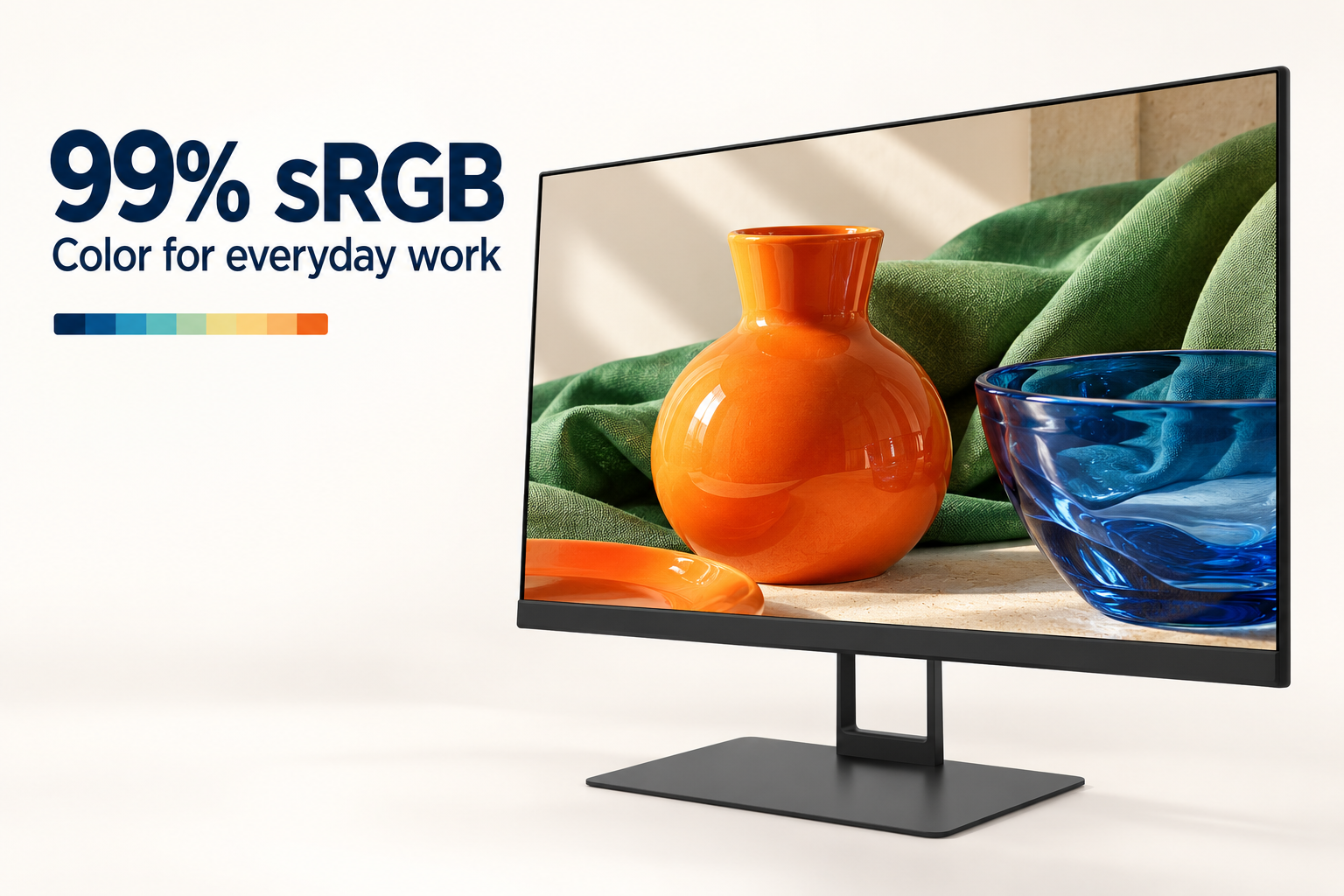
99% sRGB Color Gamut
With 99% sRGB color gamut coverage, the Core Series brings rich color to everyday office tasks, photos and video content. Enjoy a colorful viewing experience in a compact 22-inch-class display.
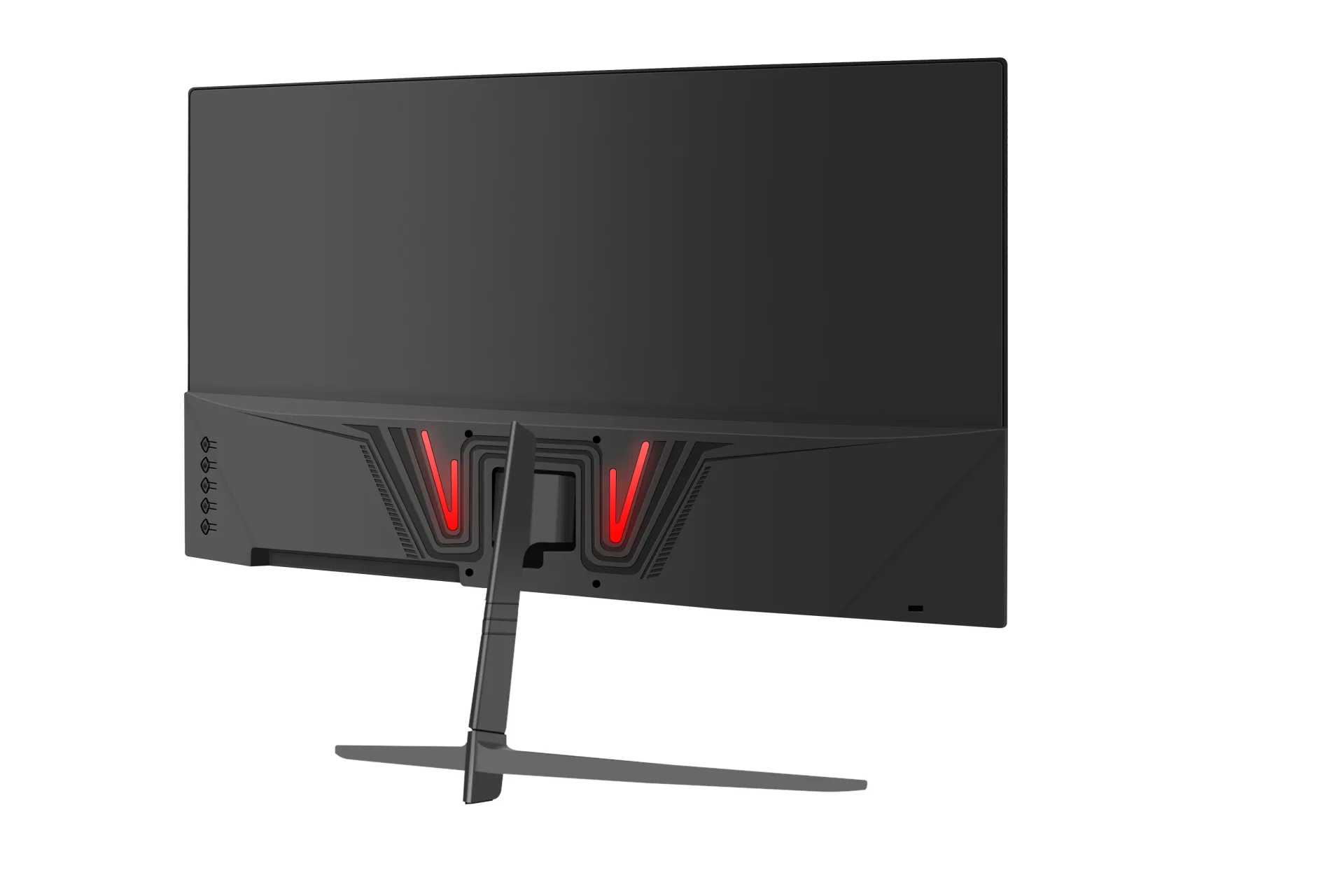
SKU: MOX22FF005
With 99% sRGB color gamut coverage, the Core Series brings rich color to everyday office tasks, photos and video content. Enjoy a colorful viewing experience in a compact 22-inch-class display.
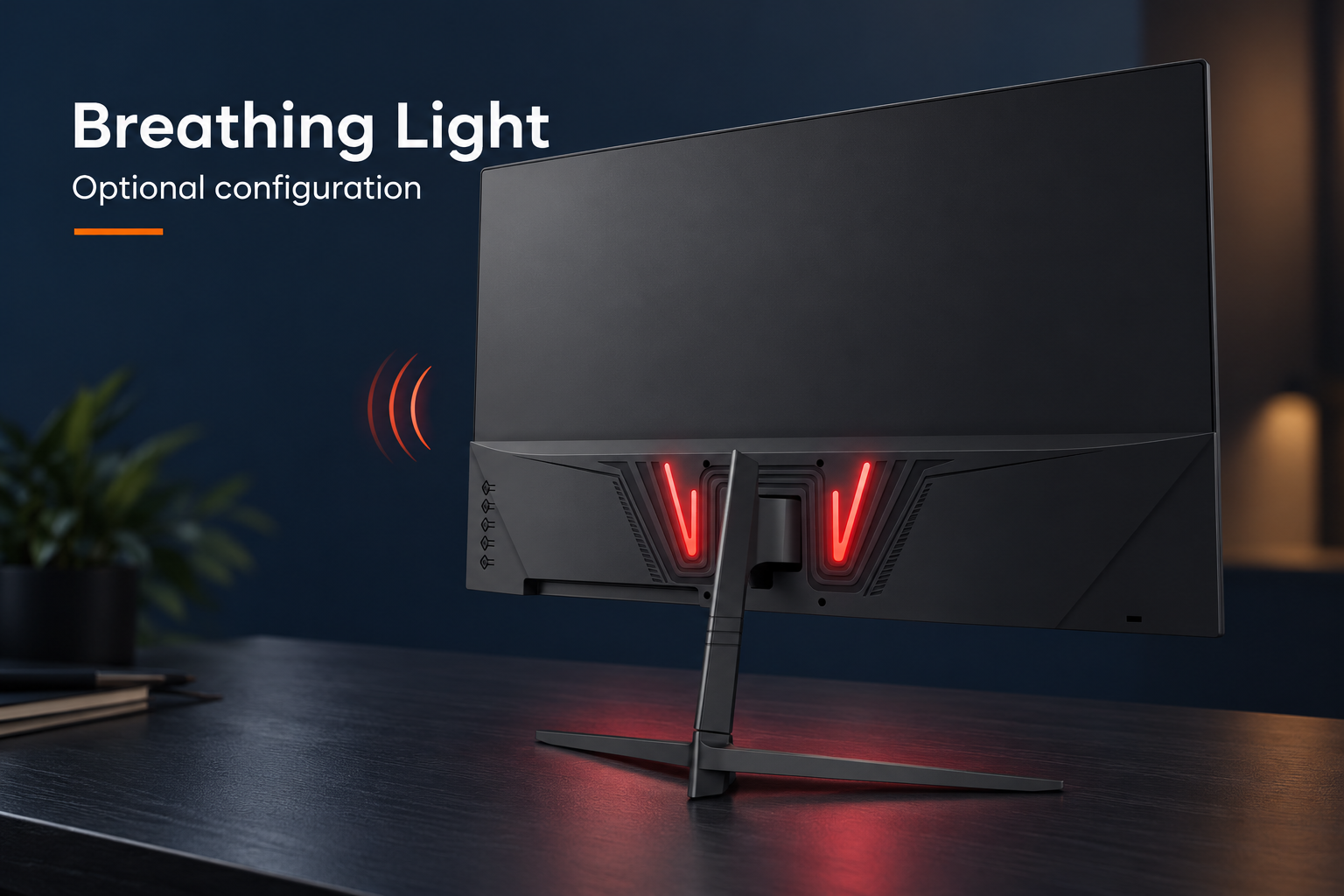
Add a distinctive touch to your workspace with the optional rear breathing light. The light accents on the back of the monitor gently brighten and dim for a subtle visual effect. This feature is available as an optional configuration.
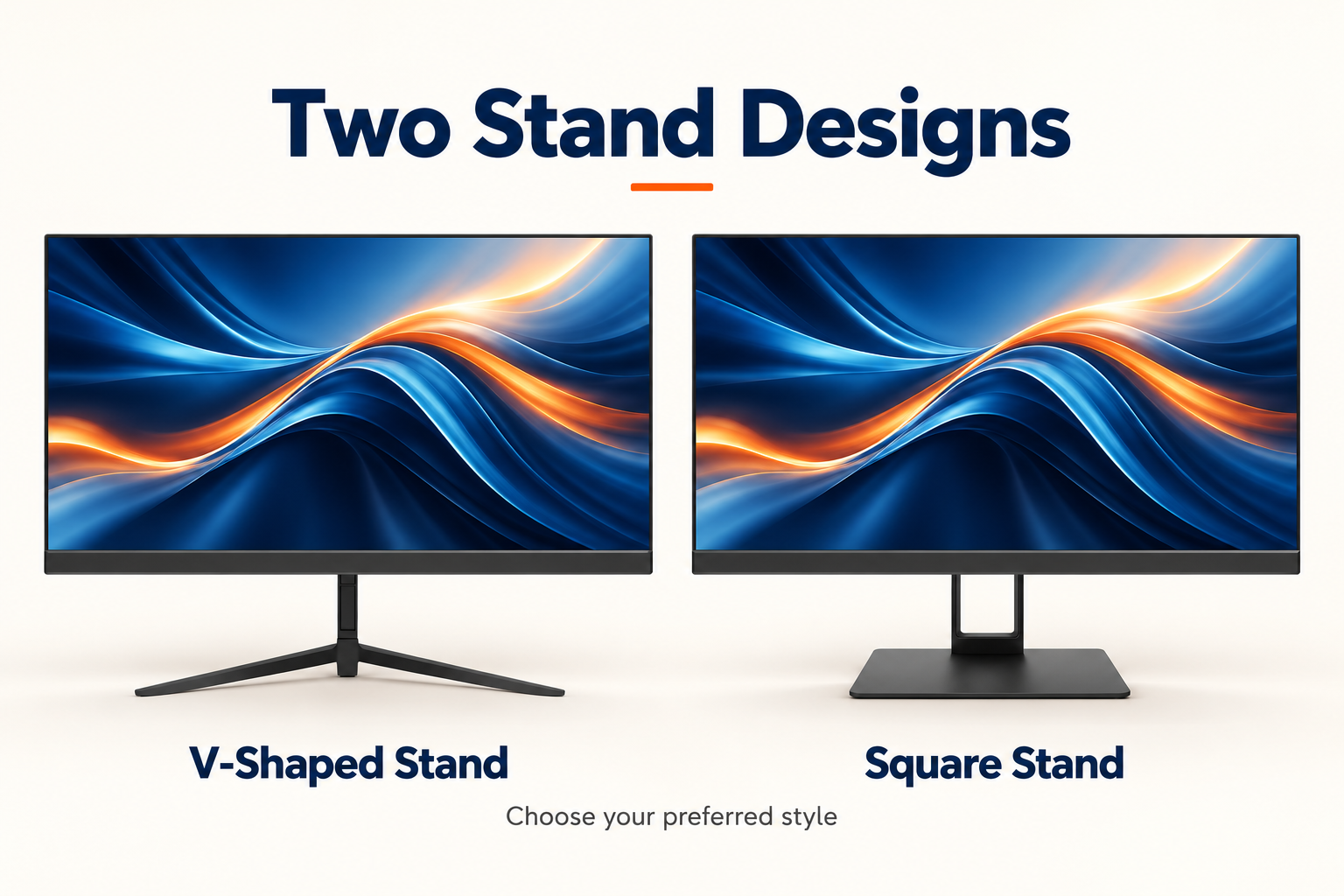
Choose between two metal stand designs to suit your workspace: a V-shaped stand with slim, spread-out feet or a square-base stand with a clean, compact look. Select your preferred stand style when configuring your order.
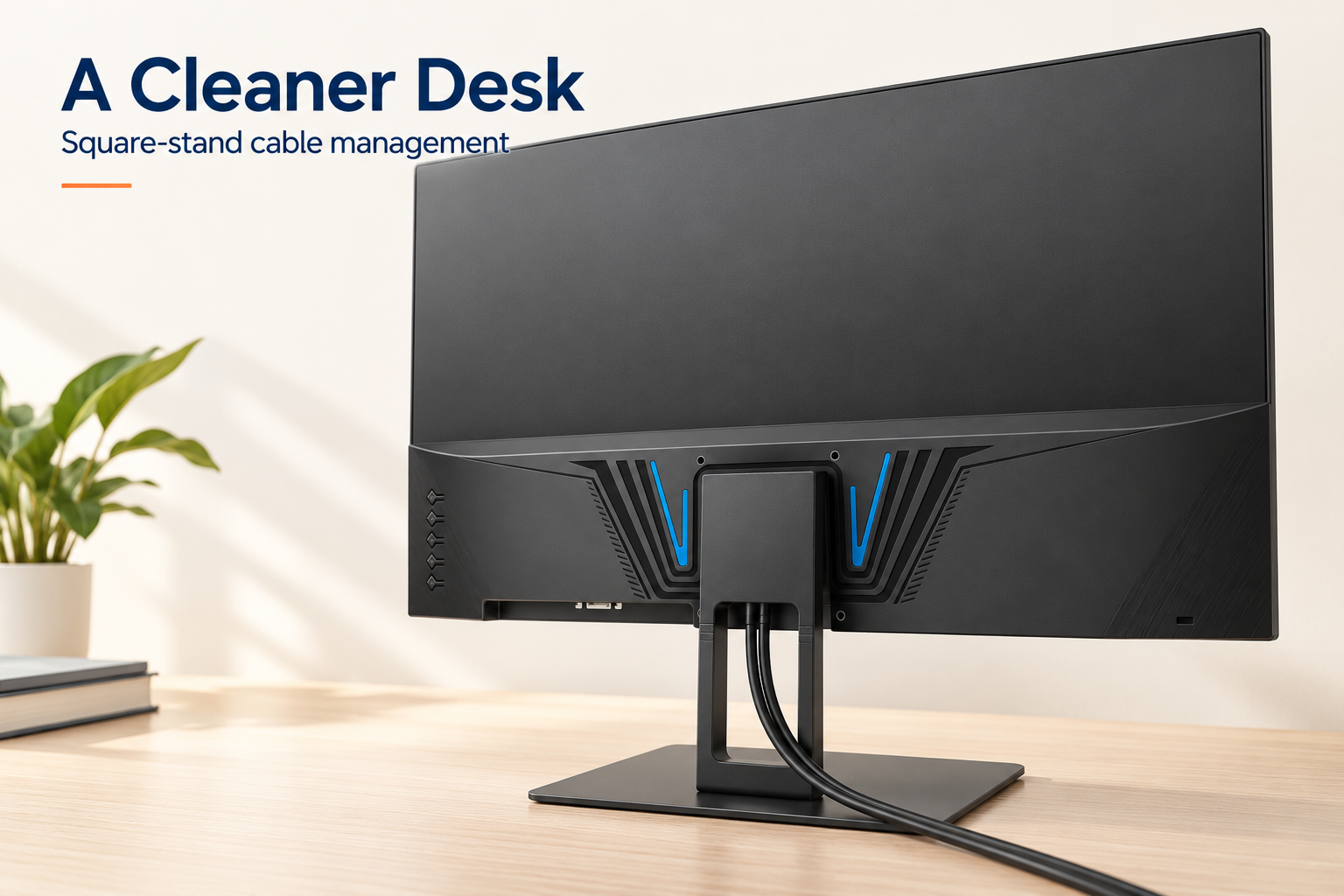
The square stand includes an open cable-routing space to help keep your monitor cables together. Guide the cables through the stand to reduce loose wires around the base and keep your desktop cleaner and more organized.
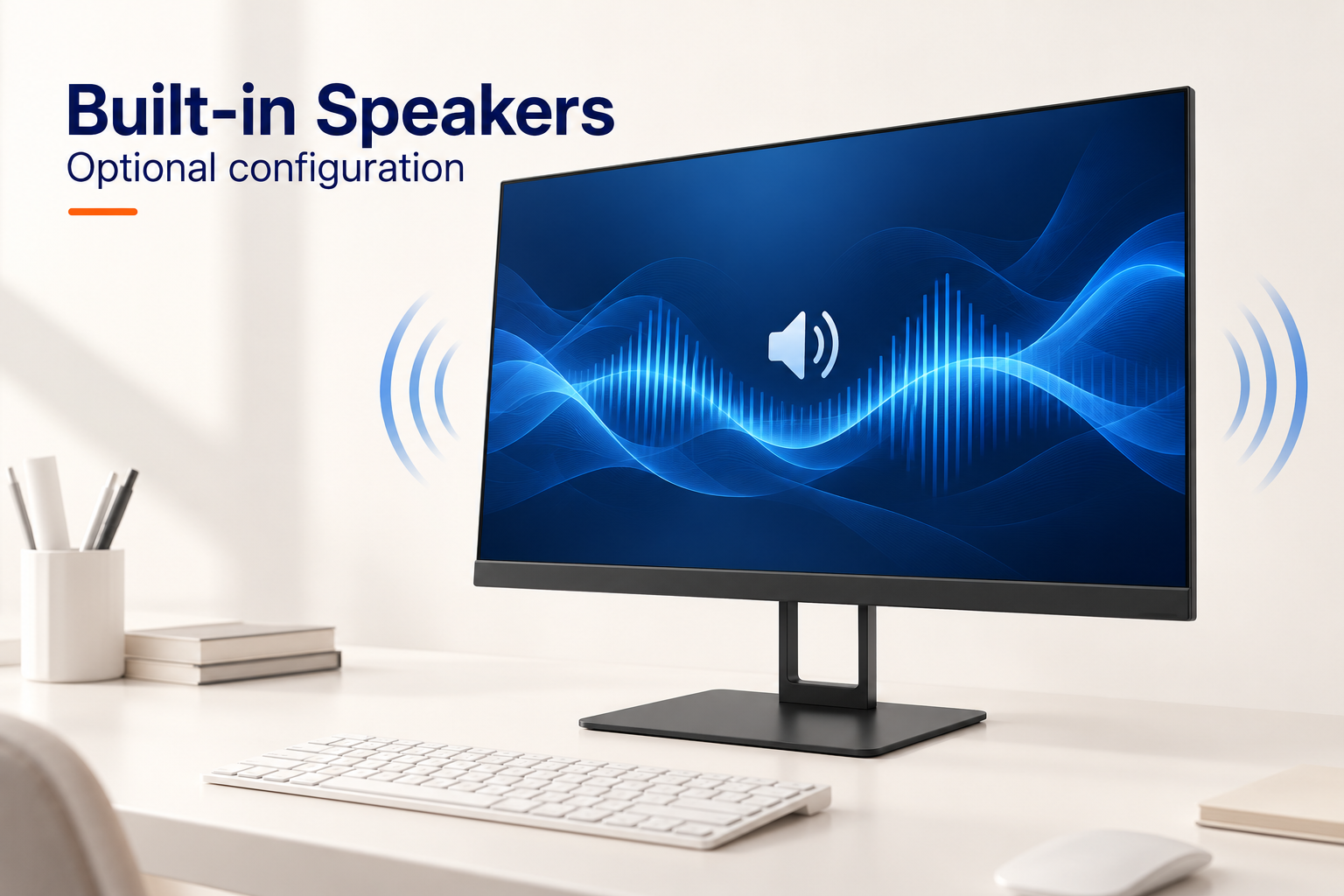
Choose the optional built-in speakers for convenient audio during everyday work, online learning and video playback. Integrated audio helps save desk space by reducing the need for separate desktop speakers. Speaker configuration can be confirmed when placing your order.
From specification to after-sales service
Our OEM workflow keeps the approved monitor specification, branding, packaging and quality requirements aligned from project confirmation through delivery and warranty support.
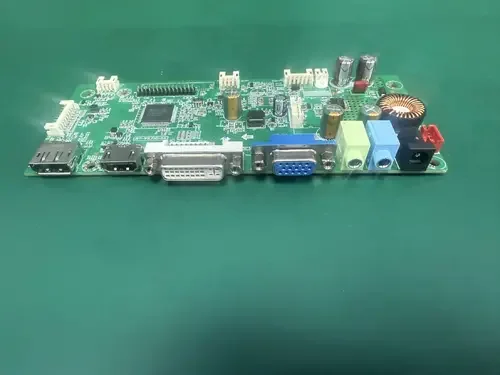
We confirm the panel, resolution, refresh rate, interfaces, housing, stand, firmware, destination market, order quantity and required delivery schedule before the quotation is finalized.
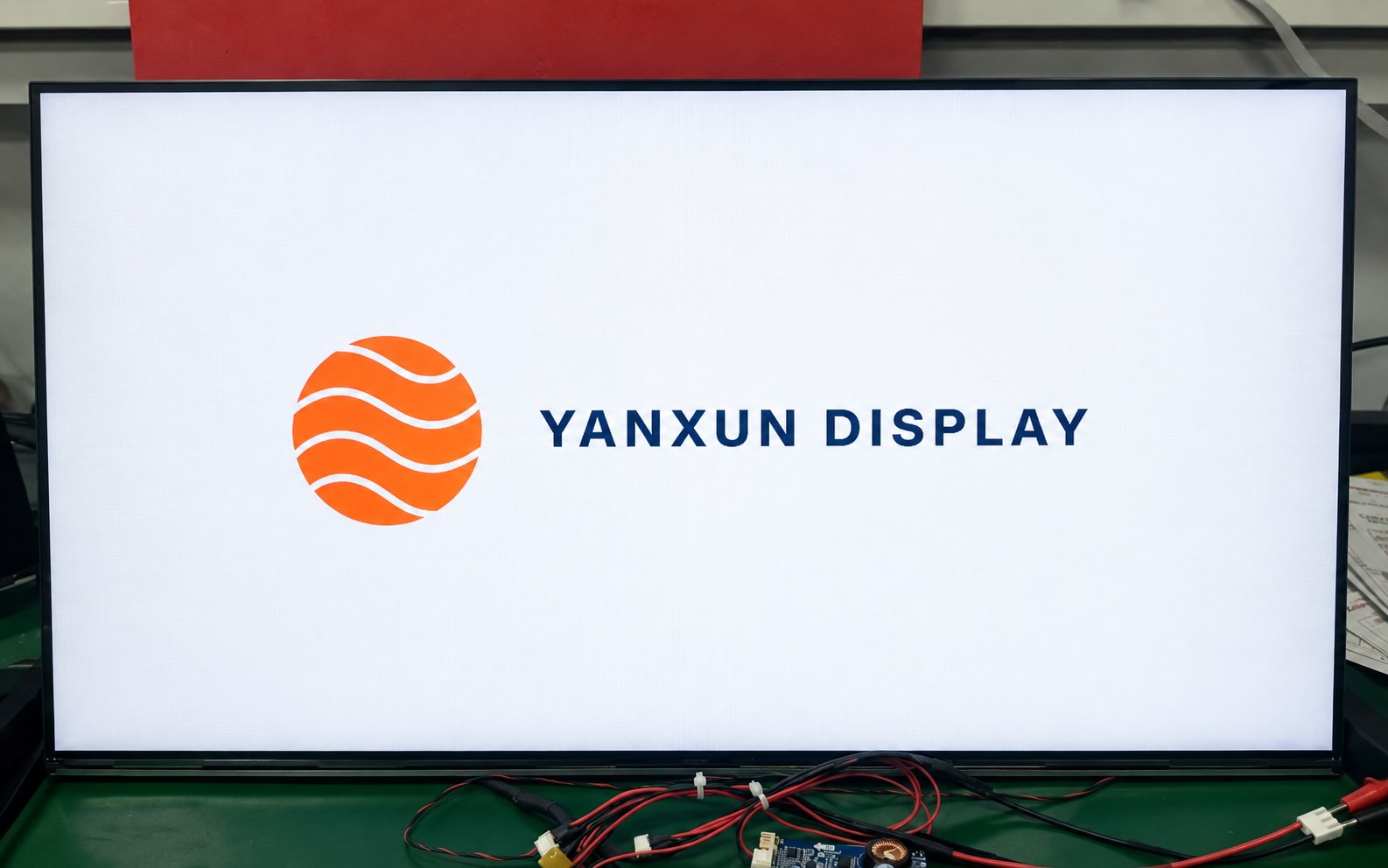
Your approved logo can be applied to the front bezel, rear housing and compatible boot-up firmware. Placement, size, color and production method are checked before mass production.
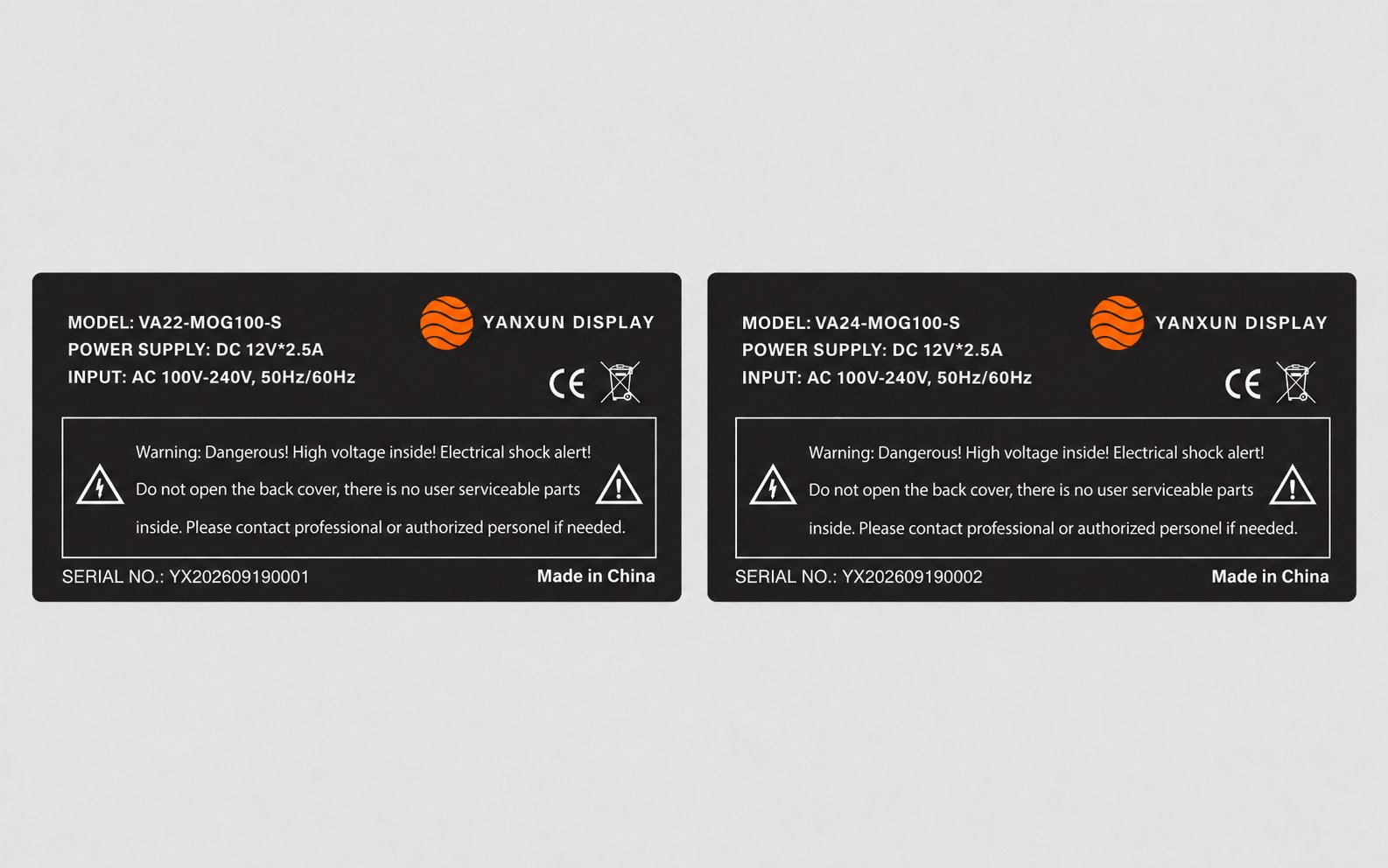
We prepare the model, electrical data, serial-number format, barcode, country of origin and approved compliance information for review before printing the rear rating label.
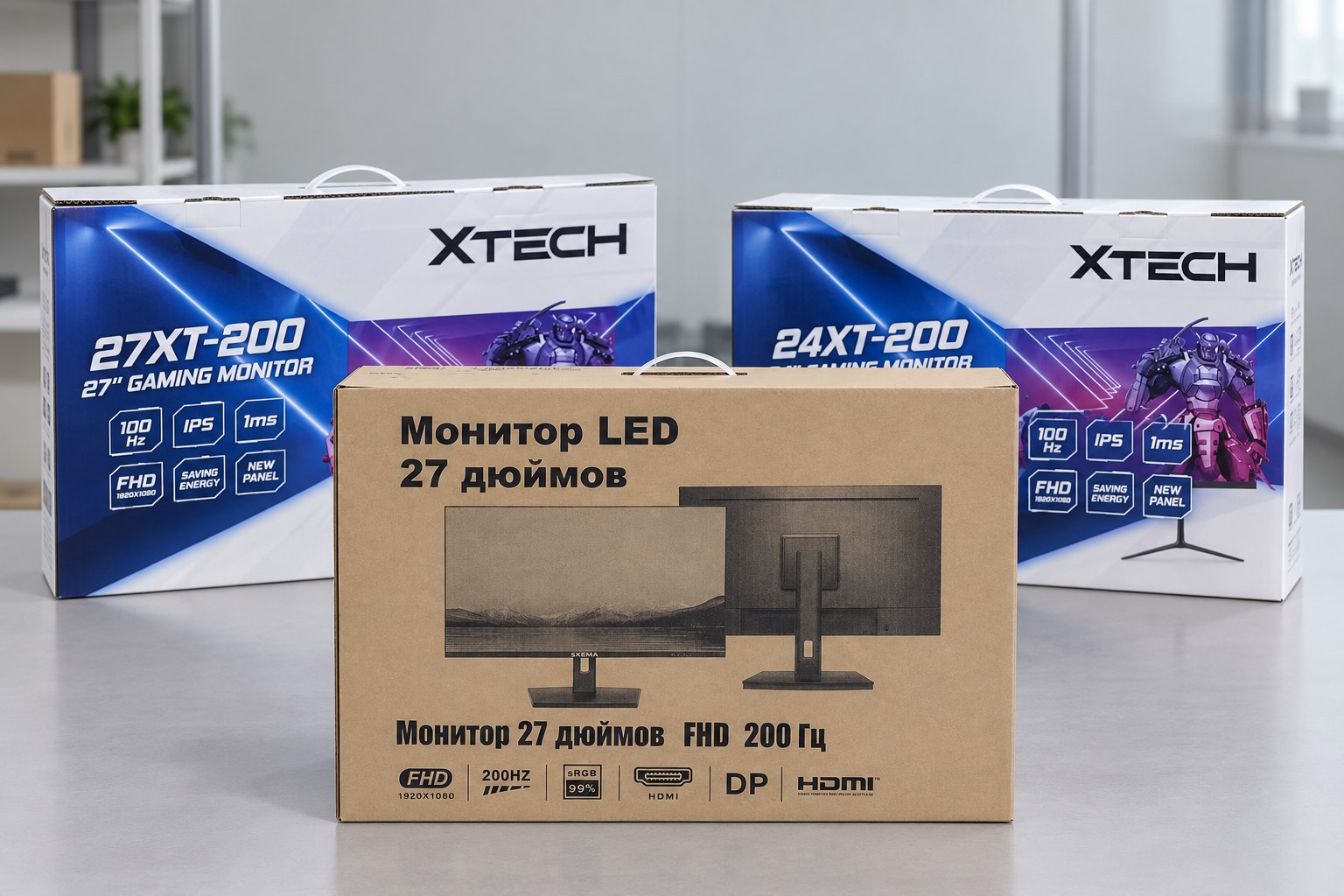
Choose a printed color box or a cost-efficient plain carton. We verify the artwork, model information, protective materials, barcode area and shipping marks before the full packaging run.
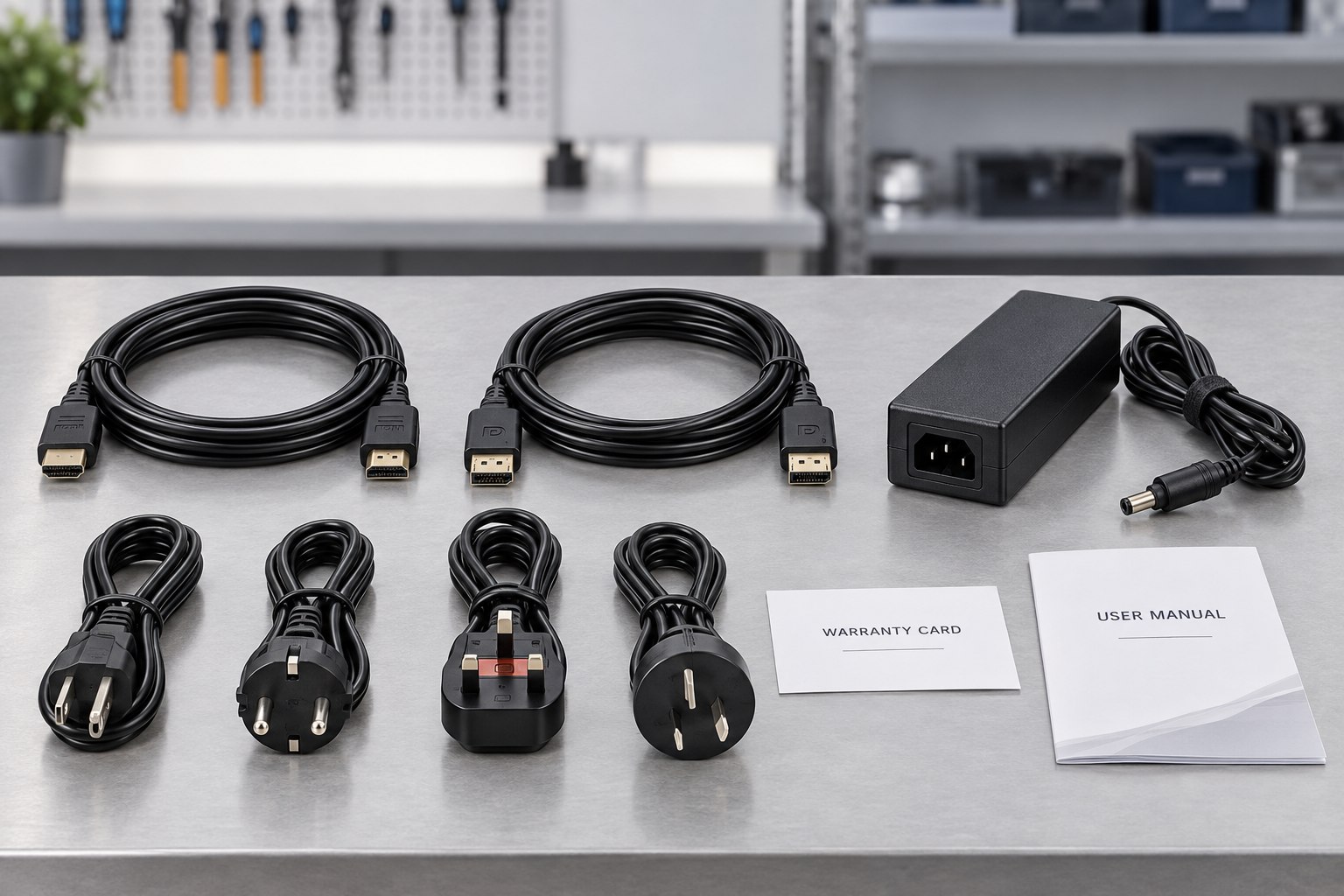
The approved bill of materials identifies the stand, adapter, regional power plug, HDMI or DisplayPort cable, manuals, warranty card and any market-specific accessories included with each unit.
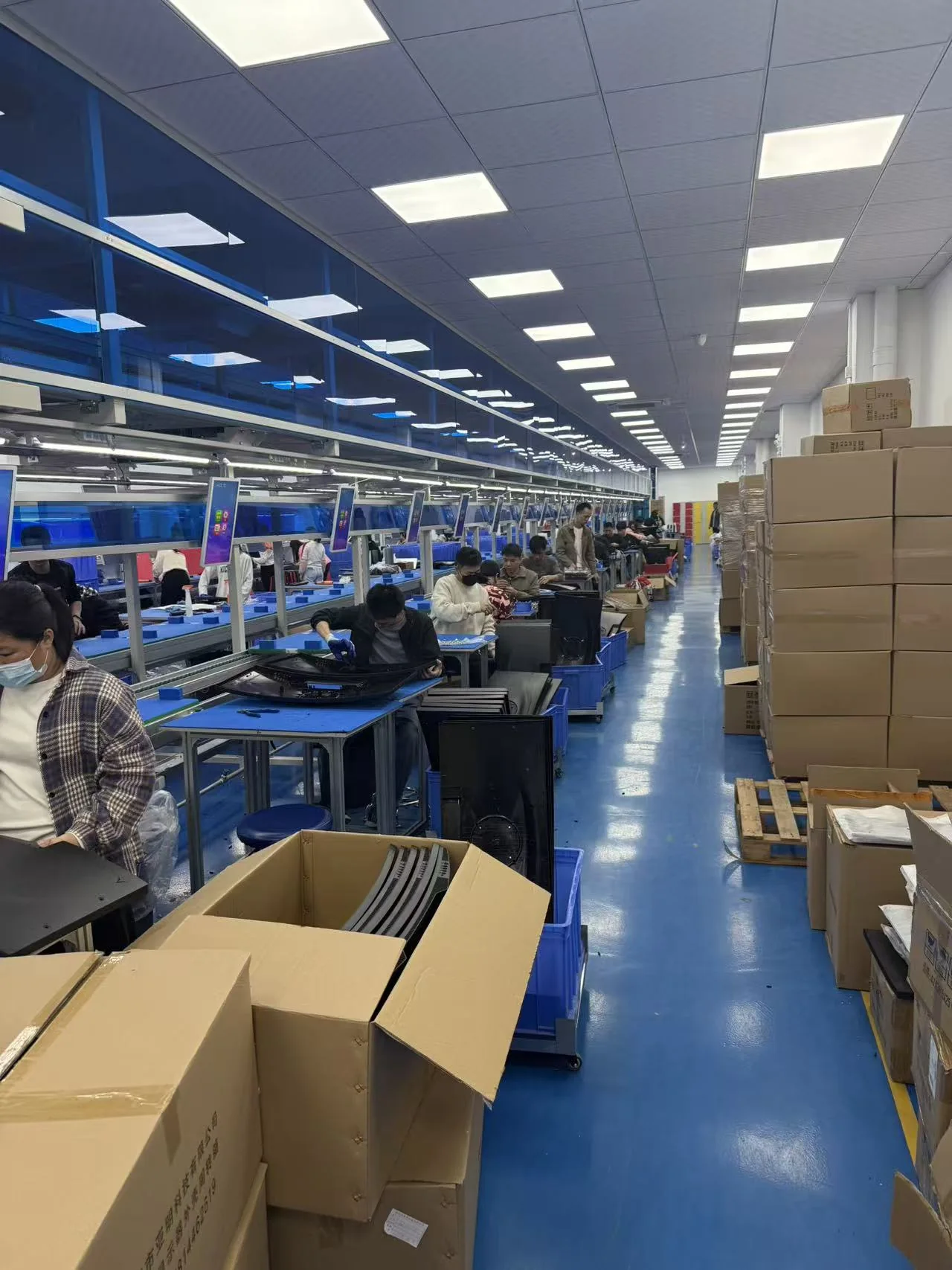
Approved materials and documents are released to the assembly team. Monitors are assembled and programmed according to the approved sample, bill of materials and controlled work instructions.
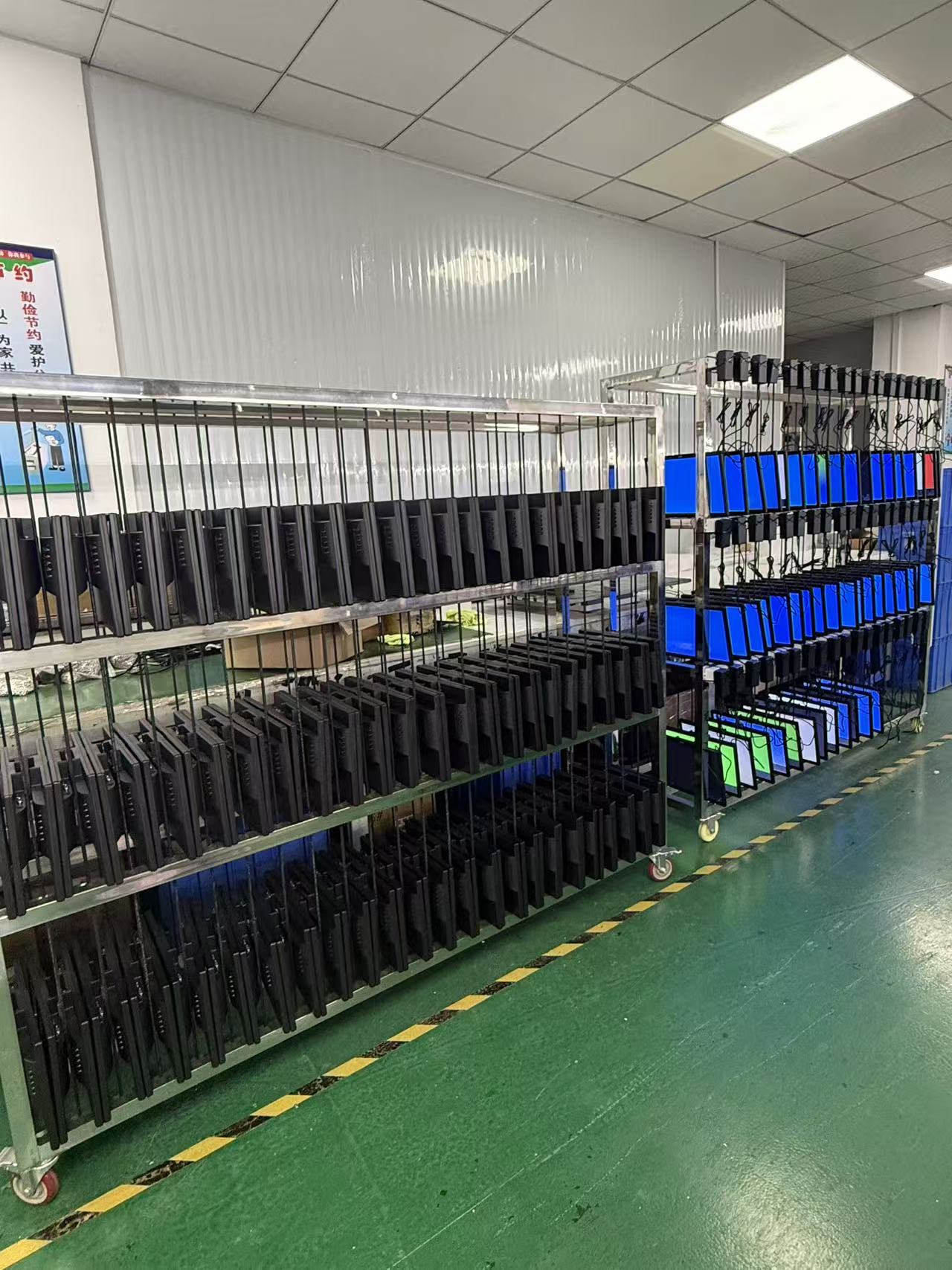
Finished monitors operate for an agreed period so the team can check power stability, image performance, signal input and other early-life issues before the units are released for packing.
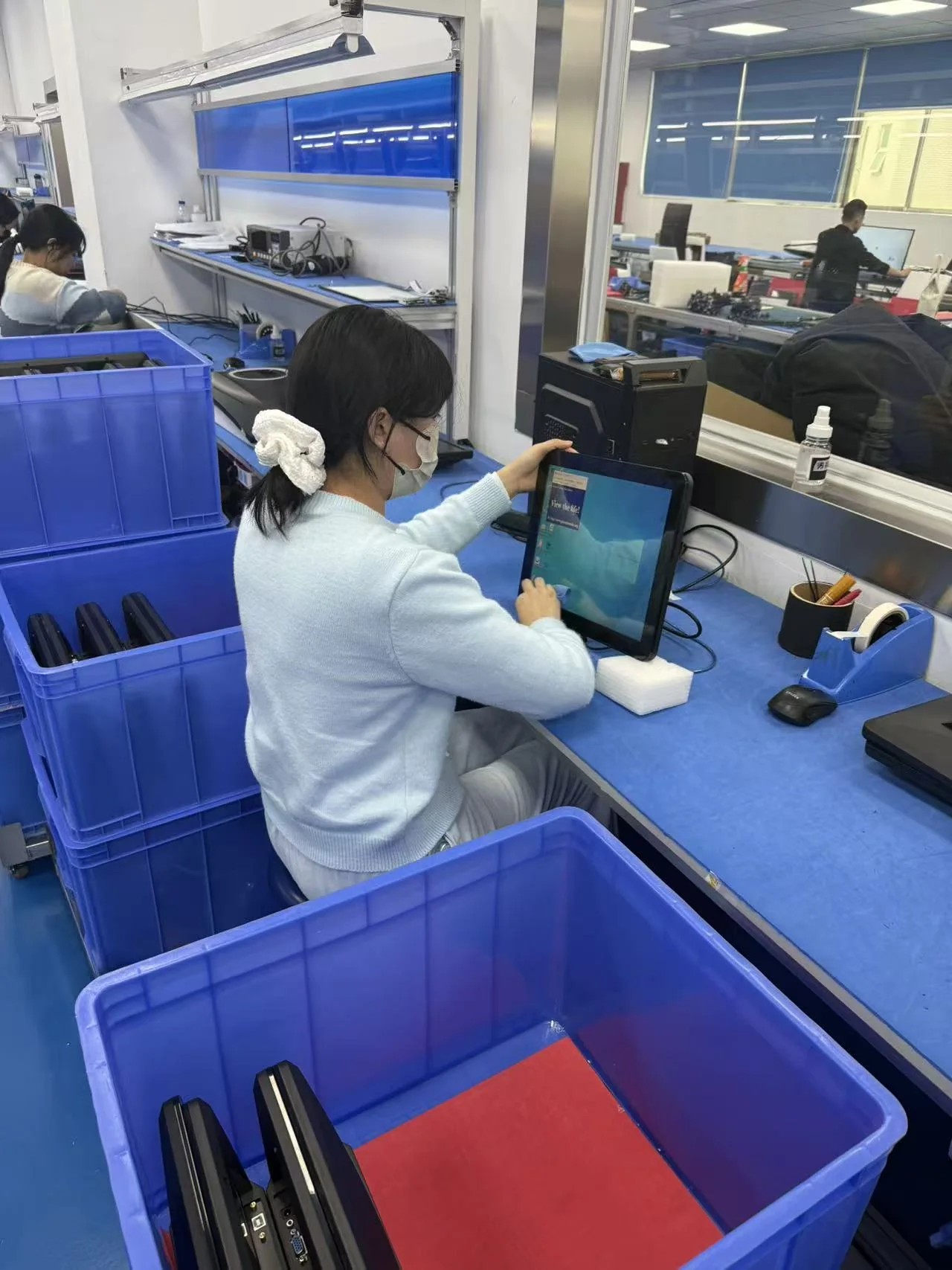
Quality control verifies appearance, screen condition, functions, ports, firmware, labels, accessories and packaging against the approved specification and order requirements.

After the final inspection, we confirm carton marks, quantities, packing documents and the agreed Incoterm, then arrange LCL, FCL or another approved shipping method.
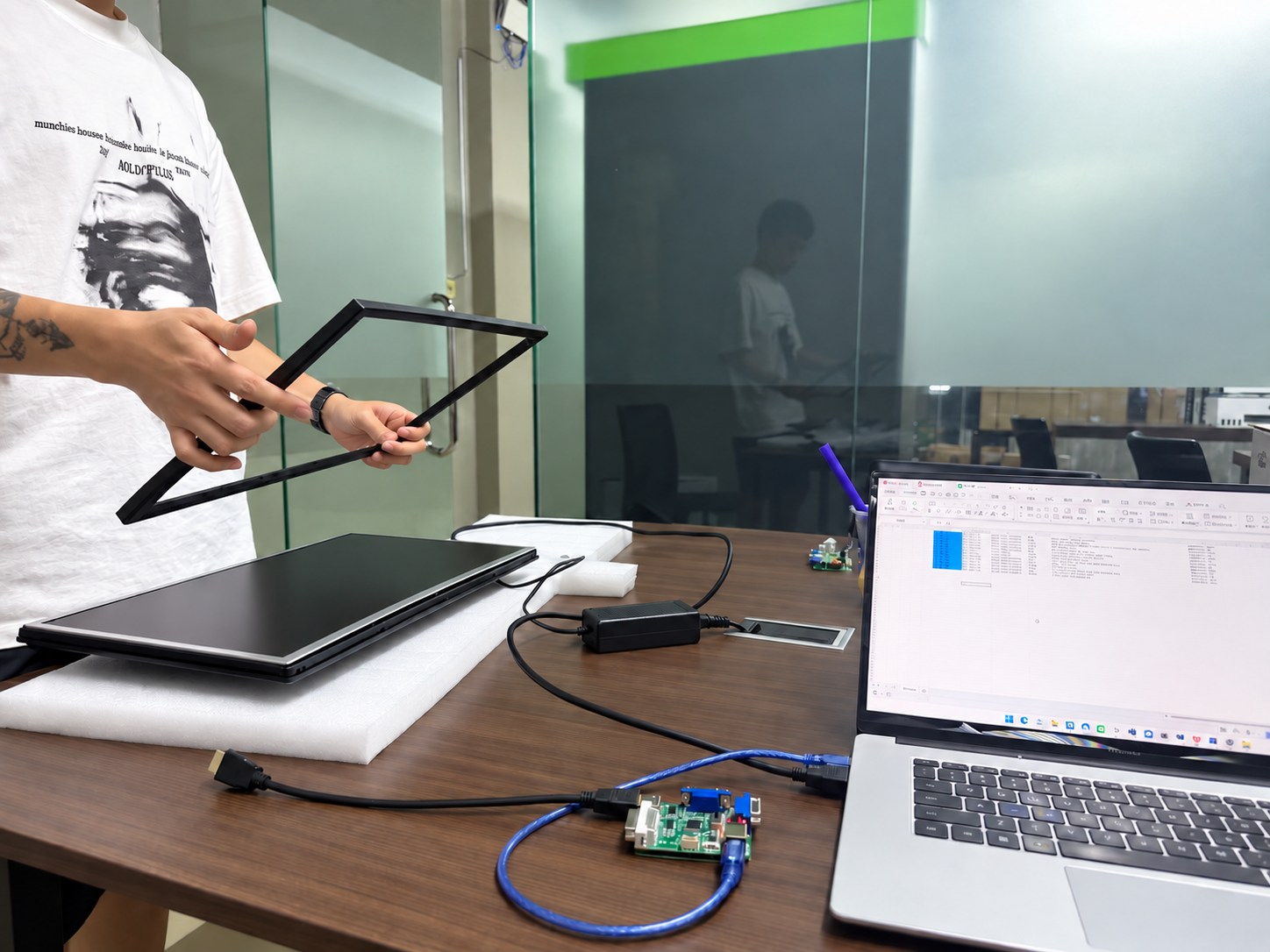
Our team records the model and order details, reviews reported issues and coordinates parts, remote guidance or agreed onsite support according to the project warranty terms.
See how Yanxun Display adapts controller boards, interfaces and firmware for project-specific requirements.
Ordering and customization
Key information about samples, production, customization, shipment and payment for OEM monitor orders.
We generally recommend it for security monitoring setups, because it only has a rough diagnal size at 54.60 cm. For gaming, we recommend a 27 inch monitor or larger for a more immersive experience.
For standard black LCD monitor and office monitor models, the MOQ can generally start at 50 pieces. White and other custom colors usually require a higher MOQ because of material preparation and production setup, generally at least 200 pieces. The final MOQ depends on the model, specifications and customization requirements.
IPS panels generally offer better color performance, wider viewing angles and faster response options, although some IPS glow or backlight bleed may be visible. VA panels usually provide higher native contrast and often show less visible glow or bleed. The best choice depends on the target market, office application and price position.
This monitor supports two kinds of metal stands. V shape and square shape