
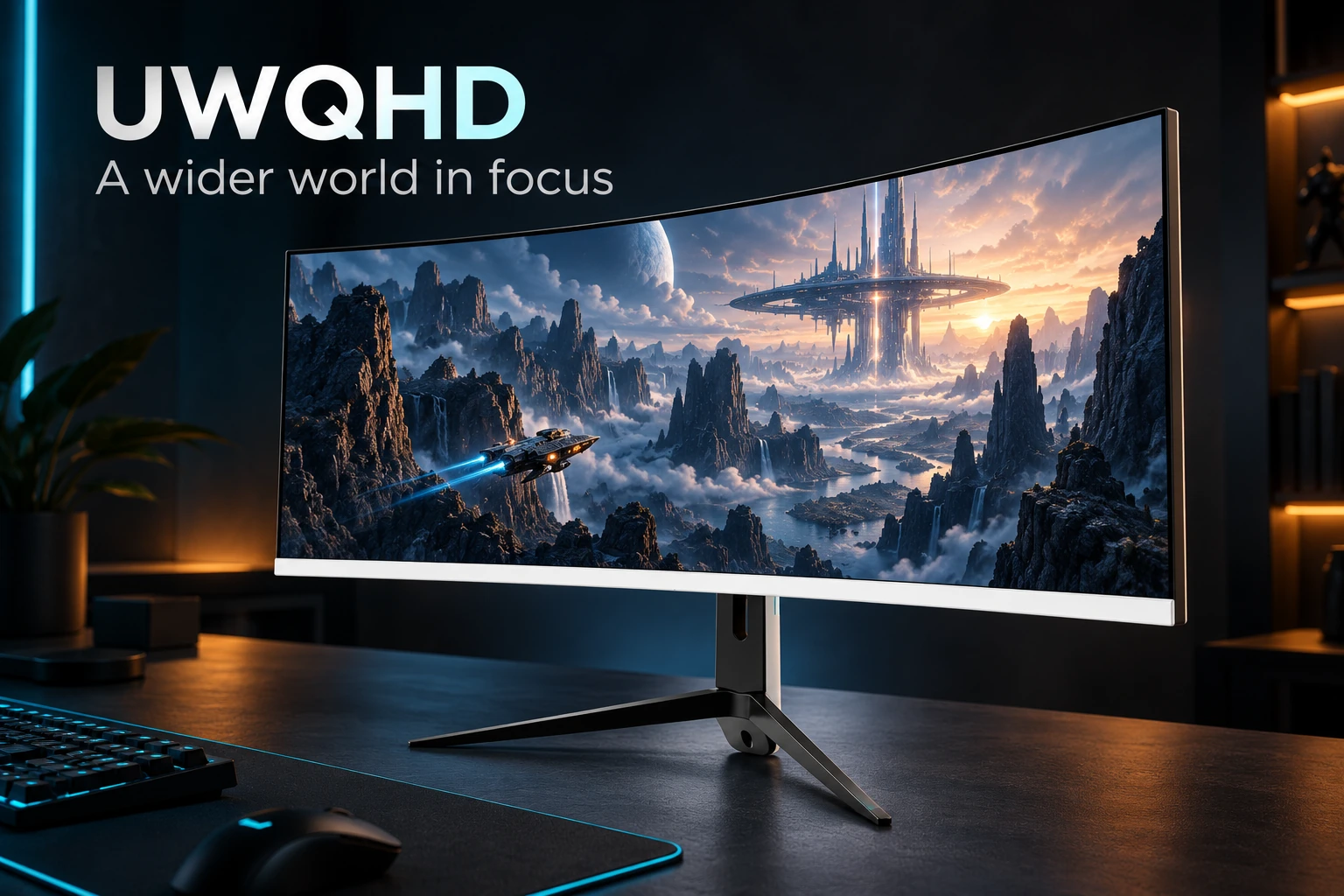
A wider world, in UWQHD
Explore more of each scene on a 34-inch UWQHD display. The wide screen gives fine details room to stand out, while the 1800R curve draws the edges gently toward you for a more connected view.
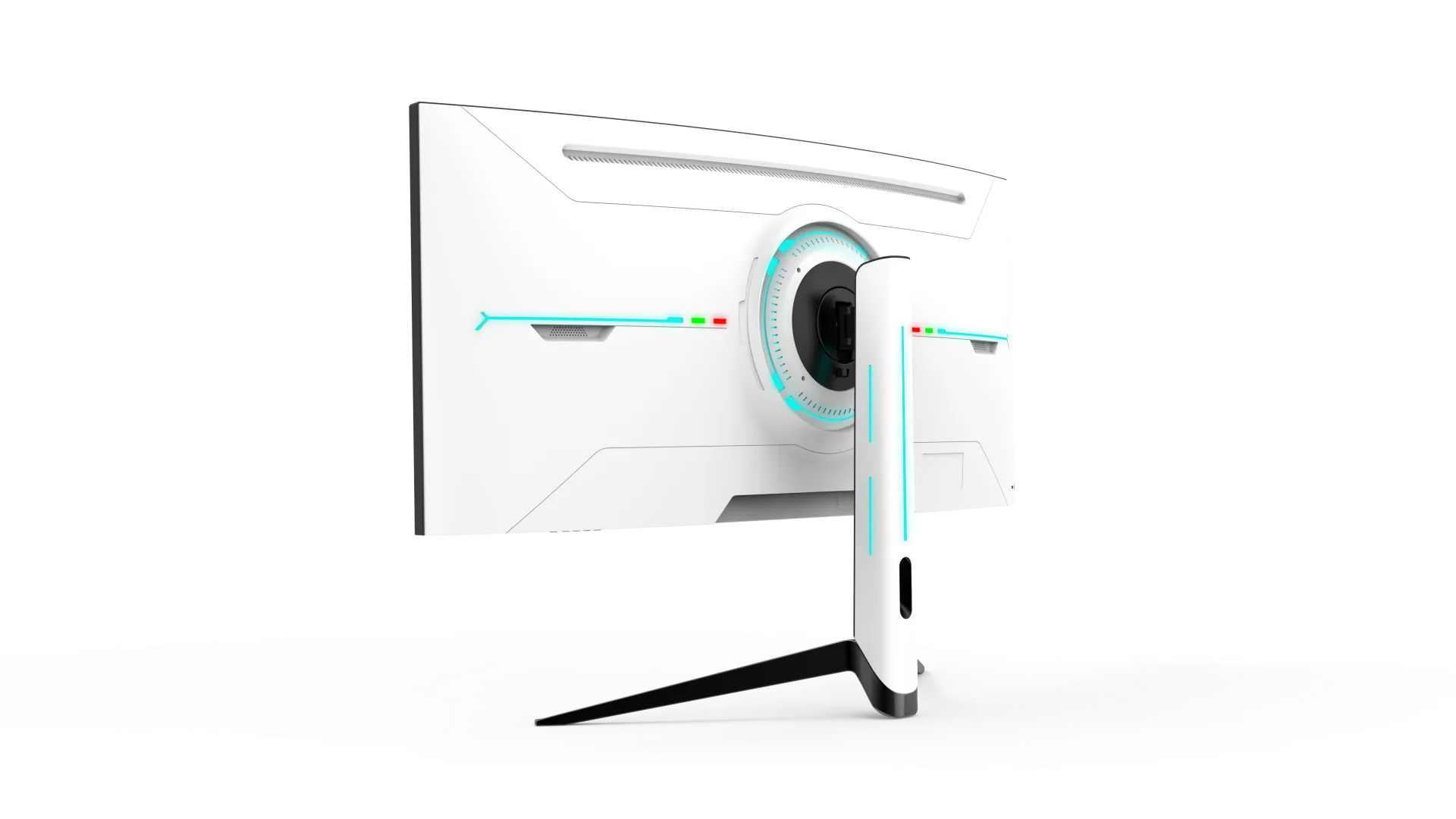
SKU: MGY34WA002
Explore more of each scene on a 34-inch UWQHD display. The wide screen gives fine details room to stand out, while the 1800R curve draws the edges gently toward you for a more connected view.
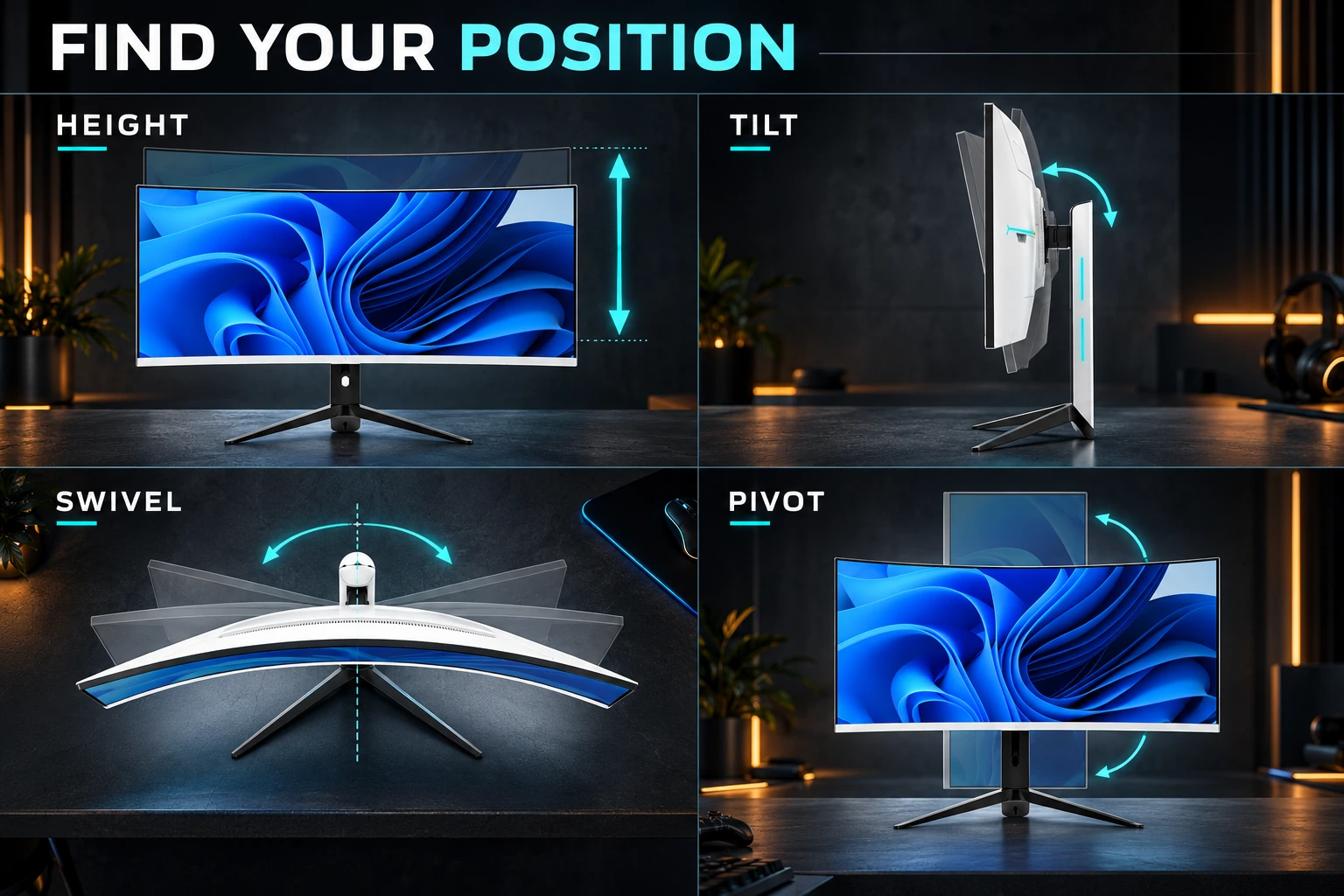
Adjust the height, tilt, swivel and pivot to suit your seat and desk. Swivel turns the screen left or right around the upright stand, so you can change the viewing direction while keeping the base in place.
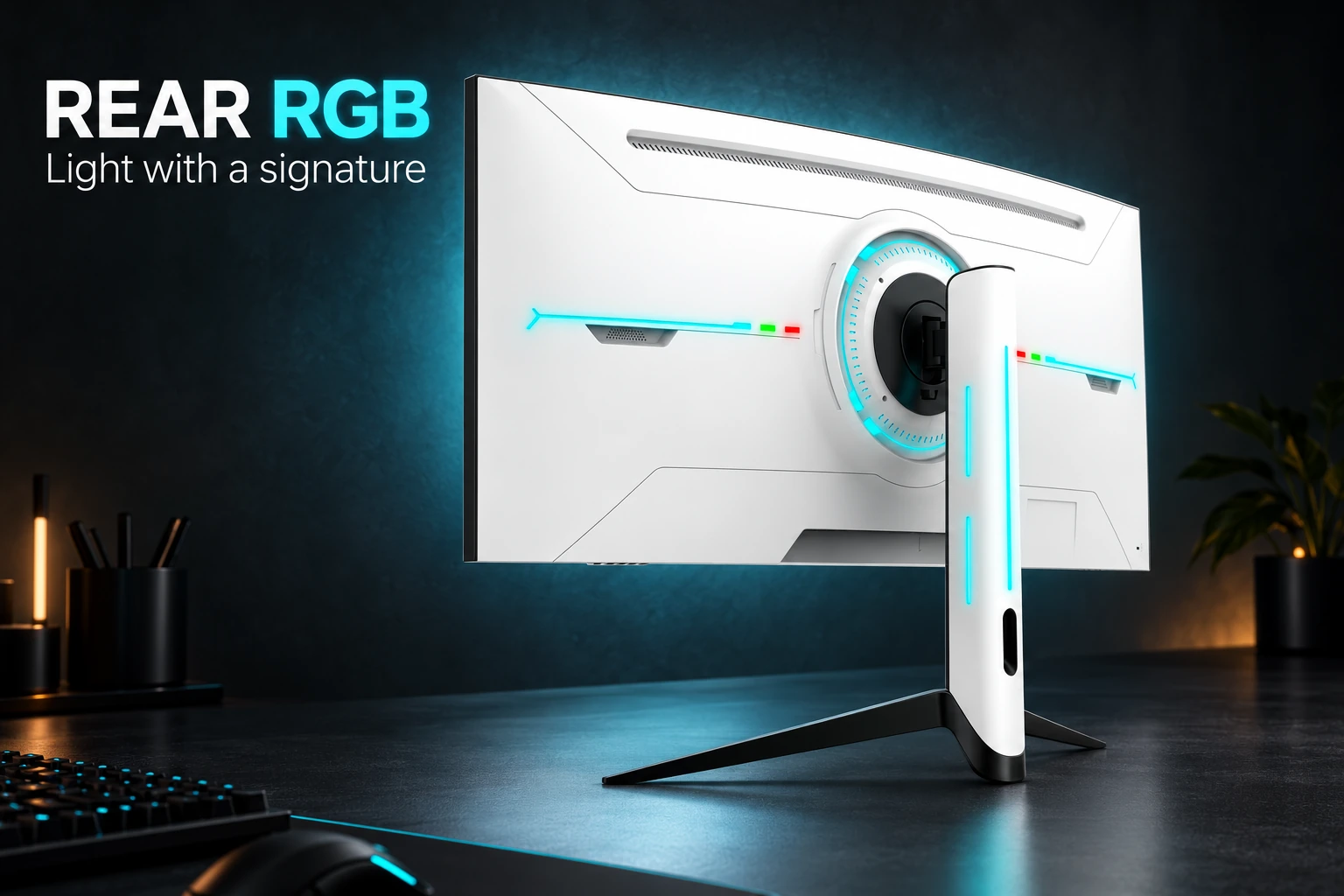
The rear RGB ring, slim light bars and illuminated stand give the white housing a clear gaming identity. Their light adds depth to a dark desk setup and highlights the shape of the monitor from behind.
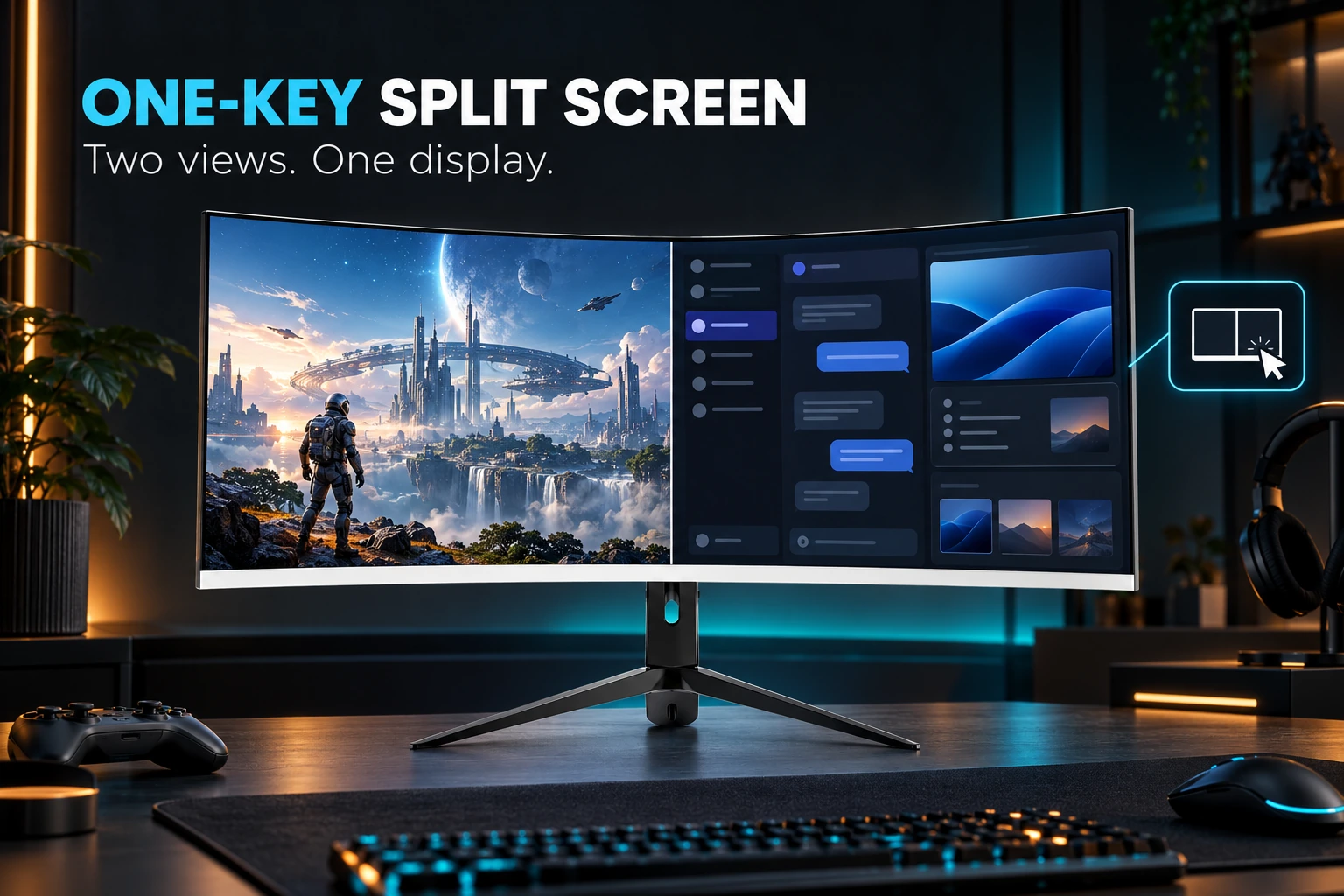
Use the OSD's one-key split-screen control to show two views side by side. Keep a game beside a guide or chat window, without adding another screen to your desk.
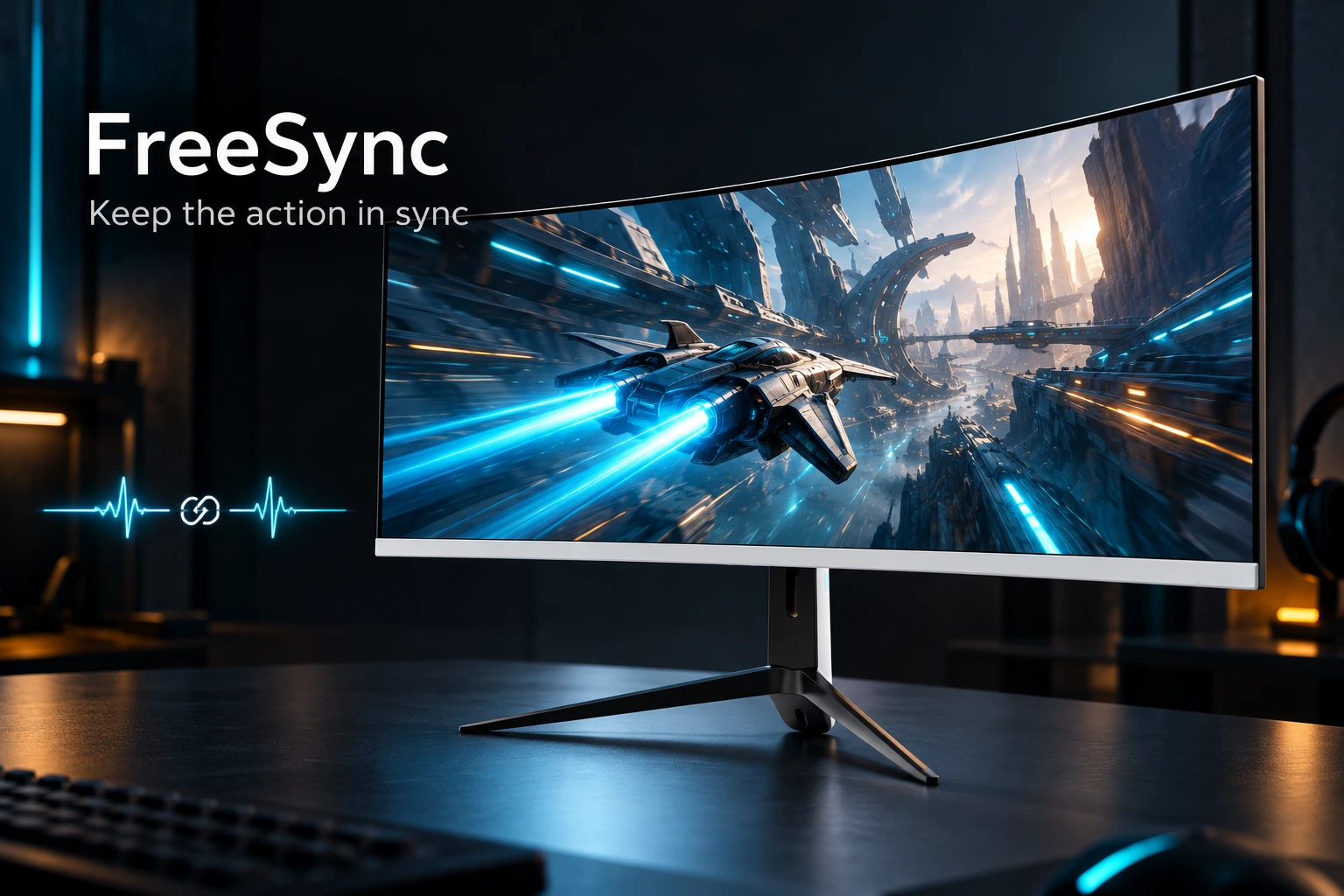
FreeSync helps the monitor follow the frame rate from a compatible graphics card. By reducing screen tearing and stutter, it keeps movement more consistent as the pace and detail of a game change.
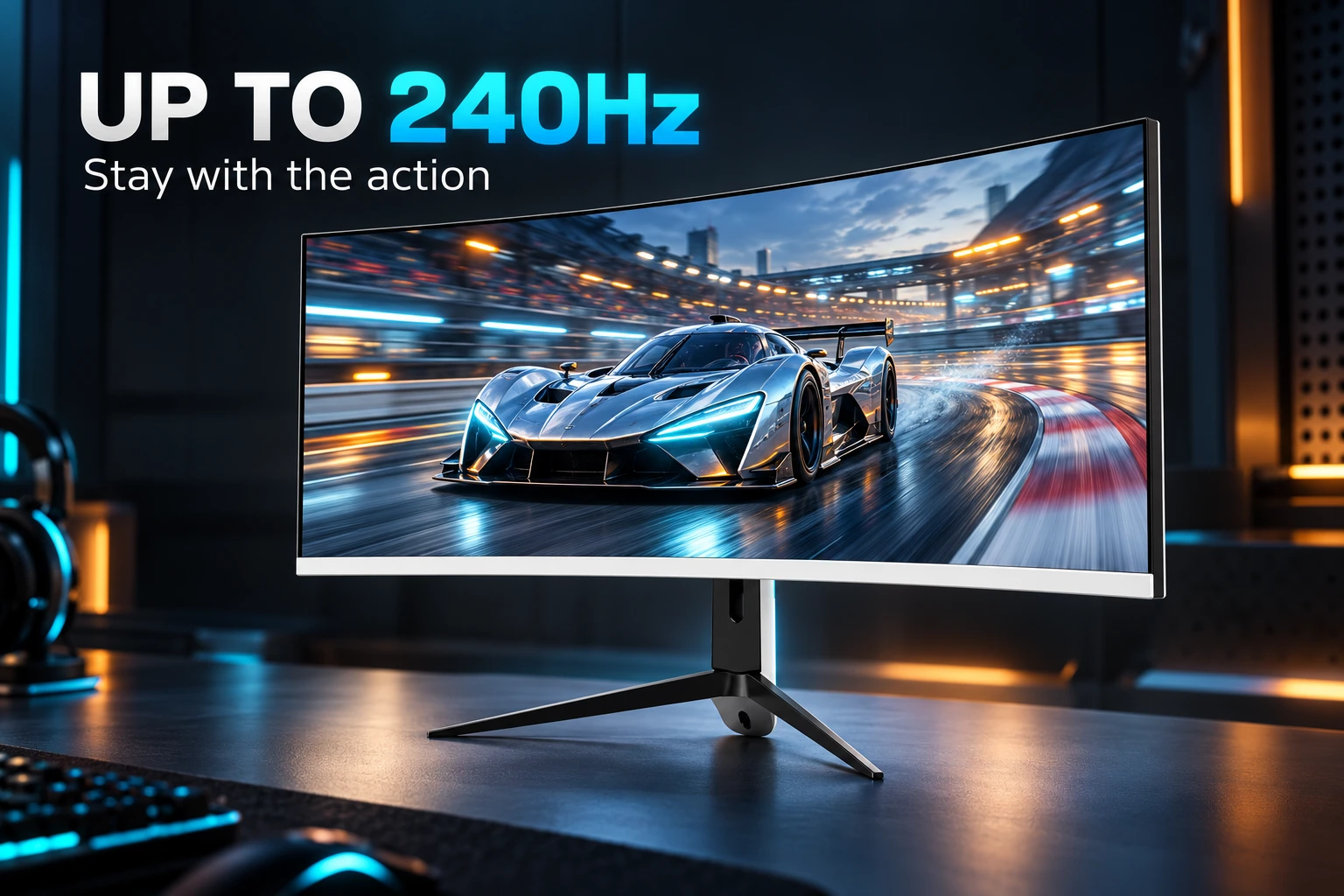
Choose the 240Hz configuration for fluid motion in fast games. A higher refresh rate gives moving scenes more frequent updates, helping you follow quick turns and track the action across the wide screen.
From specification to after-sales service
Our OEM workflow keeps the approved monitor specification, branding, packaging and quality requirements aligned from project confirmation through delivery and warranty support.
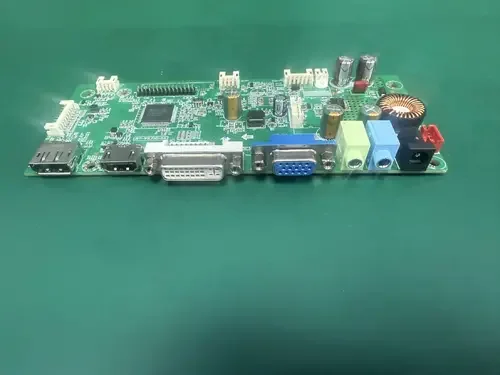
We confirm the panel, resolution, refresh rate, interfaces, housing, stand, firmware, destination market, order quantity and required delivery schedule before the quotation is finalized.
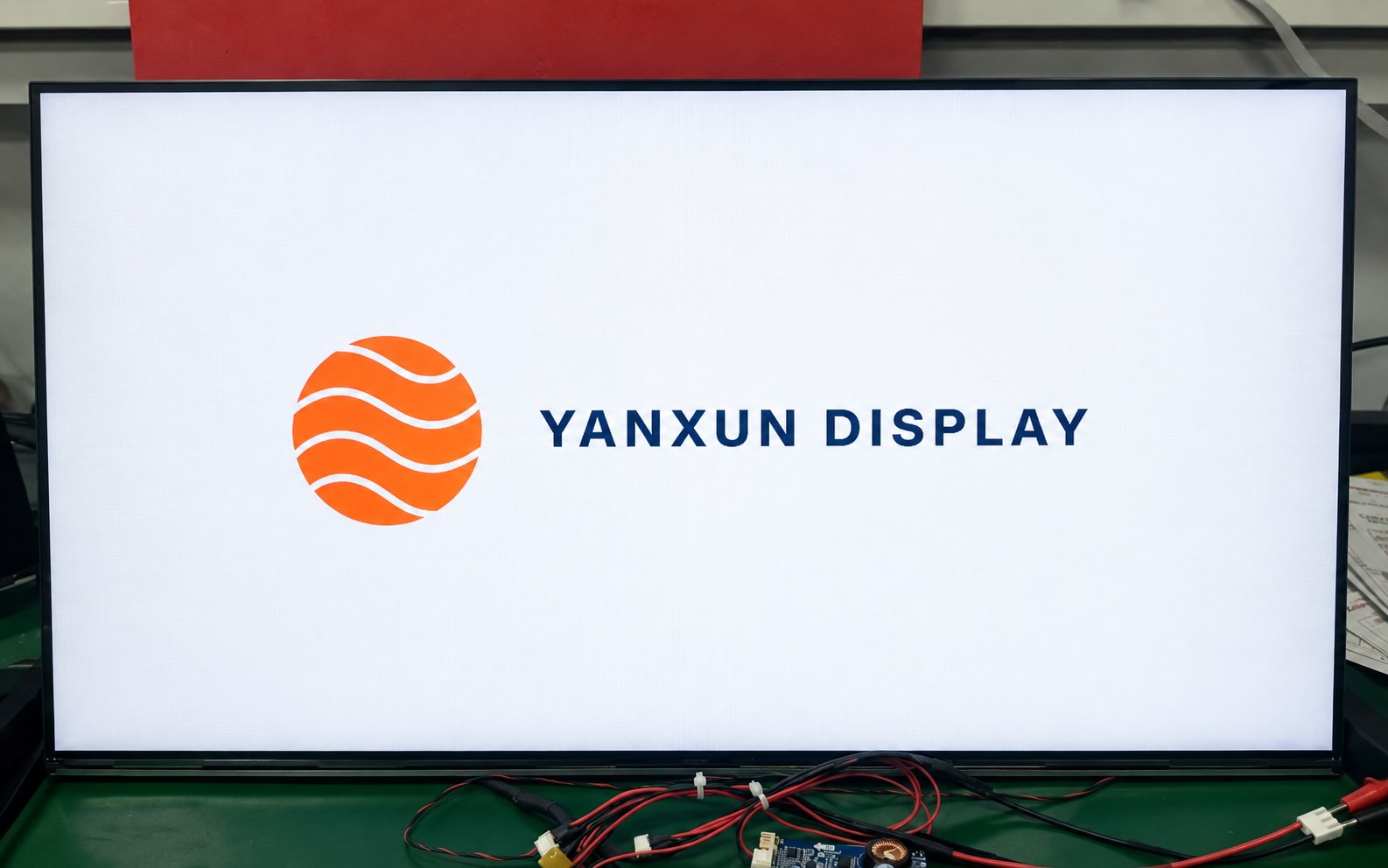
Your approved logo can be applied to the front bezel, rear housing and compatible boot-up firmware. Placement, size, color and production method are checked before mass production.
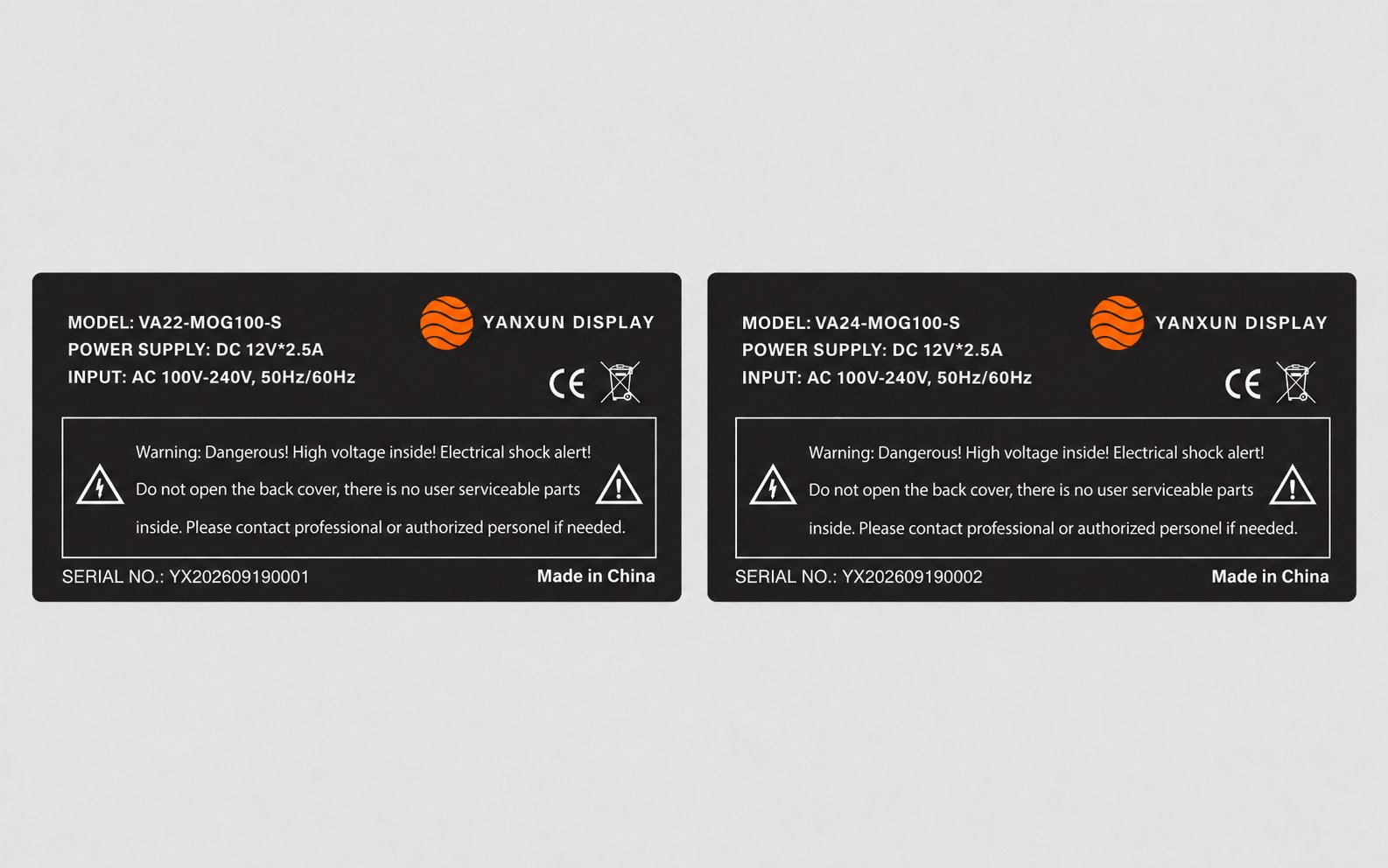
We prepare the model, electrical data, serial-number format, barcode, country of origin and approved compliance information for review before printing the rear rating label.
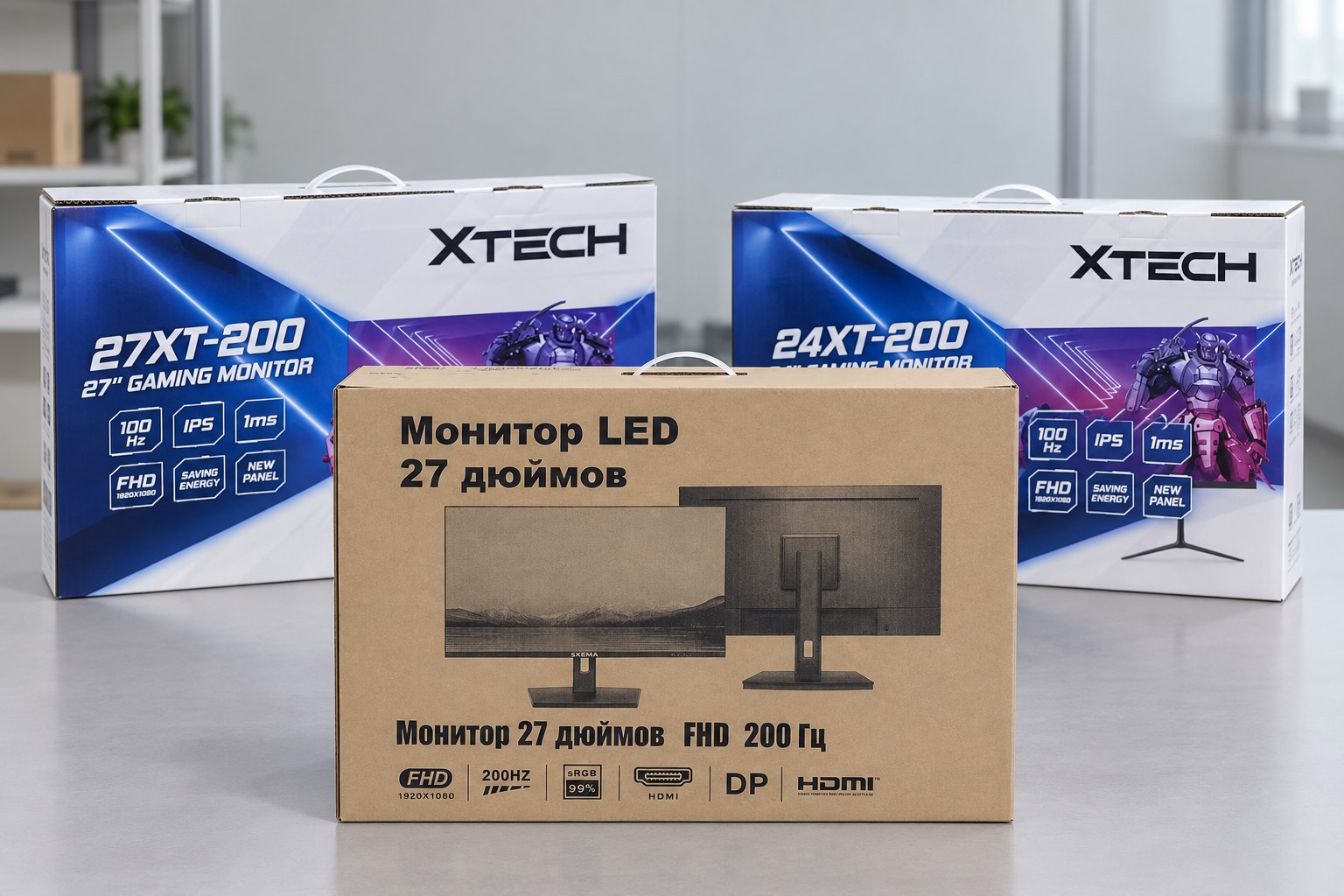
Choose a printed color box or a cost-efficient plain carton. We verify the artwork, model information, protective materials, barcode area and shipping marks before the full packaging run.
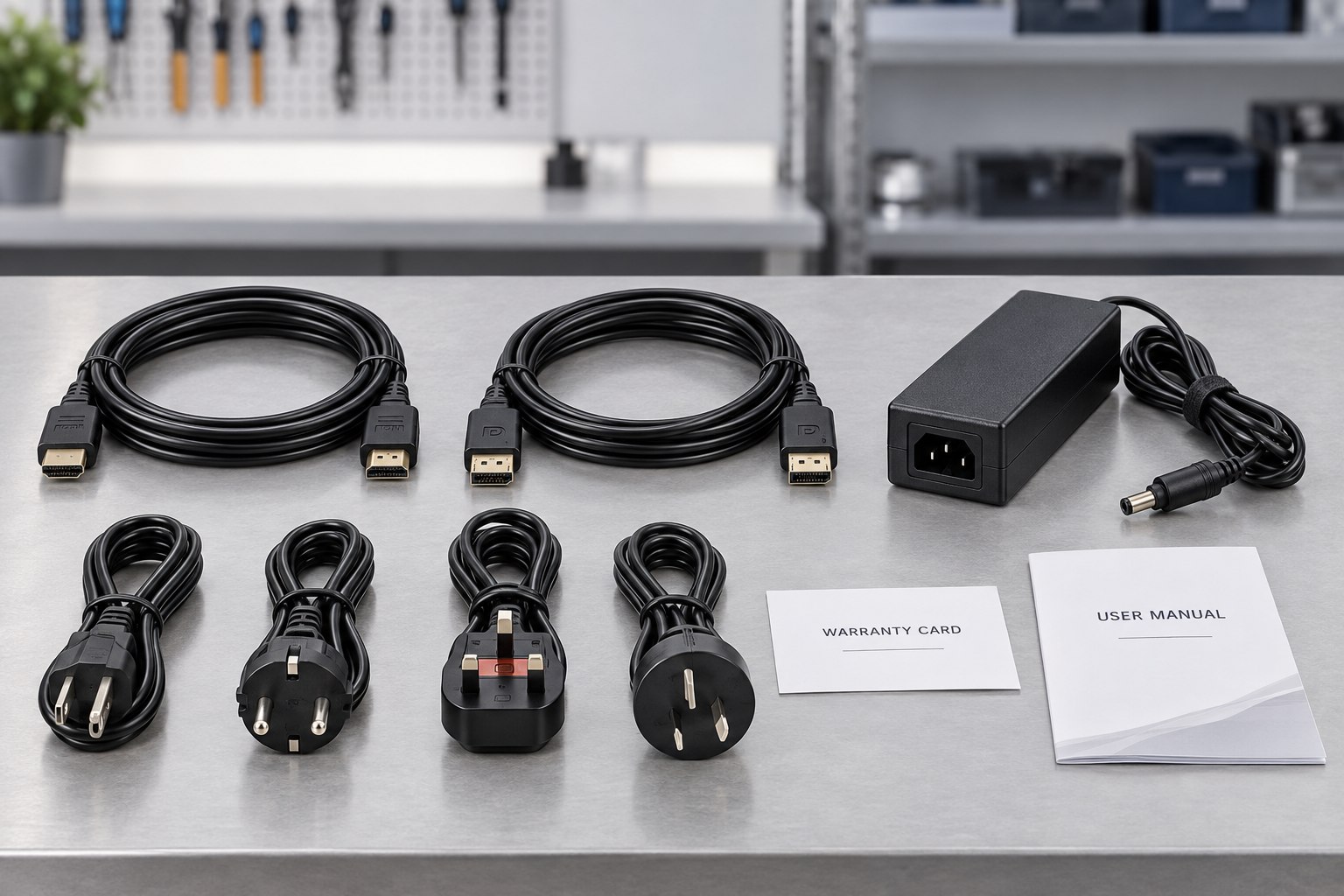
The approved bill of materials identifies the stand, adapter, regional power plug, HDMI or DisplayPort cable, manuals, warranty card and any market-specific accessories included with each unit.
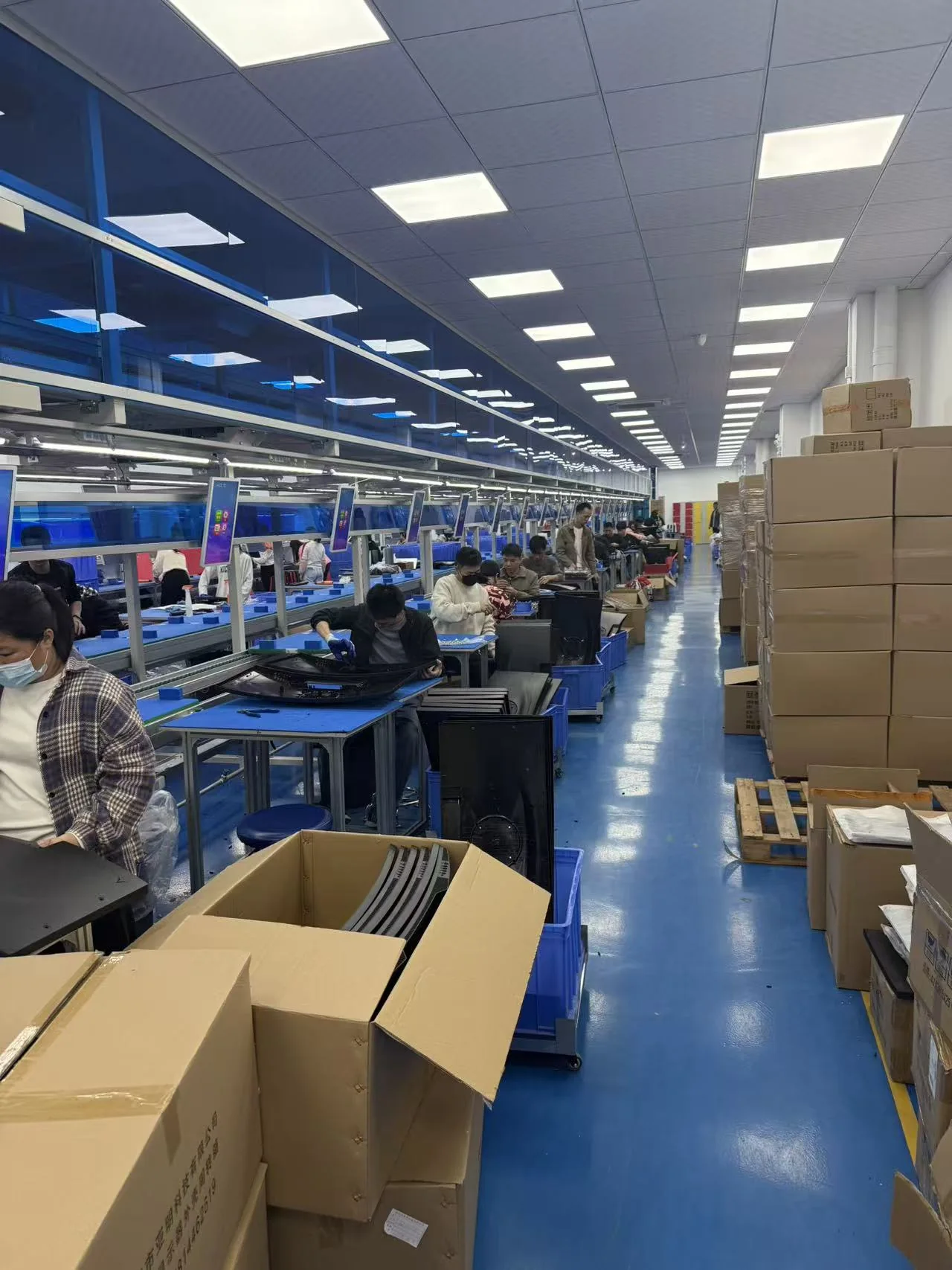
Approved materials and documents are released to the assembly team. Monitors are assembled and programmed according to the approved sample, bill of materials and controlled work instructions.
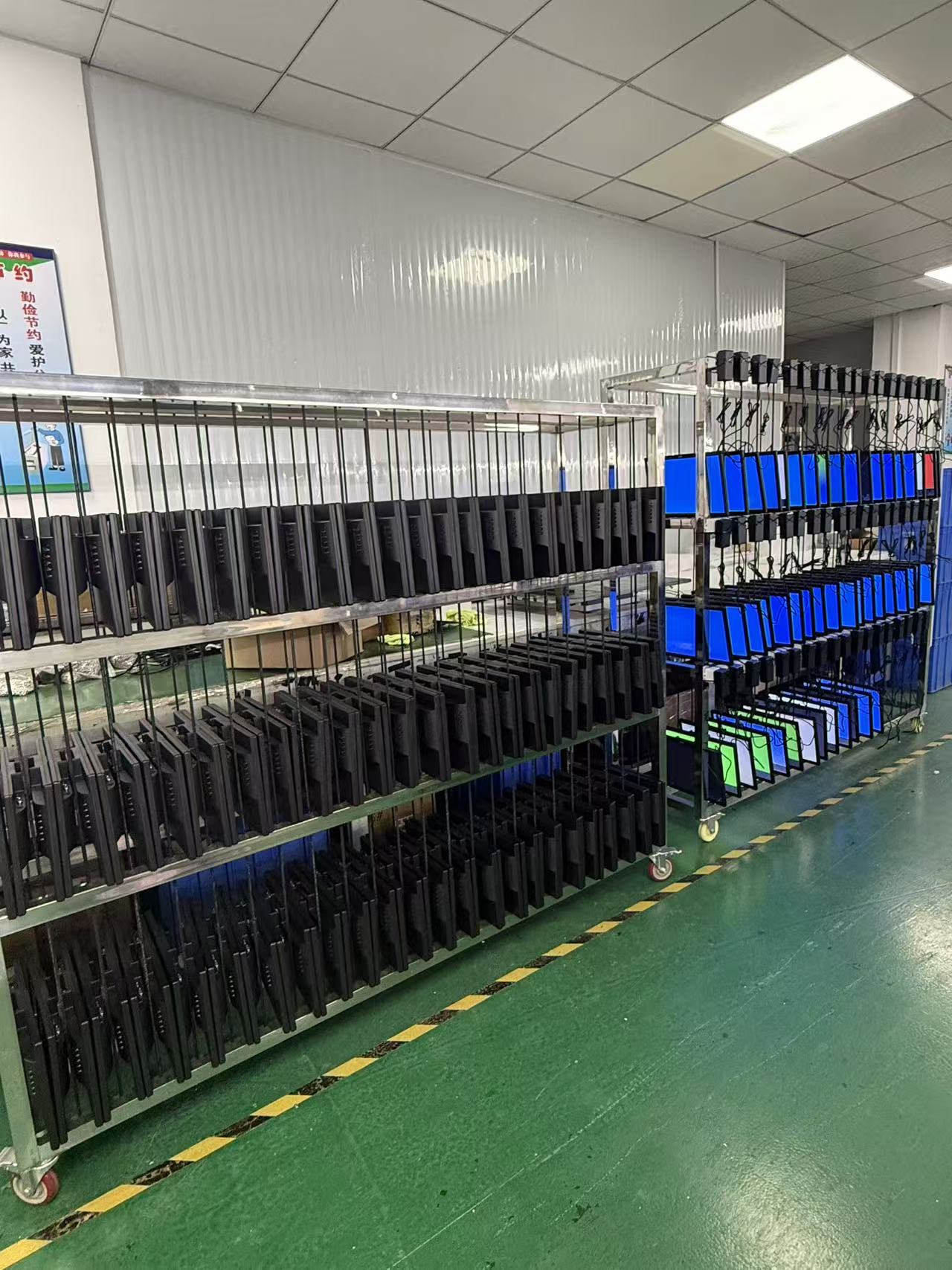
Finished monitors operate for an agreed period so the team can check power stability, image performance, signal input and other early-life issues before the units are released for packing.
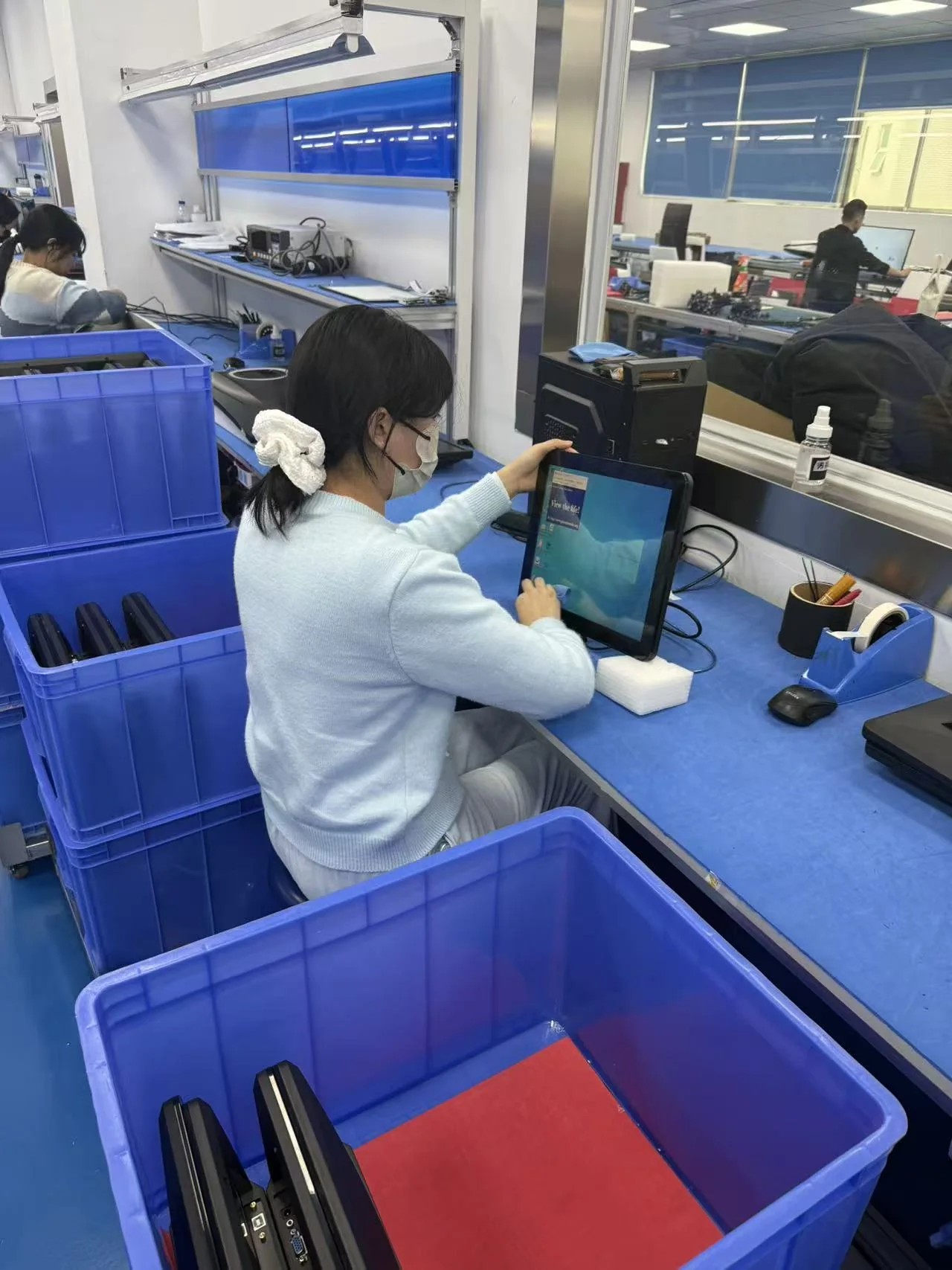
Quality control verifies appearance, screen condition, functions, ports, firmware, labels, accessories and packaging against the approved specification and order requirements.

After the final inspection, we confirm carton marks, quantities, packing documents and the agreed Incoterm, then arrange LCL, FCL or another approved shipping method.
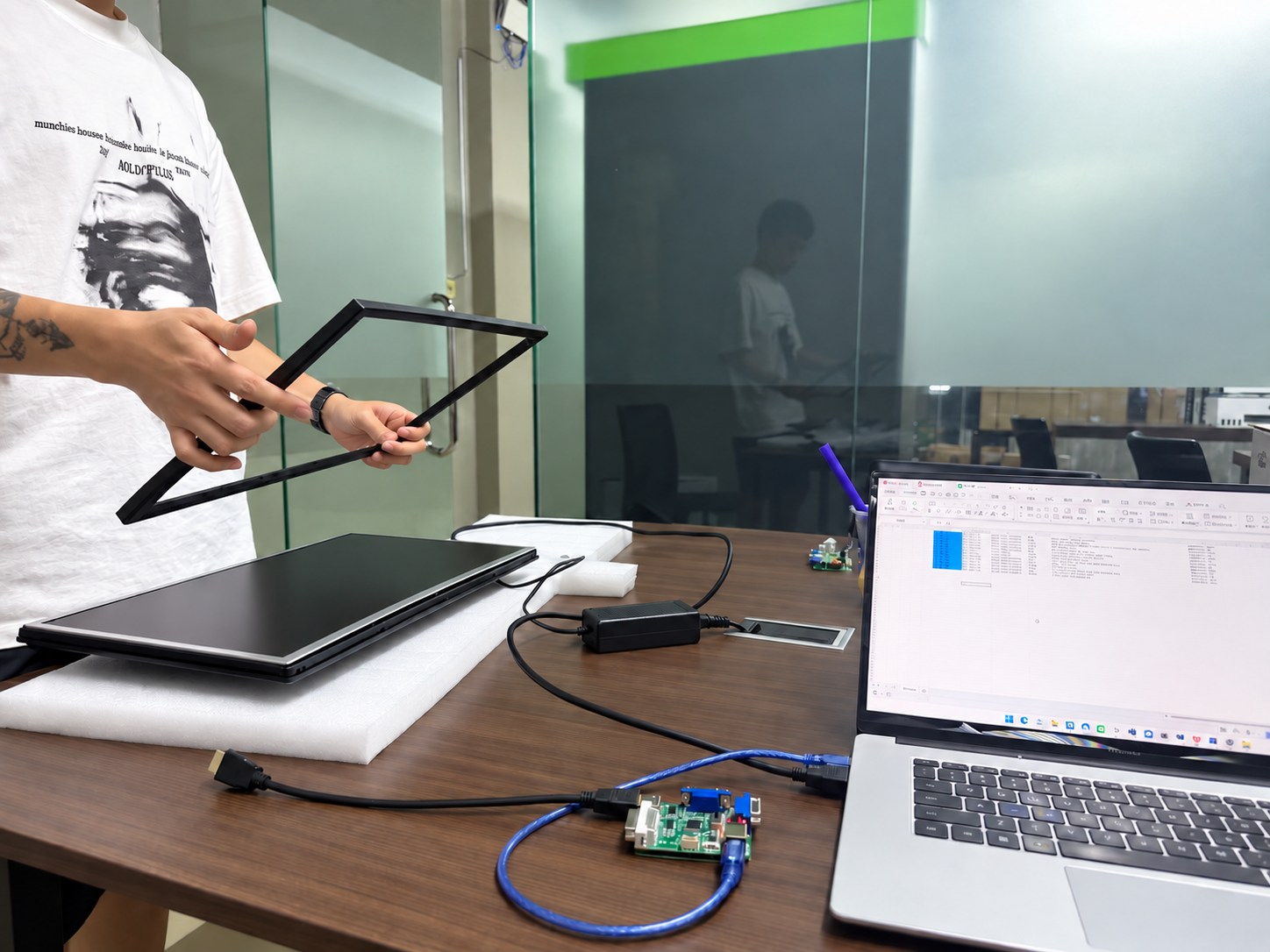
Our team records the model and order details, reviews reported issues and coordinates parts, remote guidance or agreed onsite support according to the project warranty terms.
See how Yanxun Display adapts controller boards, interfaces and firmware for project-specific requirements.