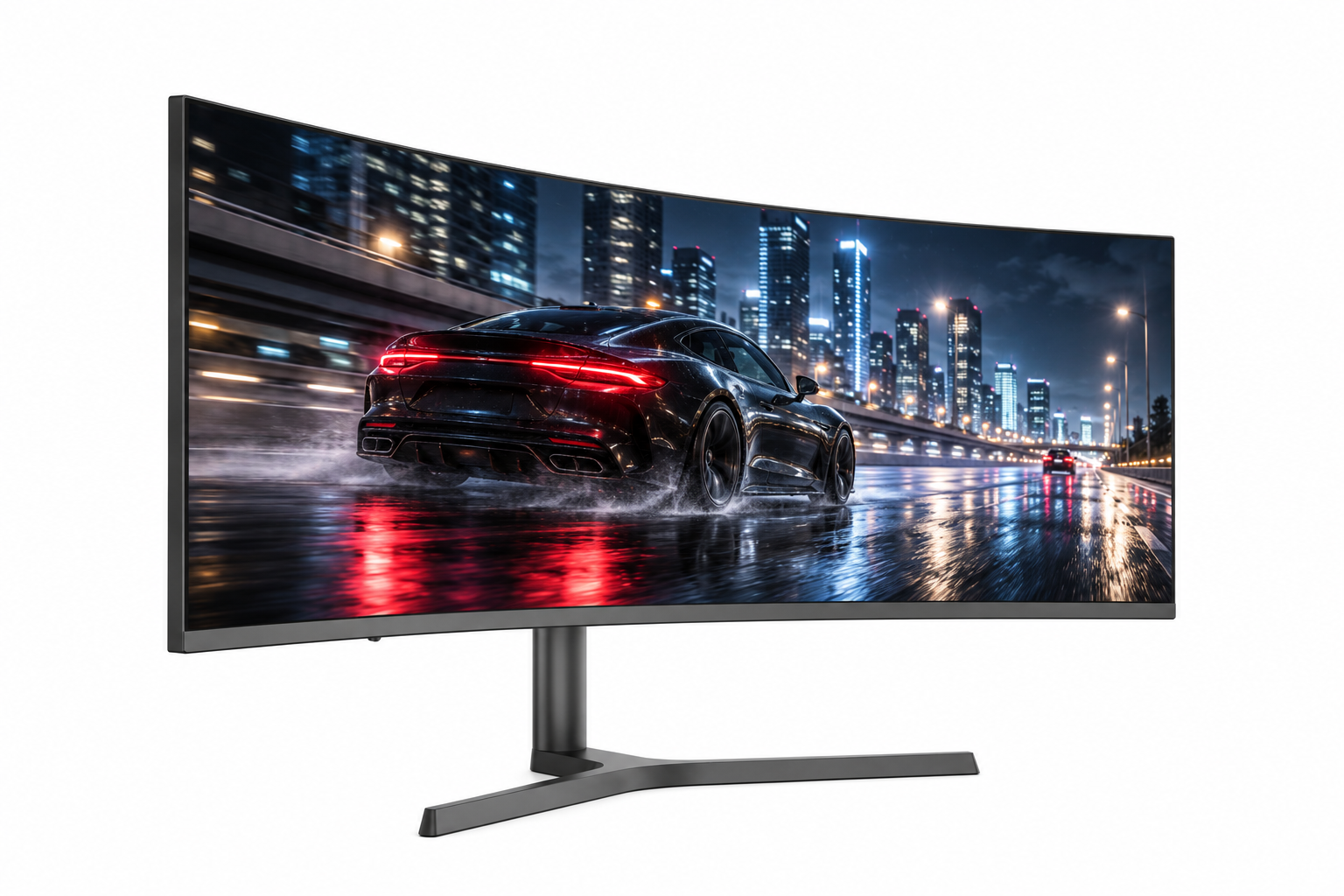
34 Inch RGB Frameless 5ms VA Curved Gaming Monitor 1000R Black Color - Arcus Series

SKU: MGY34WA006

series
Arcus
monitor type
Gaming monitor
screen size
34 inch
screen curve rate
1000R
resolution
UWQHD
panel type
VA
panel brand
AUO/CSOT/HKC
refresh rate
165Hz/180Hz/200Hz/240Hz
Contrast Ratio
3000:1
Brightness
400cd/m²
HDR
400
bracket type
metal adjustable bracket
interface
2 HDMI 2.1, 2 DP 1.4, 1 Audio Optional: 65W Type-C
Freesync
Yes
VESA
75mm*75mm
bezel
frameless
body color
black

Product Features

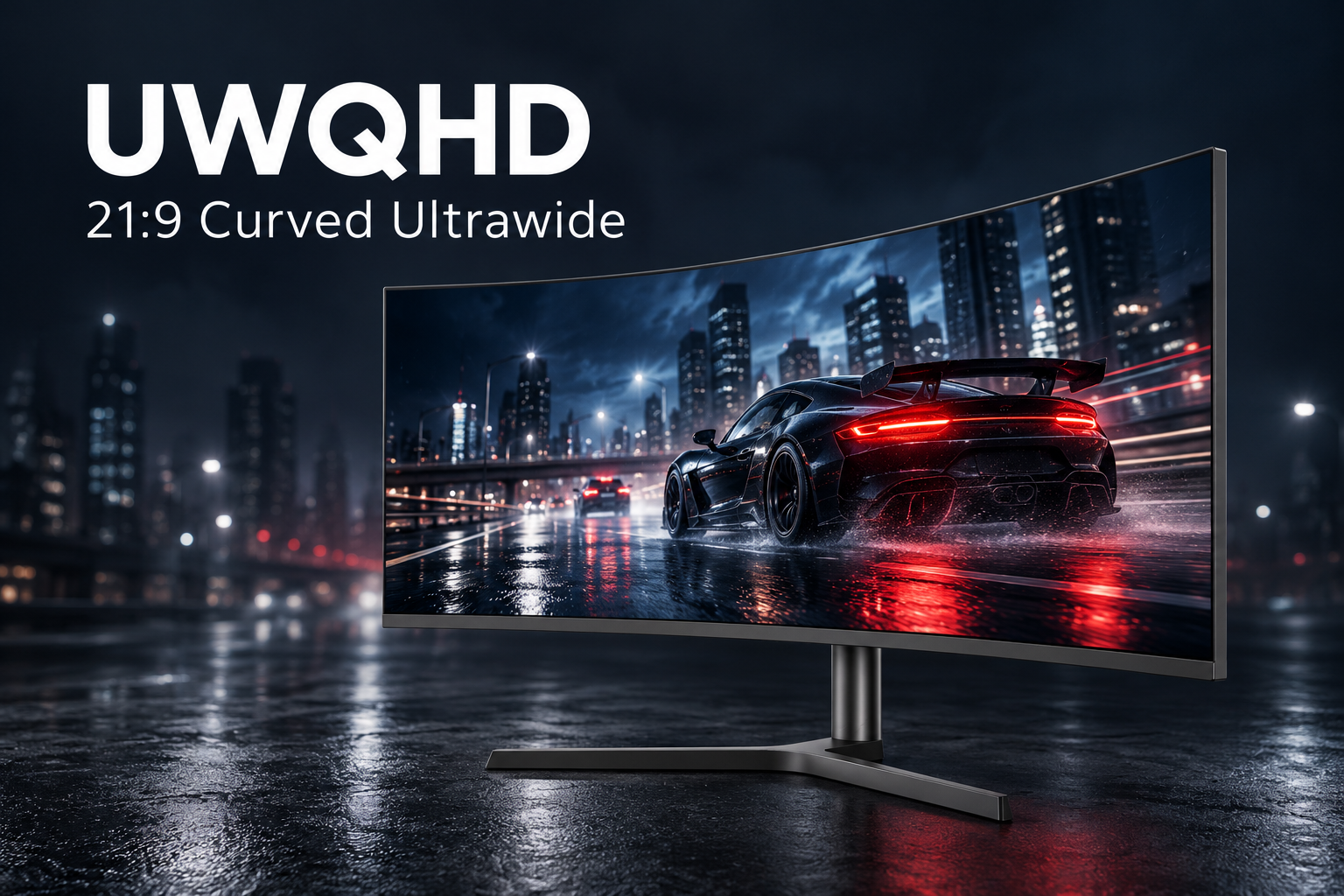
Arcus 34-inch 1000R curved ultrawide monitor displaying a racing scene with UWQHD and 21:9 labels

UWQHD Clarity in a 21:9 Ultrawide View

The 34-inch Arcus Series pairs UWQHD resolution with a 21:9 aspect ratio for a wider view of your games and everyday content. The ultrawide format creates an expansive gaming experience and gives you more horizontal space for side-by-side tasks.
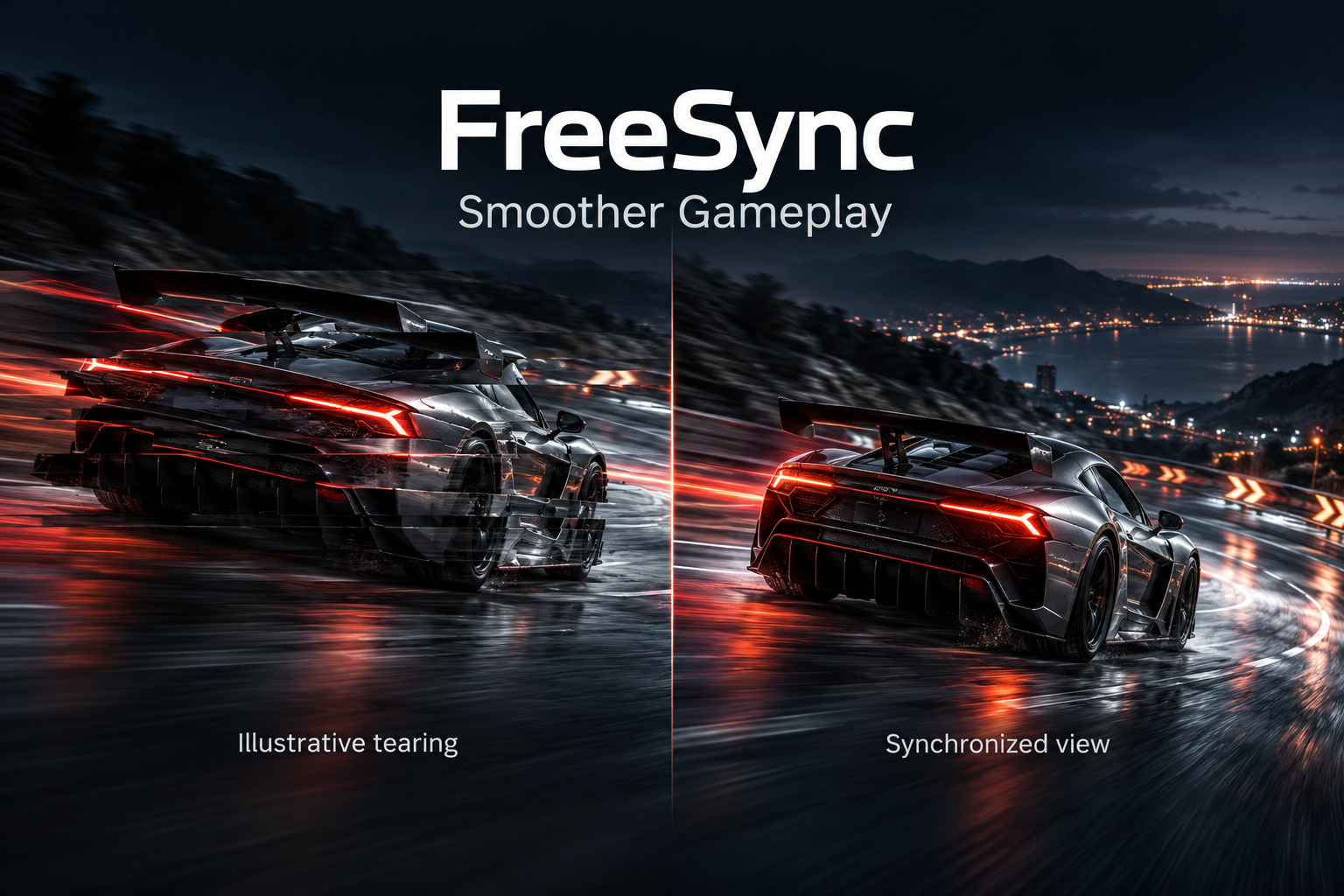
Illustrative comparison of screen tearing and synchronized gameplay with FreeSync

FreeSync for Smoother Gameplay

FreeSync helps reduce screen tearing and stuttering by matching the display refresh rate to a compatible graphics source. Enjoy smoother-looking gameplay when FreeSync is enabled with a supported system and configuration.

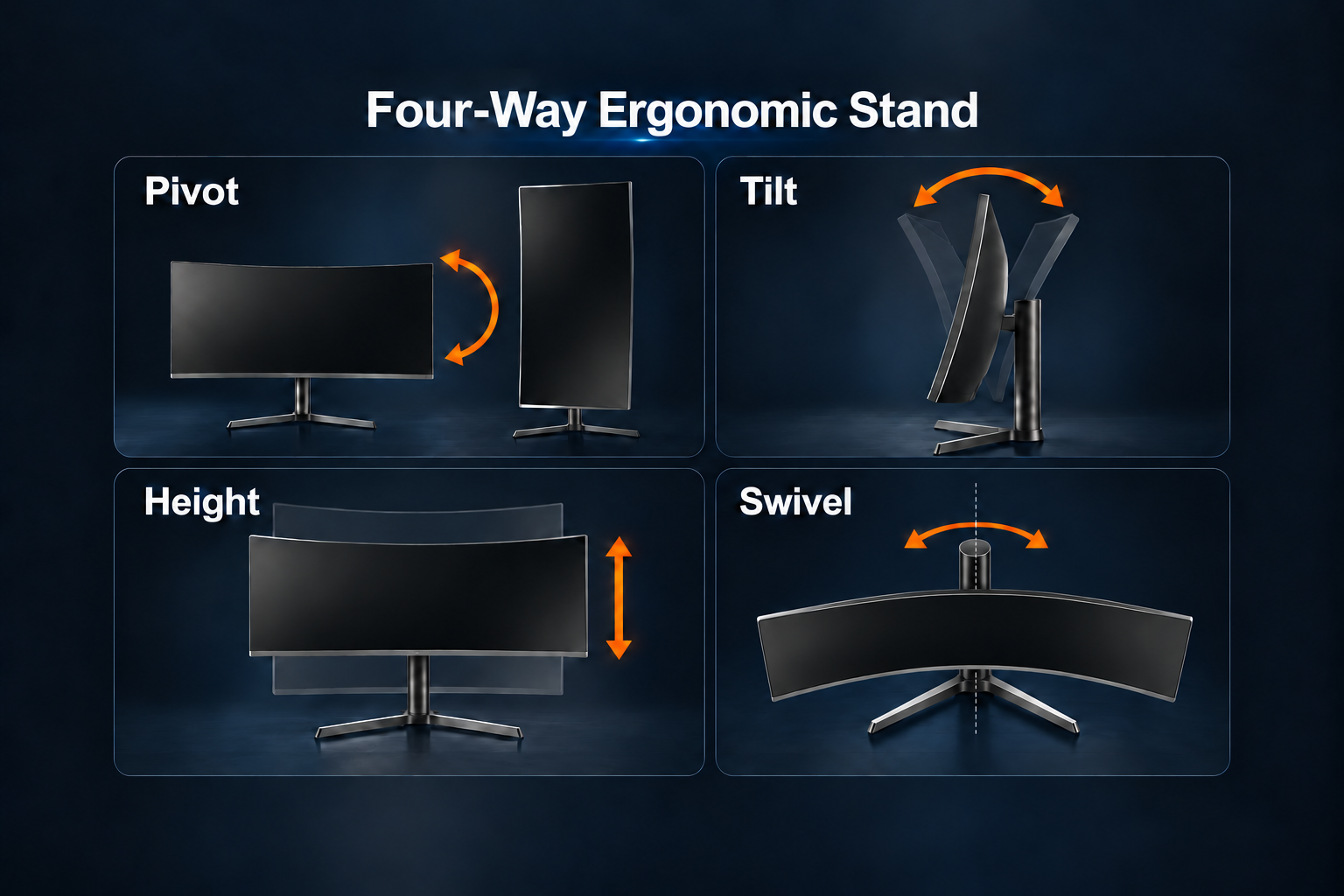
Arcus four-way ergonomic stand diagram showing pivot, tilt, height and left-right swivel around the vertical stand column

Four-Way Ergonomic Stand

Position your screen with four ergonomic adjustments: pivot between landscape and portrait, tilt forward or backward, raise or lower the display, and swivel the screen left or right around the stand's vertical column. The adjustable metal stand helps you find a comfortable viewing position for gaming and everyday use.

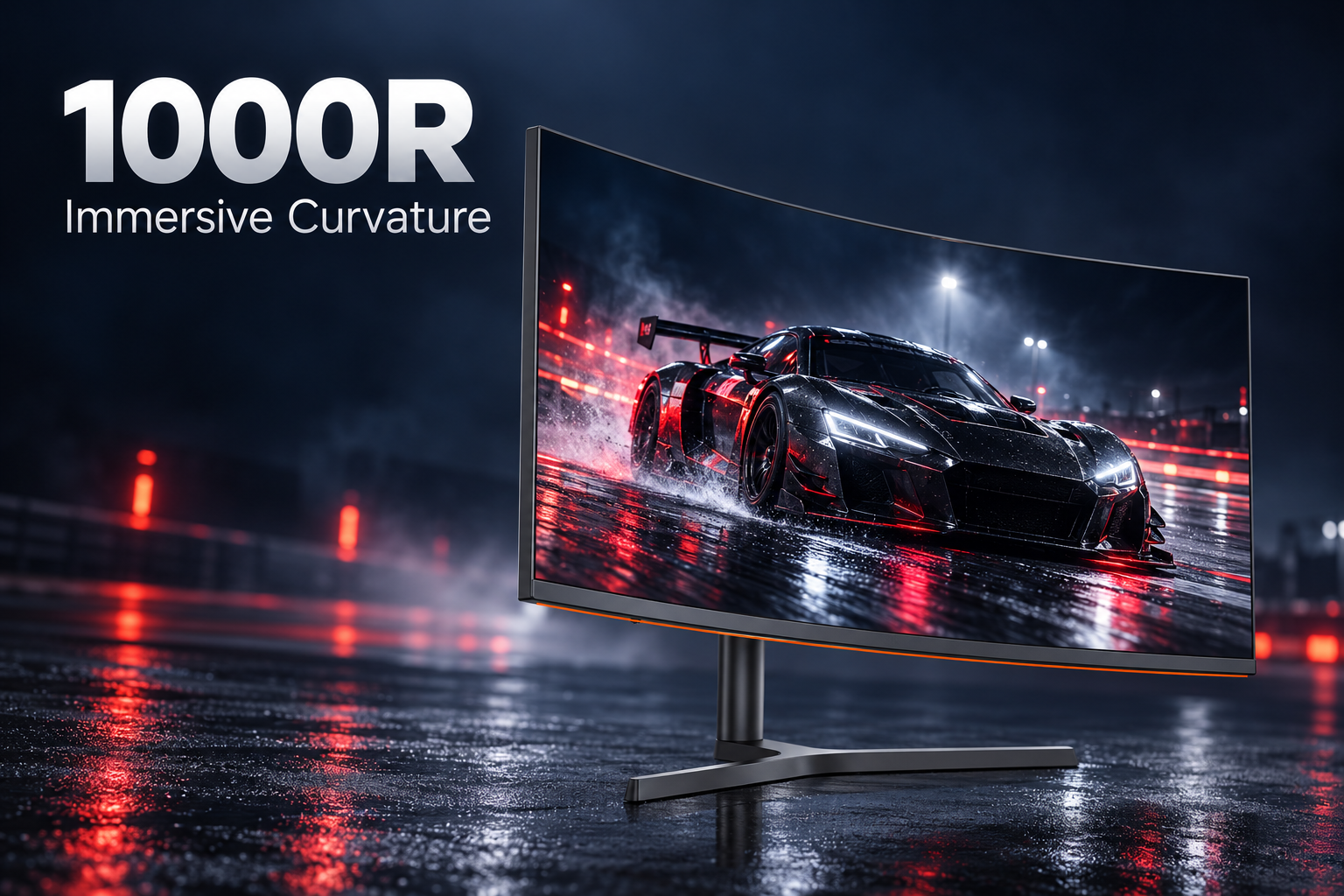
Arcus 34-inch monitor illustrating its inward-curving 1000R screen

1000R Curvature for an Immersive View

The 1000R curve brings the sides of the wide screen gently toward your viewing position. Combined with the 34-inch ultrawide format, it creates a wraparound feel for gaming, video and everyday multitasking.

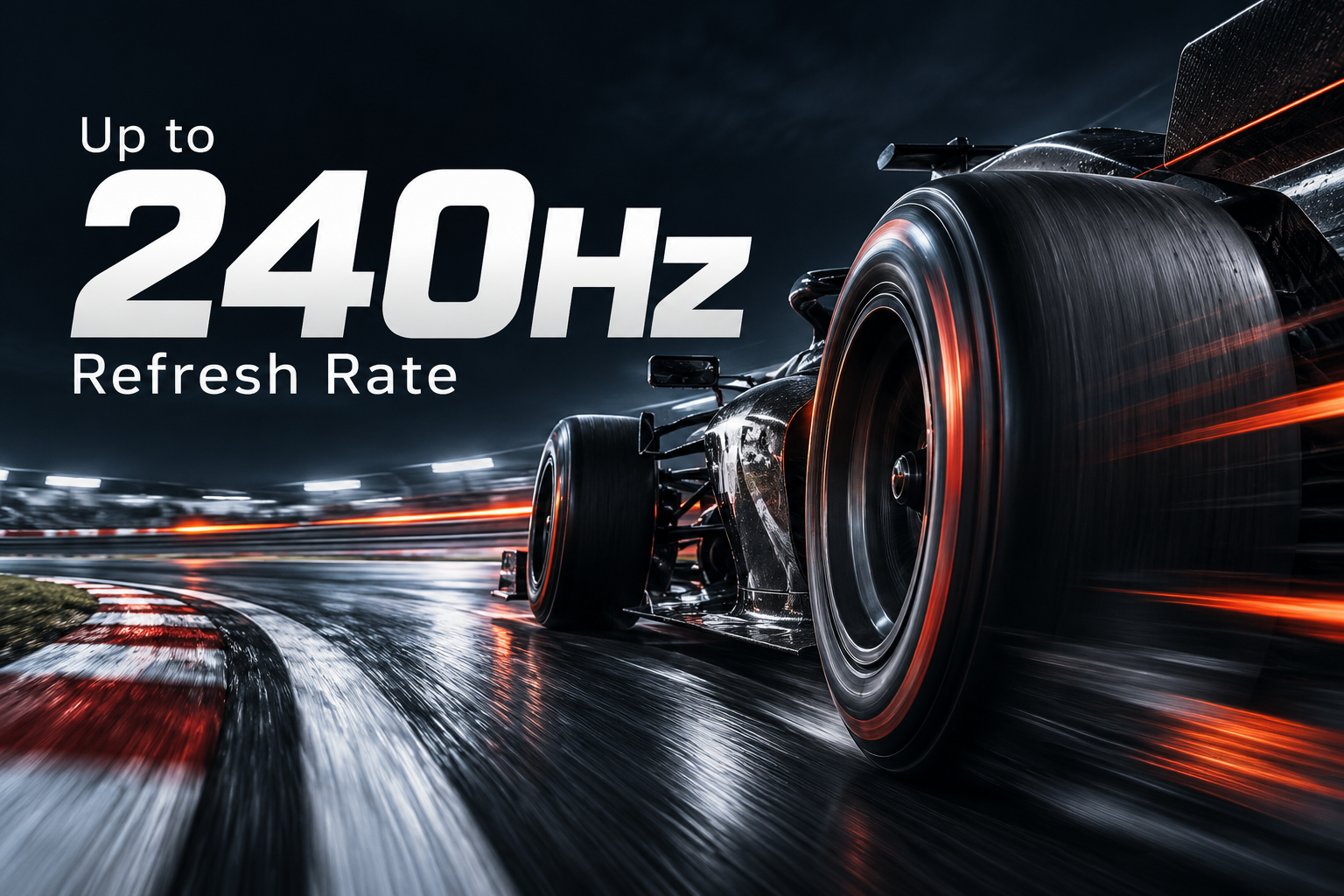
Racing-inspired illustration highlighting a refresh rate of up to 240Hz

Up to 240Hz Refresh Rate

Choose a refresh-rate configuration of up to 240Hz for smoother motion in fast-paced games. Available options include 165Hz, 180Hz, 200Hz and 240Hz; the supported refresh rate depends on the selected monitor configuration, connection and source device.

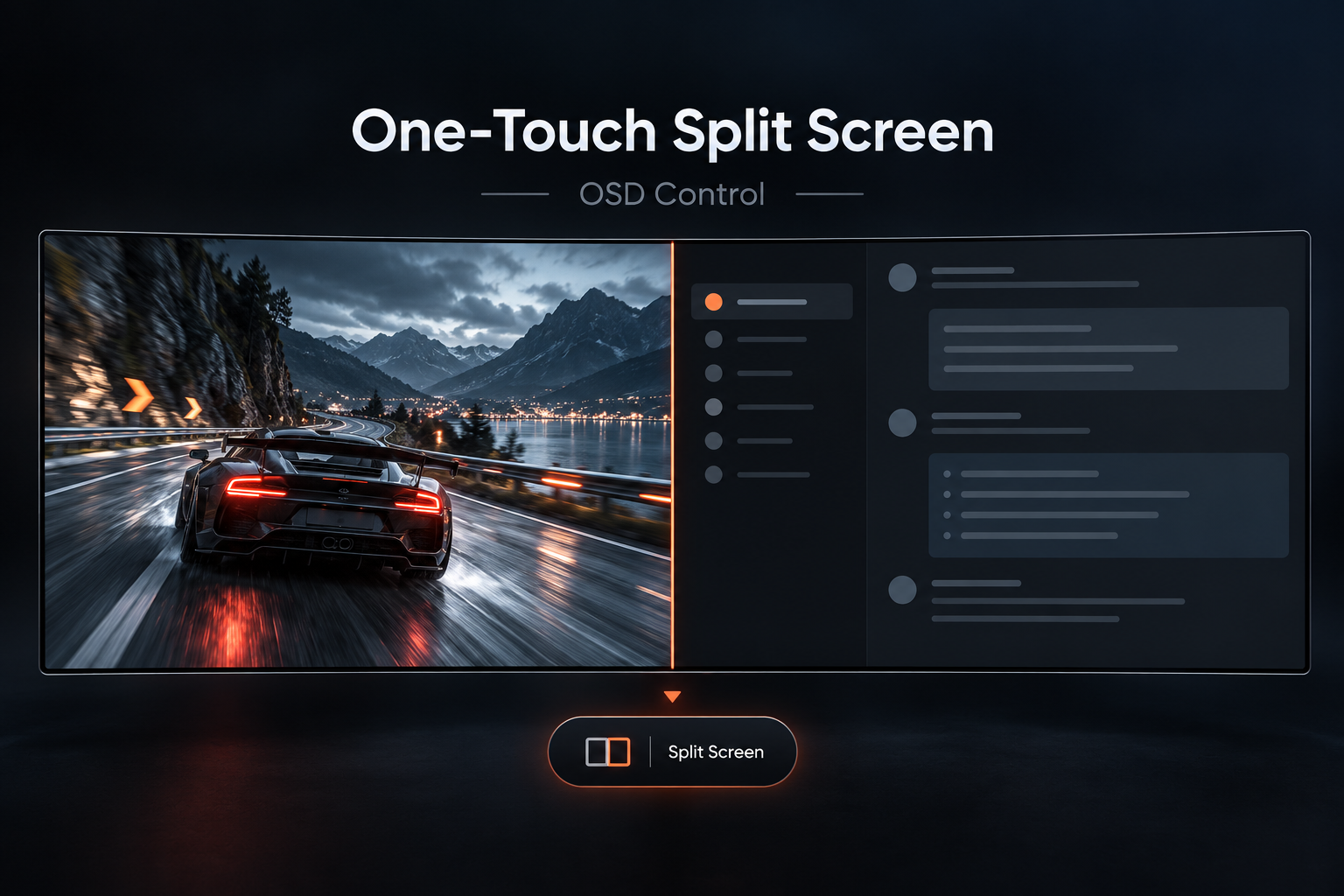
OSD split-screen illustration with content arranged in left and right viewing areas

One-Touch Left/Right Split Screen

Use the OSD one-touch split-screen control to arrange content in left and right viewing areas. Make practical use of the wide 21:9 display when you want to keep two areas of content visible side by side.

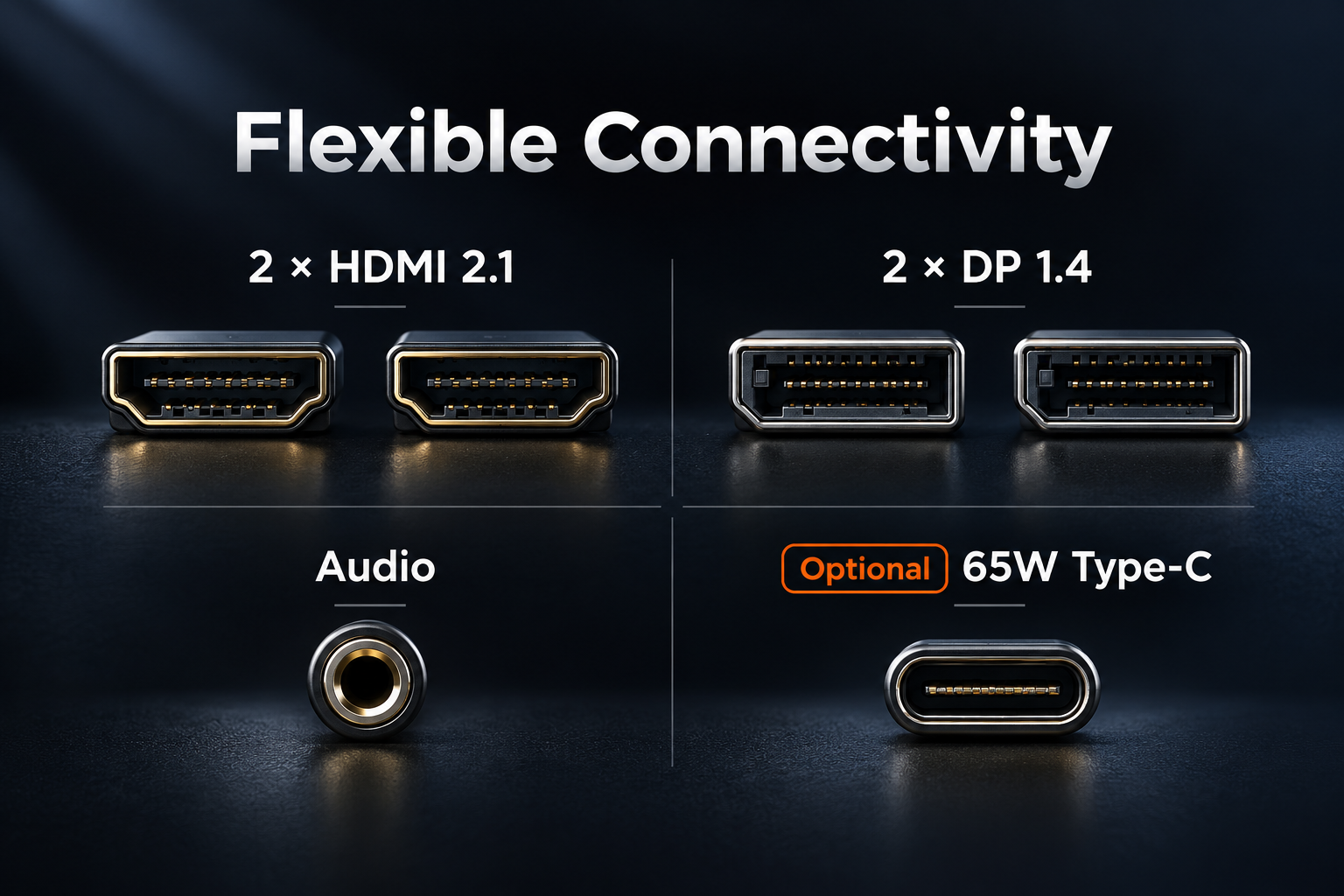
Connector illustration listing two HDMI 2.1 ports, two DP 1.4 ports, audio and optional 65W Type-C

Flexible Connectivity with Optional 65W Type-C

Connect your setup with two HDMI 2.1 ports, two DisplayPort 1.4 ports and an audio port. A 65W Type-C interface is also available as an optional configuration. Confirm the required interface configuration when placing your order.

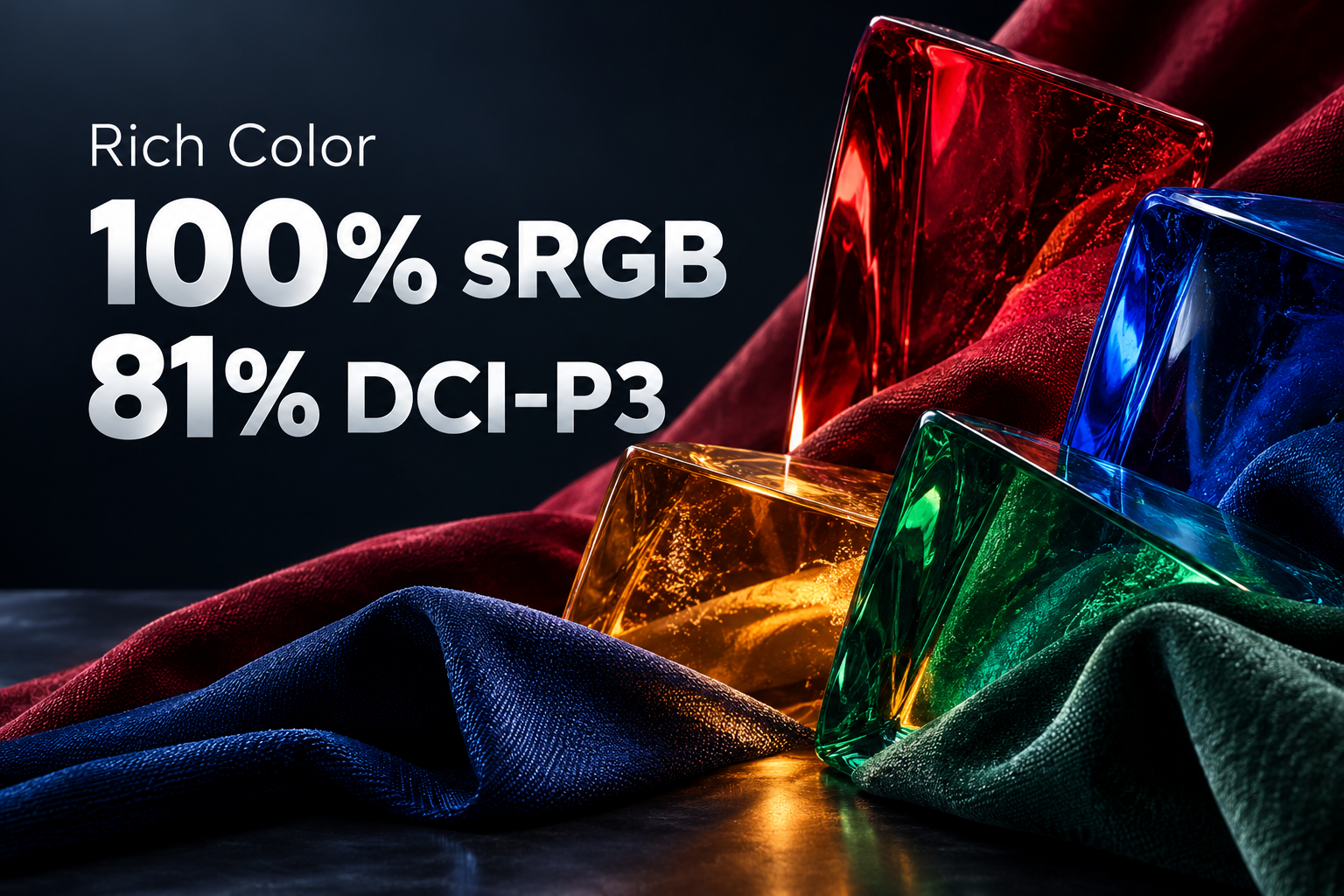
Richly colored glass and fabric illustrating 100 percent sRGB and 81 percent DCI-P3 color gamut coverage

100% sRGB & 81% DCI-P3 Color Gamut

With 100% sRGB and 81% DCI-P3 color gamut coverage, the Arcus Series brings rich color to games, video and everyday content. Enjoy vibrant visuals across its immersive 21:9 ultrawide screen.

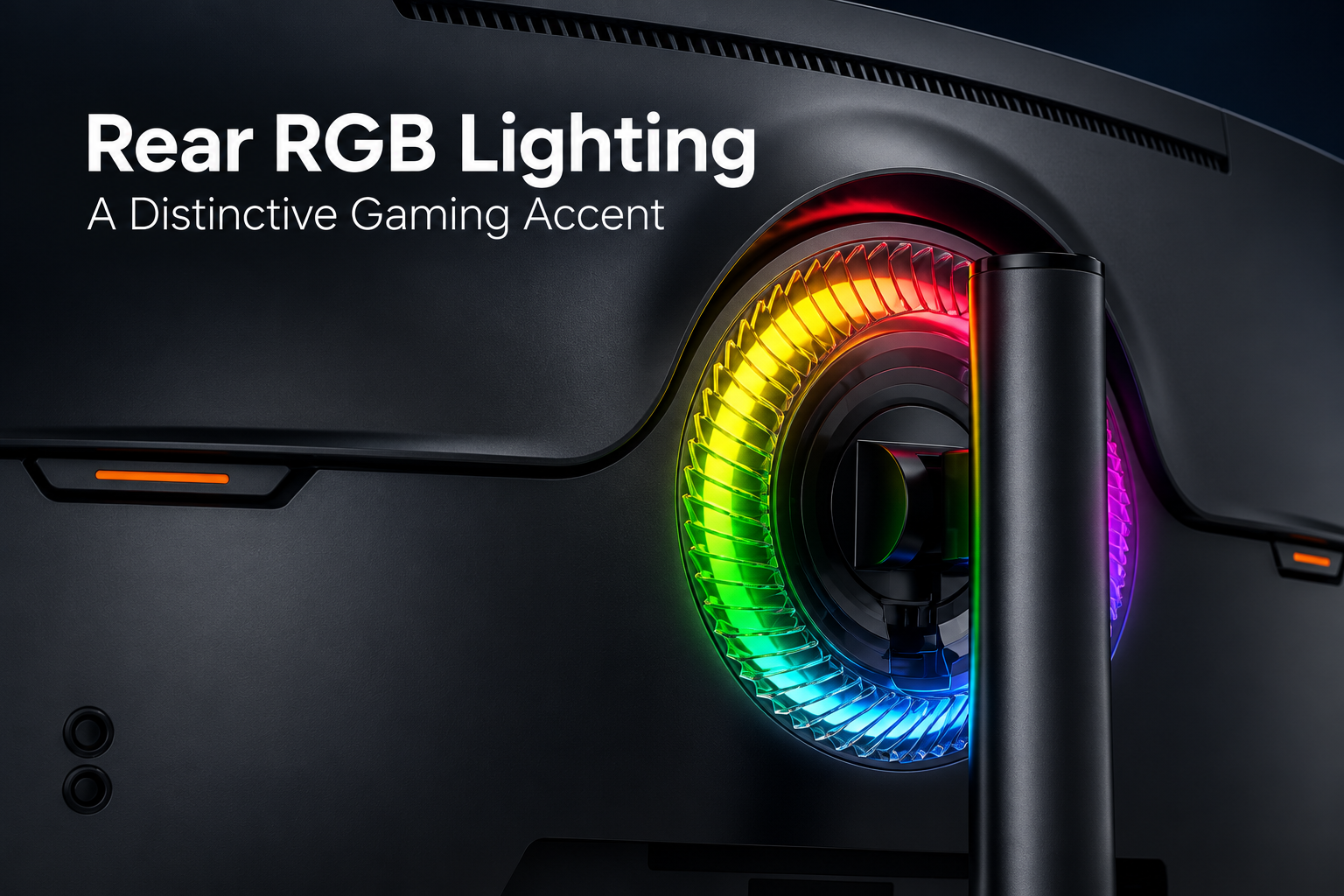
Close-up of the Arcus 1000R gaming monitor's circular rear RGB light ring around the stand attachment

Rear RGB Lighting

A circular RGB light ring around the rear stand attachment adds a distinctive gaming accent. Its colorful glow highlights the Arcus Series rear design and complements a personalized gaming setup.

Key highlights

  • 34 inch large screen
  • curve screen with more viewing content
  • Metal bracket. Robust design

From specification to after-sales service

OEM Procedure

Our OEM workflow keeps the approved monitor specification, branding, packaging and quality requirements aligned from project confirmation through delivery and warranty support.

Monitor specification and interface configuration review
01

Confirm Specifications

We confirm the panel, resolution, refresh rate, interfaces, housing, stand, firmware, destination market, order quantity and required delivery schedule before the quotation is finalized.

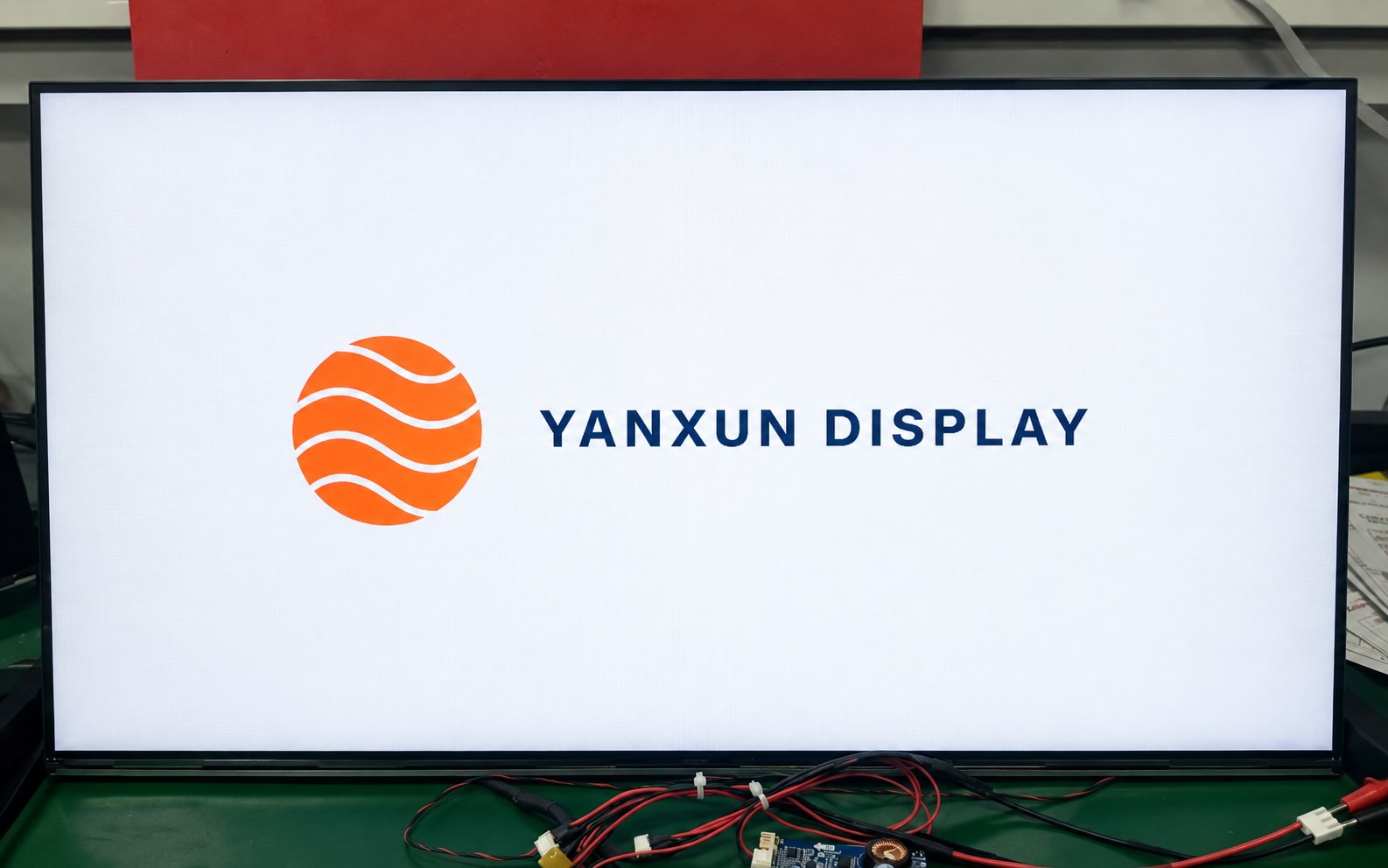
Yanxun Display customized boot logo shown on a monitor during testing
02

Logo Customization

Your approved logo can be applied to the front bezel, rear housing and compatible boot-up firmware. Placement, size, color and production method are checked before mass production.

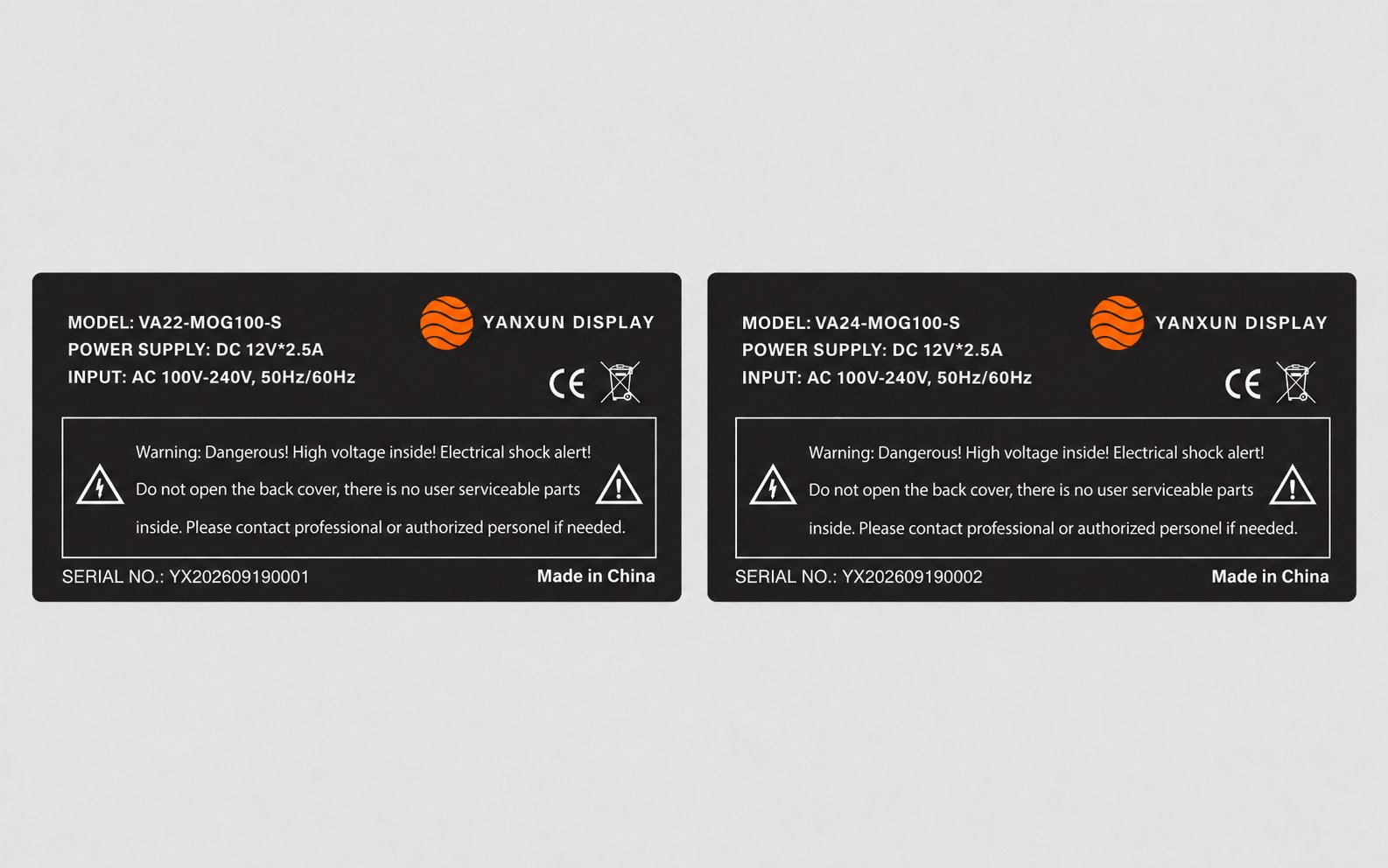
Customized Yanxun Display monitor rating labels with model, serial number, electrical and compliance information
03

Rating Label

We prepare the model, electrical data, serial-number format, barcode, country of origin and approved compliance information for review before printing the rear rating label.

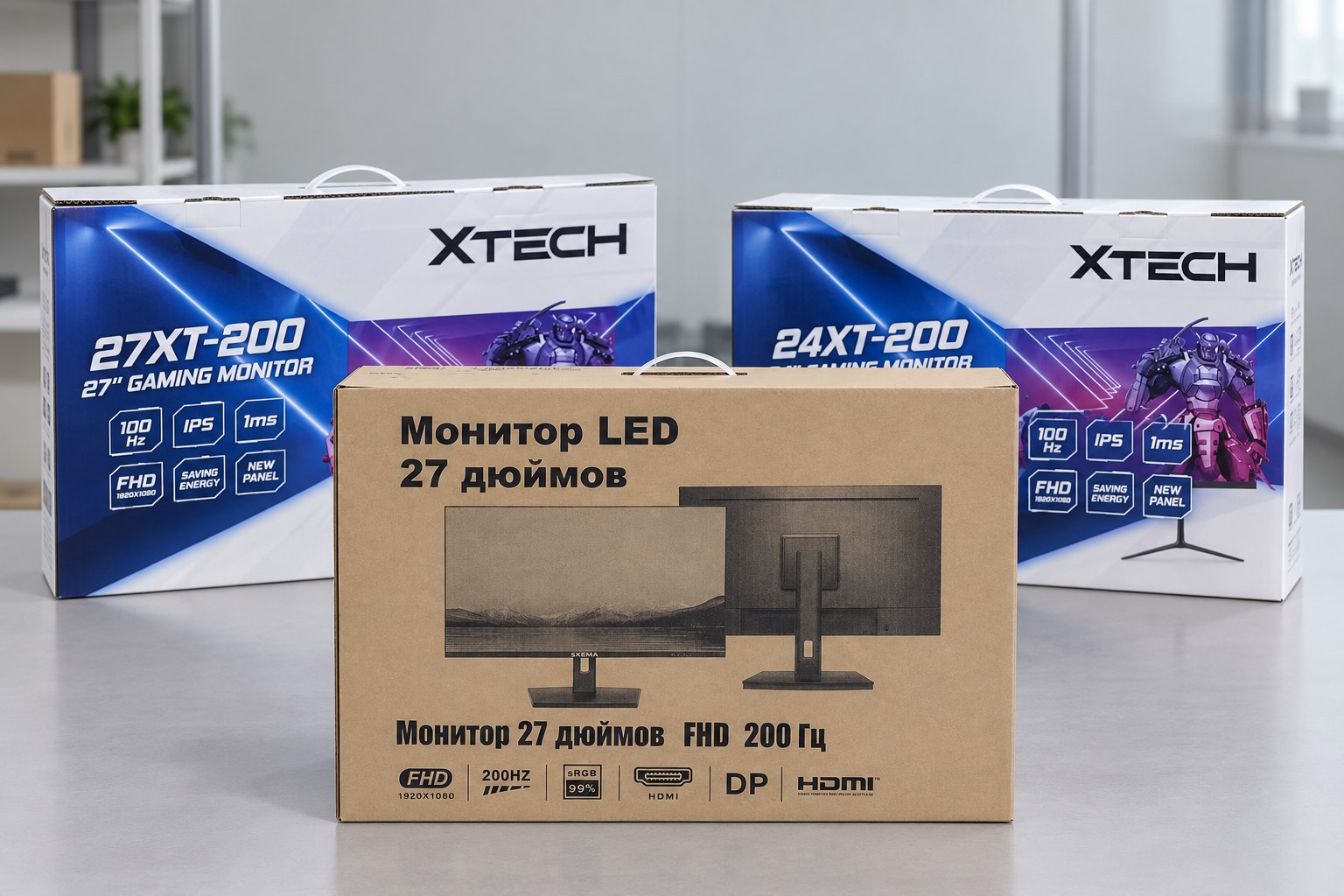
Printed color boxes and kraft carton for customized OEM monitors
04

Packaging

Choose a printed color box or a cost-efficient plain carton. We verify the artwork, model information, protective materials, barcode area and shipping marks before the full packaging run.

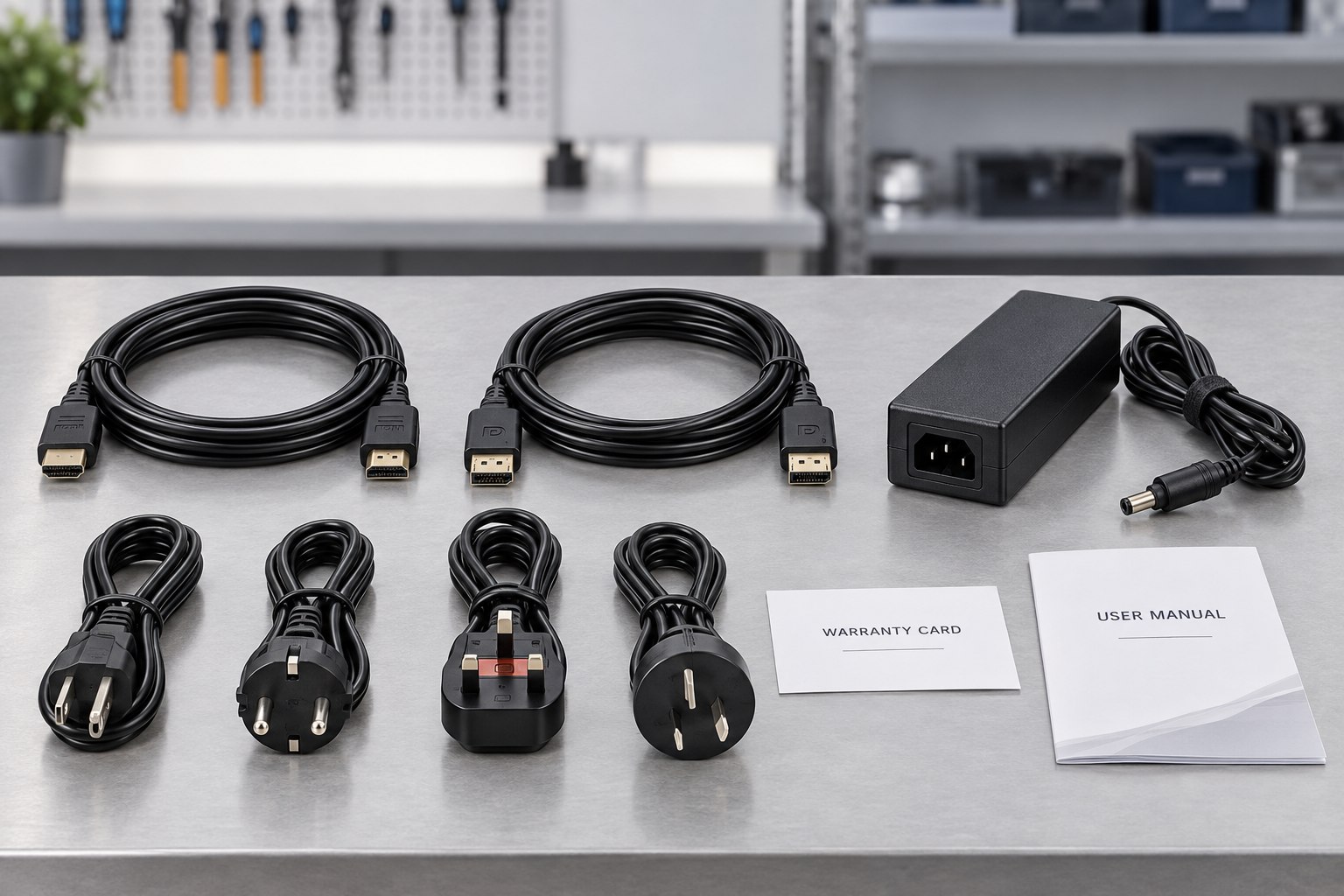
OEM monitor accessory kit with HDMI and DisplayPort cables, adapter, regional power cords, warranty card and user manual
05

Parts and Accessories

The approved bill of materials identifies the stand, adapter, regional power plug, HDMI or DisplayPort cable, manuals, warranty card and any market-specific accessories included with each unit.

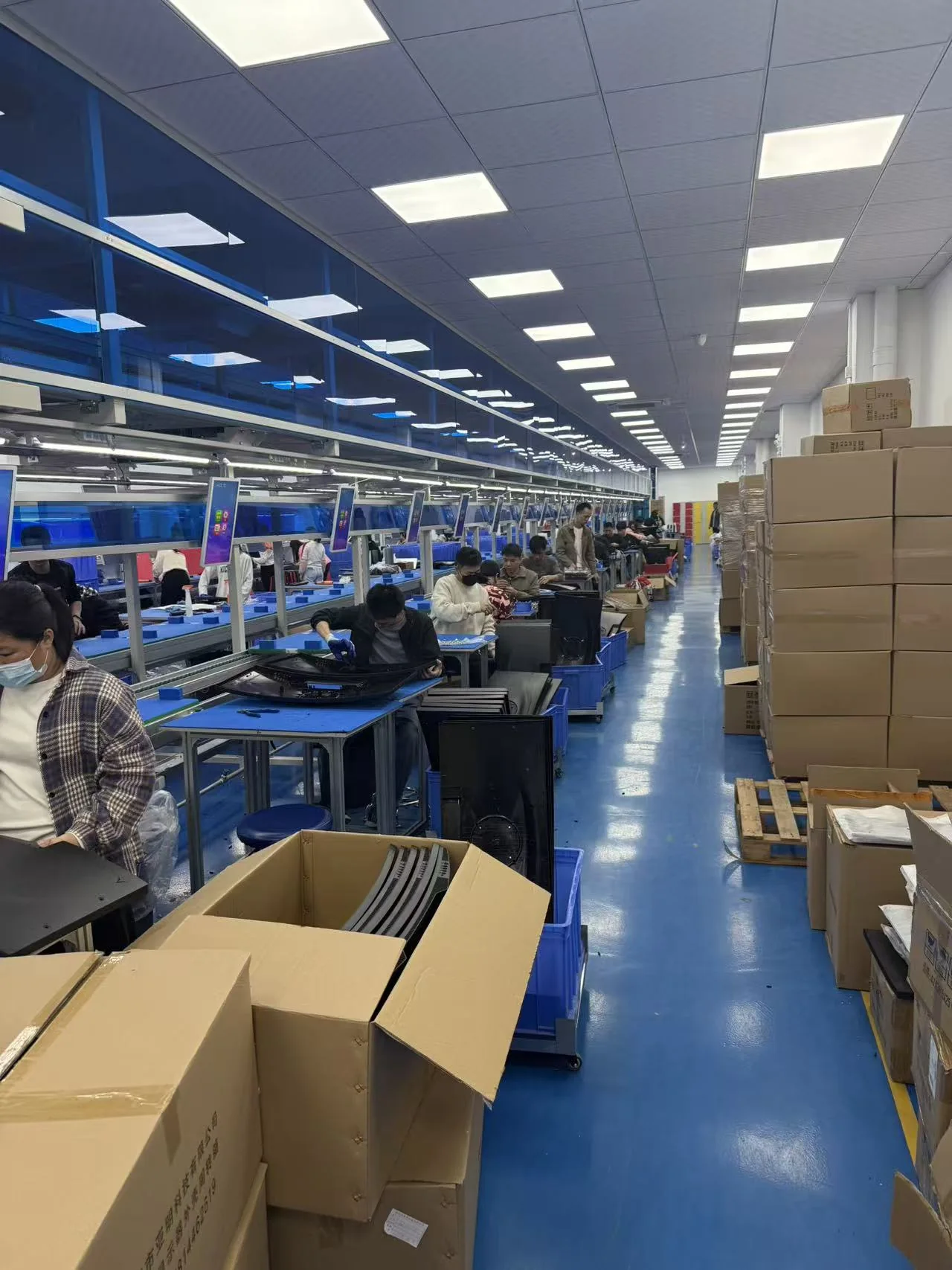
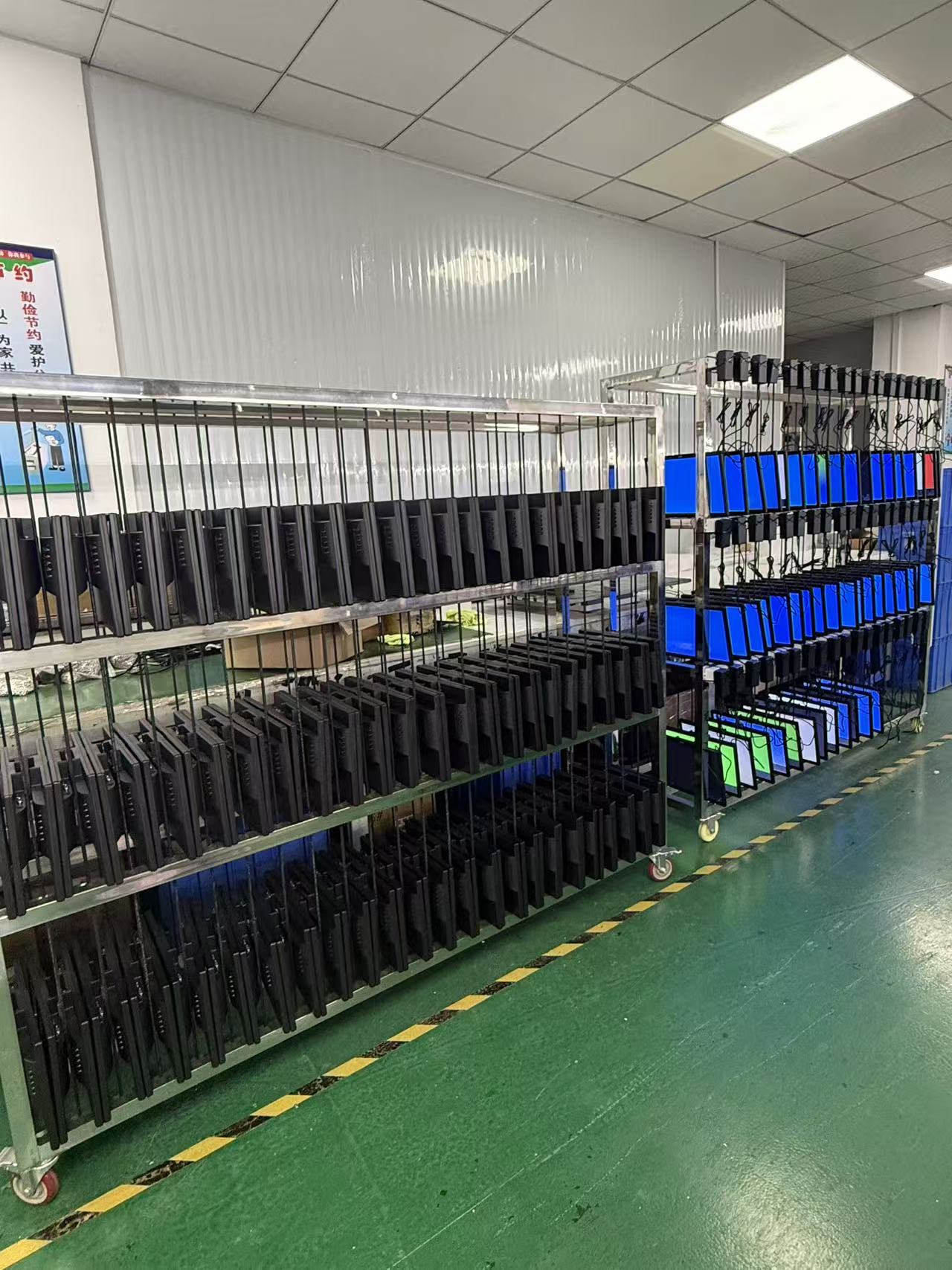
Yanxun Display monitor assembly and production line
06

Assembly

Approved materials and documents are released to the assembly team. Monitors are assembled and programmed according to the approved sample, bill of materials and controlled work instructions.

Finished monitors undergoing an aging test at Yanxun Display
07

Aging Test

Finished monitors operate for an agreed period so the team can check power stability, image performance, signal input and other early-life issues before the units are released for packing.

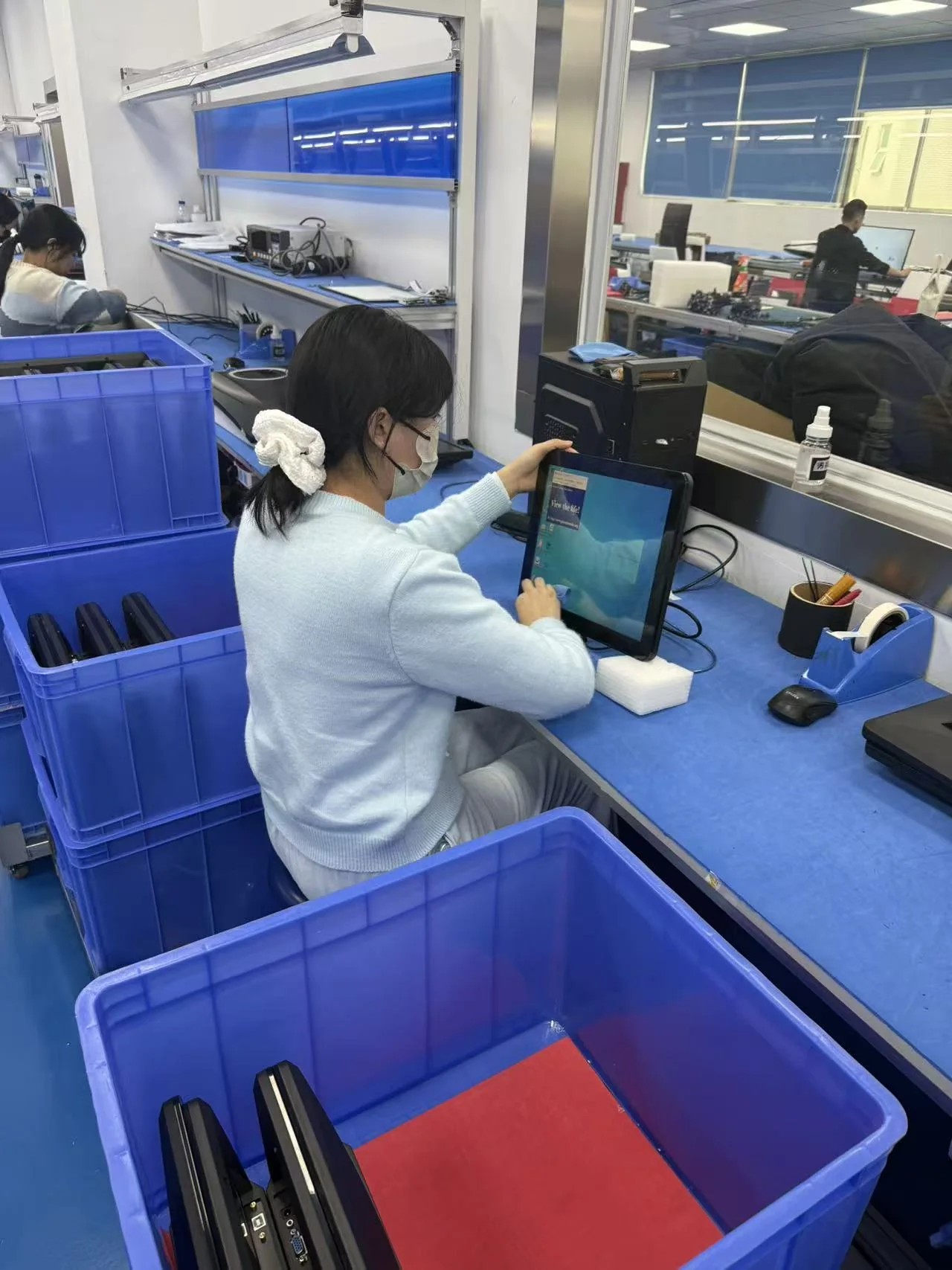
Operator inspecting a completed monitor at Yanxun Display
08

QC

Quality control verifies appearance, screen condition, functions, ports, firmware, labels, accessories and packaging against the approved specification and order requirements.

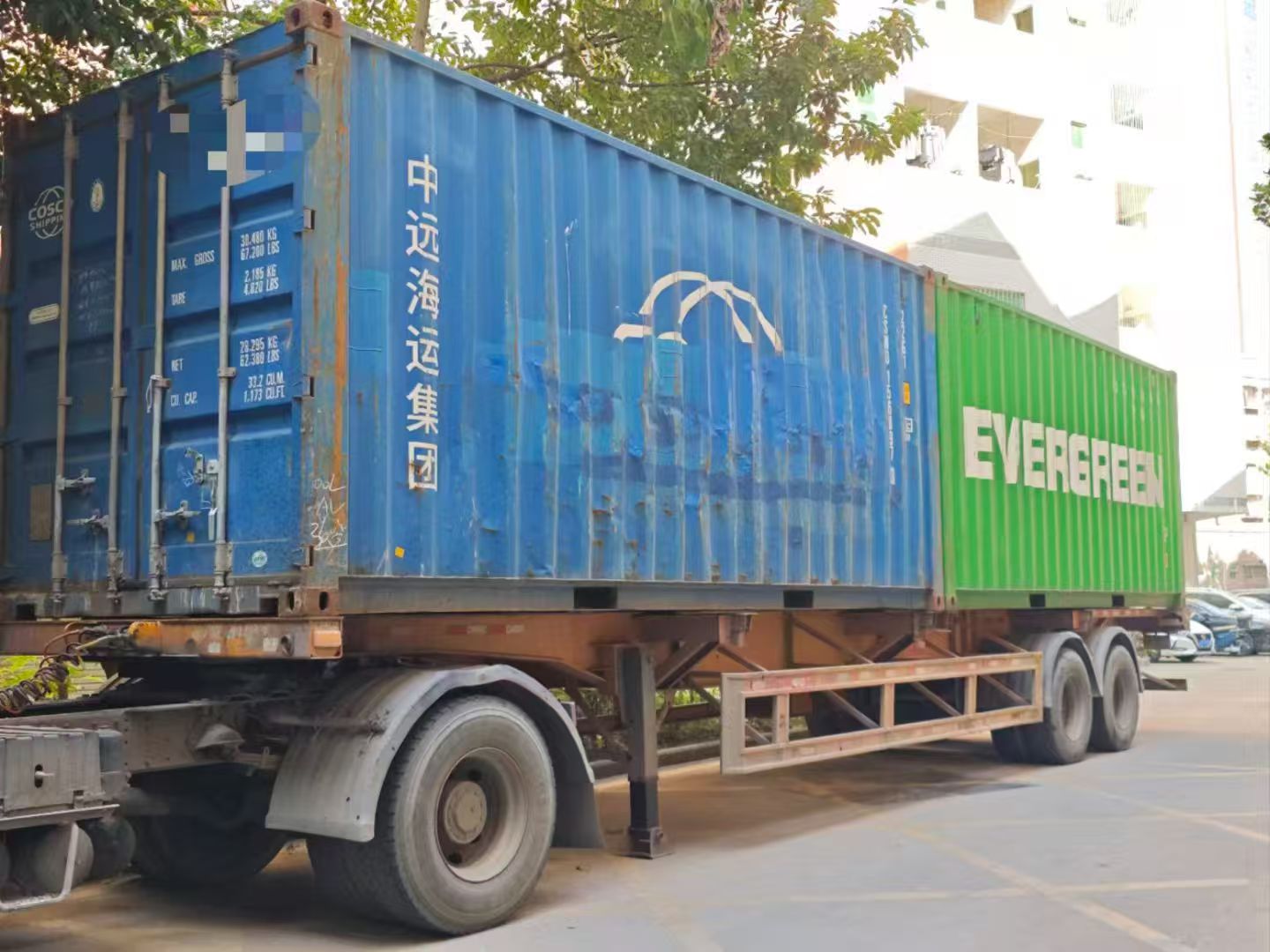
Export containers prepared for shipment from Yanxun Display
09

Shipment

After the final inspection, we confirm carton marks, quantities, packing documents and the agreed Incoterm, then arrange LCL, FCL or another approved shipping method.

Technician providing monitor warranty repair support
10

Warranty Follow-up

Our team records the model and order details, reviews reported issues and coordinates parts, remote guidance or agreed onsite support according to the project warranty terms.

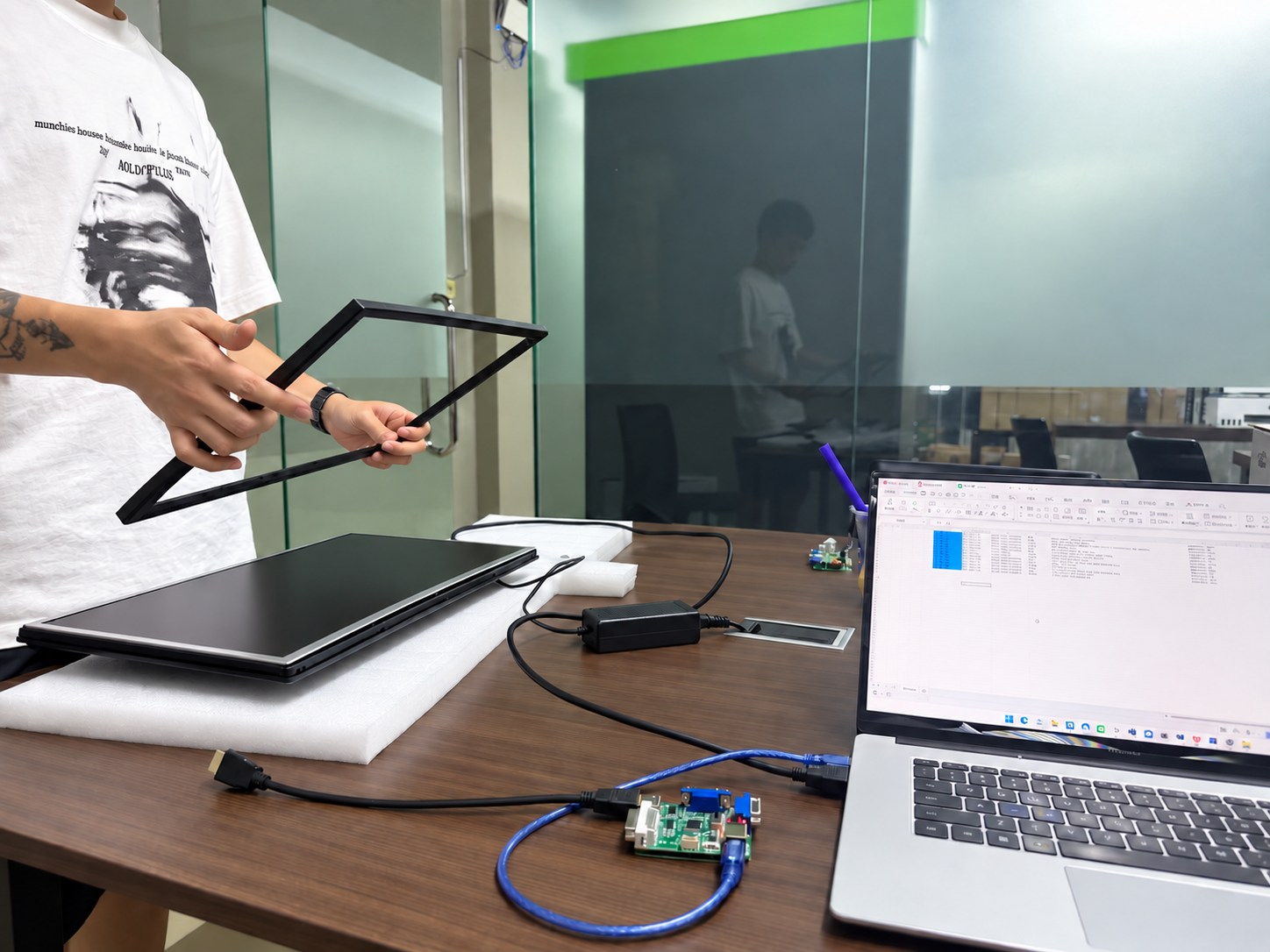
Need a customized monitor platform?

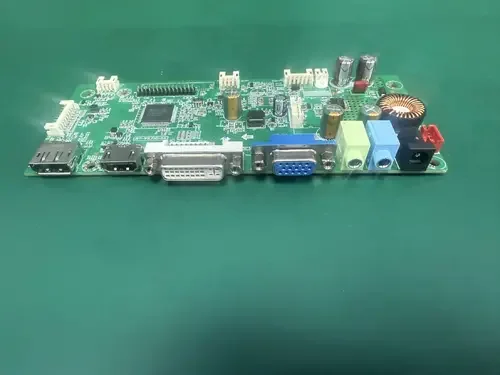
See how Yanxun Display adapts controller boards, interfaces and firmware for project-specific requirements.

Explore Mainboard Customization