
A monitor logo is a small detail that buyers notice every day. The right process depends on the housing material, logo size, colors, order volume and the look you want. This guide explains seven common options in plain language, with a finished-look image for each one.
Image note: The images in this guide are illustrative concept renderings. They show possible finishes, not production photos or a promise that every finish is available on every monitor model.
1. Screen Printing
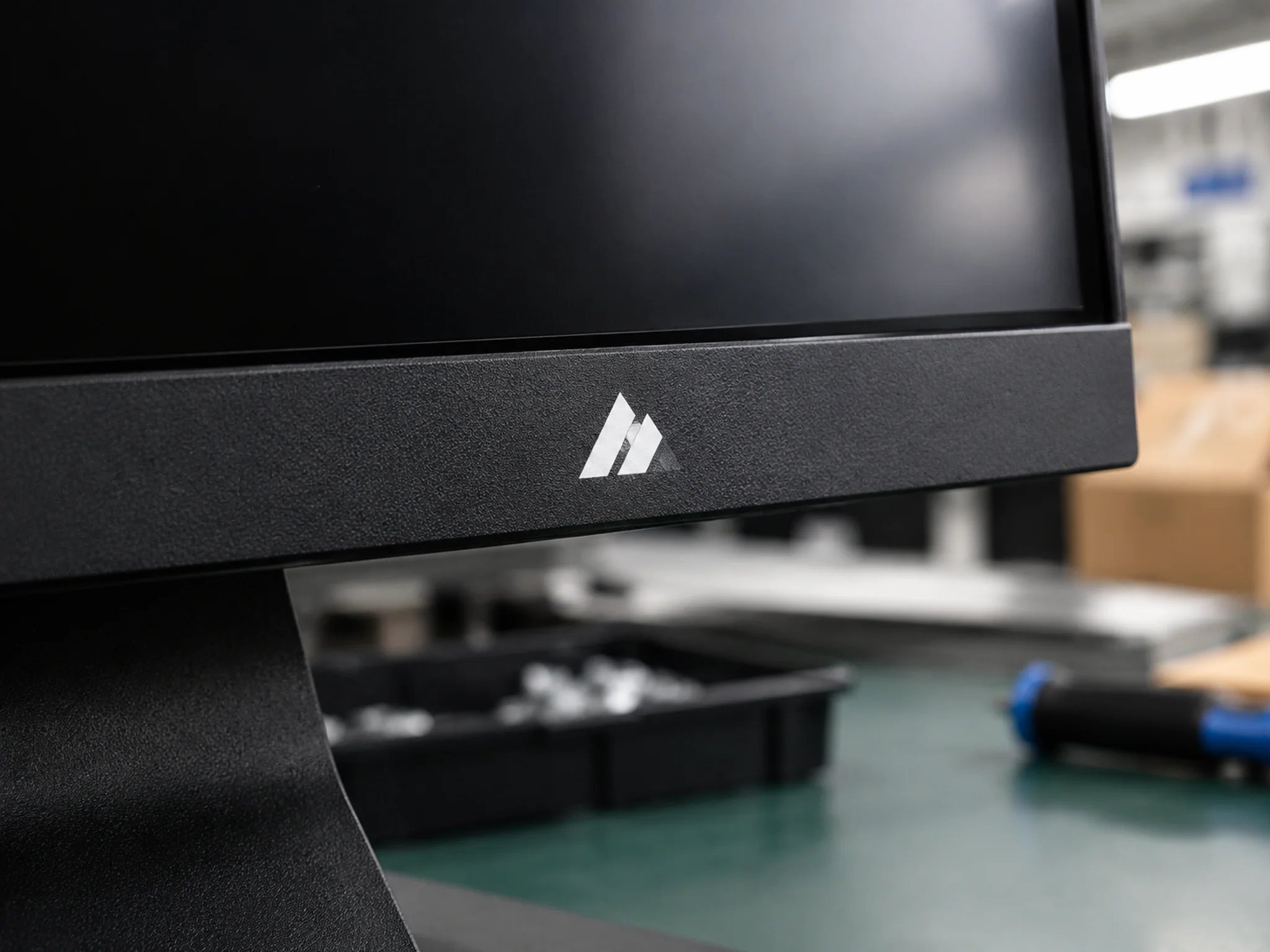
Screen printing pushes ink through a fine mesh screen onto the monitor housing. A separate screen is prepared for each color, then the ink is dried or cured. It works best on flat areas with clear, solid artwork.
For a simple logo on an office or value-focused monitor, screen printing is often a practical choice. It can produce crisp color at a reasonable unit cost. The surface material and coating matter: the supplier should check ink adhesion and resistance to rubbing before production.
2. Pad Printing
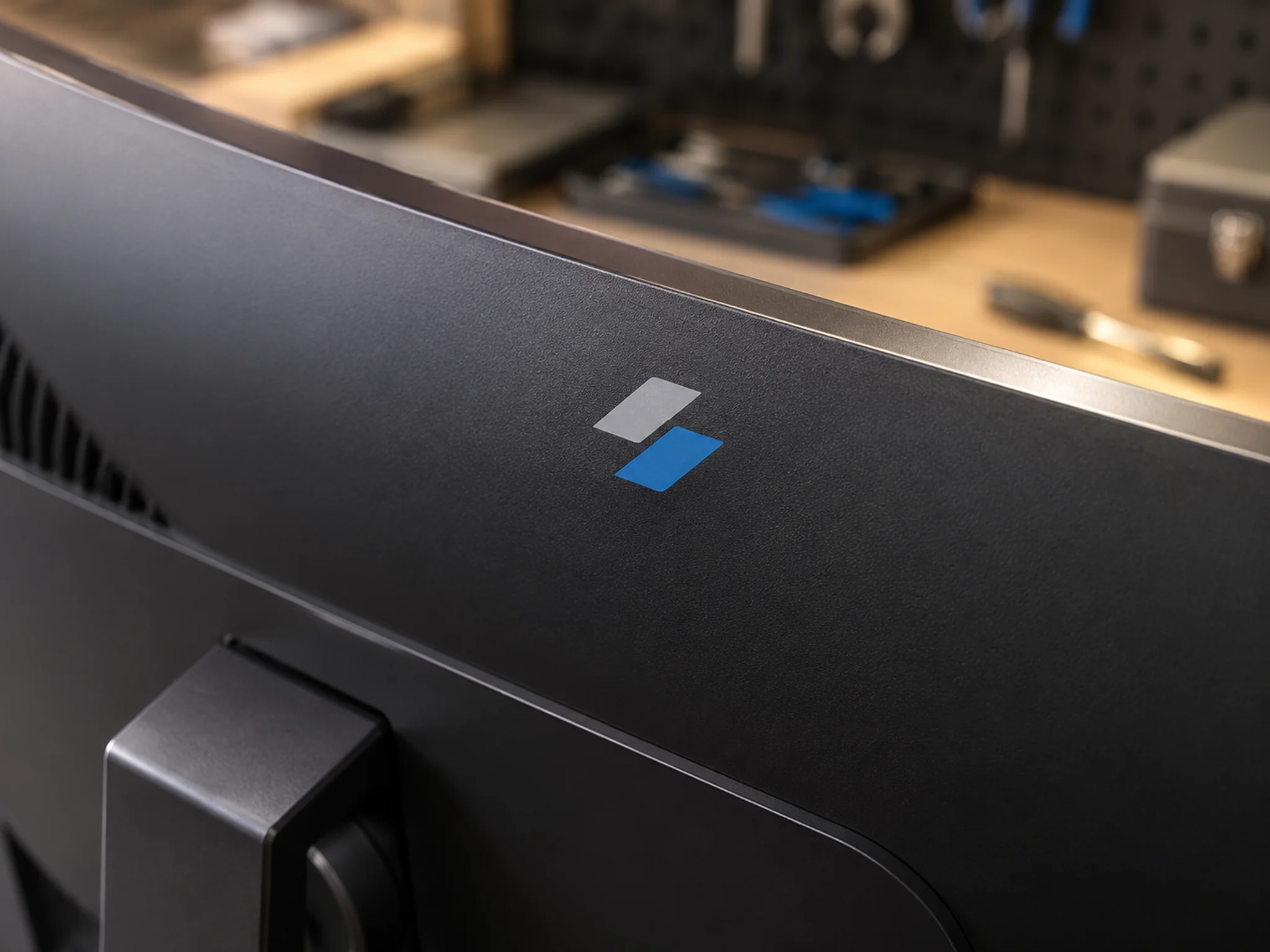
Pad printing transfers ink from an etched plate onto a soft silicone pad, which then presses the image onto the product. The pad can flex around a gentle curve or a small surface that is difficult to reach with a flat screen.
This method suits small marks on curved or recessed areas. It is useful when the logo location matters more than making the mark large. Very fine details and tight color alignment need a sample check, because the logo is transferred in separate steps.
3. Molded-In Embossed or Debossed Logo
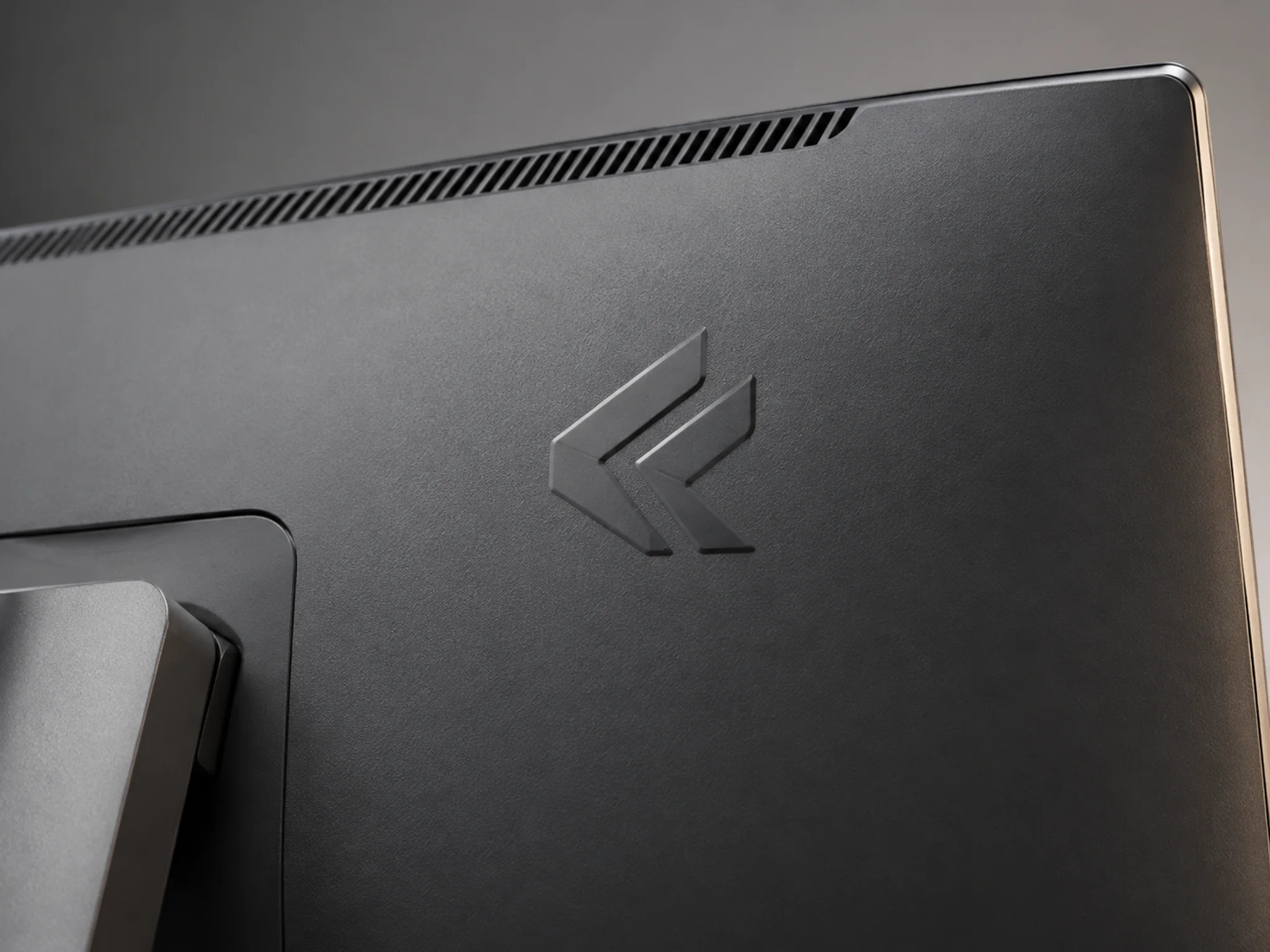
With molded relief, the logo shape is built into the injection mold. When the plastic housing is formed, the mark comes out raised (embossed) or recessed (debossed). It is part of the housing surface, rather than a separate layer of printed ink.
The result feels integrated and does not rely on a printed color staying on top of the plastic. It can suit a stable product platform and a brand that wants a quiet, long-lasting mark. The logo must be designed for the mold, and changing the tool later can add cost and lead time. The effect is usually created by shape and light, so it may be less visible than a contrasting print.
4. CNC-Machined High-Gloss Metal Detail
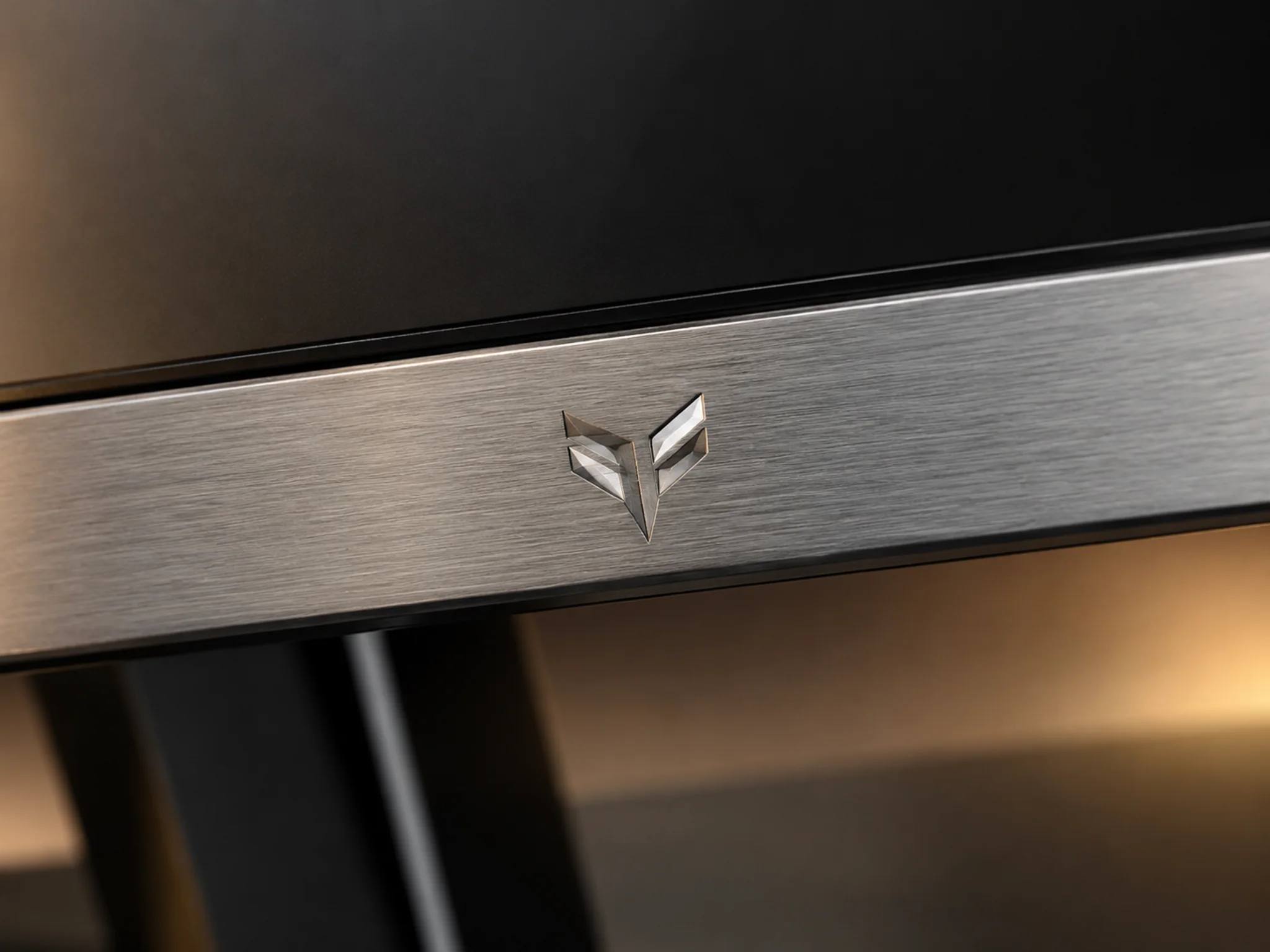
CNC machining removes material with a computer-controlled cutting tool. For a monitor logo, it is commonly used on a metal badge, trim piece or aluminum component. Edges can be cut and polished to create a bright highlight beside a brushed or matte surface.
This finish gives a premium, precise look and works well when the logo is a focal detail. It usually adds material and machining cost, so it is less suited to the lowest-cost configuration. Confirm the metal, finish, sharp-edge requirements and color against a physical sample.
5. Laser Marking or Engraving
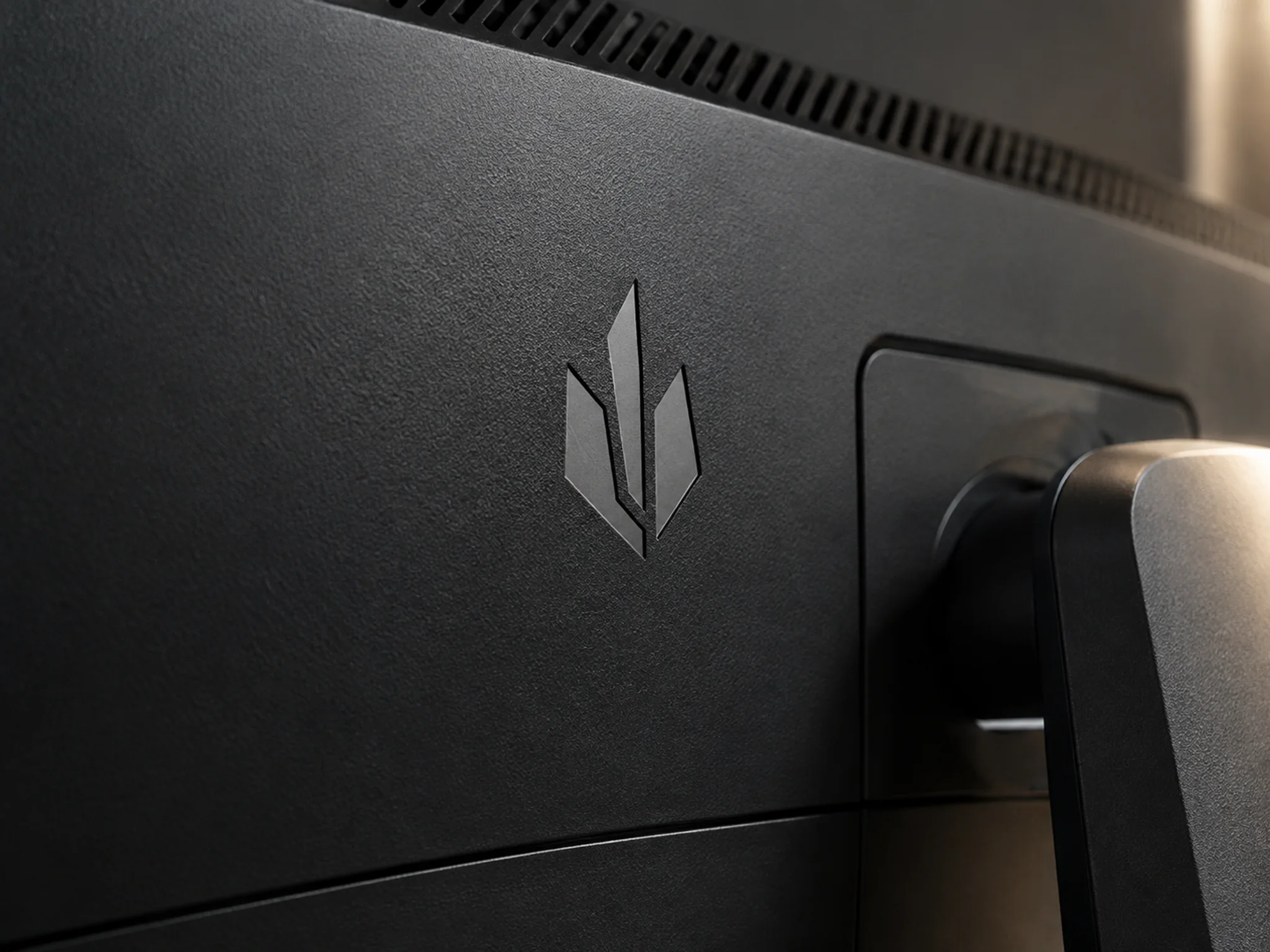
A laser changes the surface with a focused beam. Depending on the material and coating, it can darken the surface, reveal a layer underneath or create a shallow engraved mark. There is no separate ink film, and artwork can be changed without making a printing screen.
Laser marking is useful for fine lines, small text, serial information or a restrained logo. Its color is not universal: the same laser settings can look different on another plastic or coating. Test the exact housing material and finish for contrast, legibility and heat effects before approving the sample.
6. Metal Nameplate or Logo Badge
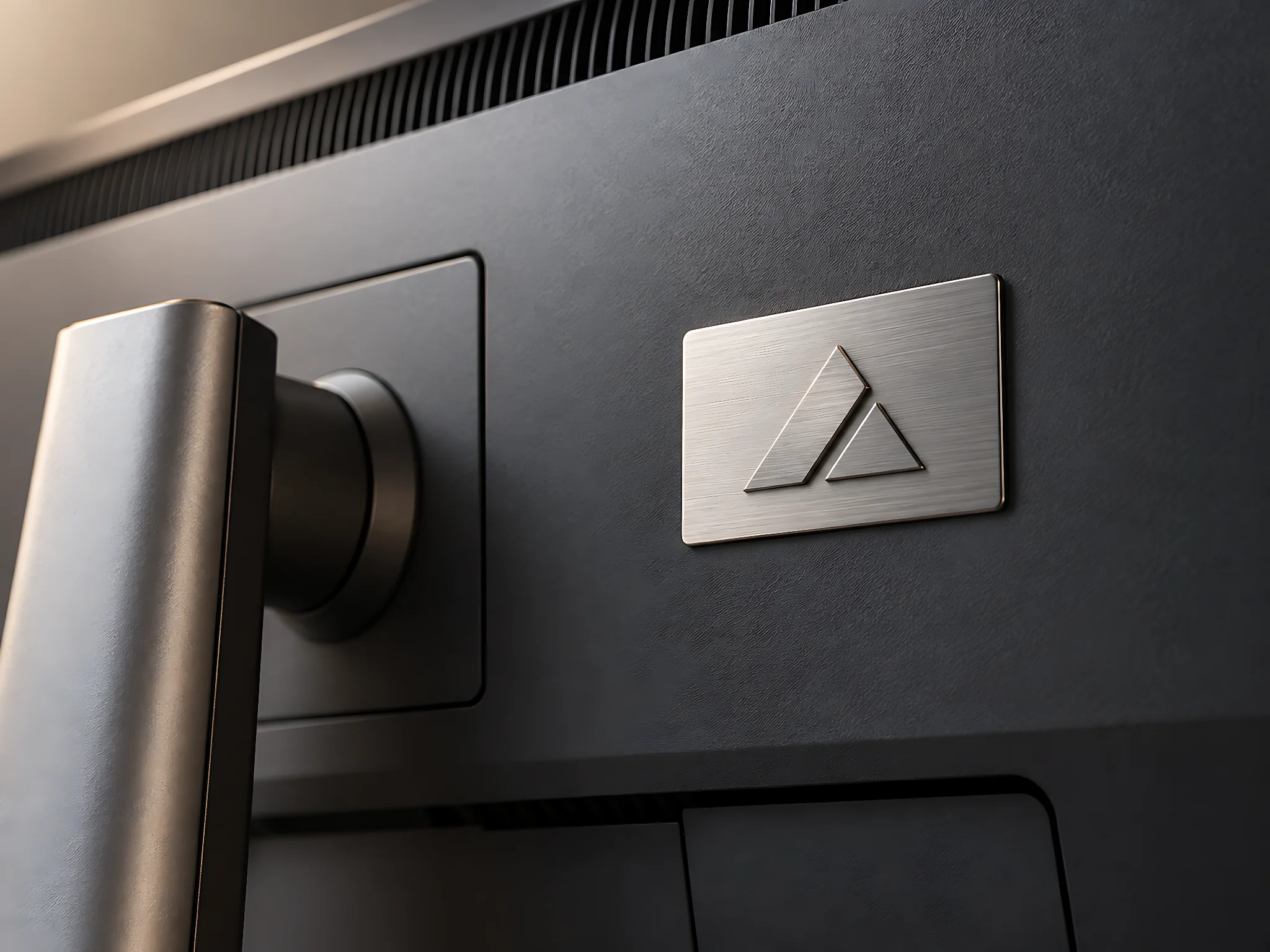
A nameplate is made as a separate part, often from aluminum or stainless steel. The logo can be printed, etched, stamped or finished with a brushed surface. The plate is then fixed to the monitor housing with adhesive or a designed mounting feature.
A badge can add contrast and a clear metal look without changing the whole housing mold. It also makes it easier to use different branding on a shared monitor platform. The extra part adds assembly steps, so check placement, edge lift, adhesive strength and cleaning resistance during sample approval.
7. Illuminated or Backlit Logo
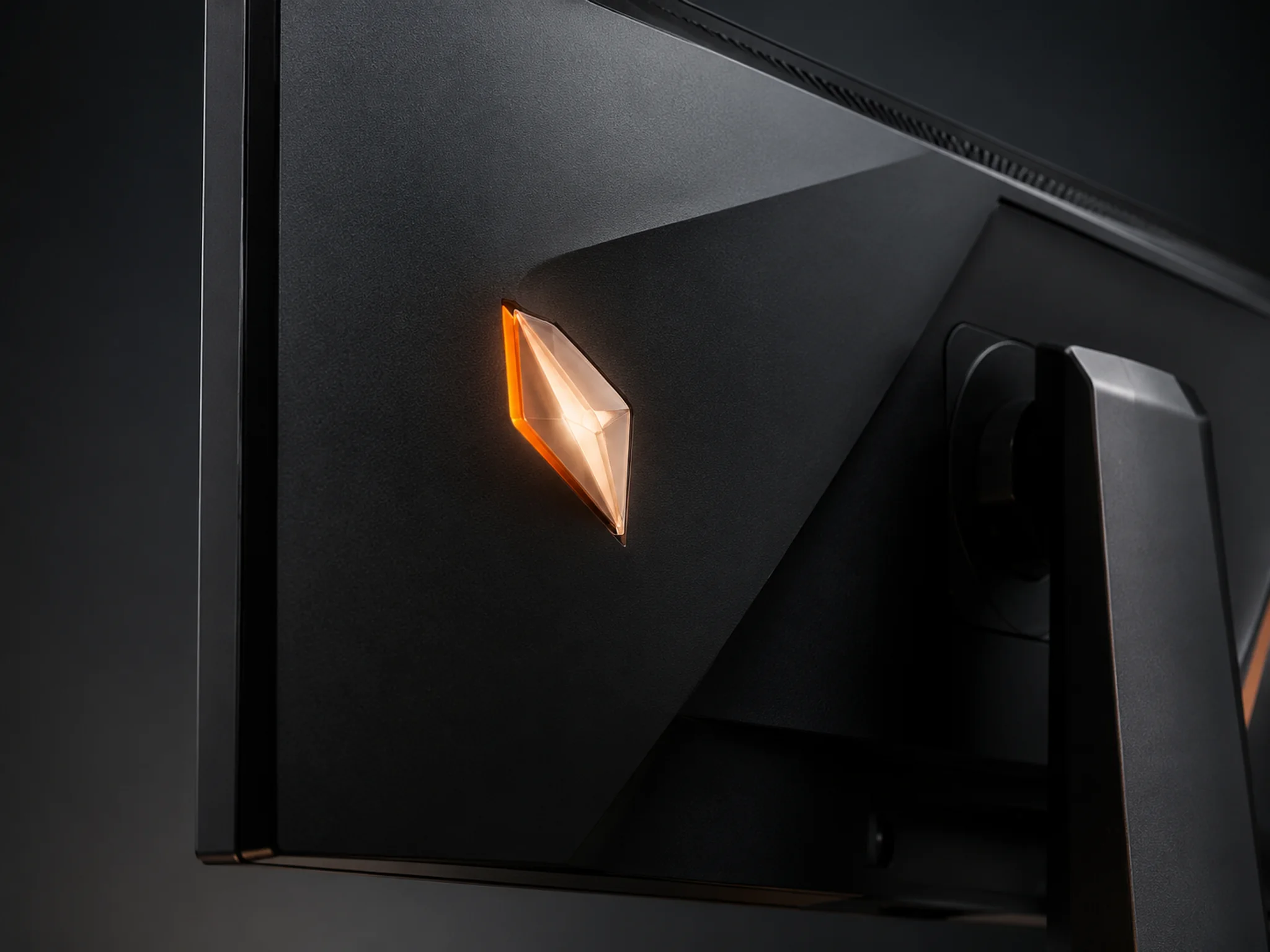
An illuminated logo uses a translucent logo area, a light guide or diffuser, and an LED behind it. When powered, light passes through the mark. The visible result depends on the logo material, LED position, surrounding cover and brightness setting.
This option is often considered for gaming monitors and higher-end models where a light accent is part of the product design. It adds components, wiring and assembly checks. A sample should be reviewed in a dim room and a bright room for even lighting, unwanted light leakage, color and brightness. Confirm whether the logo should turn off with the monitor or follow another lighting control.
How to Choose a Monitor Logo Finish
Start with the monitor housing material and the quantity you expect to order. Then decide whether you need a low-cost color mark, a tactile shape, a metal accent or a light effect. A process that looks good in a drawing may not transfer well to a textured plastic surface, so the final sample should use the intended material and coating.
- For a business or value-focused monitor: screen printing is often a straightforward, cost-conscious option for a clear logo.
- For a small logo on a curved surface: ask whether pad printing fits the location and artwork.
- For a built-in, tactile mark: consider molded relief when the housing and tooling plan support it.
- For a premium detail: compare a machined metal accent with a separate metal badge.
- For a subtle mark without added ink: test laser marking on the exact material.
- For a visible gaming accent: evaluate an illuminated logo as a full electrical and mechanical feature.
In general, business and value-focused monitors often use screen printing because it is simple and cost-conscious. Premium professional and gaming monitors may use molded relief, CNC-finished metal details, laser marking or metal badges to create a more distinctive finish. The best choice still depends on the specific design, materials, order quantity and approved sample.
What to Confirm Before Production
Send the supplier a vector logo file and confirm its size, position, colors, housing material and surface texture. Ask for a sample made with the intended finish, then check appearance, alignment and durability before mass production. For illuminated marks, also confirm light color, brightness and control behavior. Keep the approved sample and artwork revision as the reference for the order.
Frequently Asked Questions
Which monitor logo process is usually the lowest cost?
For a simple logo on a suitable flat surface, screen printing is often a cost-conscious starting point. The final price still depends on colors, preparation, order quantity, housing material and inspection requirements. Request a quote for the exact design rather than comparing process names alone.
Will a printed logo wear off?
It can if the ink, coating or surface preparation is not suited to the housing, or if the product sees heavy rubbing or harsh cleaning. Ask for an adhesion and abrasion check on the actual material and finish. Molded relief and laser marking do not use a top layer of printed ink, but they still need appearance and durability checks.
Can I add my logo to an existing monitor model without opening a new mold?
Often, yes. Printing, pad printing, laser marking or adding a separate badge may work on an existing housing, subject to the available flat area, material and factory process. A molded-in logo changes the mold and may need tooling work. The supplier should confirm feasibility from the chosen model and a logo drawing.
Does an illuminated logo stay on when the monitor is off?
That depends on the electrical design and control setting. It can be linked to the monitor power state or designed with a separate lighting control, if the platform supports it. Decide the behavior early and verify it on a working sample.
What files and details should I provide for a logo sample?
Provide a vector file such as AI, EPS, SVG or outlined PDF, plus the required logo size, colors, location and preferred finish. Also share the monitor model and expected quantity. Approve the physical sample for color, position, surface feel and durability before production.