
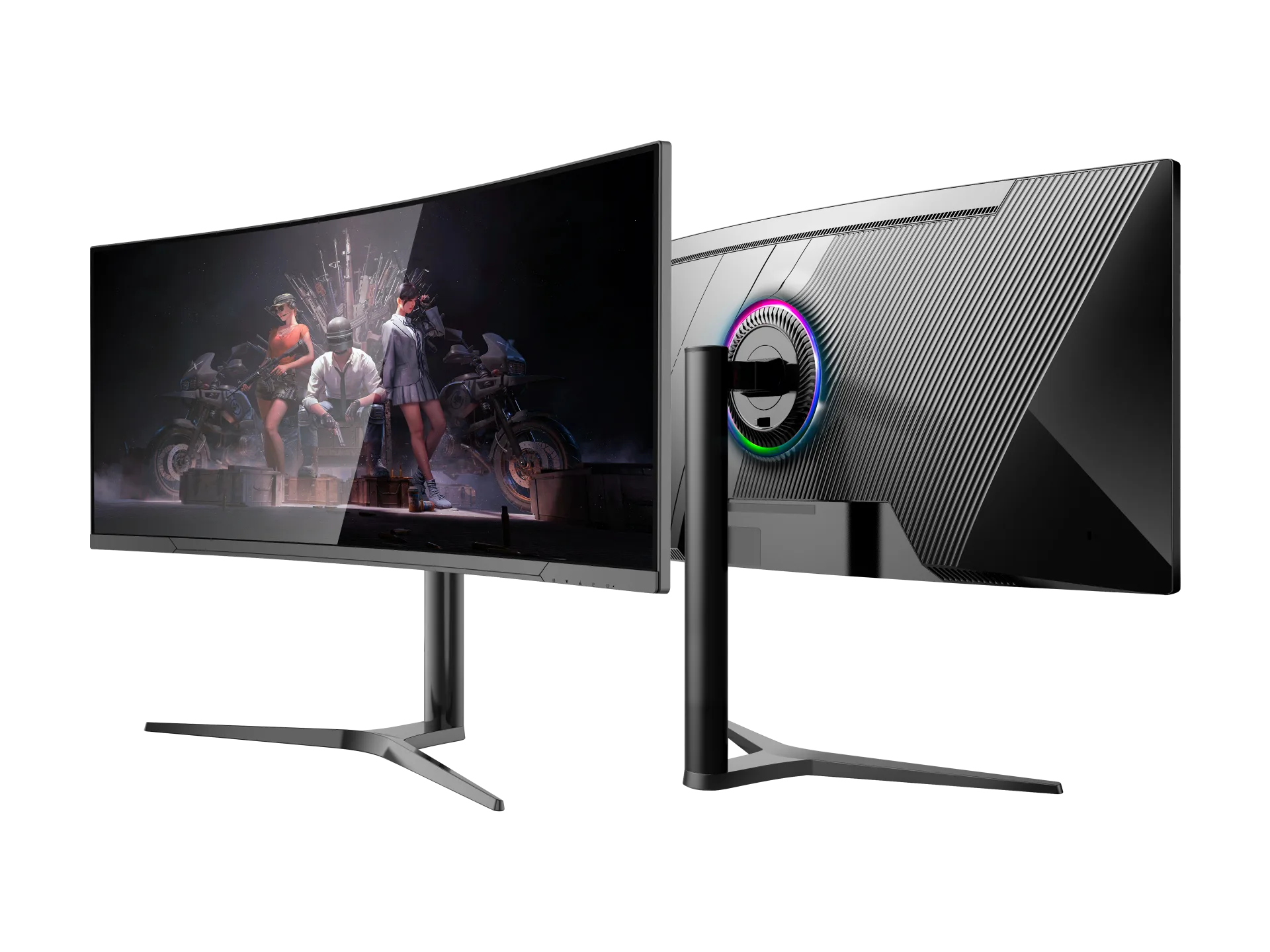
Choosing between a 4K gaming monitor and a 34-inch ultrawide model is not simply a choice between "more pixels" and "a bigger screen." They target different customers, place different demands on the graphics card and create different retail price positions. Distributors should begin with the native resolution and aspect ratio, not the marketing words used in a marketplace title.
What Is the Difference Between WQHD, UWQHD and 4K?
| Format | Native resolution | Total pixels | Aspect ratio | Typical size |
|---|---|---|---|---|
| WQHD | 2560 × 1440 | 3,686,400 3.69 million | 16:9 | 27 inch |
| UWQHD | 3440 × 1440 | 4,953,600 4.95 million | 21:9 | 34 inch |
| 4K UHD | 3840 × 2160 | 8,294,400 8.29 million | 16:9 | 27–32 inch |
4K UHD renders roughly 67% more pixels than UWQHD and 125% more than WQHD. The extra pixel density can produce finer detail, but it also increases the graphics workload.
Screen size does not determine resolution. A 27-inch monitor can be WQHD or 4K, while a 34-inch monitor can use several different pixel matrices. A 27-inch 4K screen has roughly 163 pixels per inch; a 34-inch 3440 x 1440 screen is about 110 pixels per inch. The first prioritizes sharpness, while the second uses its physical width to create a broader field of view.
Why are some 34-inch monitors advertised as 4K
A 3440 x 1440 panel is not technically 4K. Some marketplace sellers add "4K" because customers search for the term, or because the monitor can accept and downscale a 4K input signal. Signal compatibility is not the same as native panel resolution.
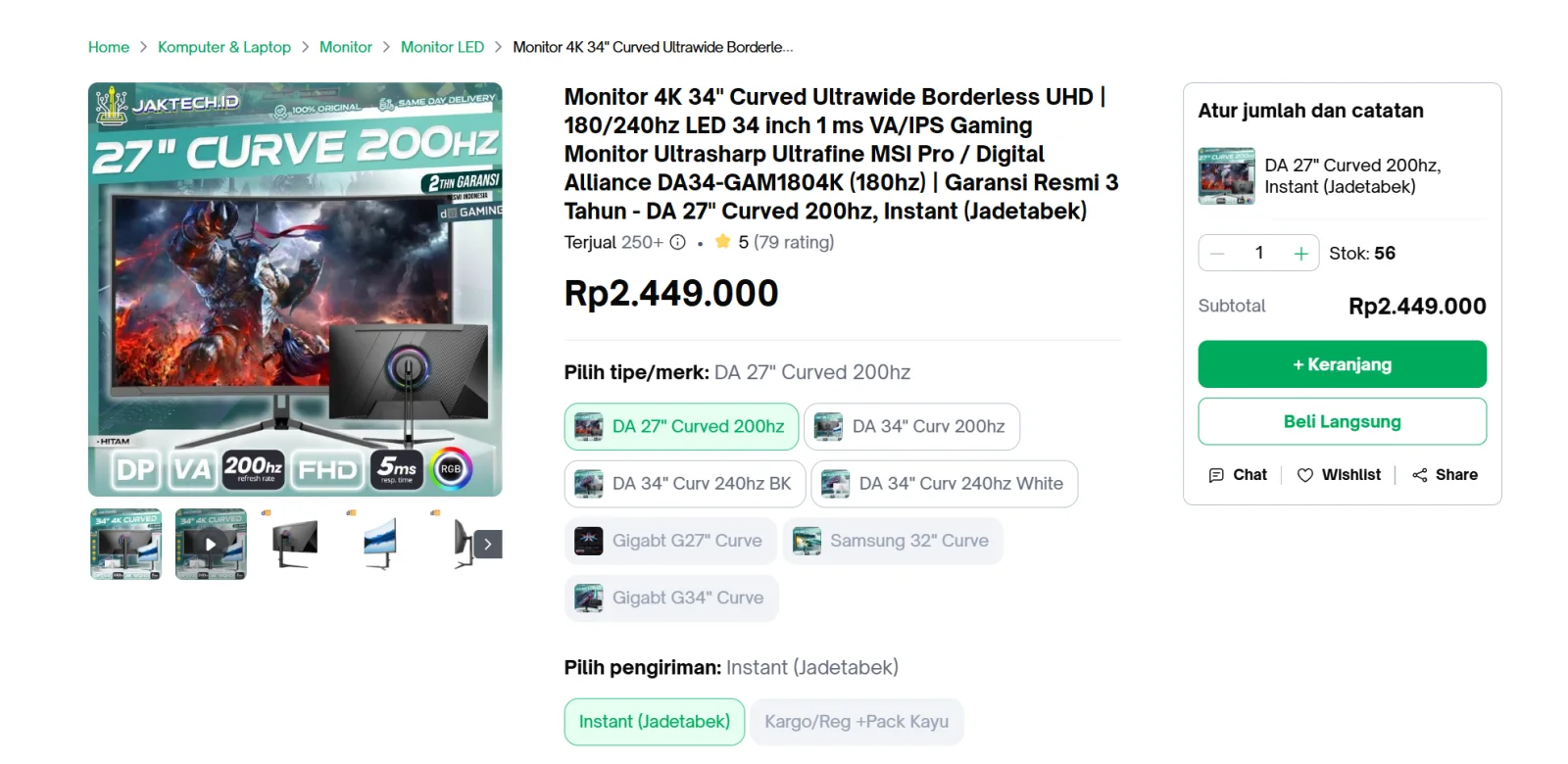
A Digital Alliance marketplace listing demonstrates this naming practice.
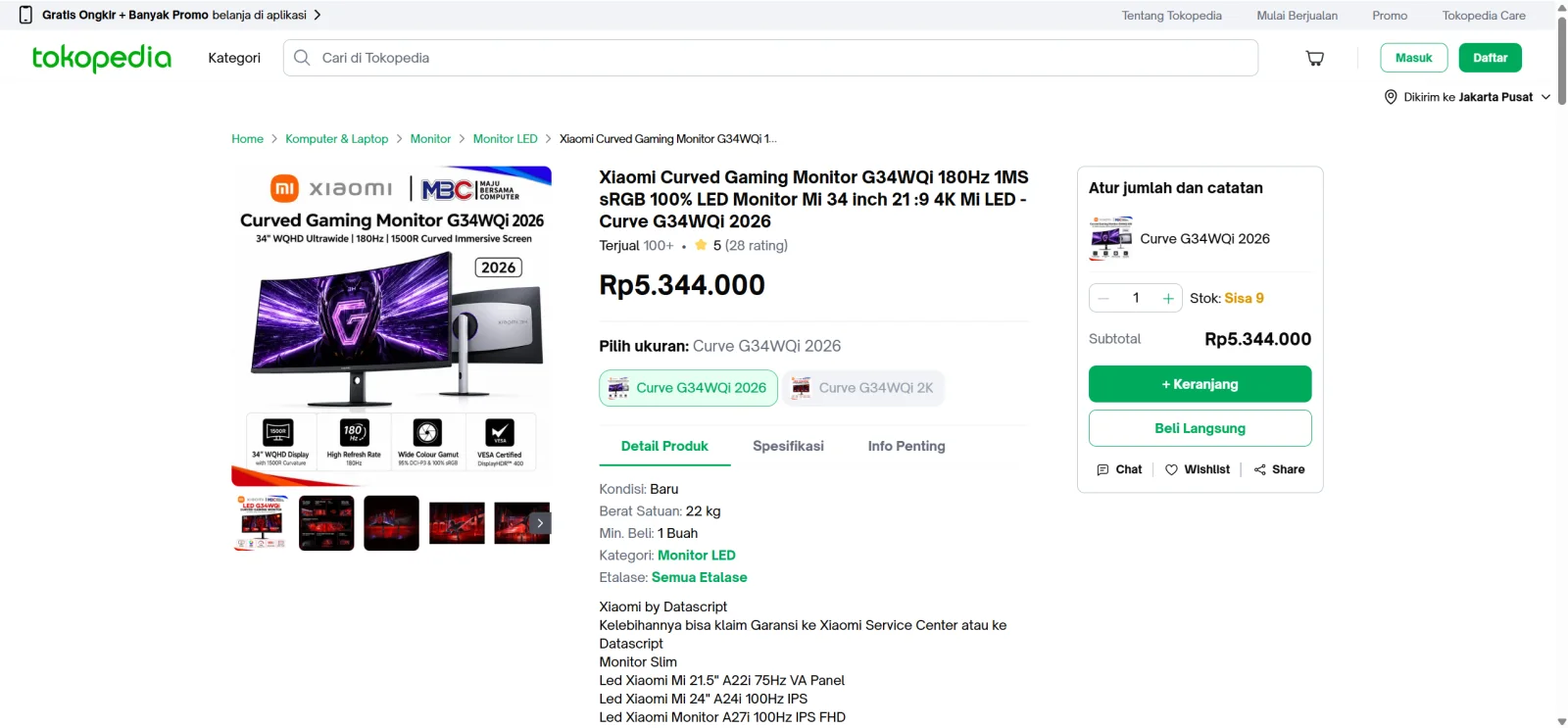
A similar Xiaomi G34WQi marketplace listing includes 4K in its title, but Xiaomi's official specification states 3440 x 1440 and 21:9. Distributors should therefore print the native resolution clearly. If 4K input is supported, it should be described as signal compatibility rather than native 4K.
Which format should distributors choose
Choose 27-inch WQHD for mainstream high-refresh gaming. It uses the familiar 16:9 format, is easier to drive than 4K and fits customers who prioritize frame rate and price.
Choose 34-inch UWQHD for immersion and multitasking. Its wider canvas suits racing, simulation and role-playing games, while also supporting side-by-side work. It renders about 40% fewer pixels than 4K UHD, often making high frame rates more attainable on the same graphics card. However, some games and consoles do not handle 21:9 as cleanly as a PC does.
Choose 4K UHD for premium detail and console-friendly 16:9 use. It is appropriate for buyers who value sharp imagery, high-resolution video and mixed gaming-and-creation work. The channel must also explain the higher GPU requirement.
Do not compare panel prices alone. Confirm the refresh rate available through each HDMI and DisplayPort input, cable requirements, panel type, adaptive-sync range, GtG versus MPRT response claims, brightness, contrast and HDR capability. The final cost also includes the stand, mainboard, power adapter, regional plug, packaging, spare parts and expected warranty workload.
Yanxun Display 34-inch gaming monitor programs
Yanxun Display supports OEM and ODM projects based on the target country, channel and retail position. Our 34-inch options include the 1800R Arcus Series and 1900R Arcus Series. Project discussions can cover panel and mainboard matching, refresh rate, interfaces, firmware, stand design, branding, packaging, cables and regional plugs.
Review our monitor customization process before sending an inquiry. The right choice is not the display with the largest number in its title, but the product whose native specification, system requirements and retail promise match the intended customer.