22 Inch Monitor With Built in Speaker 100Hz/120Hz - Core Series

SKU: MOX22FF001

series
Core
monitor type
office monitors
screen size
21.5 inch
resolution
FHD
panel type
VA/IPS
panel brand
HKC/CSOT/BOE
brightness
250cd/m²
HDR
HDR 10
refresh rate
100Hz/120Hz
bracket type
fixed bracket
interface
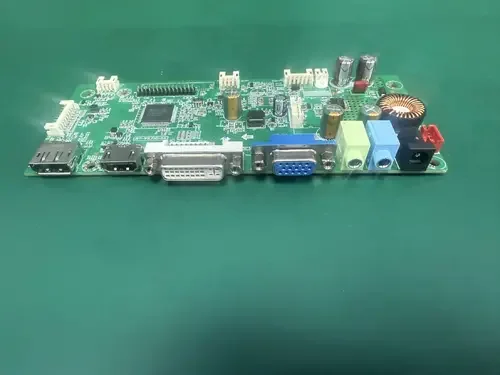
HDMI, VGA, Audio
sRGB
99%
VESA
75mm*75mm
bezel
bezel-less
panel technique
open cell
speakers
two 3W, 4Ω speakers
aspect ratio
16:9

Product Features

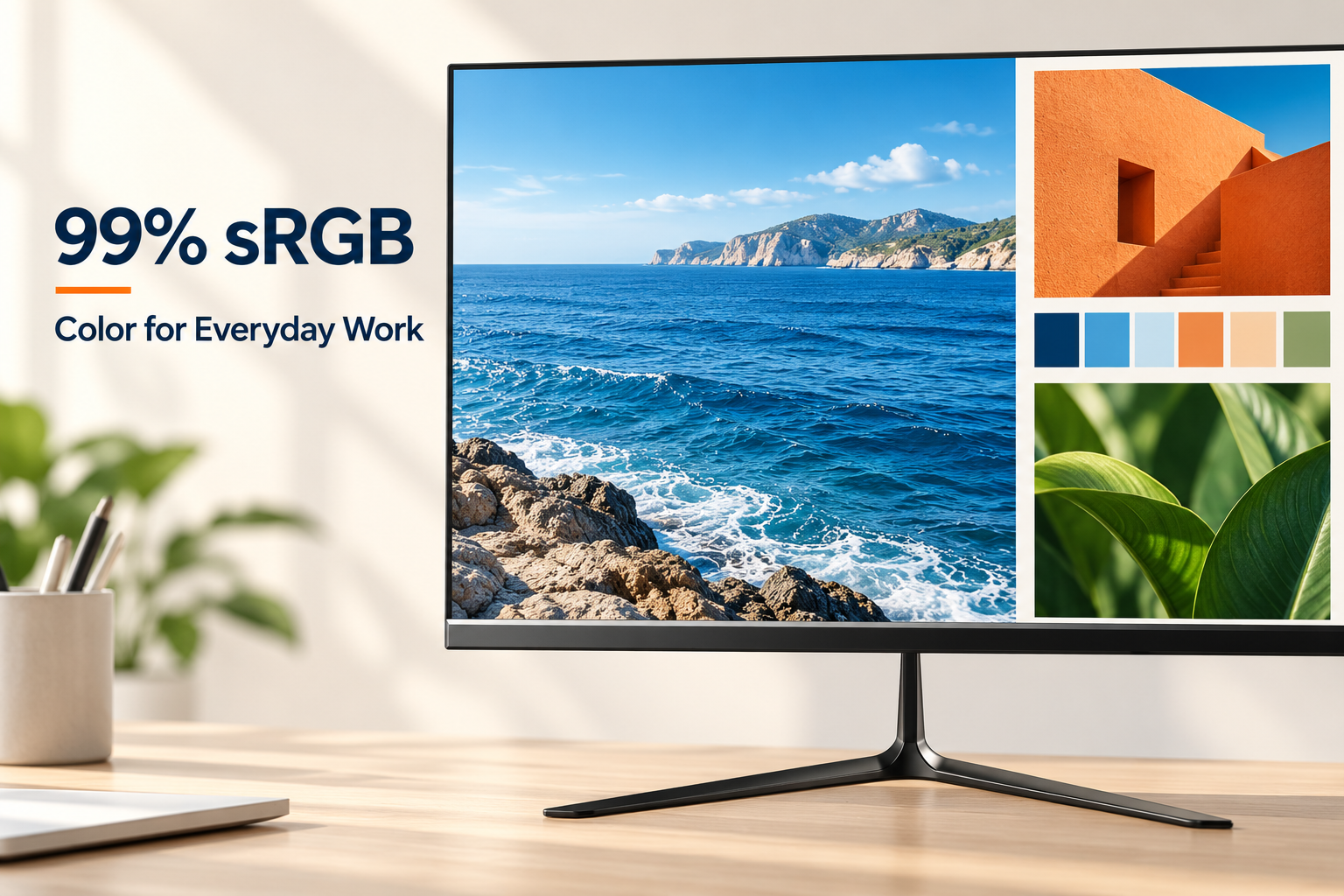
Close-up of the Core Series LCD screen illustrating 99% sRGB coverage for office presentations and images.

99% sRGB for Everyday Office Content

Bring a consistent color palette to presentations, product photos and shared documents. The MOX22FF001 covers 99% of the sRGB gamut, making it a practical screen for web-based content and routine image review alongside spreadsheets and email.
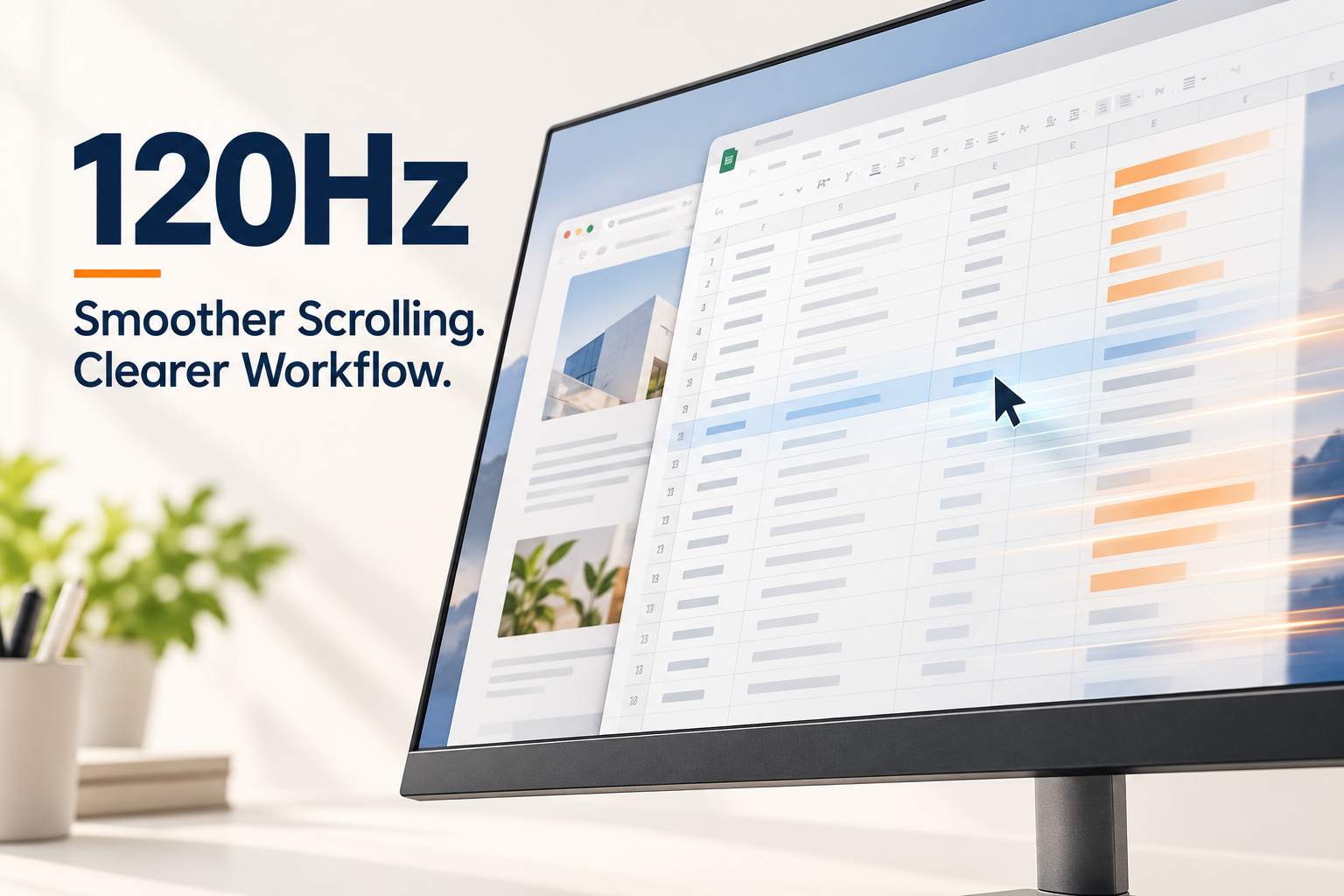
120Hz refresh rate illustration with a scrolling spreadsheet and office browser windows.

120Hz Refresh Rate for a Smoother Workday

Long spreadsheets and busy browser sessions involve more movement than a static document suggests. Choose the 120Hz configuration for smoother scrolling and cursor motion on this compact Full HD display; select 120Hz in your computer's display settings with a compatible connection.

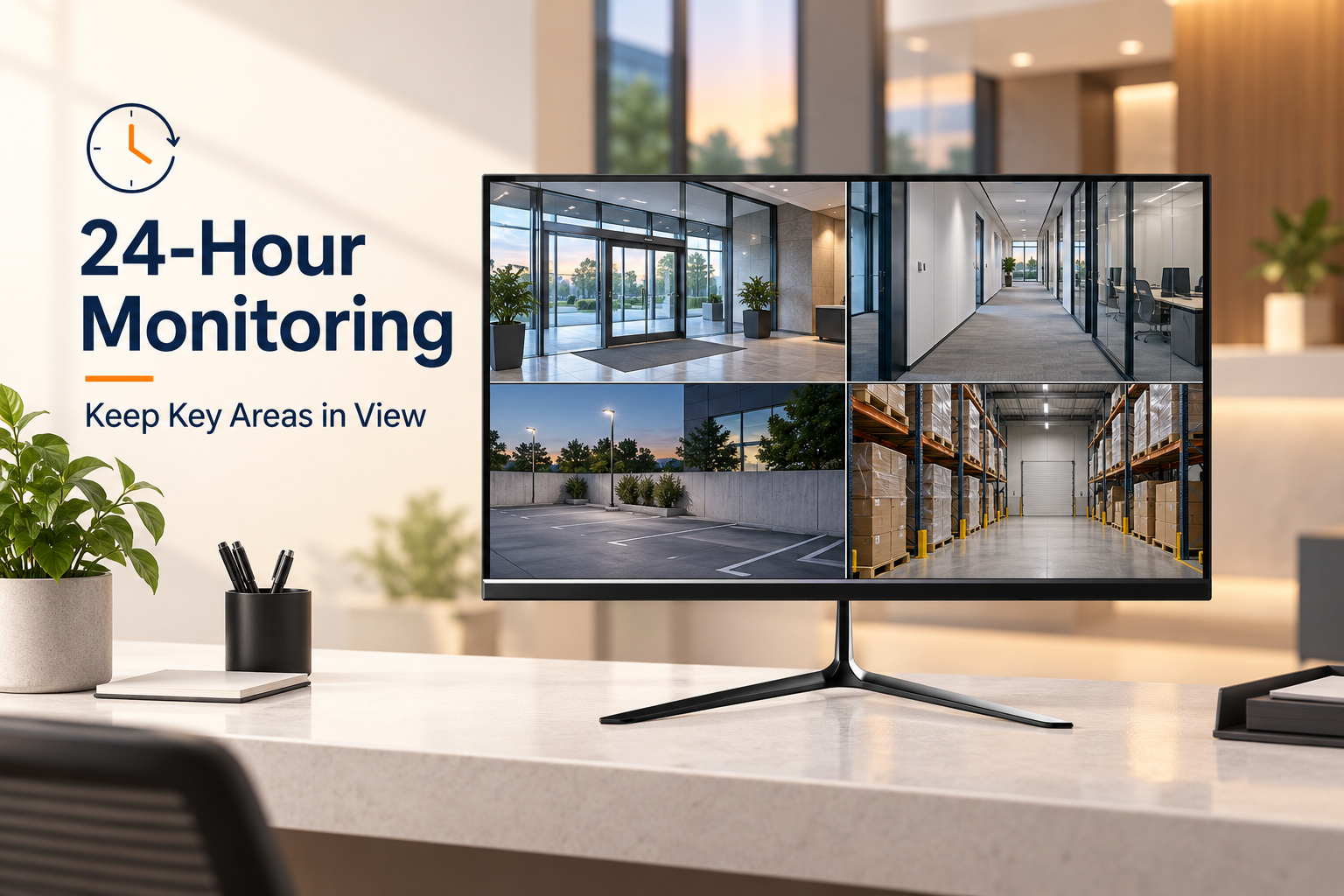
Core Series monitor displaying four building camera views in a 24-hour monitoring workspace.

A Display for 24-Hour Monitoring

Use this 21.5-inch screen at a reception desk, security station or back-office monitoring point to keep camera views visible throughout the day and night. Its Full HD, 16:9 format suits multi-camera layouts supplied by a compatible recorder, while HDMI and VGA provide connection options for existing monitoring equipment.

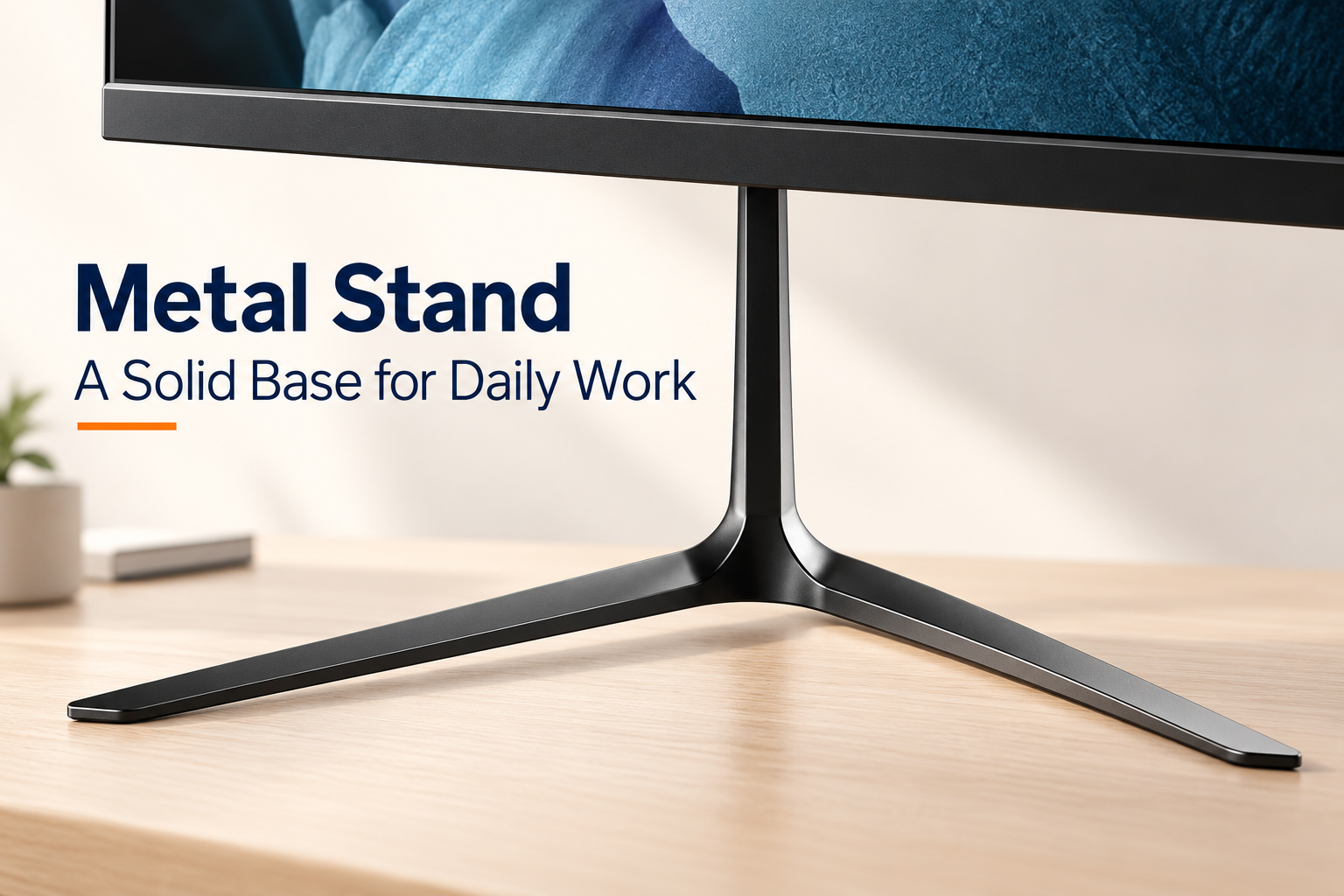
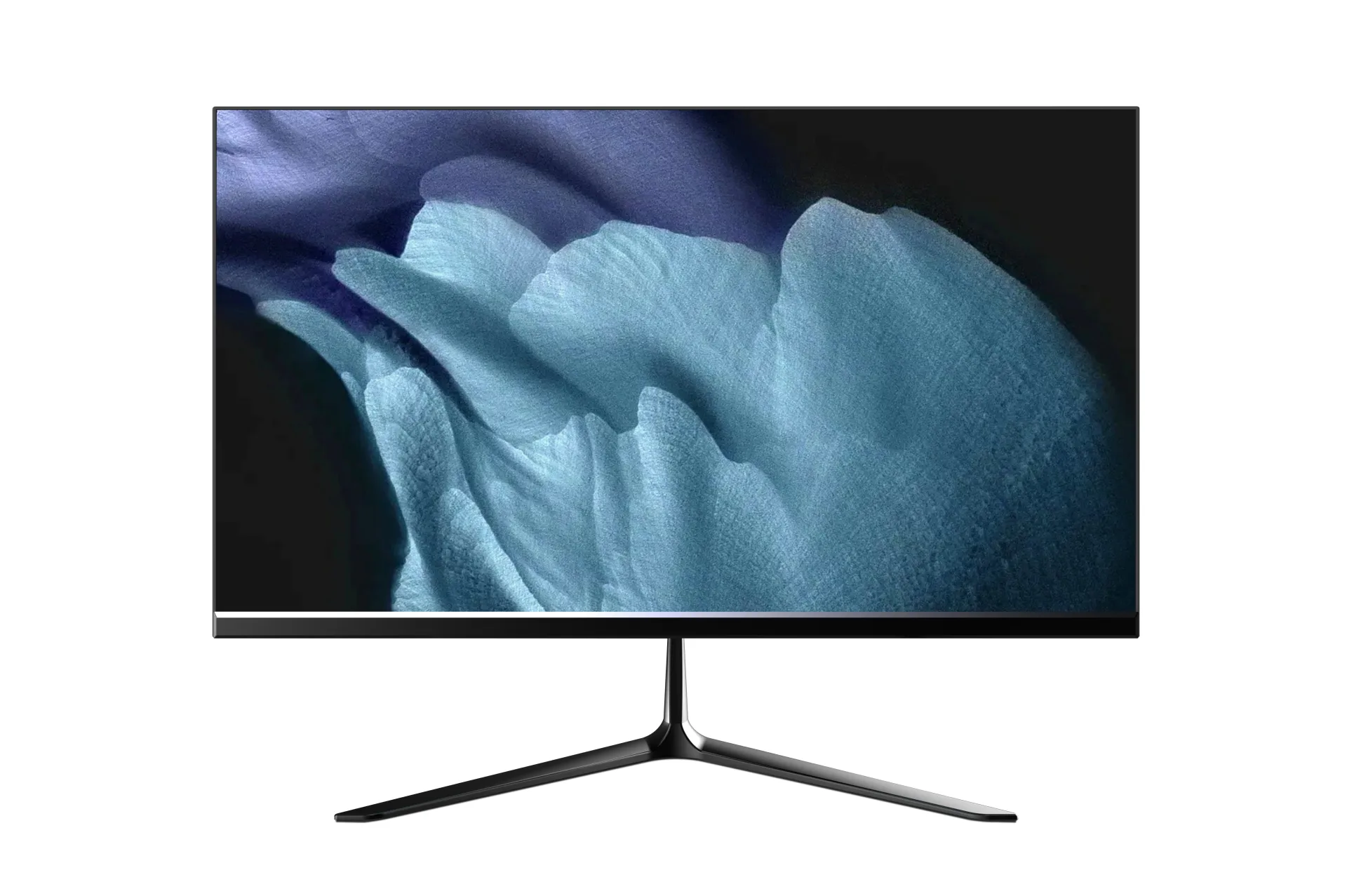
Close-up of the black iron stand and slim V-shaped feet on the MOX22FF001 office monitor.

Metal Stand for a Stable Desk Setup

A fixed iron stand supports the display with a slim neck and a wide, V-shaped base. The open space between the feet leaves room for small desk essentials, giving this office model a grounded, uncluttered look without a bulky pedestal.

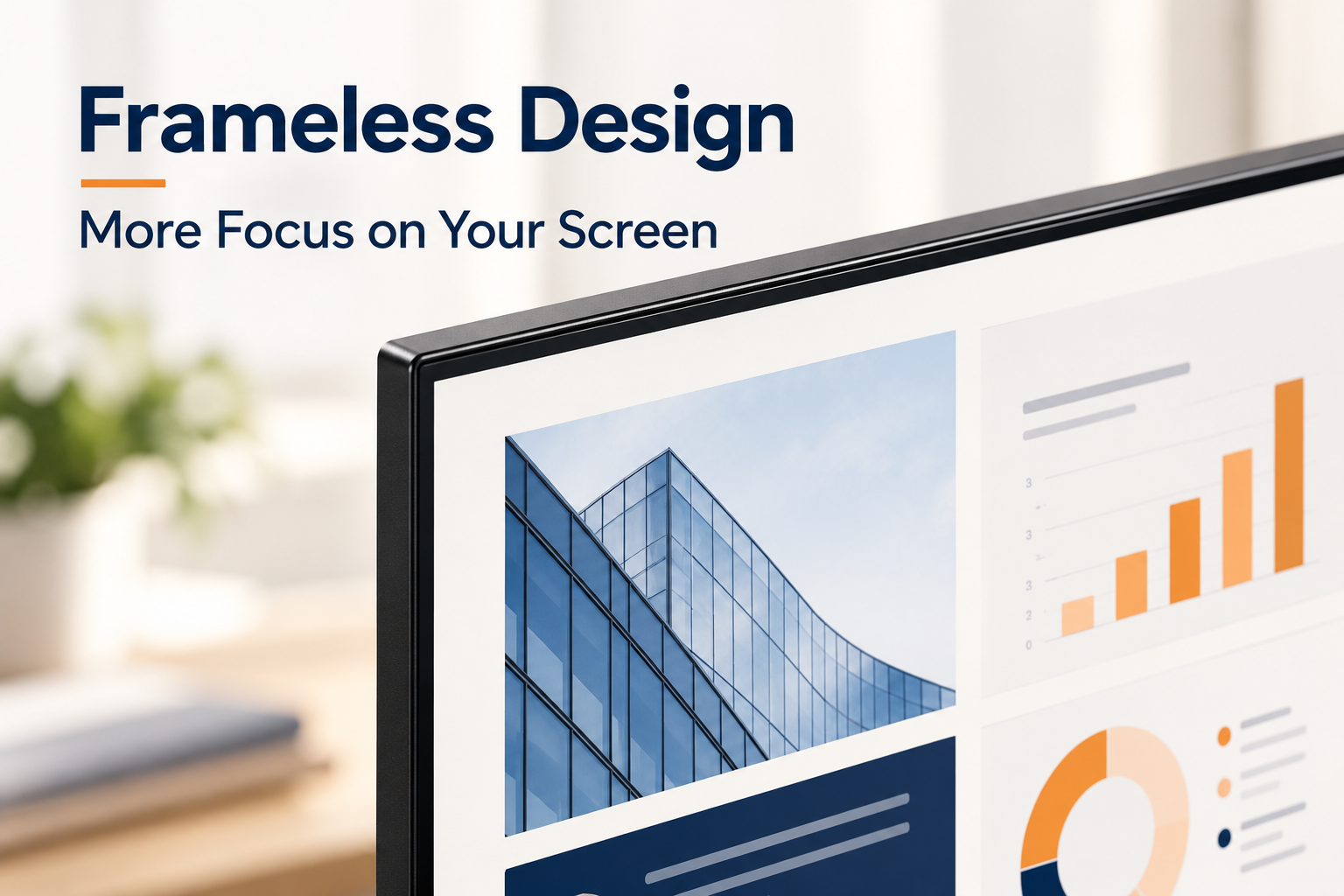
Detailed view of the flat Core Series LCD panel with slim top and side bezels.

Frameless Styling, Less Visual Distraction

Slim top and side bezels keep the focus on the working area, whether you are reviewing a document or placing two screens side by side. The understated frame gives reception counters and shared workstations a clean appearance while retaining the lower bezel of the actual product design.

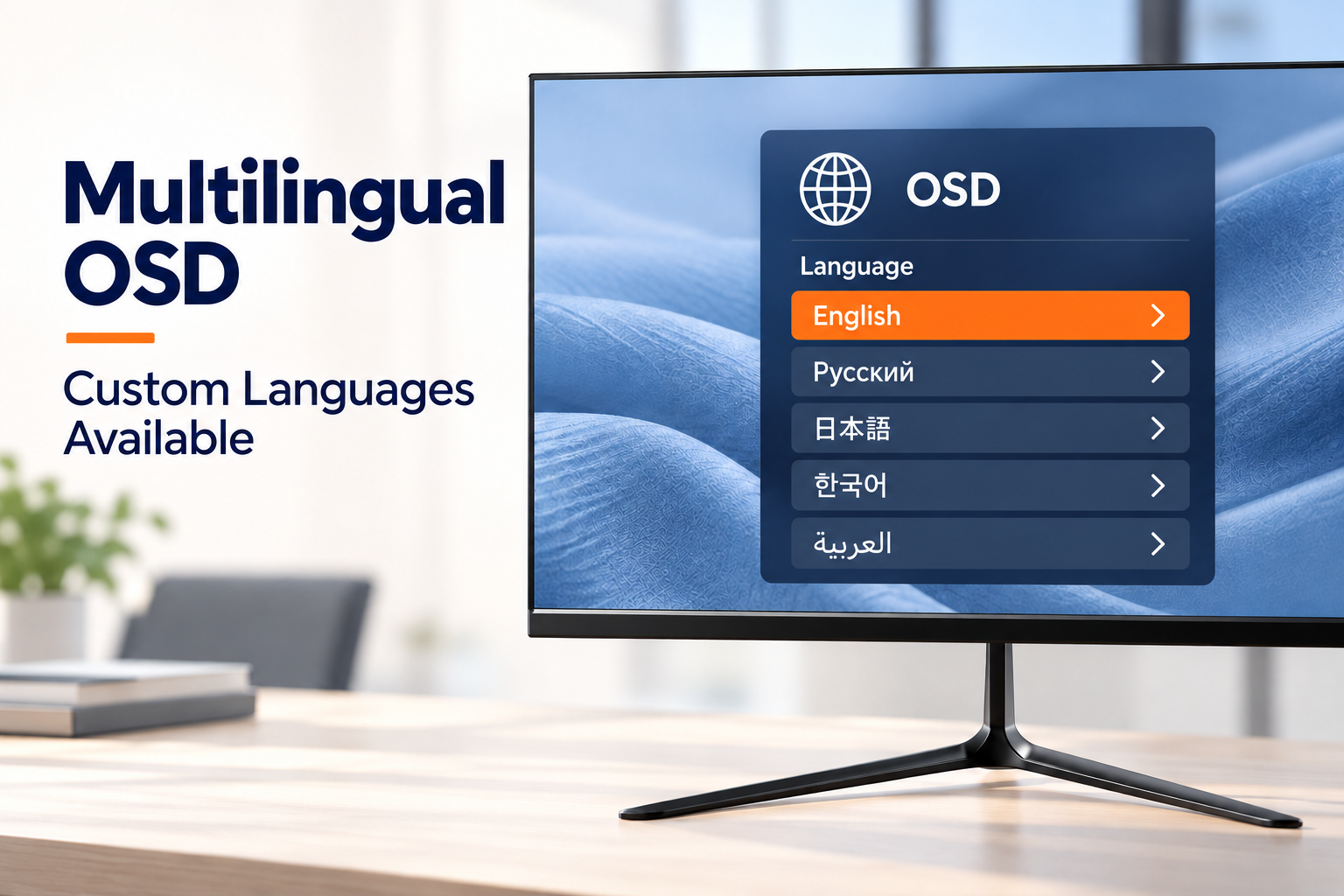
Multilingual OSD illustration listing English, Russian, Japanese, Korean and Arabic, with additional languages available for customization.

Multilingual OSD for Local Setup

Set up the display with an OSD menu in English, Russian, Japanese, Korean or Arabic, helping local staff navigate screen settings in a familiar language. If your market needs a language that is not already included, additional OSD languages can be customized on request. Share the required language list when confirming your order.

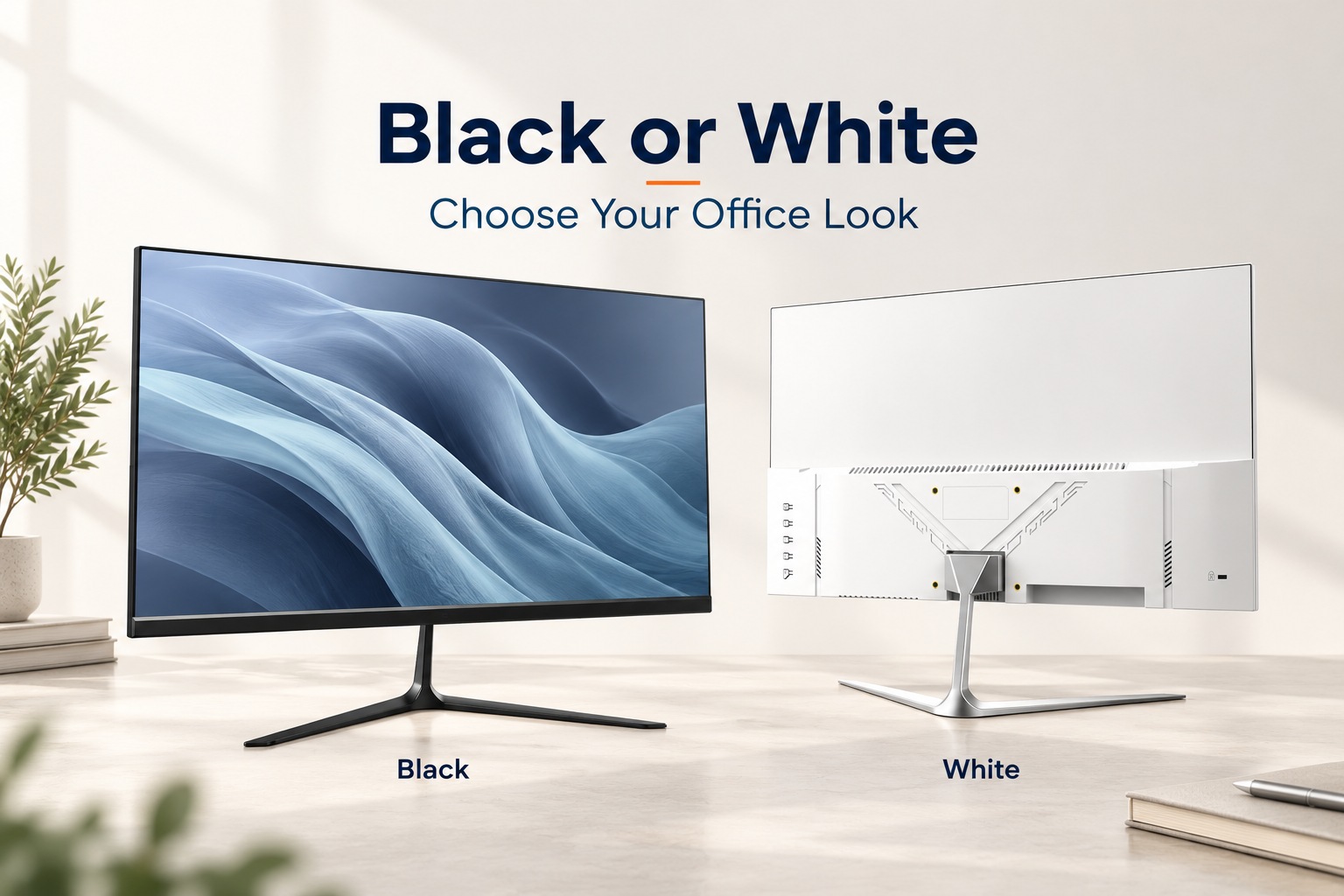
Black front-view and white rear-view Core Series monitors showing the two available exterior finishes.

Black and White Finish Options

Match the monitor to the workspace: black pairs naturally with existing business equipment, while white complements brighter reception areas and light desks. Both finish options retain the same compact Core Series profile, so you can coordinate the appearance of an office installation without changing the overall design.

From specification to after-sales service

OEM Procedure

Our OEM workflow keeps the approved monitor specification, branding, packaging and quality requirements aligned from project confirmation through delivery and warranty support.

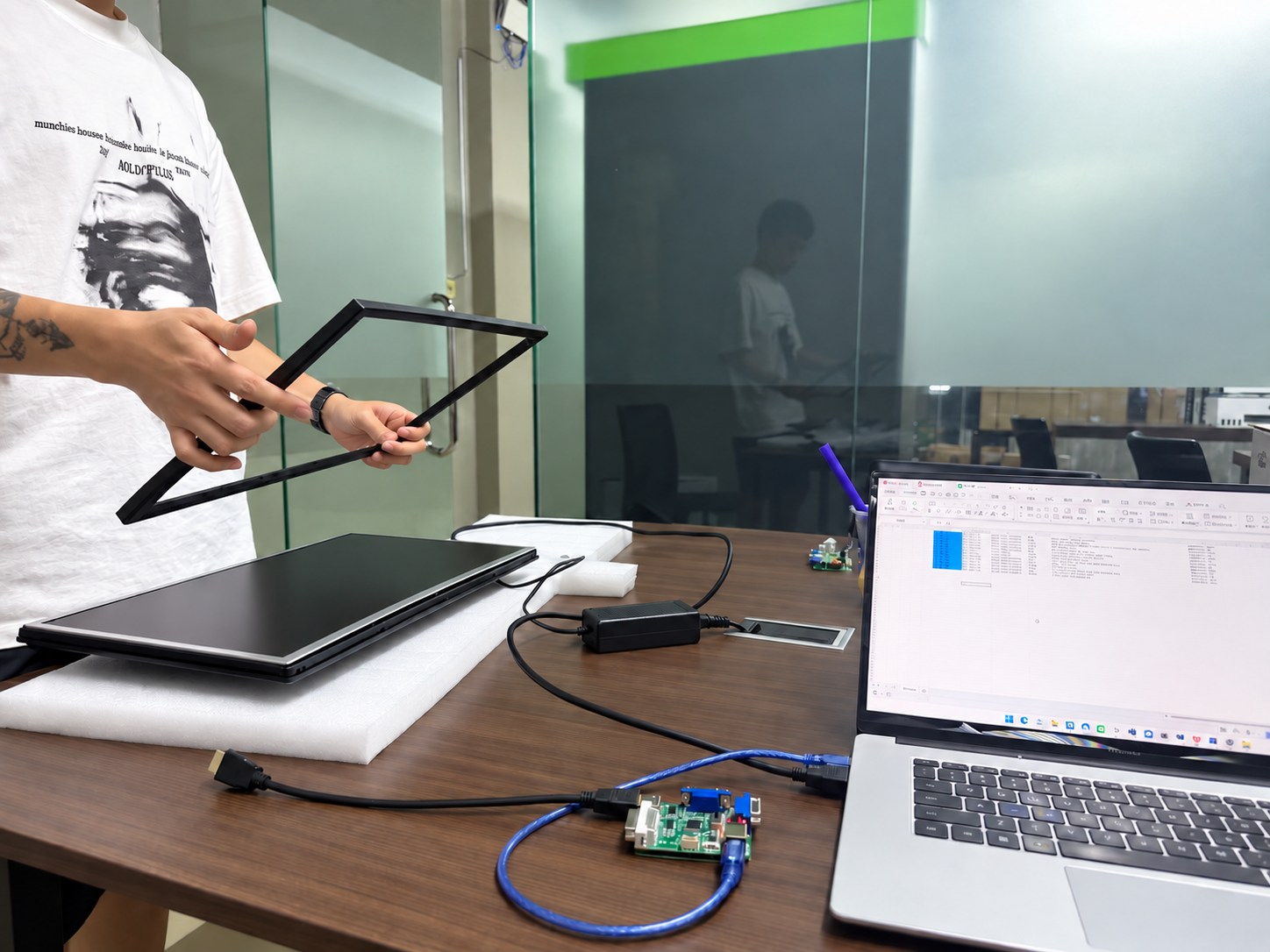
Monitor specification and interface configuration review
01

Confirm Specifications

We confirm the panel, resolution, refresh rate, interfaces, housing, stand, firmware, destination market, order quantity and required delivery schedule before the quotation is finalized.

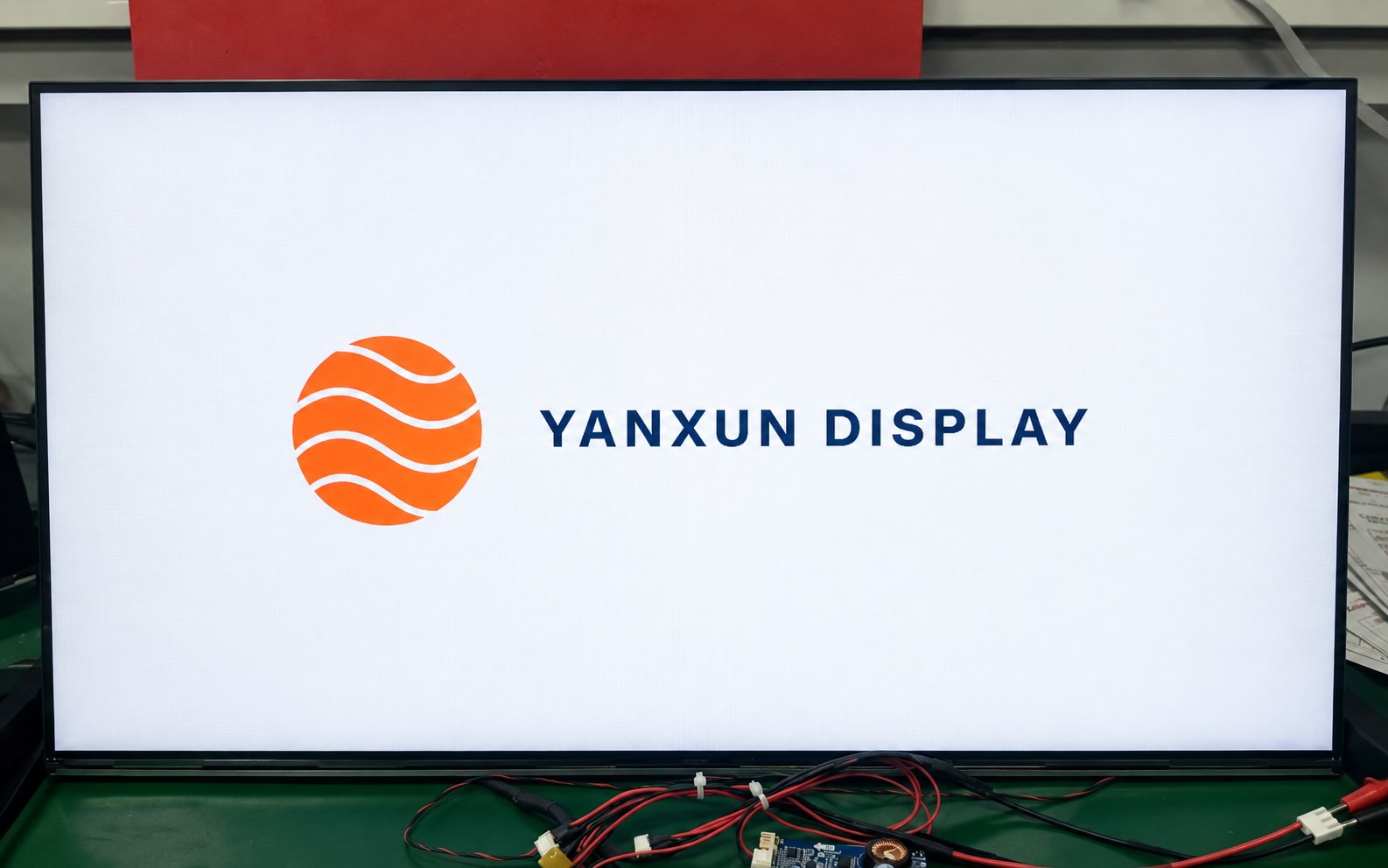
Yanxun Display customized boot logo shown on a monitor during testing
02

Logo Customization

Your approved logo can be applied to the front bezel, rear housing and compatible boot-up firmware. Placement, size, color and production method are checked before mass production.

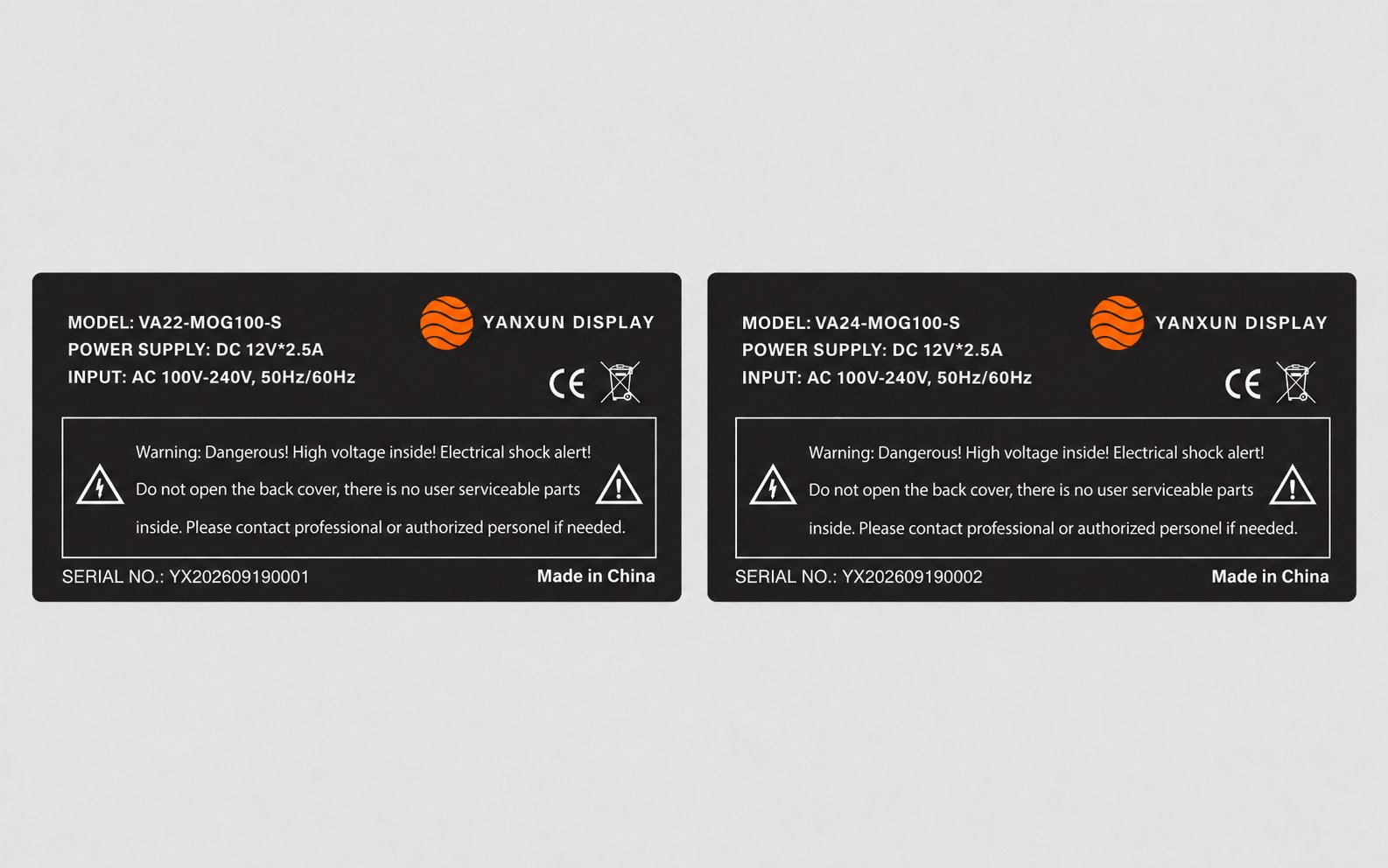
Customized Yanxun Display monitor rating labels with model, serial number, electrical and compliance information
03

Rating Label

We prepare the model, electrical data, serial-number format, barcode, country of origin and approved compliance information for review before printing the rear rating label.

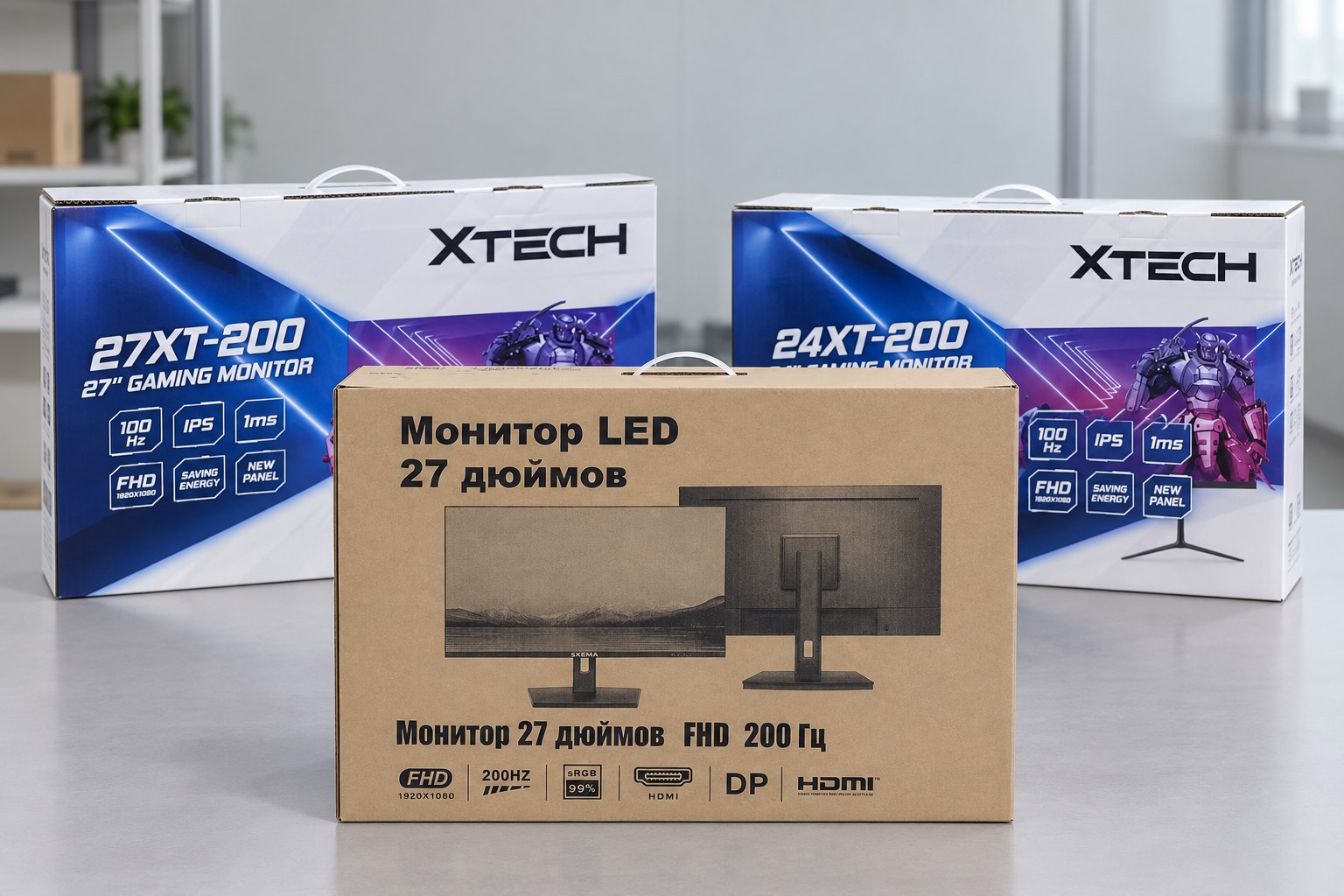
Printed color boxes and kraft carton for customized OEM monitors
04

Packaging

Choose a printed color box or a cost-efficient plain carton. We verify the artwork, model information, protective materials, barcode area and shipping marks before the full packaging run.

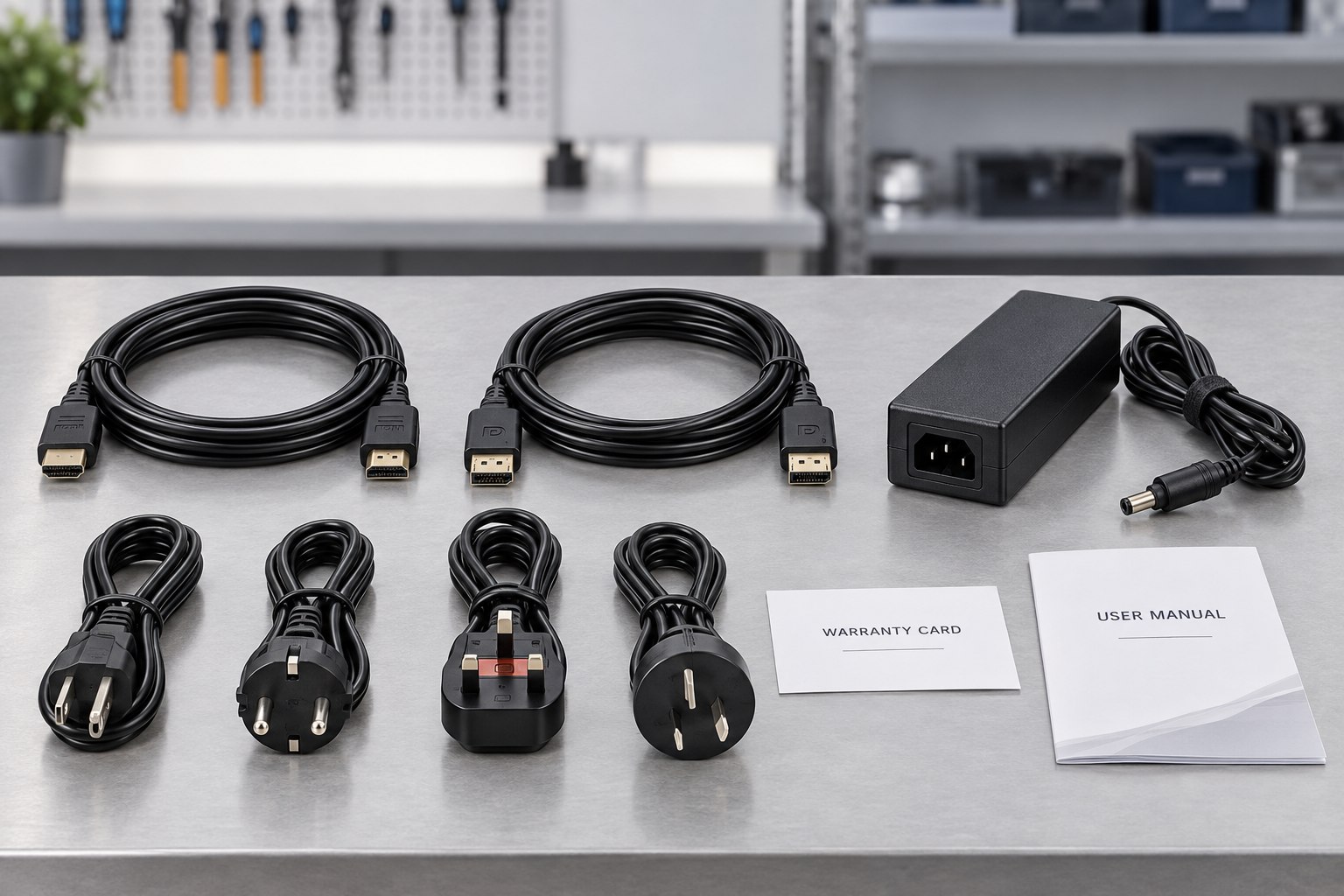
OEM monitor accessory kit with HDMI and DisplayPort cables, adapter, regional power cords, warranty card and user manual
05

Parts and Accessories

The approved bill of materials identifies the stand, adapter, regional power plug, HDMI or DisplayPort cable, manuals, warranty card and any market-specific accessories included with each unit.

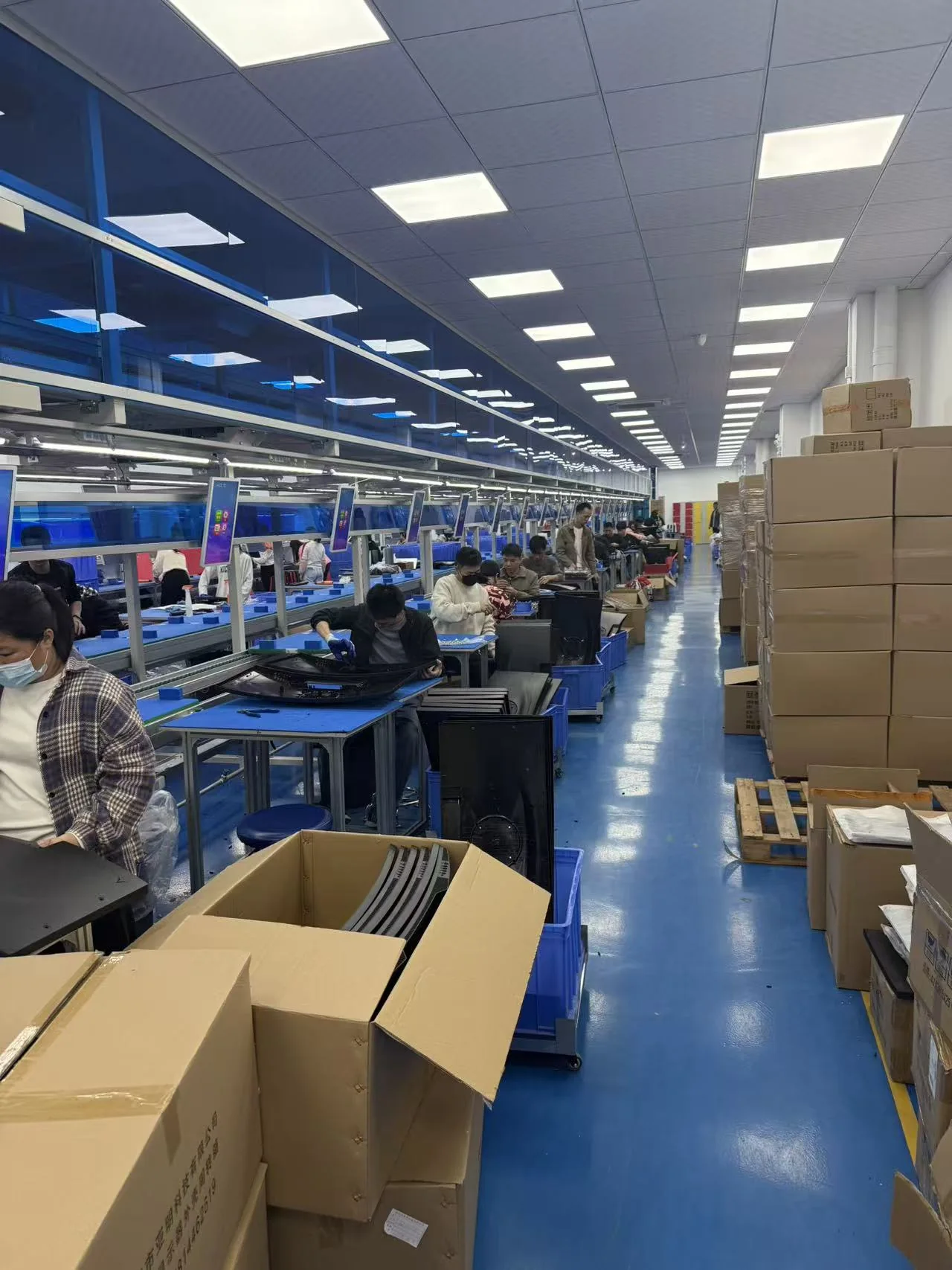
Yanxun Display monitor assembly and production line
06

Assembly

Approved materials and documents are released to the assembly team. Monitors are assembled and programmed according to the approved sample, bill of materials and controlled work instructions.

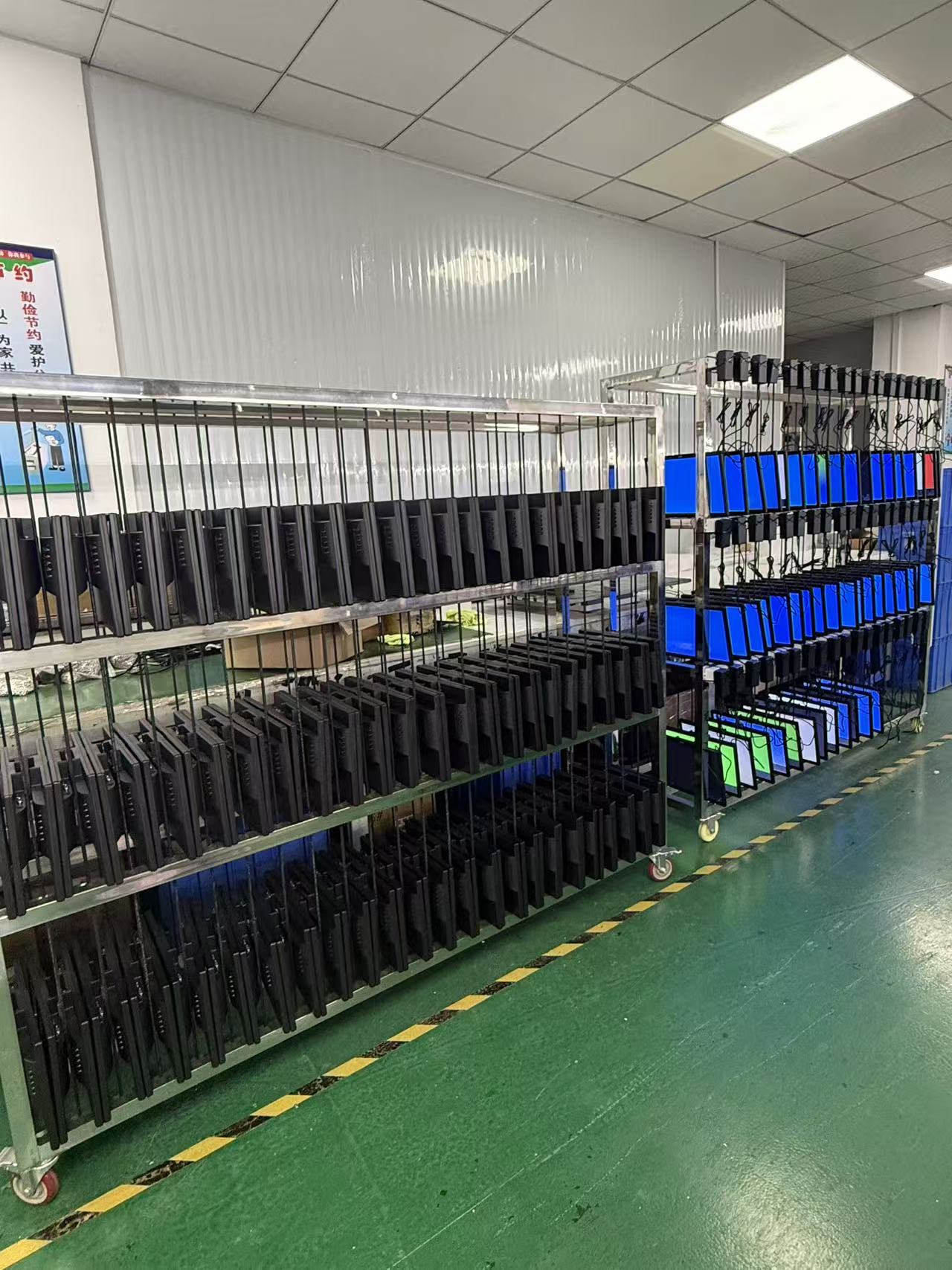
Finished monitors undergoing an aging test at Yanxun Display
07

Aging Test

Finished monitors operate for an agreed period so the team can check power stability, image performance, signal input and other early-life issues before the units are released for packing.

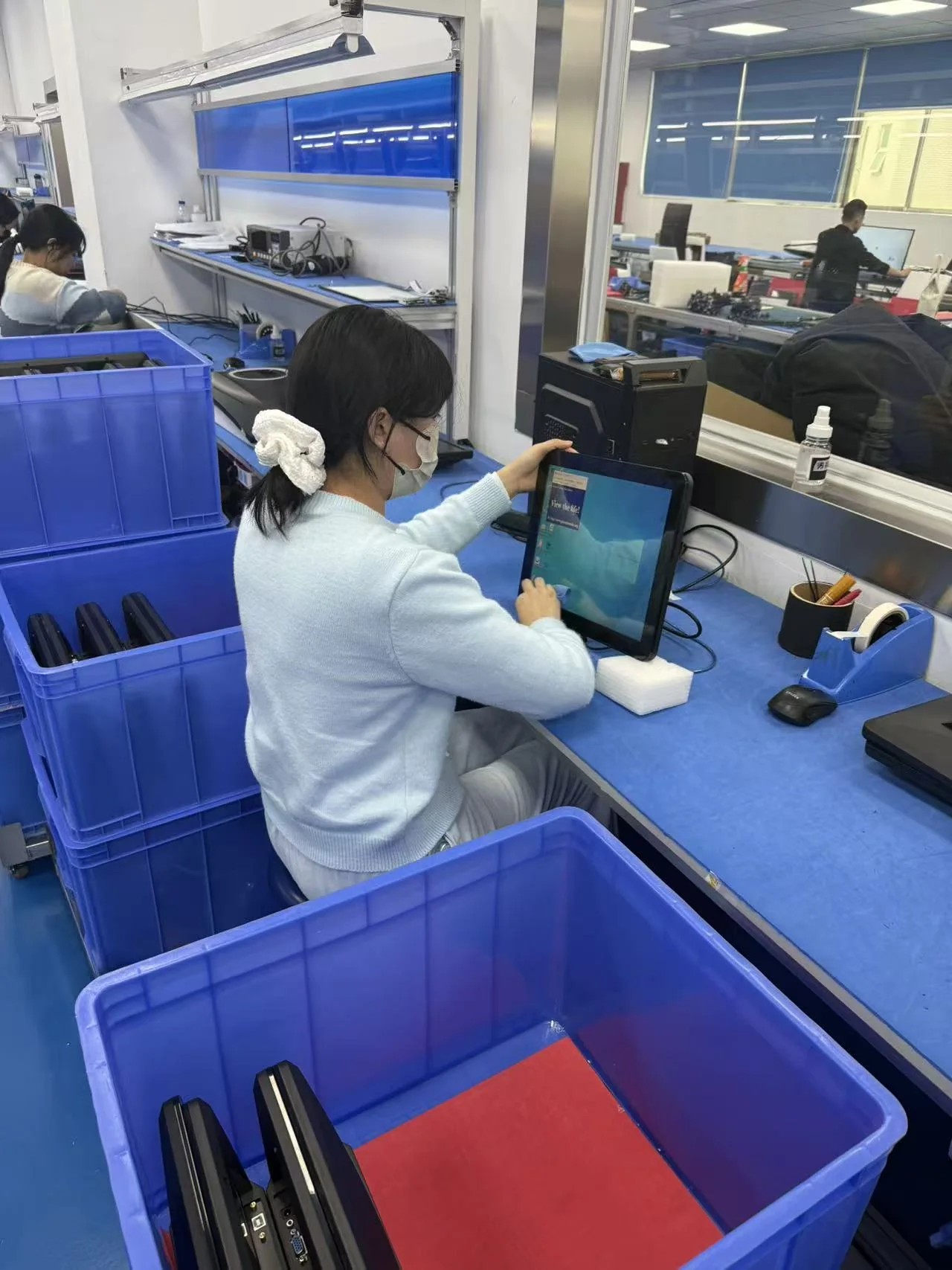
Operator inspecting a completed monitor at Yanxun Display
08

QC

Quality control verifies appearance, screen condition, functions, ports, firmware, labels, accessories and packaging against the approved specification and order requirements.

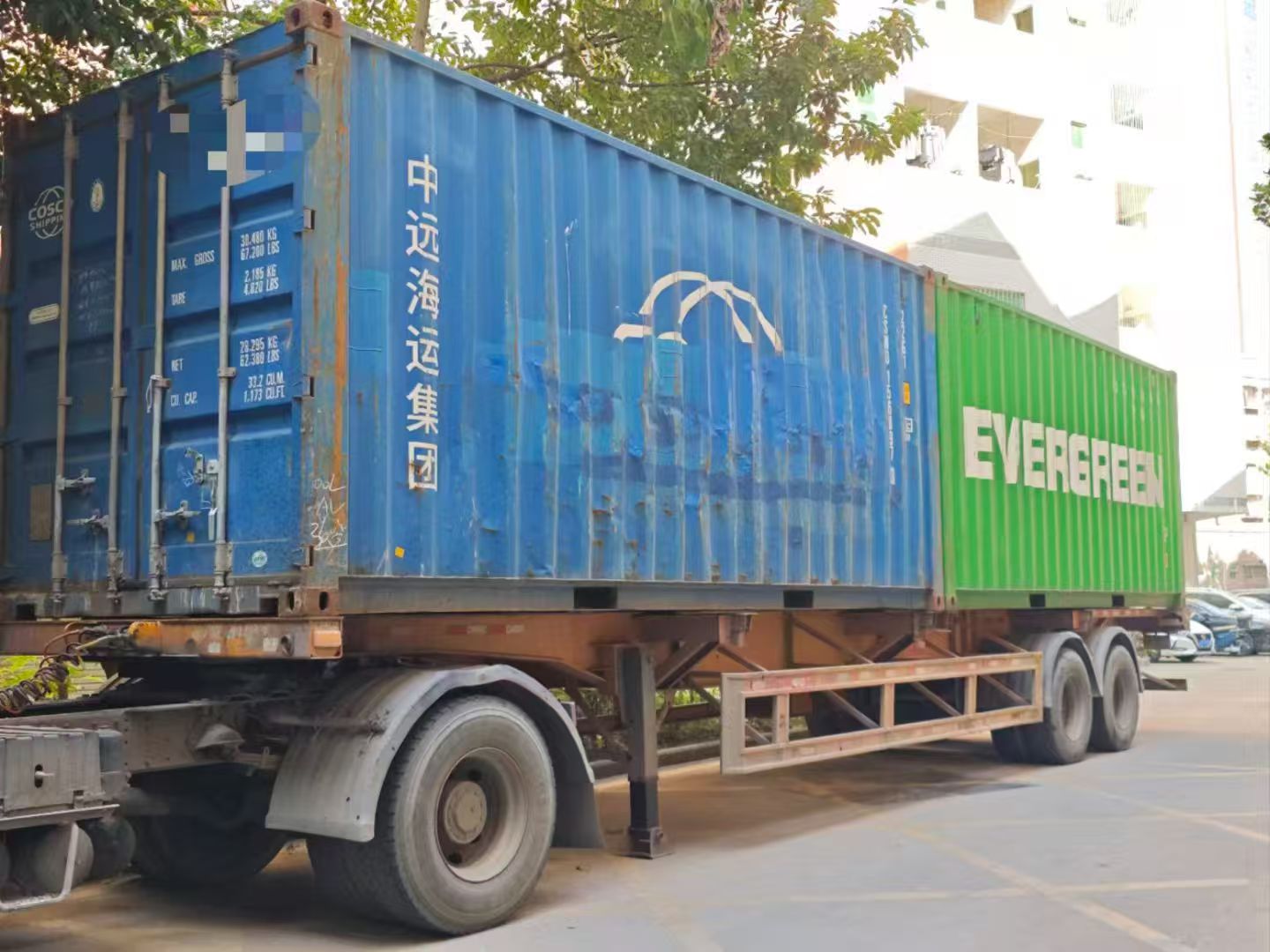
Export containers prepared for shipment from Yanxun Display
09

Shipment

After the final inspection, we confirm carton marks, quantities, packing documents and the agreed Incoterm, then arrange LCL, FCL or another approved shipping method.

Technician providing monitor warranty repair support
10

Warranty Follow-up

Our team records the model and order details, reviews reported issues and coordinates parts, remote guidance or agreed onsite support according to the project warranty terms.

Need a customized monitor platform?

See how Yanxun Display adapts controller boards, interfaces and firmware for project-specific requirements.

Explore Mainboard Customization

Ordering and customization

Frequently Asked Questions

Key information about samples, production, customization, shipment and payment for OEM monitor orders.

What is the MOQ for this monitor?

For standard black LCD monitor and office monitor models, the MOQ can generally start at 50 pieces. White and other custom colors usually require a higher MOQ because of material preparation and production setup, generally at least 200 pieces. The final MOQ depends on the model, specifications and customization requirements.

How many built-in speakers does this monitor have?

Equipped with two built-in 3W, 4Ω speakers