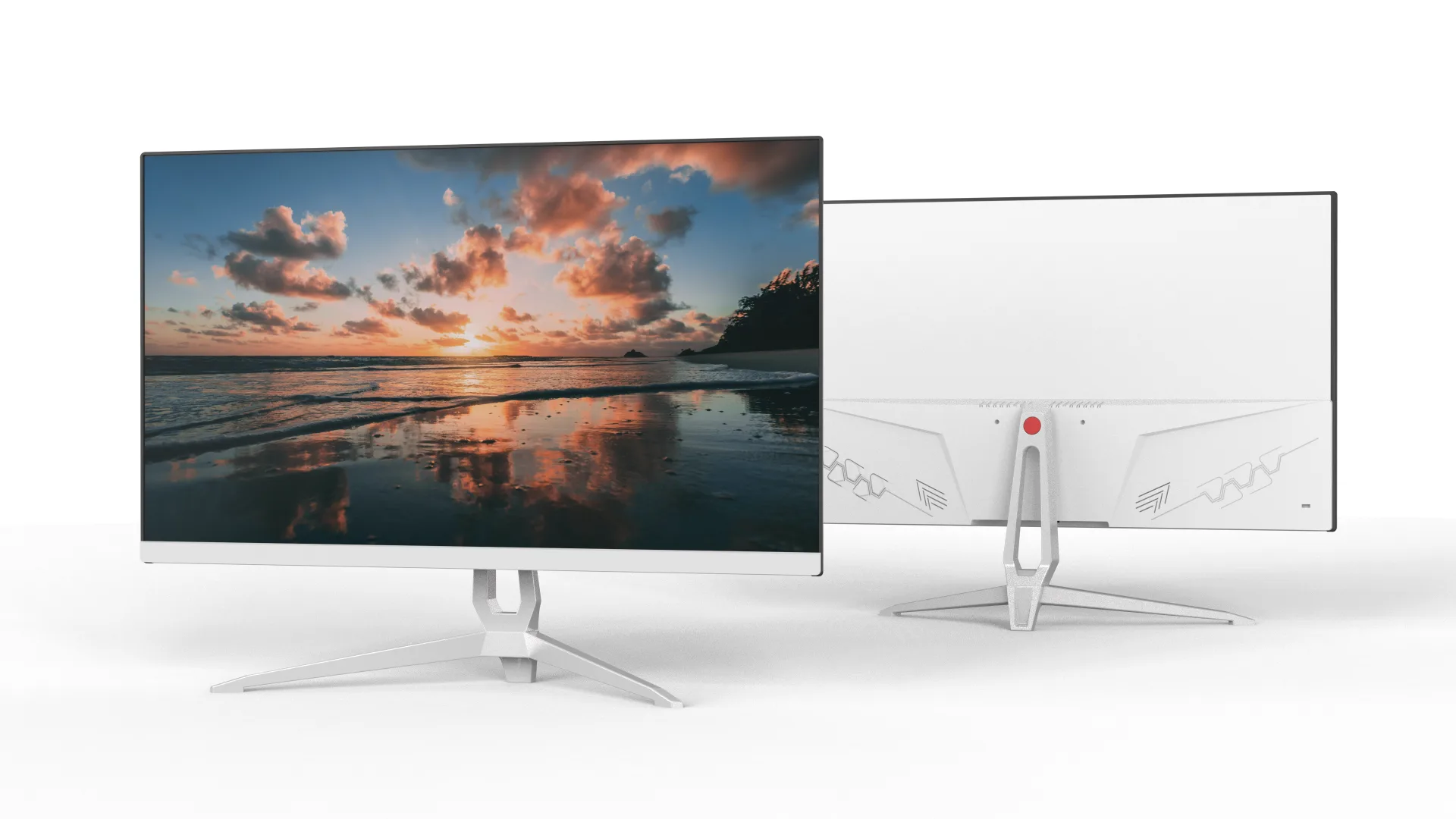
HDMI 22 inch monitor FHD Metal Fixed Stand VA Panel- Core Series

SKU: MOX22FF002

series
Core
monitor type
office monitors
screen size
21.5 inch
resolution
FHD
panel type
VA/IPS
panel brand
HKC/CSOT/BOE
brightness
250cd/m²
HDR
HDR 10
refresh rate
100Hz/120Hz
bracket type
fixed metal bracket
interface
HDMI, VGA, Audio
sRGB
99%
VESA
75mm*75mm
panel technique
open cell
body color
black/ white
aspect ratio
16:9

Product Features

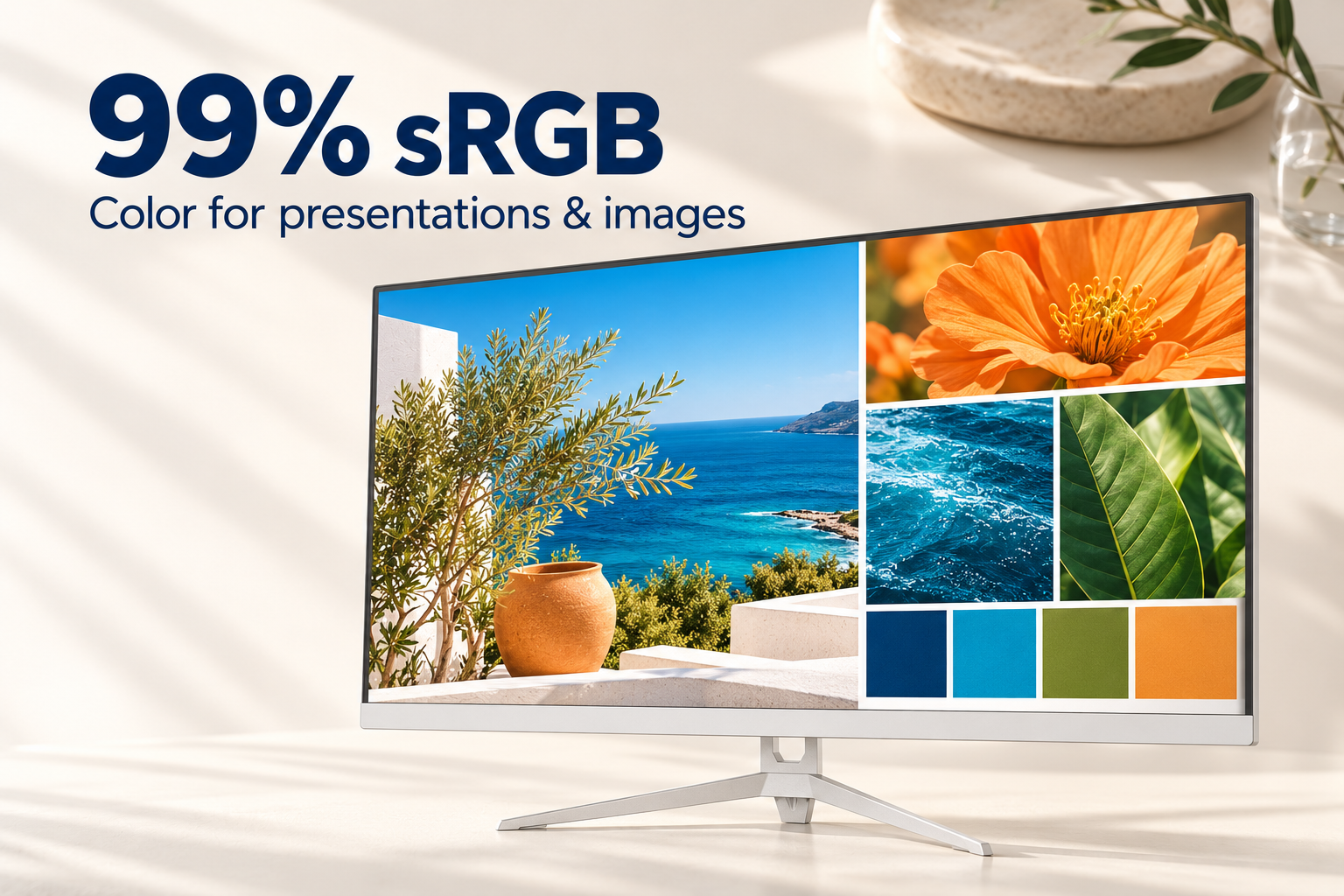
White Core Series LCD monitor displaying colorful ocean, flower and foliage images to illustrate 99 percent sRGB coverage

99% sRGB for Presentations and Product Images

Product photos, slide decks and web graphics are part of everyday office work. The MOX22FF002 covers 99% of the sRGB color space, bringing a broad range of hues to its compact 21.5-inch FHD screen when you review visual content alongside documents and email.
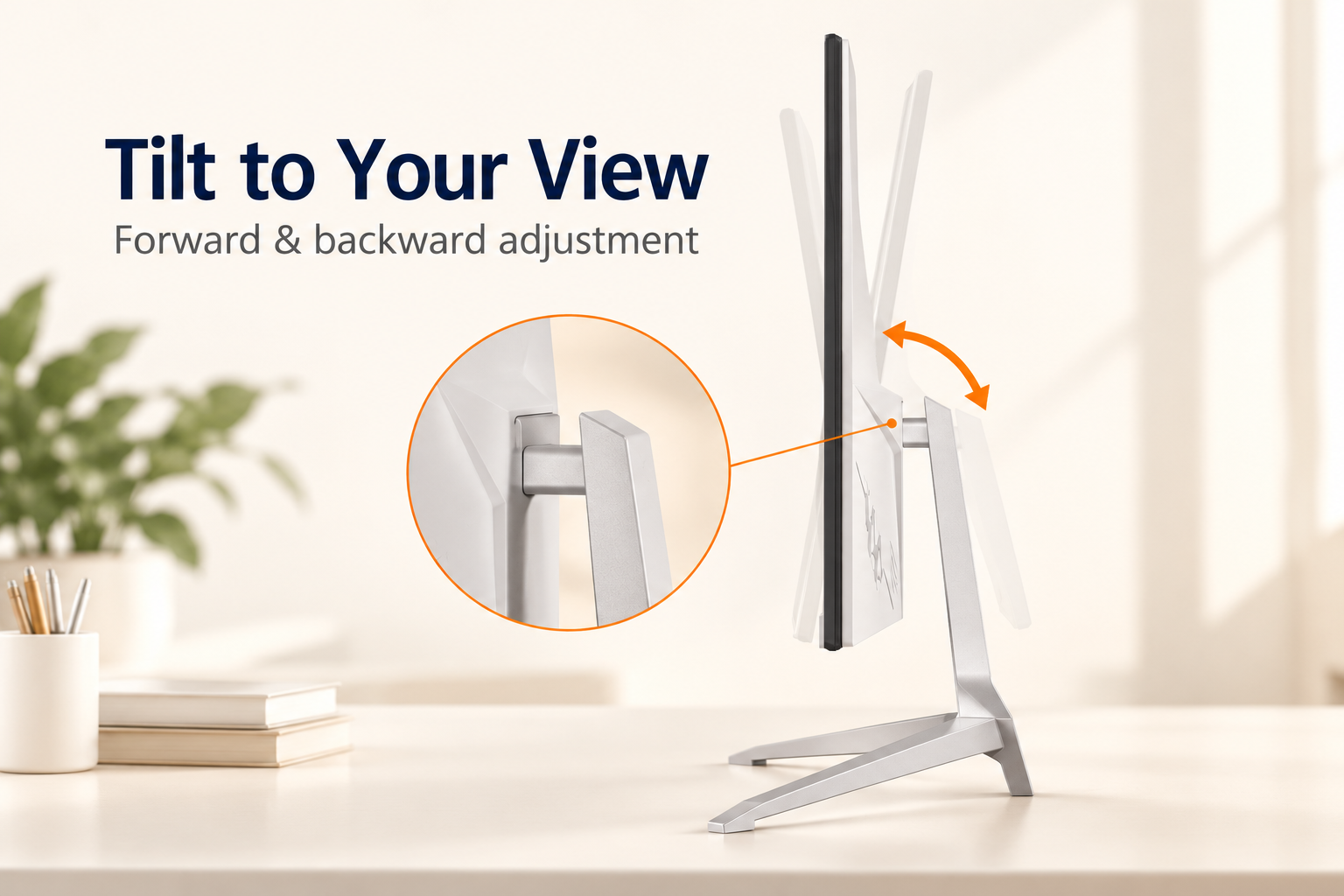
Side-view illustration of the Core Series metal stand with forward and backward screen tilt around its mounting hinge

Set the Screen Tilt for Your Desk

The metal stand keeps a fixed-height profile while allowing the display to tilt forward and backward. Adjust the panel angle to suit your seated viewing position when moving between reading documents, checking spreadsheets and watching a training session.

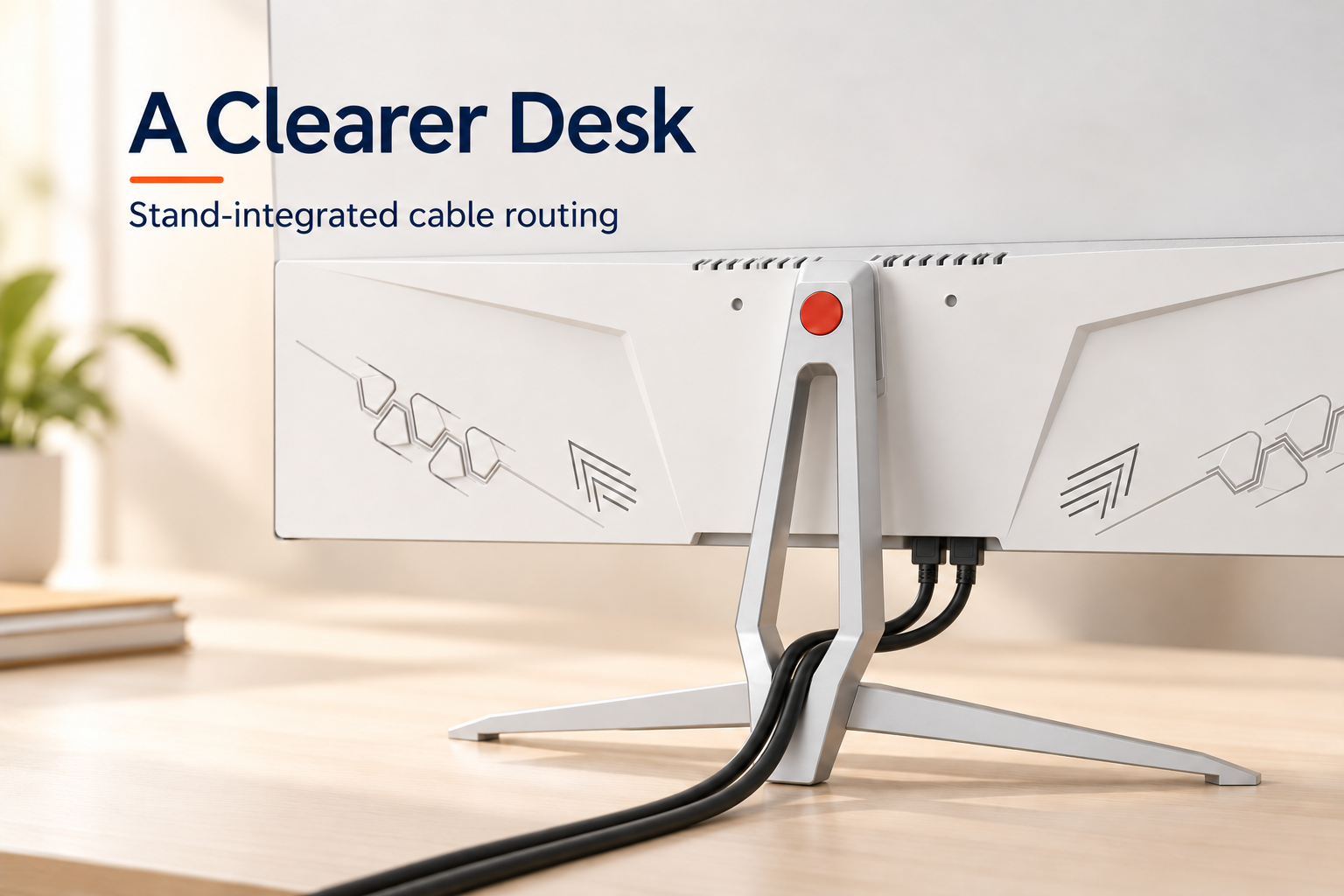
Cables connected beneath the monitor rear housing and routed through the elongated opening in the Core Series metal stand

Route Cables Through the Open-Frame Stand

The elongated opening in the central metal support gives monitor cables a shared route behind the screen. Guiding the leads through this space helps keep them together instead of spreading across the base, leaving the area around your keyboard and paperwork easier to organize.

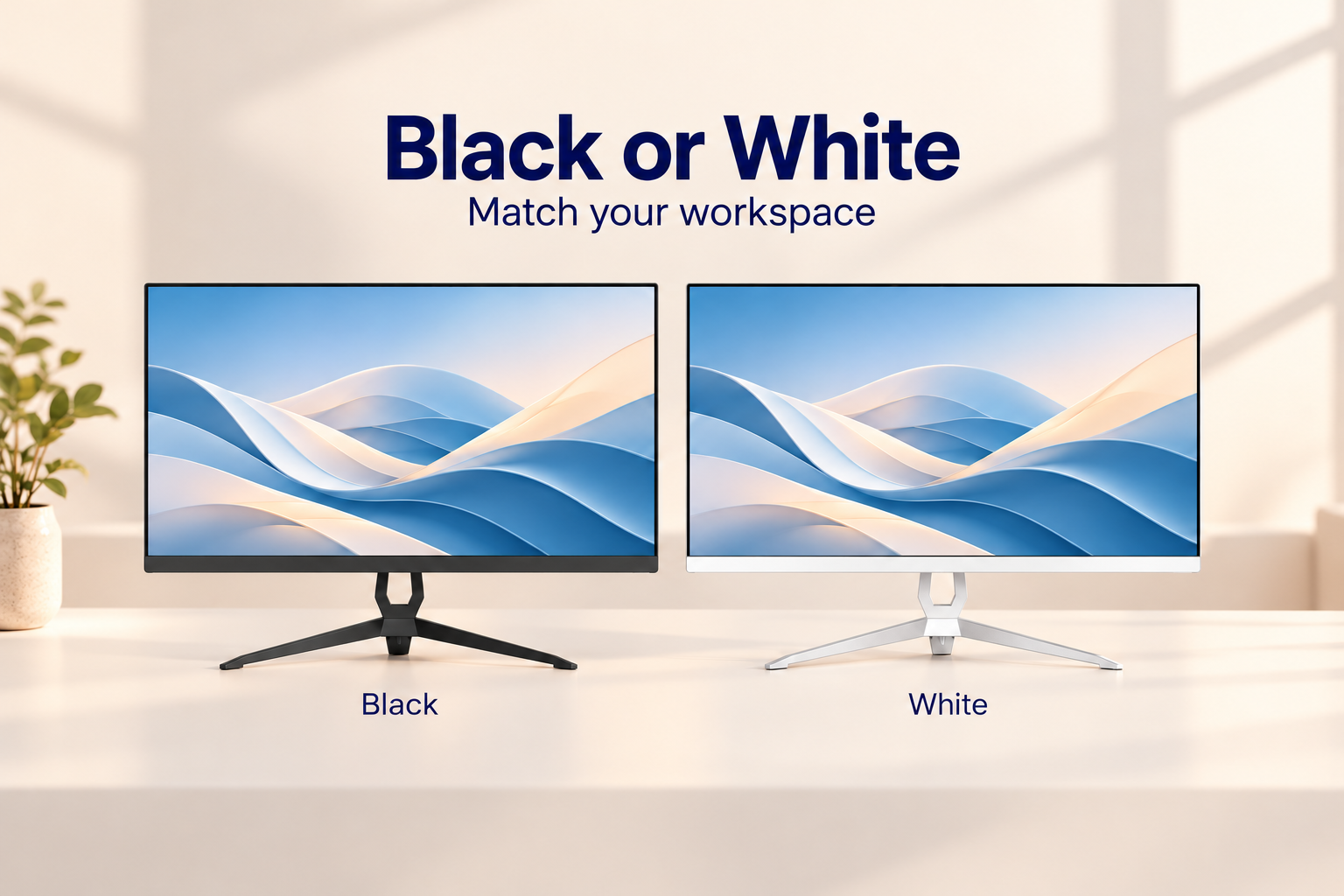
Black and white MOX22FF002 office monitors side by side with matching open-frame metal stands and V-shaped feet

Black and White Finishes for Different Interiors

Match the display to the room as well as the computer. A black housing blends with dark keyboards and office equipment, while the white version complements lighter desks and reception areas. Both choices retain this model's slim display profile and distinctive open-frame metal stand.

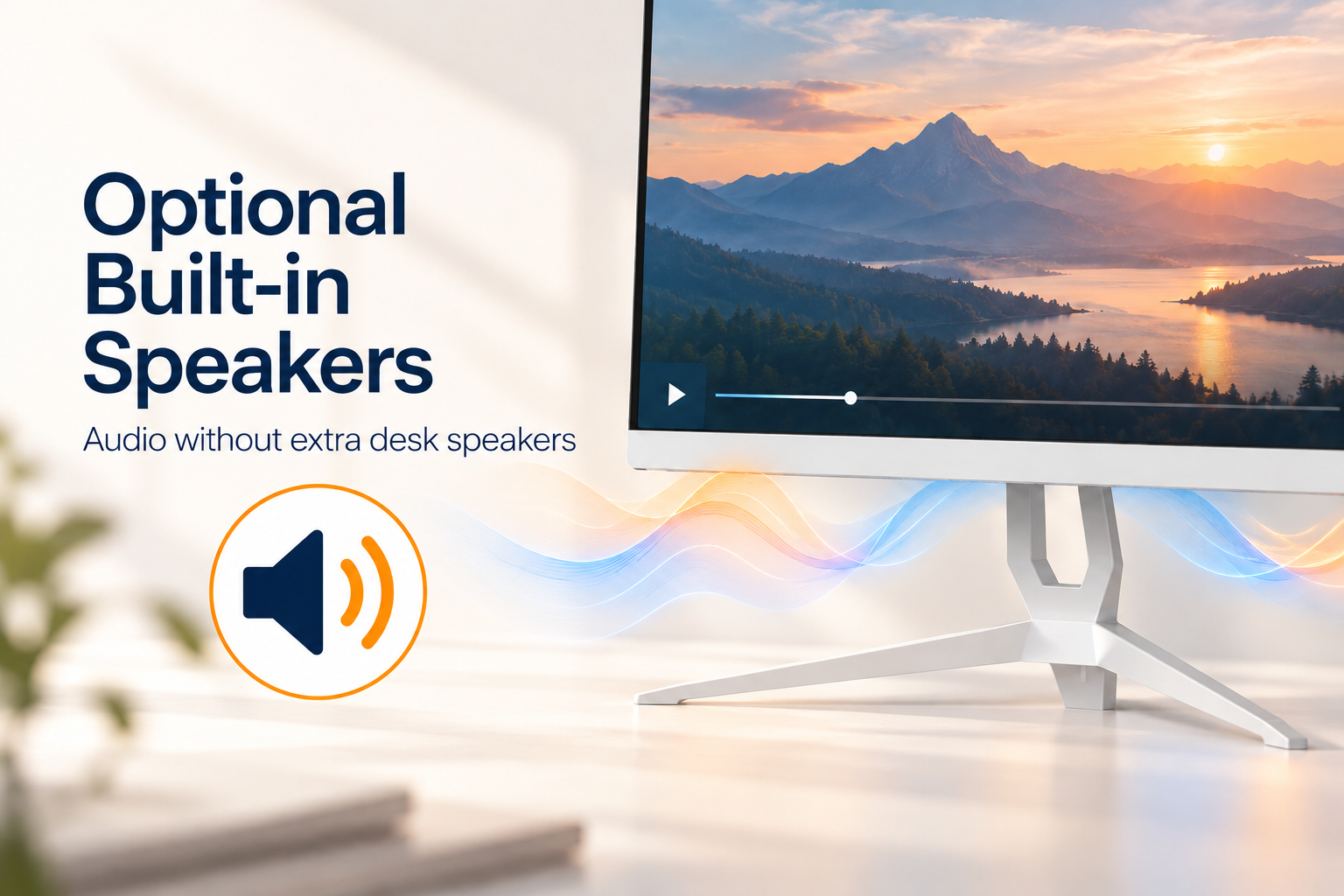
Speaker symbol and sound waves illustrating optional built-in speakers on the white MOX22FF002 office monitor

Add Built-in Audio to Your Office Configuration

For a reception PC or a workstation used for training videos, the optional built-in speaker configuration provides everyday playback without a separate pair of desktop speakers. Include this option in your order requirements if audio is needed; it is not a standard feature on every MOX22FF002 configuration.

From specification to after-sales service

OEM Procedure

Our OEM workflow keeps the approved monitor specification, branding, packaging and quality requirements aligned from project confirmation through delivery and warranty support.

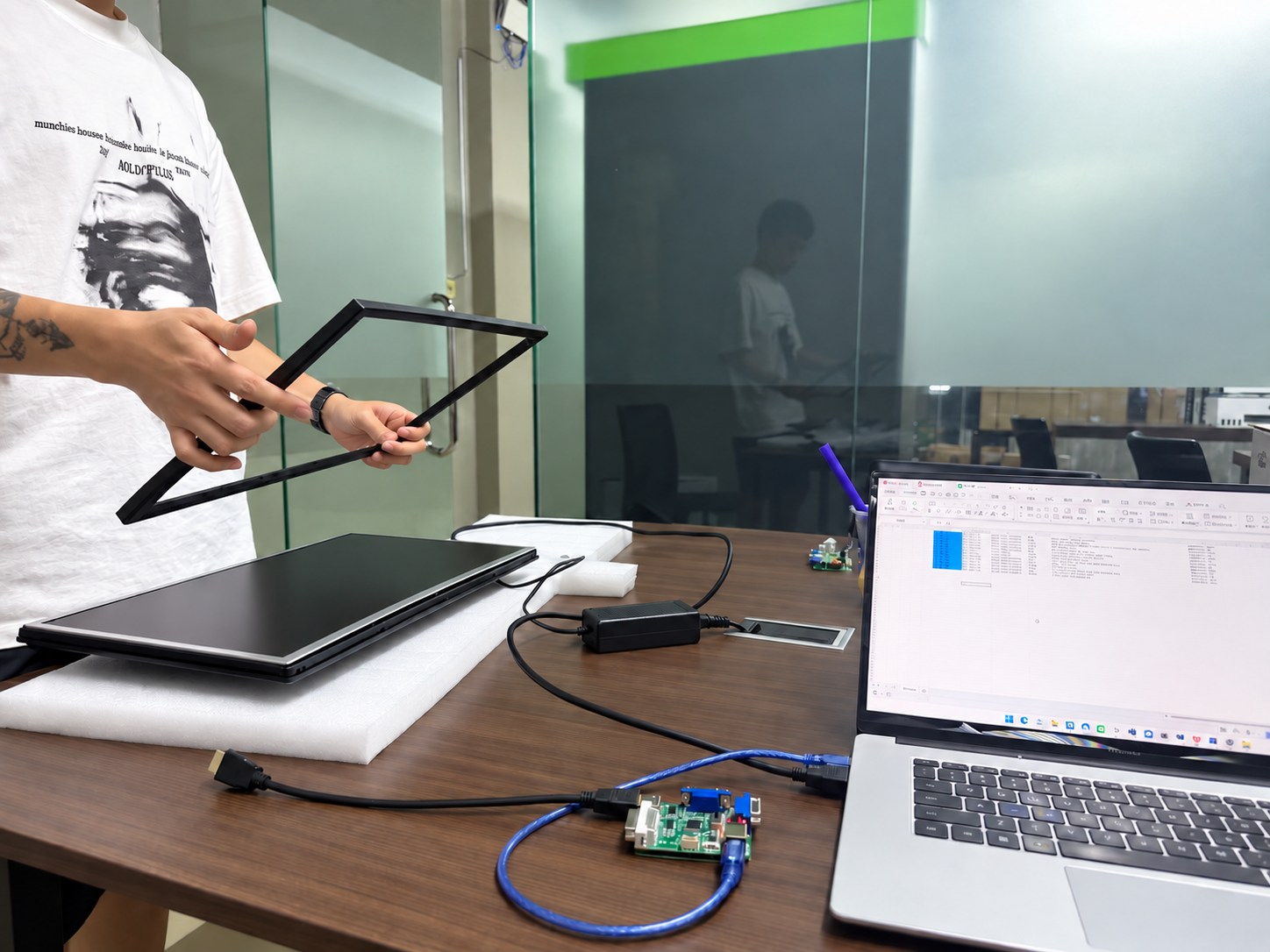
Monitor specification and interface configuration review
01

Confirm Specifications

We confirm the panel, resolution, refresh rate, interfaces, housing, stand, firmware, destination market, order quantity and required delivery schedule before the quotation is finalized.

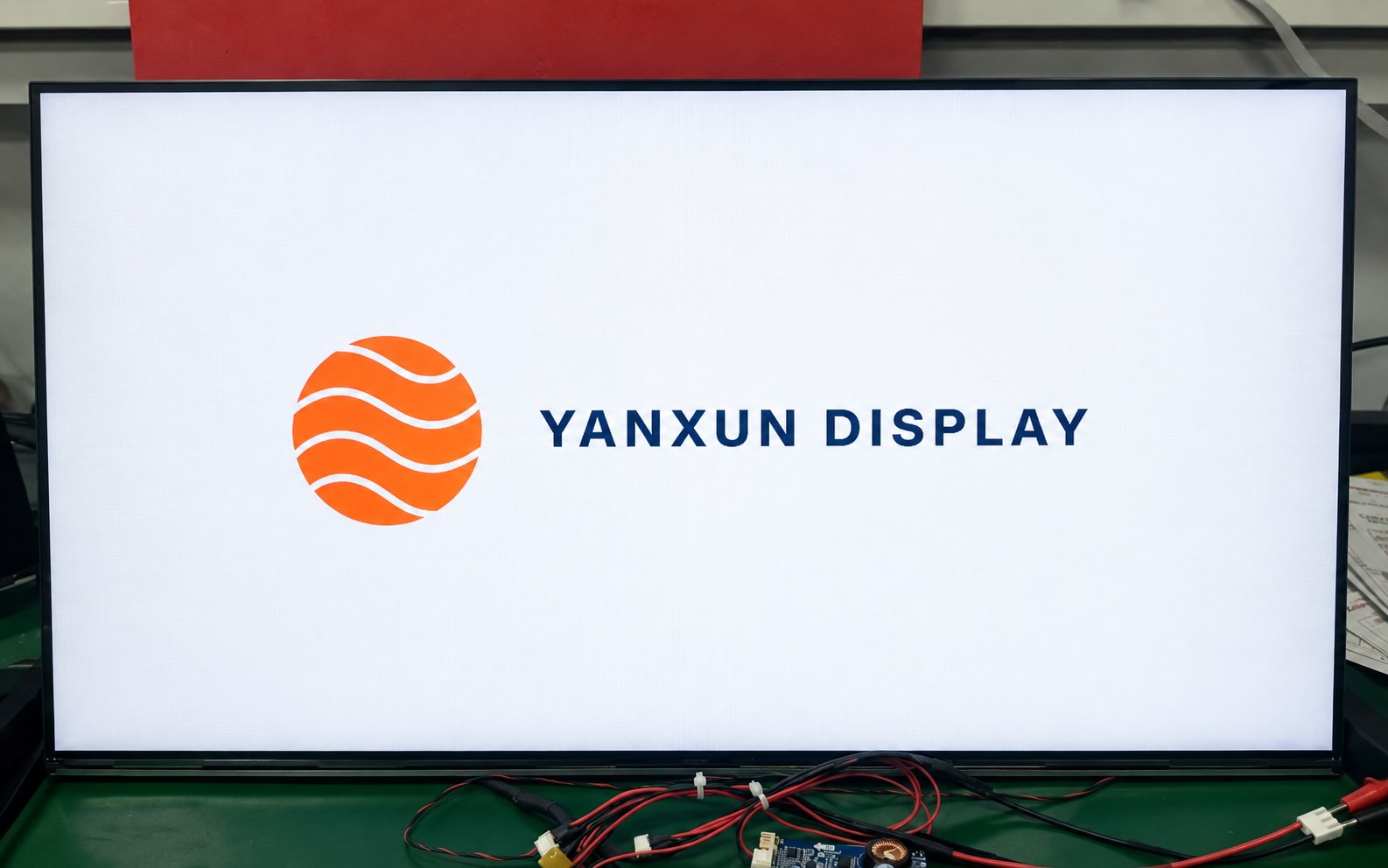
Yanxun Display customized boot logo shown on a monitor during testing
02

Logo Customization

Your approved logo can be applied to the front bezel, rear housing and compatible boot-up firmware. Placement, size, color and production method are checked before mass production.

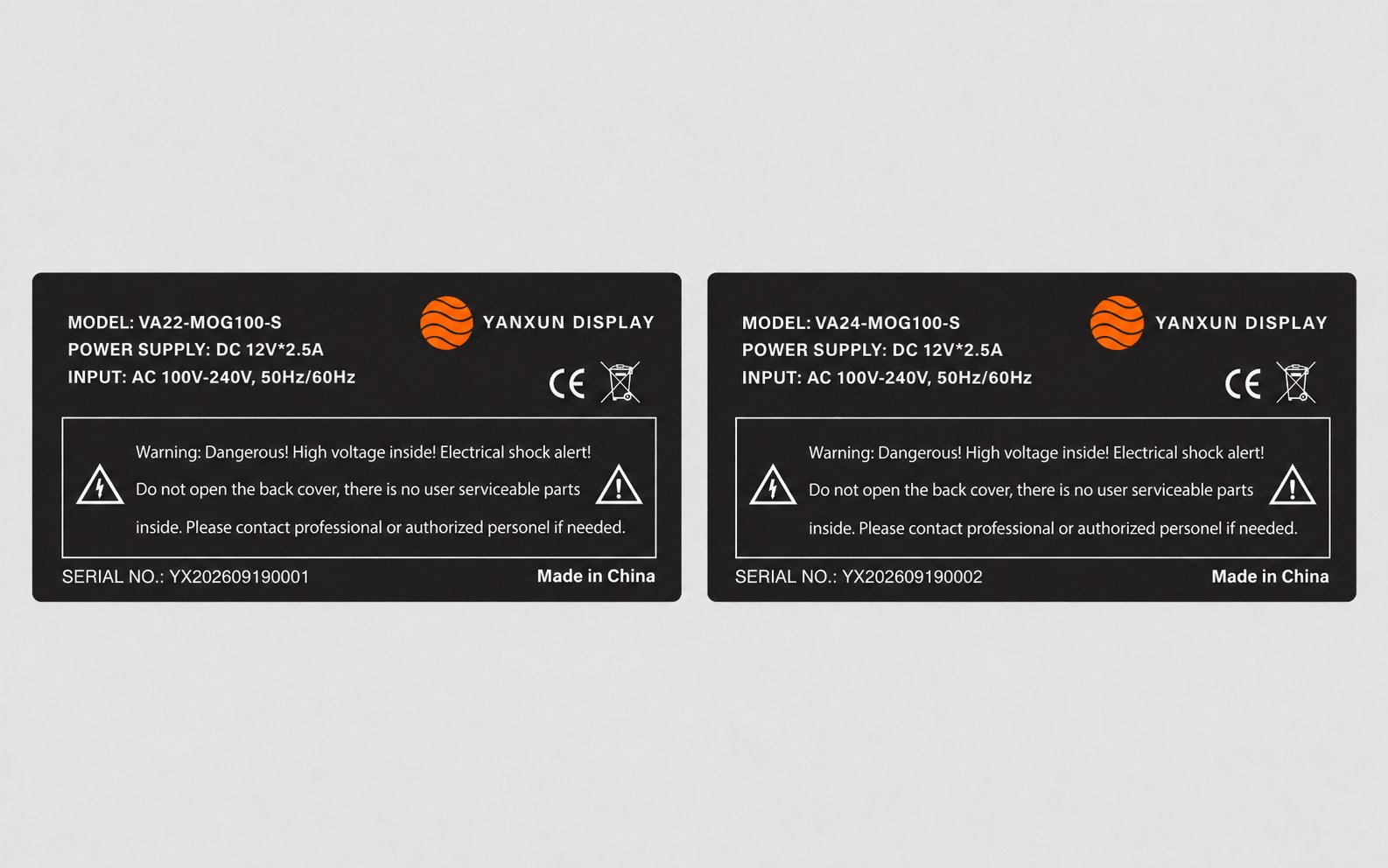
Customized Yanxun Display monitor rating labels with model, serial number, electrical and compliance information
03

Rating Label

We prepare the model, electrical data, serial-number format, barcode, country of origin and approved compliance information for review before printing the rear rating label.

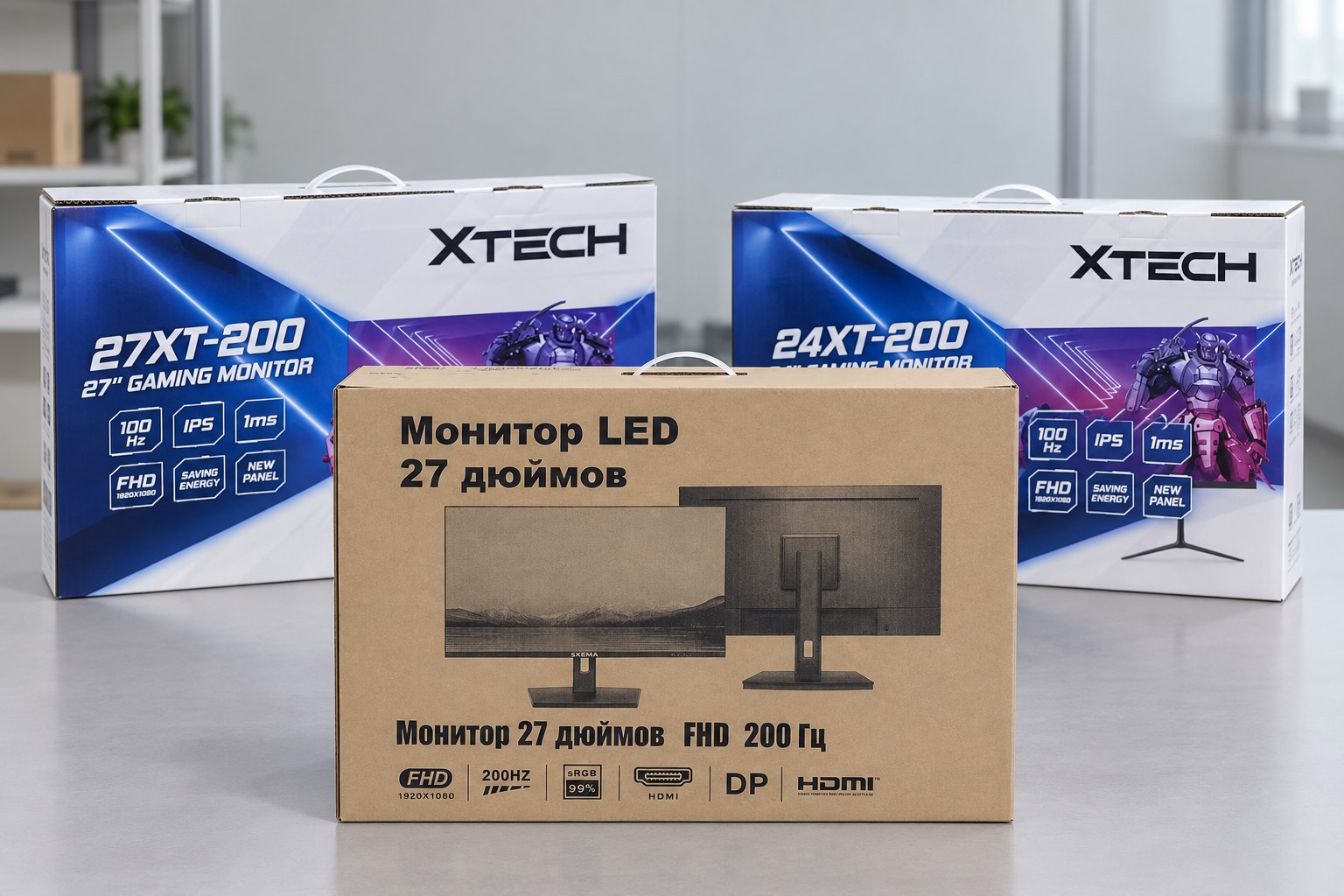
Printed color boxes and kraft carton for customized OEM monitors
04

Packaging

Choose a printed color box or a cost-efficient plain carton. We verify the artwork, model information, protective materials, barcode area and shipping marks before the full packaging run.

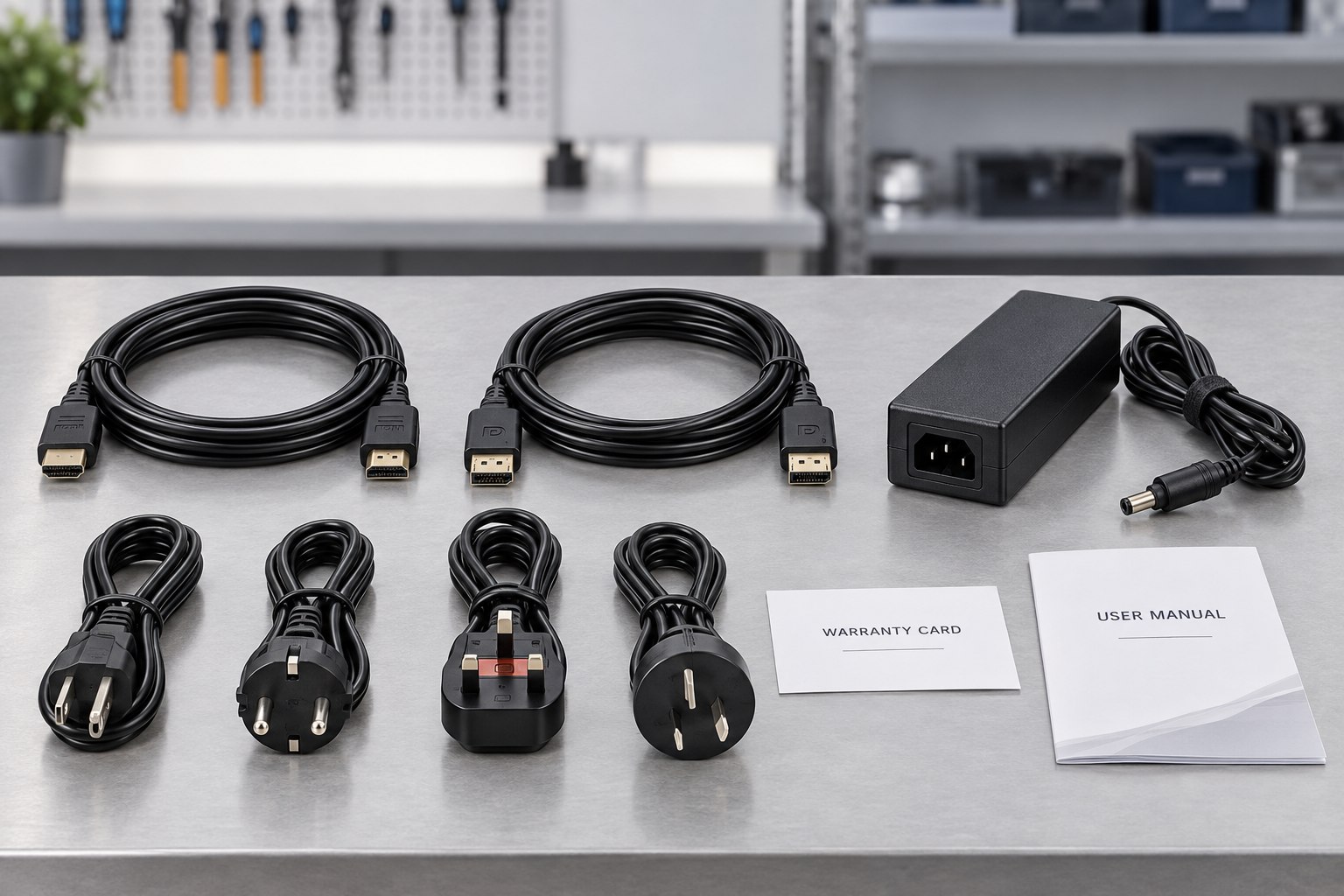
OEM monitor accessory kit with HDMI and DisplayPort cables, adapter, regional power cords, warranty card and user manual
05

Parts and Accessories

The approved bill of materials identifies the stand, adapter, regional power plug, HDMI or DisplayPort cable, manuals, warranty card and any market-specific accessories included with each unit.

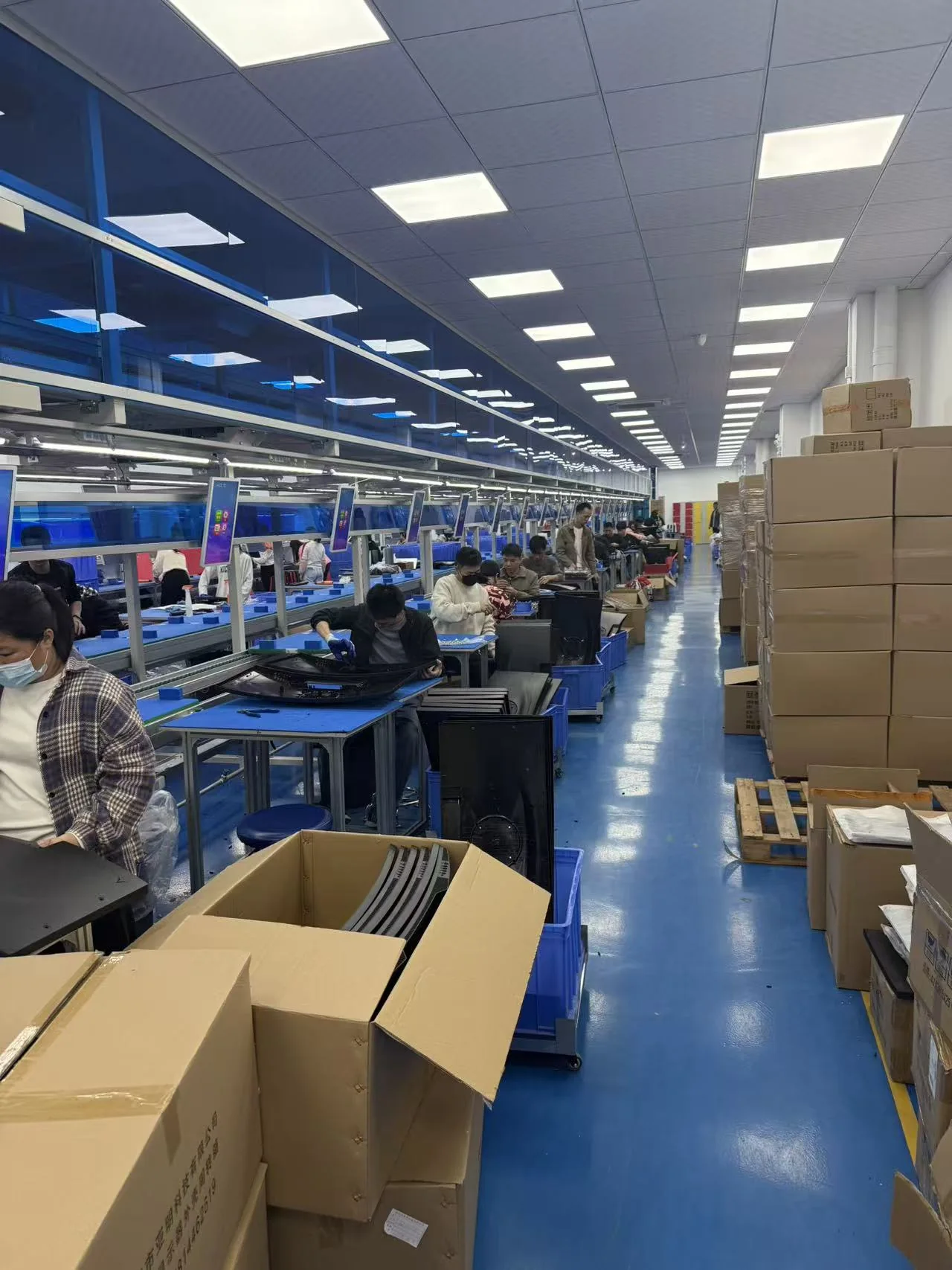
Yanxun Display monitor assembly and production line
06

Assembly

Approved materials and documents are released to the assembly team. Monitors are assembled and programmed according to the approved sample, bill of materials and controlled work instructions.

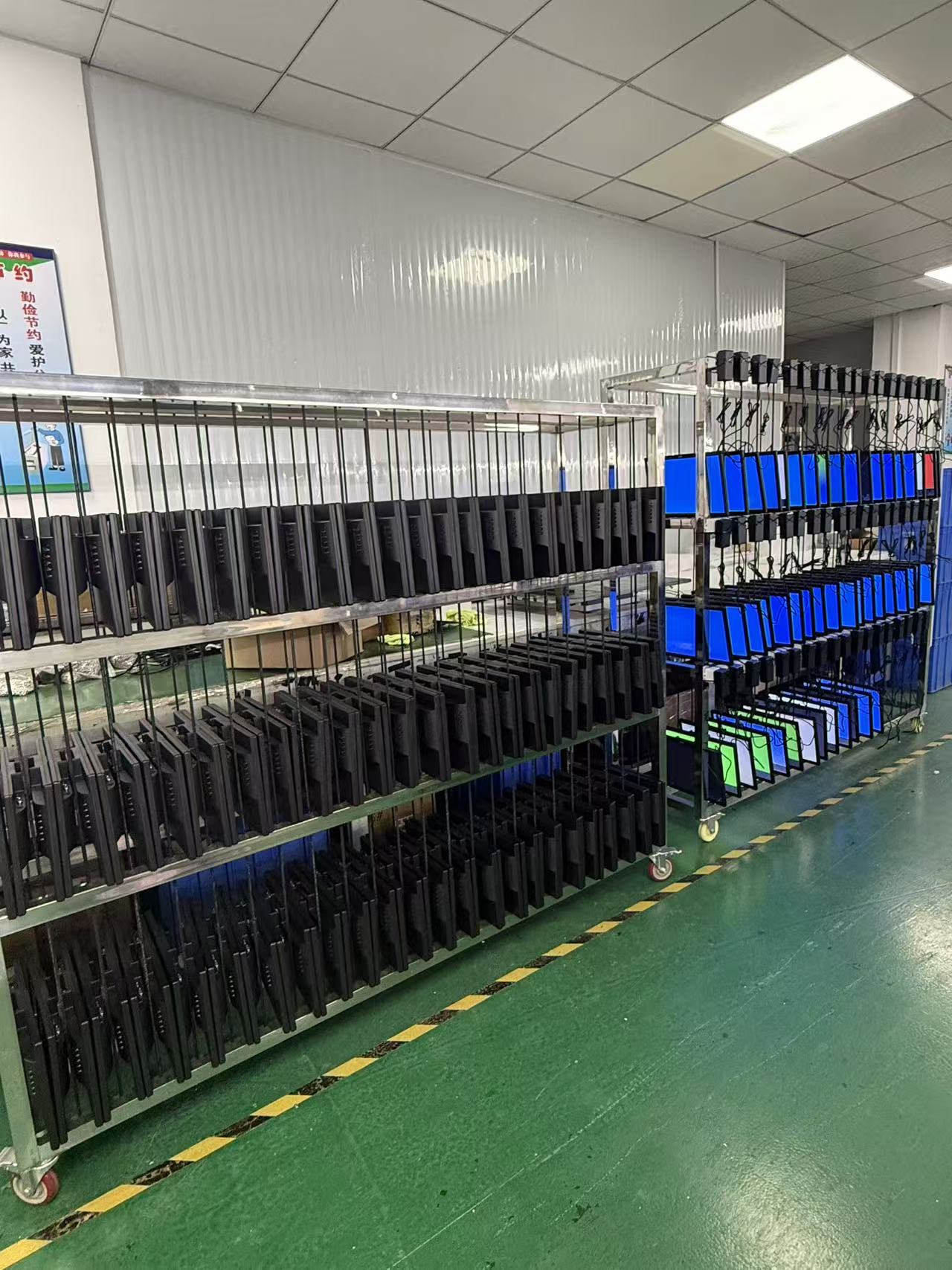
Finished monitors undergoing an aging test at Yanxun Display
07

Aging Test

Finished monitors operate for an agreed period so the team can check power stability, image performance, signal input and other early-life issues before the units are released for packing.

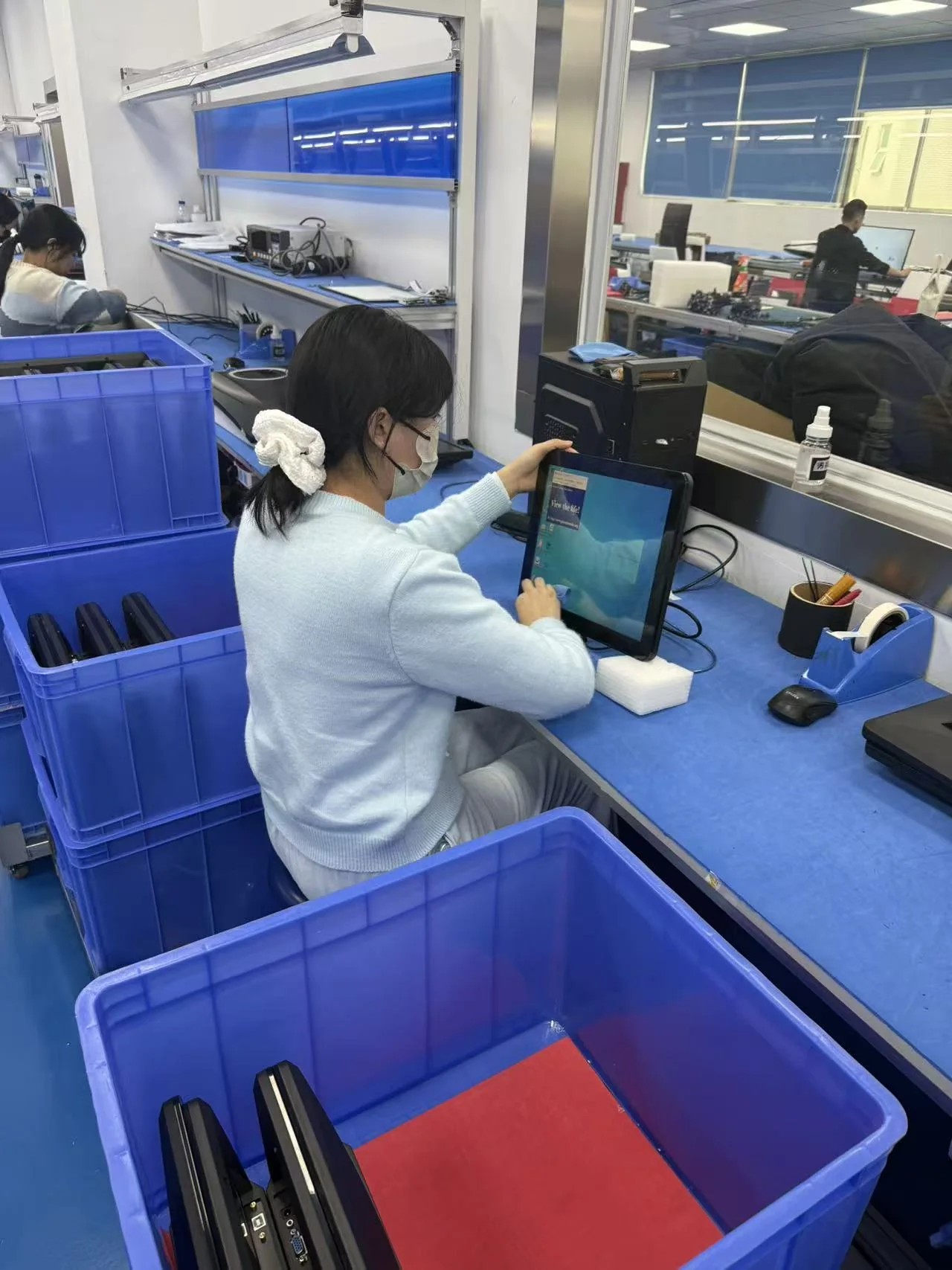
Operator inspecting a completed monitor at Yanxun Display
08

QC

Quality control verifies appearance, screen condition, functions, ports, firmware, labels, accessories and packaging against the approved specification and order requirements.

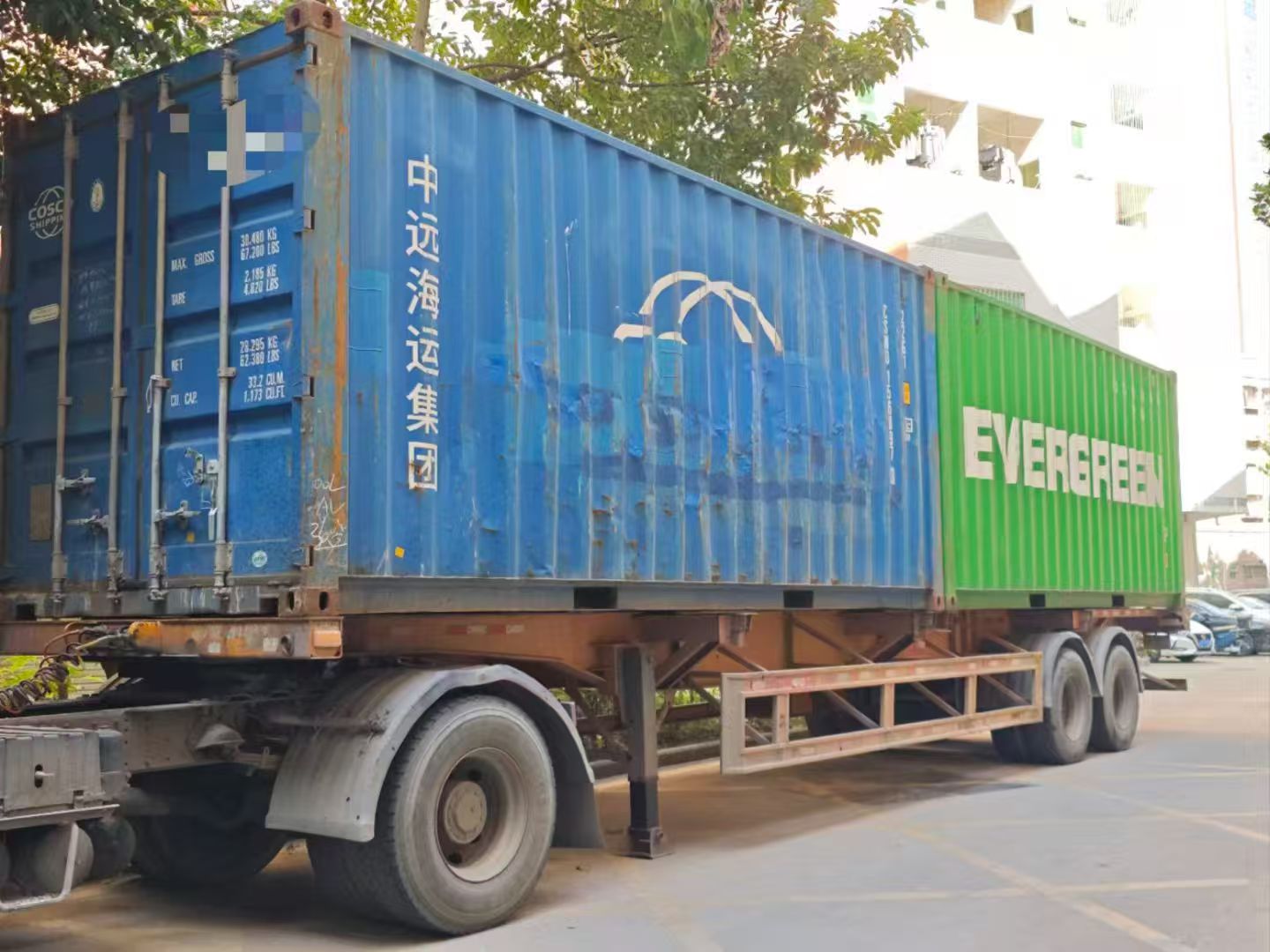
Export containers prepared for shipment from Yanxun Display
09

Shipment

After the final inspection, we confirm carton marks, quantities, packing documents and the agreed Incoterm, then arrange LCL, FCL or another approved shipping method.

Technician providing monitor warranty repair support
10

Warranty Follow-up

Our team records the model and order details, reviews reported issues and coordinates parts, remote guidance or agreed onsite support according to the project warranty terms.

Need a customized monitor platform?

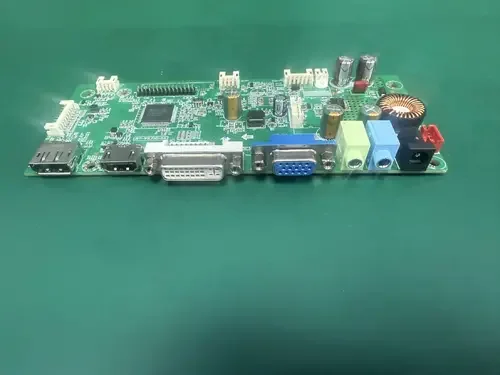
See how Yanxun Display adapts controller boards, interfaces and firmware for project-specific requirements.

Explore Mainboard Customization

Ordering and customization

Frequently Asked Questions

Key information about samples, production, customization, shipment and payment for OEM monitor orders.

Is a 22 inch monitor good for gaming?

We generally recommend it for surveillance system setups, because it only has a rough diagnal size at 54.60 cm. For gaming, we recommend a 27 inch monitor or larger for a more immersive experience. Consider your market demand first before choosing a 22 inch monitor.

What is the MOQ for this monitor?

For standard black LCD monitor and office monitor models, the MOQ can generally start at 50 pieces. White and other custom colors usually require a higher MOQ because of material preparation and production setup, generally at least 200 pieces. The final MOQ depends on the model, specifications and customization requirements.

Does monitor have speakers?

For all Yanxun Display monitors including Gaming, Office and OELD monitors, could be equipped with built-in speakers.